
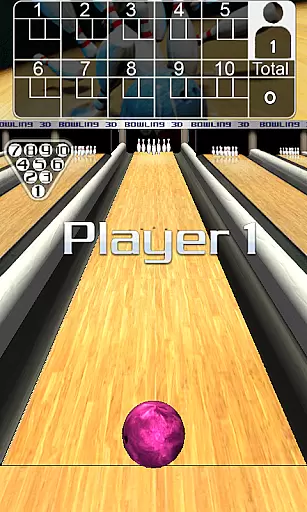
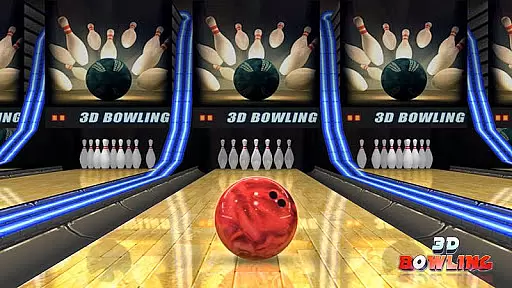
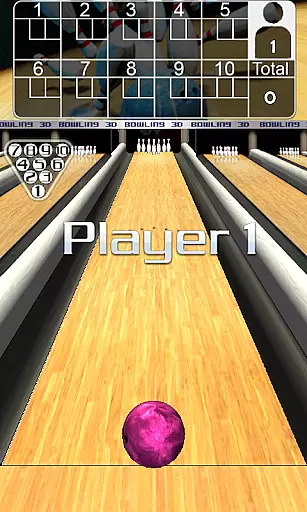
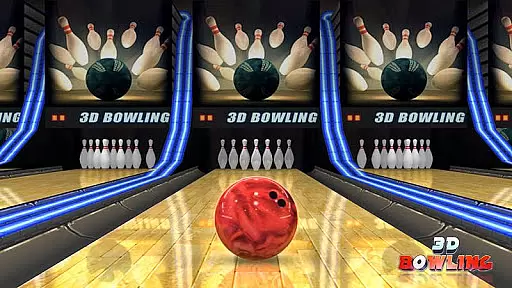
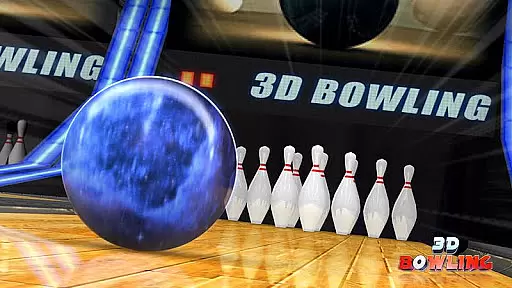
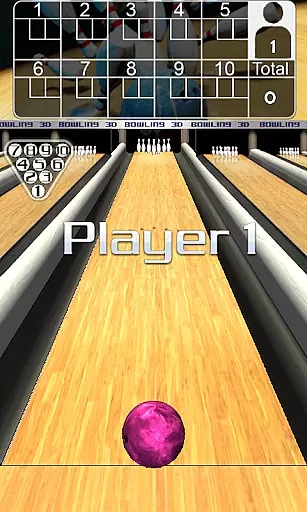
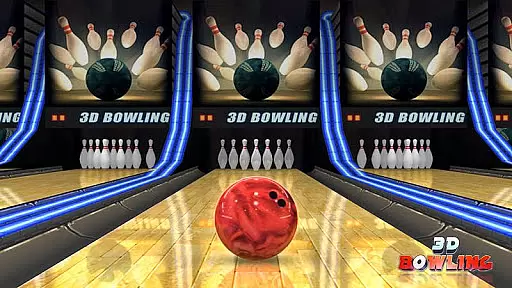
3D Bowling is a top-rated sports game designed for Android devices, offering the most realistic 3D bowling experience available. The app leverages advanced 3D physics engines to provide users with stunning graphics and lifelike pin action.
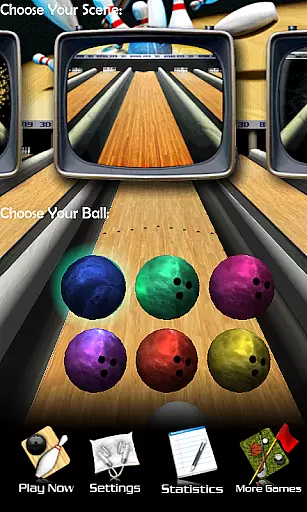
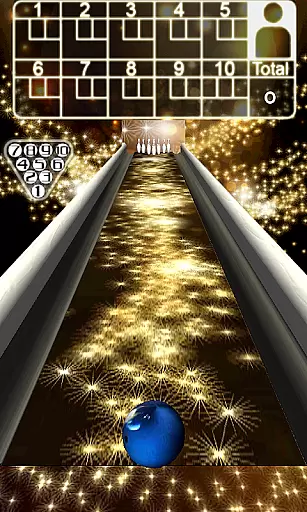
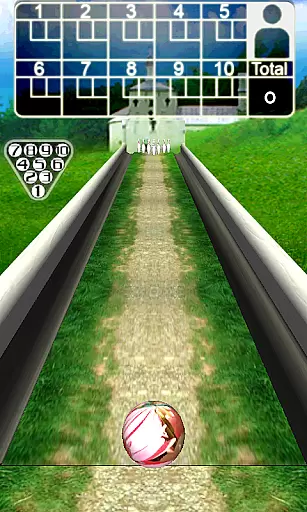
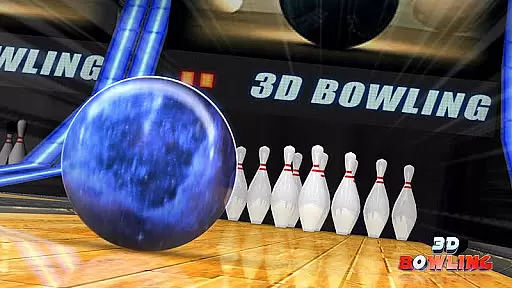
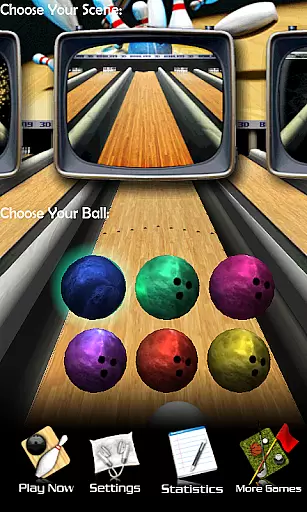
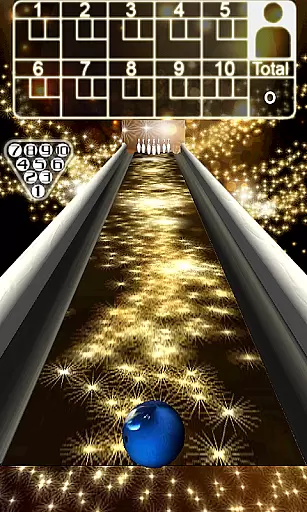
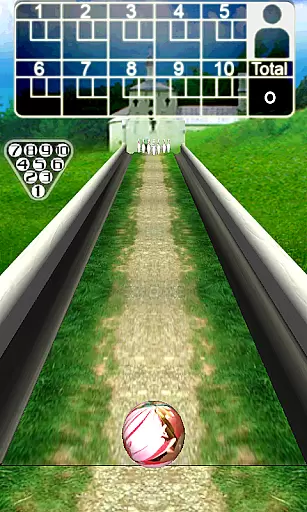
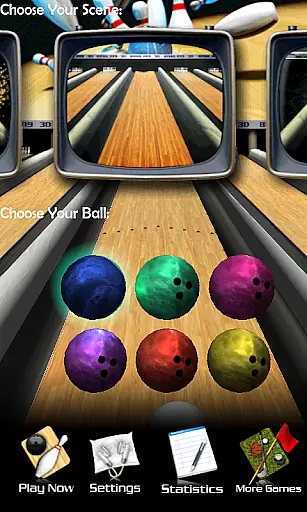
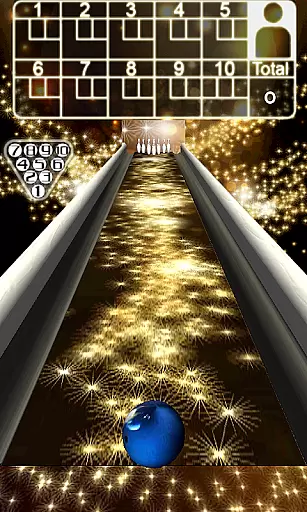
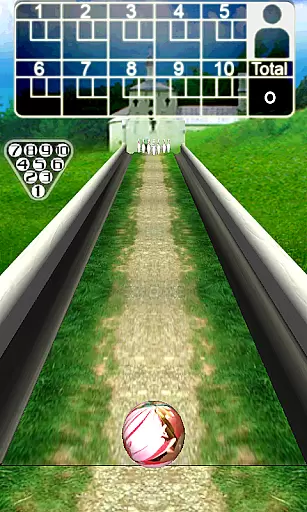
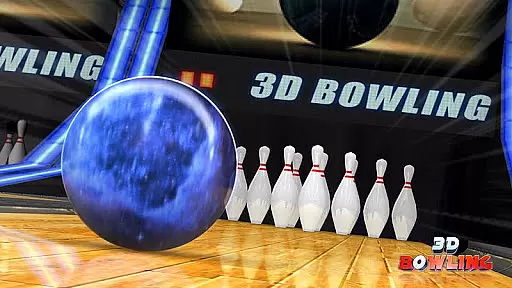
Players can enjoy five unique and outrageous bowling scenes, each featuring multiple bowling balls to choose from. Whether you're a casual player or aiming to be the world's best, 3D Bowling challenges you to beat your high score and achieve consecutive strikes.
Ideal for gaming enthusiasts who appreciate detailed stats tracking and immersive gameplay, this app brings the excitement of real-life bowling right to your fingertips.
3D Bowling stands out with its state-of-the-art features that enhance user engagement and realism. The game boasts stunning 3D graphics that bring each bowling scene to life, providing an immersive experience like no other.
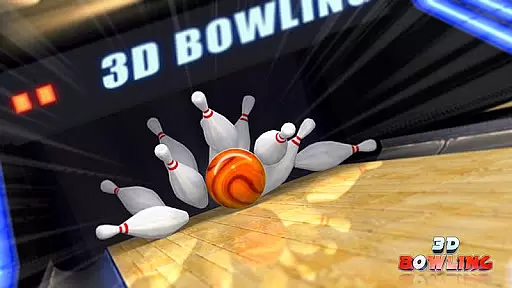
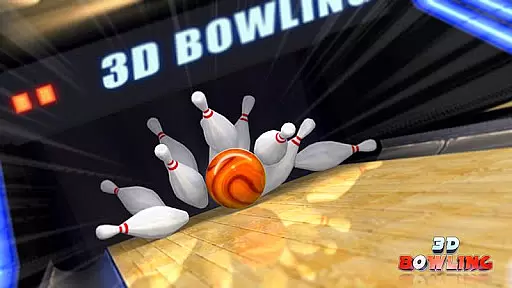
At the core of its design is a cutting-edge 3D physics engine which ensures real pin action and responsive controls. Players can take advantage of gesture-based controls to throw hook balls, adding depth to their strategy and play style.
With multiple bowling balls available in each of the five unique scenes, along with detailed stats tracking, users can refine their skills and monitor their progress over time, ensuring a personalized and competitive gaming experience.
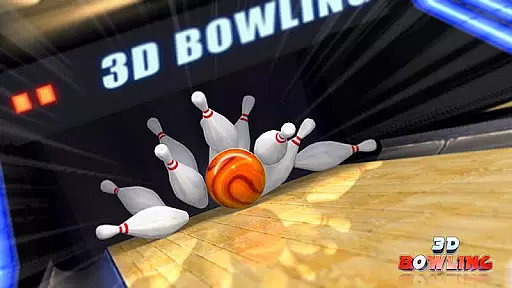
Gameplay realism and physics accuracy are crucial elements in any sports game, especially in 3D Bowling. This app stands out by fully embracing an advanced 3D physics engine that delivers genuine pin action.
The state-of-the-art 3D physics engine ensures that every roll, hit, and pin reaction mirrors real-life bowling experiences. Players can observe the intricate details of pin collisions and ball movements, which enhances the overall authenticity of the game.
With multiple bowling balls available in each of the five unique scenes, users can experience varying weights and dynamics, adding another layer of realism. The stunning 3D graphics further complement the accurate physics, providing a visually immersive environment.
This dedication to realistic gameplay not only makes 3D Bowling more engaging but also helps players improve their skills as they would in a real bowling alley. The attention to detail in physics simulation offers a rewarding and lifelike experience for both casual and serious gamers.
An intuitive control scheme is essential for ensuring that players can easily learn and enjoy a game without a steep learning curve. In 3D Bowling, the developers have implemented straightforward yet responsive controls that cater to both beginners and experienced gamers.
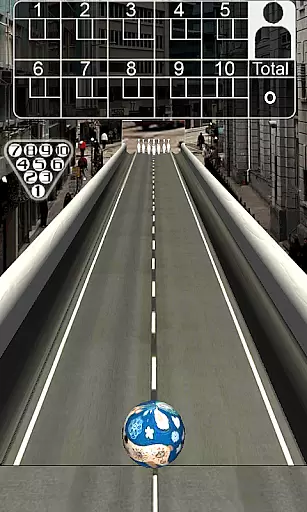
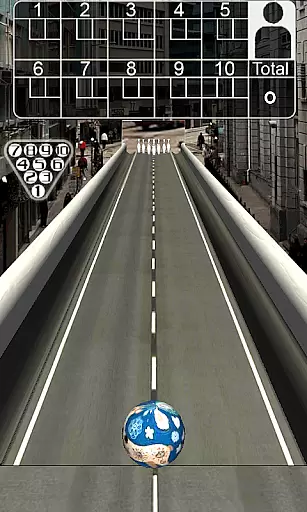
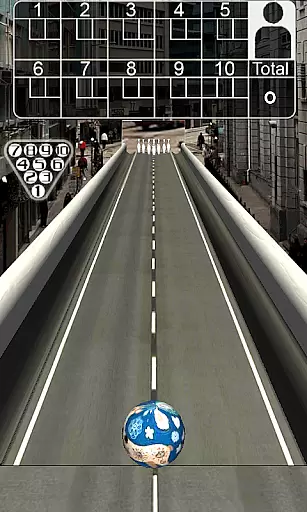
Players can position the ball by dragging it left or right on the screen, making it easy to aim their shots accurately. Flicking the ball with a finger to bowl provides a tactile and responsive interaction, closely mimicking the action of throwing a real bowling ball.
Additionally, the ability to gesture a curve on the screen allows players to throw hook balls, adding strategic depth and variety to the gameplay. These simple yet effective mechanics ensure that users can focus on enjoying the game rather than struggling with complex controls.
By prioritizing an intuitive control scheme, 3D Bowling ensures that players spend less time learning the game and more time having fun. This approach enhances user satisfaction and encourages longer play sessions, making it accessible to a wider audience.
Realistic 3D graphics
Advanced physics engine
Multiple bowling scenes
Detailed stats tracking
Intuitive controls
Requires frequent updates
High device compatibility
Occasional bugs
Limited social features
Ads between games

Realistic golf, real courses
 4.10
4.10
Extreme bike tricks at your fingertips!
4.50
Retro Basketball Simulation
4.80
BE A SOCCER HERO! Pass, Shoot & Score your way to legendary status!
4.50
Run the ball into the endzone in AR.
4.0
This third edition of Skateboard Party features professional skater Greg Lutzka.
4.30
Master the arrow art in archer duels
4.50
Play online multiplayer or PvP Pool games and compete with your friends!
4.80
Stream videos and matches in high quality and in real time.
4.5
Grab the ball and play your Basketball career in this 3D Real-time Sport Game!
4.60
Create your own gym, train boxers, and aim for the championship!
4.50
Feel the thrill of American football: guide a team to triumph through touchdowns
4.40
Challenging 1vs1 online matches! Strike, score, and be a soccer champion!
4.40
Out of the Park Baseball Go is a strategy & sports gaming fan’s dream come true.
4.40
Play the 3 classic Duck Life games like you've never seen them before!
4.10
Pixel Cup Soccer is a retro-style arcade game, just the fun part of soccer!
4.00
The Hudl app helps coaches and athletes win using video.
3.70
Extreme Downhill Freeriding
3.20
Play fun baseball with doodle-style characters and hit massive home runs!
4.4


User Reviews