
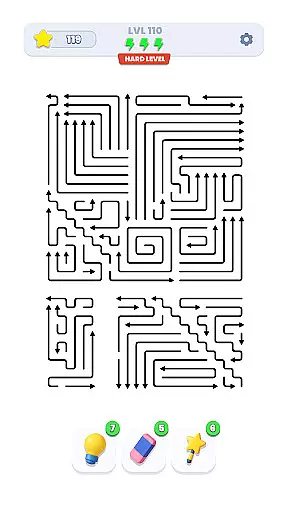
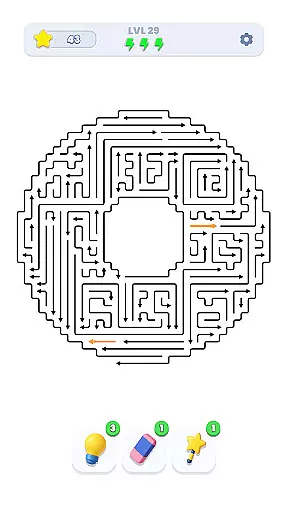
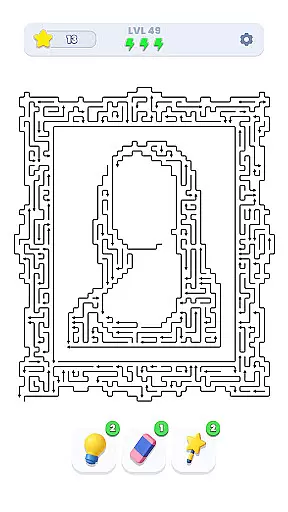
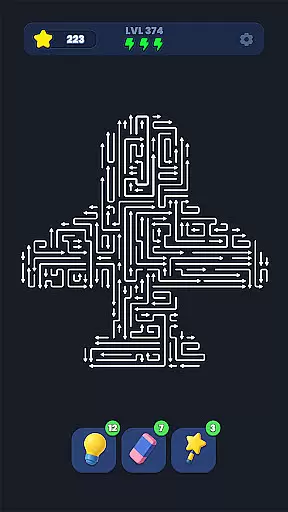
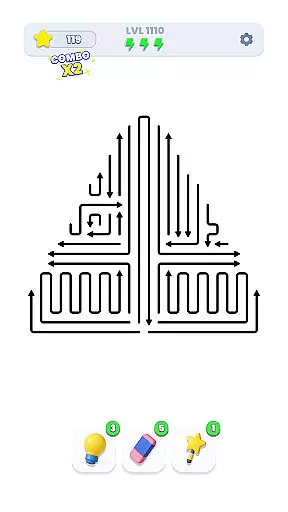
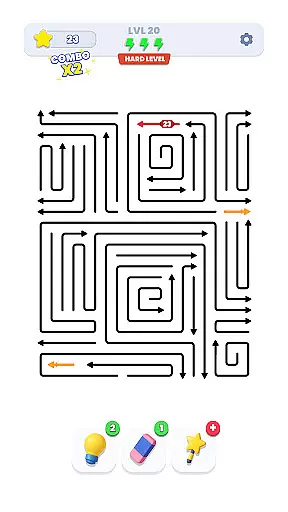
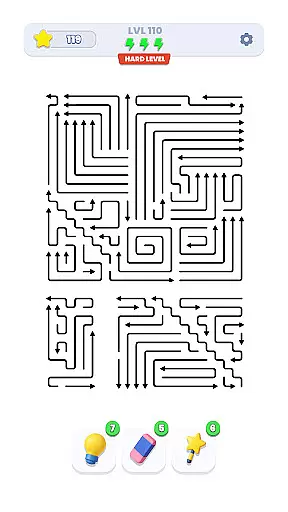
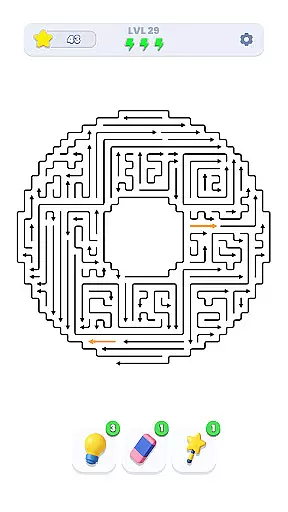
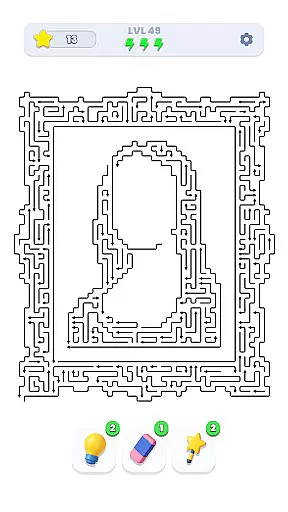
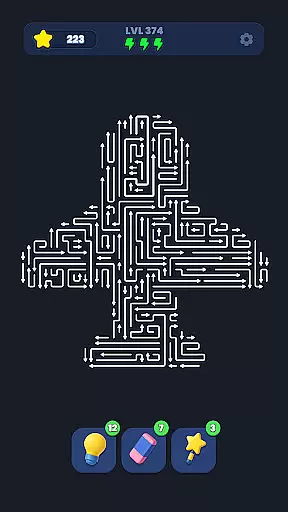
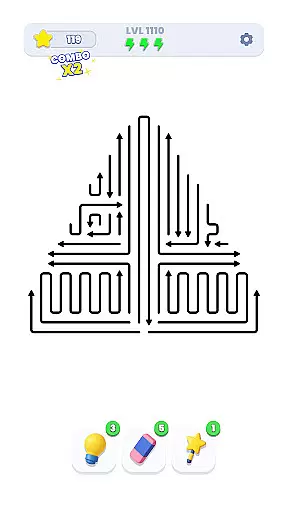
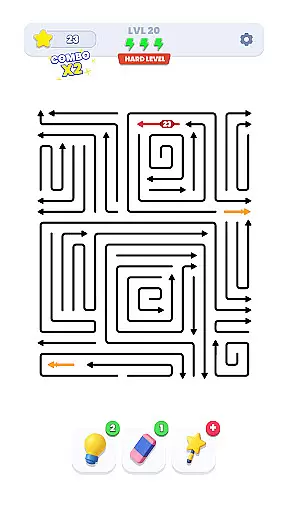
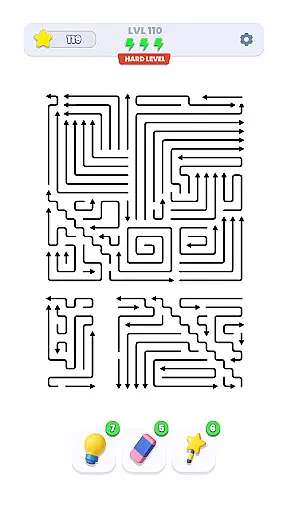
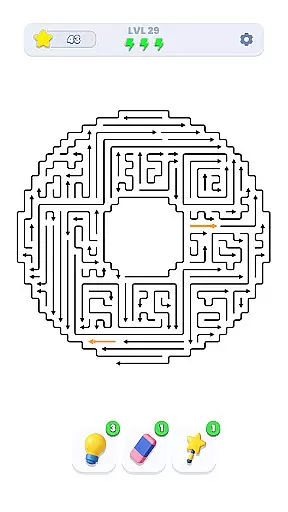
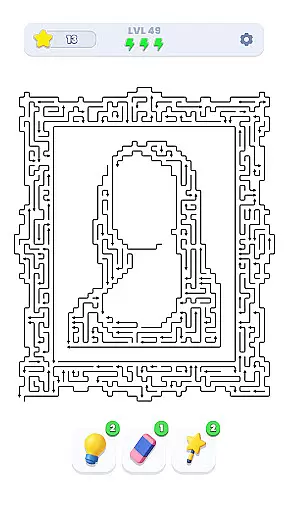
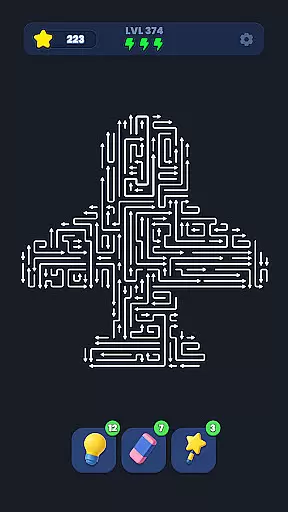
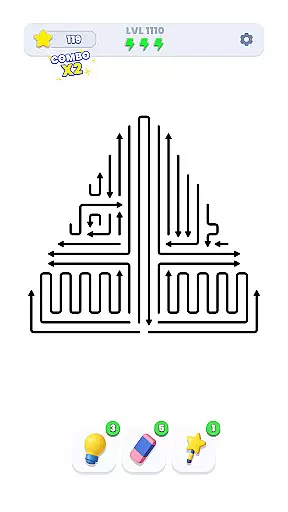
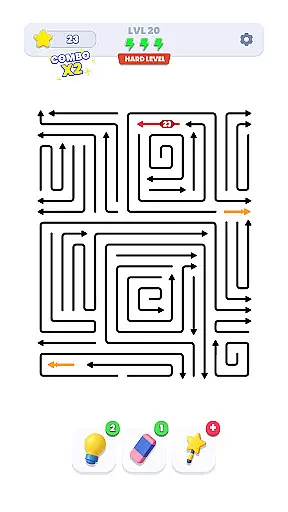
Arrow Out is a directional puzzle game that challenges players to guide an arrow through a maze to reach the exit. The core function of this app lies in its ability to test logic, timing, and spatial thinking by requiring users to rotate and shift paths strategically. With thousands of hand-crafted levels, each move requires careful planning as difficulty increases gradually.
A standout feature of Arrow Out is its minimalist design combined with complex problem-solving elements. Players must think ahead and visualize their moves to avoid dead ends or endless loops. This makes it not only a fun pastime but also a brain-training exercise suitable for all ages.
The app is ideal for individuals who enjoy mental challenges and want to improve their cognitive skills while having fun. Its increasing difficulty ensures long-term engagement, making it perfect for both casual and dedicated puzzle enthusiasts.
Arrow Out offers a variety of features that set it apart from other puzzle games. One key aspect is its level design, which includes thousands of unique, hand-crafted mazes. These levels are not randomly generated, ensuring a consistent challenge that evolves as players progress.
Another notable feature is the intuitive mechanics of rotating and shifting tiles. This allows users to experiment with different strategies while honing their spatial reasoning skills. Additionally, the game's gradual difficulty curve keeps players engaged without overwhelming them, providing a rewarding experience for beginners and experts alike.
Finally, the app emphasizes simplicity and elegance in its presentation. The clean visuals and responsive controls enhance the overall user experience, allowing players to focus on solving puzzles rather than navigating complex interfaces.
Puzzle logic consistency is essential for ensuring a seamless and enjoyable experience in Arrow Out. This game thrives on presenting challenges that adhere to a coherent set of rules, allowing players to strategize effectively.
Arrow Out achieves this by offering a meticulously designed maze system where every move has a purpose and consequence. The game mechanics revolve around guiding the right arrow through complex mazes, requiring players to rotate and shift pieces strategically.
Players benefit from this consistent logic as it enhances their spatial thinking and problem-solving skills. With thousands of hand-crafted levels, each puzzle delivers an authentic test of logic and timing, ensuring that no two puzzles feel the same.
Creativity and uniqueness are at the heart of Arrow Out's appeal. These elements distinguish the game from other directional puzzles by introducing innovative gameplay mechanics and distinctive level designs.
The game features a variety of original puzzles that gradually increase in difficulty, providing a fresh challenge with each level. Every maze is hand-crafted, ensuring that players encounter unique scenarios that push the boundaries of conventional puzzle games.
This creativity not only keeps players engaged but also invites them to think outside the box. As players navigate through increasingly intricate mazes, they experience a blend of traditional puzzle-solving and novel challenges, making Arrow Out a standout title in the Puzzle category.
Challenging puzzles
Gradual difficulty
Intuitive controls
Brain training
Minimalist design
Limited themes
No multiplayer
Repetitive
Ads present
Simple graphics

Are you ready to embark on a captivating journey into the world of Animalines?
 4.4
4.4
Antistress, relaxing Minimalist game. Smart shapes for adults. Fit them all
4.70
colorzzle - easy and beautiful puzzle game using color
4.50
Challenging but addictive color sorting game. Play offline & train your brain!
4.90
A funny, brain-testing, puzzle game. Unleash your untapped creativity!
4.60
Discover the funniest multiplayer physics puzzle platformer!
3.70
Number puzzle and logic game. Find pairs of numbers to clear the board!
4.40
Tiles await! Can your mind conquer the thrilling challenge of Tile Explorer?
4.90
Get into the fruit drop adventure! Merge fruits to create giant ones.
4.40
Cut the Rope, catch a star, and feed Om Nom candy in this award-winning game!
4.90
Reveal a hidden image in a fun and addictive puzzles!
4.80
Unblock the Blocked. Puzzle Me out.
4.80
Car moving game: maneuver through traffic jam in this addictive 3D puzzle game.
4.70
Sudoku Classic Puzzles : More then 5000 puzzles, no ads, no network required
4.70
Devil's Attorney is a charming and fun turn-based strategy game set in the 80's.
4.50
Threes is tiny puzzle that grows on you.
4.40
The definitive action puzzle game "ZOOKEEPER" is finally available on Android!
4.30
Make a house into a home in this zen puzzle game.
4.20
Ultimate 2D Anti-Stress Pack: Circulate, Mine Sweeper, Jump & More!
4.1


User Reviews