
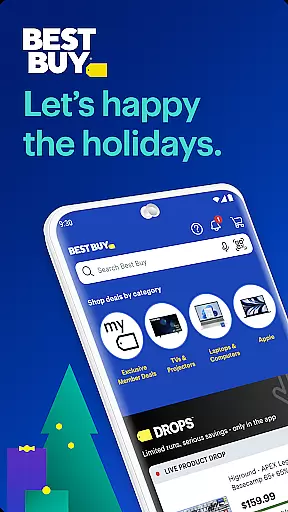
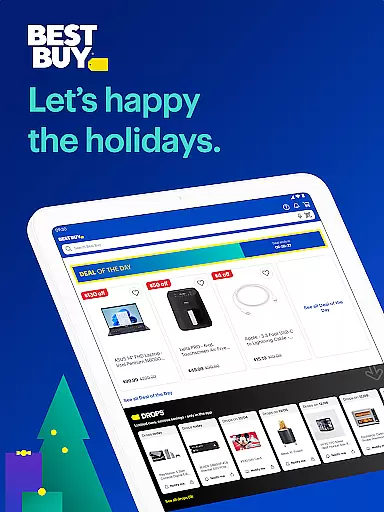

Best Buy is a premier shopping app designed for tech enthusiasts and home improvement seekers alike. With a comprehensive selection of electronics, appliances, and gadgets, the app offers an intuitive platform for users to browse, compare, and purchase products seamlessly. The app's standout features include its Price Match Guarantee, ensuring customers always get the best deal, and an Augmented Reality (AR) tool that allows users to visualize how products will fit in their space before buying.
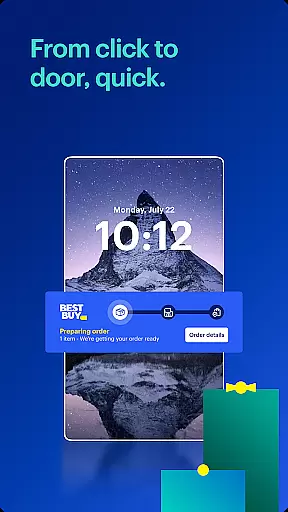
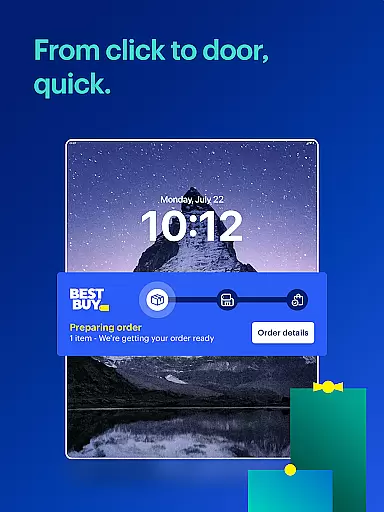
In addition to its extensive product range, Best Buy enhances the shopping experience with convenient options like curbside pickup and real-time order tracking. Whether you're looking for the latest smart TVs, gaming consoles, or kitchen appliances, Best Buy provides a user-friendly interface coupled with exclusive deals for My Best Buy members. This makes it not only a place to shop but also a destination to discover new tech and take advantage of unbeatable prices.
The Best Buy app stands out with its robust set of features tailored to streamline online shopping. One of its key functionalities is the Price Match Guarantee, which assures users that they are getting competitive prices on all purchases. Additionally, the app incorporates augmented reality, allowing shoppers to see how products would look in their homes before making a decision. These innovative tools are complemented by fast checkout processes and personalized notifications about sales and deals tailored to individual preferences.
Another significant feature is the integration of Best Buy Marketplace, where third-party sellers offer a diverse array of products ranging from sports memorabilia to musical instruments. Users can also benefit from perks such as 24/7 access to customer service, detailed product reviews, and ratings. Furthermore, the app supports various shopping conveniences like curbside pickup and real-time order tracking, ensuring a smooth and efficient shopping journey. These capabilities collectively enhance both the digital and physical shopping experiences, making Best Buy a top choice for tech-savvy consumers.
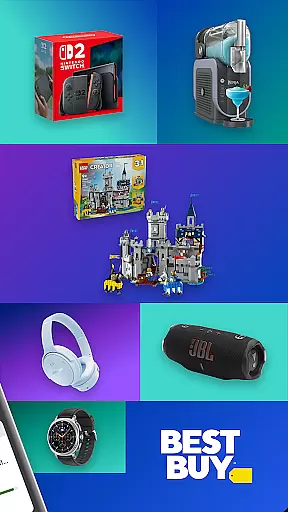
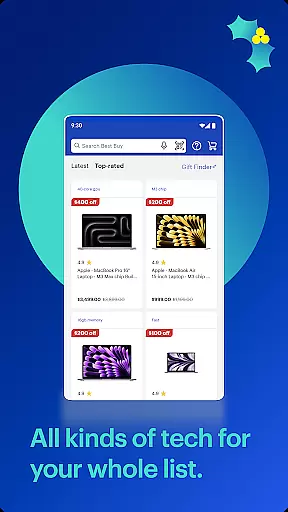
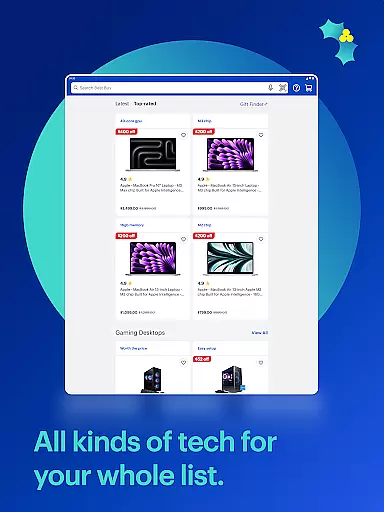
In the realm of online shopping, product variety and categorization stand as pivotal elements for an enhanced user experience. The Best Buy app excels in this area by offering a vast selection of products ranging from smart TVs, gaming consoles, laptops to kitchen appliances and home security systems. This extensive inventory ensures that whether you're a tech enthusiast or looking for home essentials, there's something for everyone.
The app's intuitive design simplifies navigation through these categories. With clear labels and organized sections, users can effortlessly find their desired electronics, gadgets, or appliances. Moreover, features like ratings and reviews provide additional insights, aiding customers in making informed decisions. This transparency not only builds trust but also enhances satisfaction.
Furthermore, the introduction of the Best Buy Marketplace adds another layer of diversity. Here, third-party sellers offer unique items such as officially licensed sports memorabilia, musical instruments, and seasonal shopping deals. Such inclusivity enriches the shopping journey, ensuring that users have access to a broader spectrum of products beyond traditional offerings.
Pricing is a critical factor influencing purchasing decisions, and the Best Buy app addresses this with its Price Match Guarantee and competitive pricing strategies. By assuring customers that they will find unbeatable prices on electronics, gadgets, and appliances, the app instills confidence and encourages purchases without hesitation.
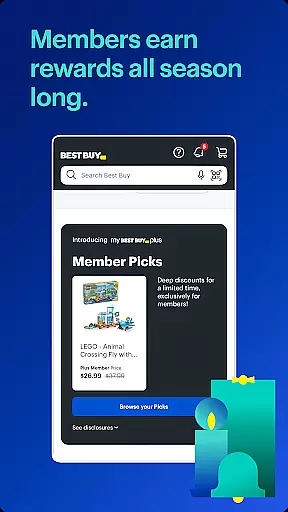
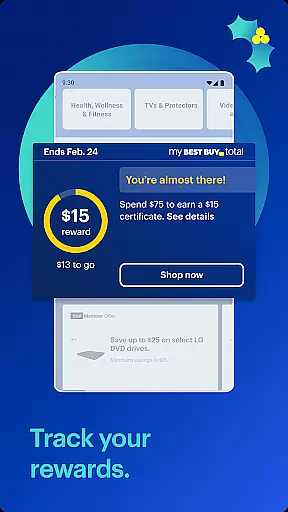
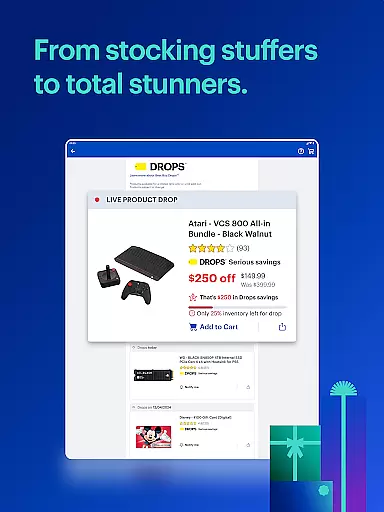
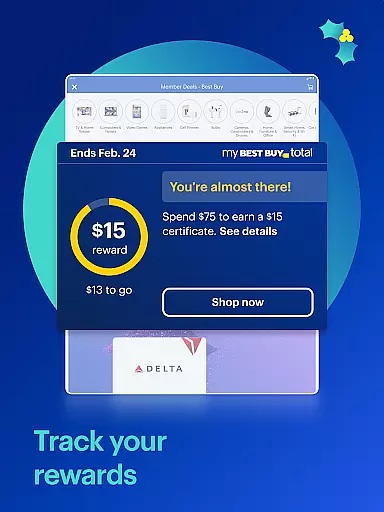
Additionally, exclusive membership benefits like My Best Buy Plusu2122 or My Best Buy Totalu2122 unlock special tech deals, further enhancing value for loyal users. Real-time notifications about top sales ensure shoppers never miss out on significant savings opportunities. These proactive alerts keep users engaged and informed, fostering a sense of urgency and excitement around new deals.
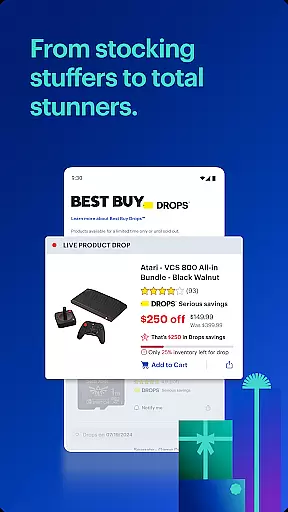
Moreover, the Deal of the Day feature offers substantial discounts on the latest electronics, creating daily incentives for users to explore the app. This dynamic pricing strategy not only attracts bargain hunters but also maintains a steady flow of traffic, benefiting both consumers and retailers alike. Overall, the combination of transparent pricing policies and attractive promotions solidifies Best Buy's reputation as a go-to destination for affordable tech solutions.
User-friendly interface
Price Match Guarantee
Augmented Reality feature
Wide product selection
Exclusive member deals
Limited international availability
Occasional app glitches
Membership required for best deals
Heavy app size
Complex navigation for new users

Weekly deals & coupons, build your shopping list, order for pickup or delivery
 4.70
4.70
Join a community of millions of members buying and selling second-hand items.
3.90
LOCATE A LOVE'S TRAVEL STOP AND GET DRIVING DIRECTIONS
3.60
Find the hottest deals before they disappear!
4.60
Cash back on everything you need! Join now to start earning cash back!
4.60
Easily split payments online & in-store. Buy now & pay later with Zip.
4.80
Access free, exclusive savings on the go thanks to Capital One Shopping!
4.70
Shop anywhere, manage payments, get cashback, discover Klarna Card & more.
4.80
Fast delivery and epic savings await in your AliExpress app!
4.40
Flexible payments, big savings
4.80
The Costco Mobile App is the easiest way to save time and money on the go.
4.70
Shop the latest items & unique used goods. Sell pre-loved items and earn money.
4.70
Get rewarded for every purchase you make, online or in-store!
4.60
Trendy Athleisure Wear. Affordable Skirts, Leggings, Functional & All Sizes!
4.60
Grocery Shopping List Maker with barcode, voice, budget, coupon and tax support.
4.60
One app for easy journeys.
4.60
World’s simplest mobile payment solution for machines.
4.50
Play store promo codes for apps + Appsfree + app sales + paid app sales
4.40
The Dollar Tree app is here to take the thrill of the hunt to the next level.
3.60


User Reviews