
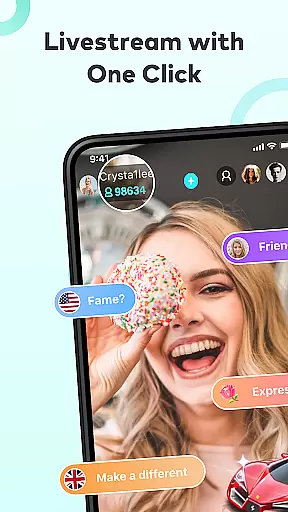
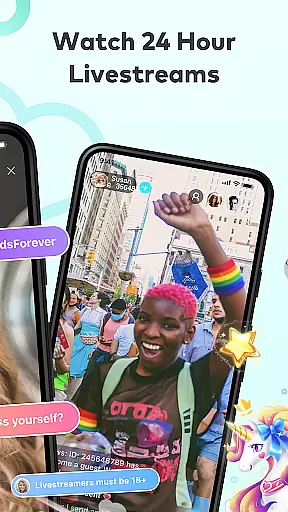


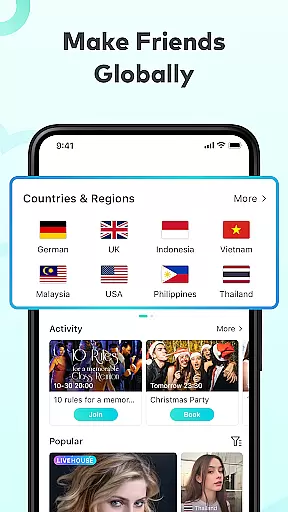
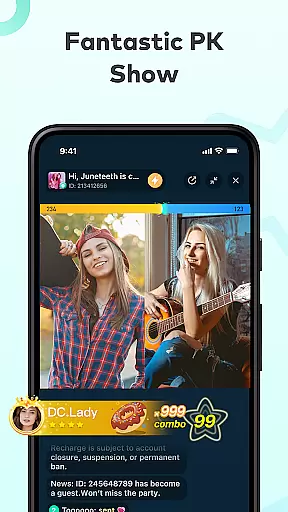

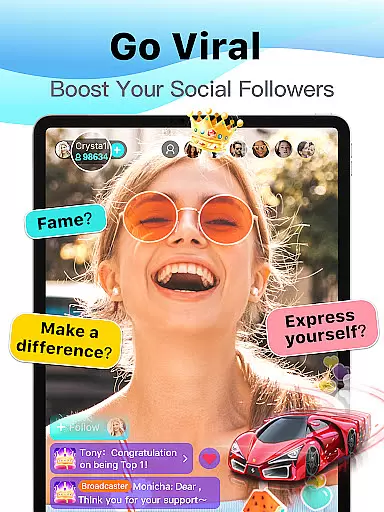
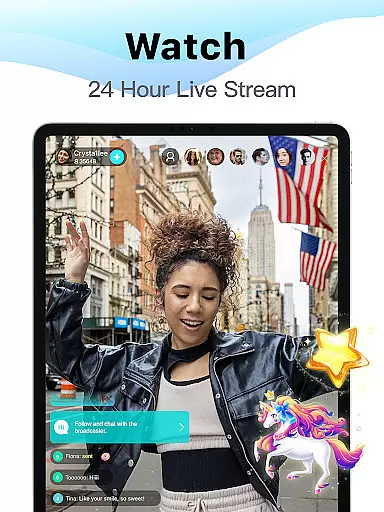
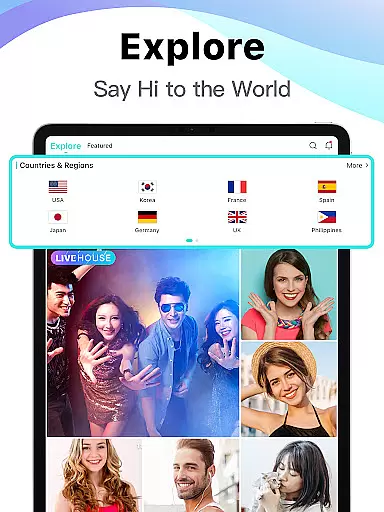

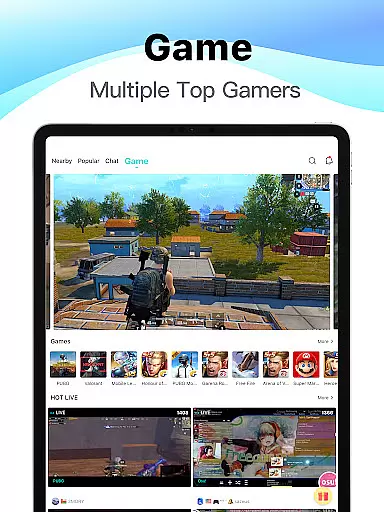
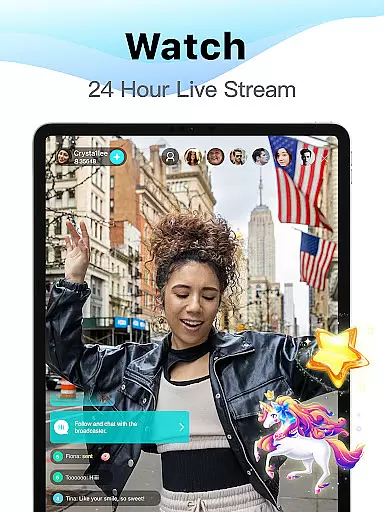
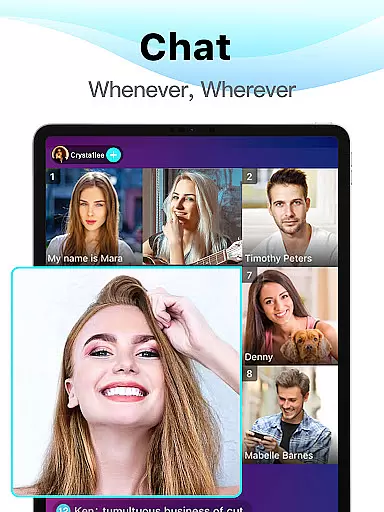
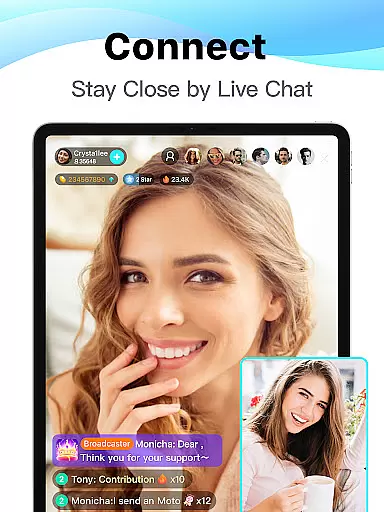

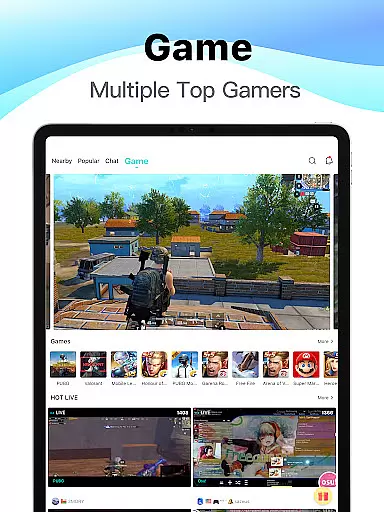
Bigo Live is a premier live streaming platform that connects over 500 million users worldwide. It offers an immersive experience where users can watch high-quality streams across various categories, including gaming, music, and casual chatting. The app's intuitive interface allows seamless navigation between different live rooms, ensuring users can easily find content tailored to their interests.
One of Bigo Live's standout features is its strong community focus. Users can engage in real-time interactions through video chats, voice calls, and interactive games, fostering meaningful connections with like-minded individuals. Whether you're looking to showcase your talents or simply enjoy entertaining content, Bigo Live provides the tools to shine as a broadcaster and receive appreciation from a global audience.
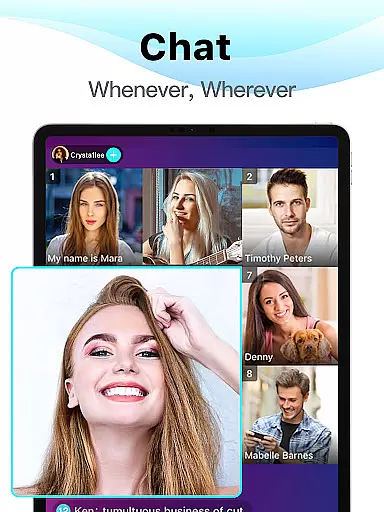
The platform also supports multi-guest live sessions, allowing up to 12 participants to join a single stream. This feature makes it ideal for group discussions, collaborative gaming sessions, or even virtual hangouts with friends. With its availability in over 150 countries and support for multiple languages, Bigo Live has become a go-to destination for social entertainment and connection.
Bigo Live stands out with its diverse range of interactive features designed to enhance user engagement. The app's core functionality revolves around live streaming, where users can broadcast themselves or watch others in real-time. Streams are categorized into various topics such as gaming, music performances, and casual conversations, ensuring there's something for everyone. Viewers can interact with broadcasters through virtual gifts, live chats, and emojis, creating a dynamic and engaging environment.
A unique aspect of Bigo Live is its Multi-guest Live feature, which enables up to 12 users to participate in a single live session. This functionality supports various activities, including watching YouTube videos together, playing interactive games like 'Draw and Guess,' and discussing trending topics. The app also offers Audio Live rooms for users who prefer voice-only interactions, making it versatile for different communication styles.
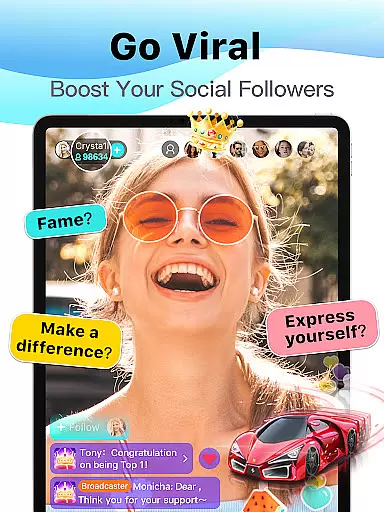
For aspiring broadcasters, Bigo Live provides numerous tools to help them succeed. Users can earn virtual gifts from viewers, which can be converted into real rewards. The platform's gamification elements, including level progression and achievement badges, motivate users to stay active and engaged. Additionally, features like Live PK (Player Kill) challenges add competitive excitement, while the comprehensive analytics dashboard helps broadcasters track their performance and grow their audience.
User profile customization is a crucial aspect of any social platform, allowing users to express their individuality and build trust within the community. BIGO LIVE offers a comprehensive profile system that enables users to personalize their profiles with avatars, bios, and links to their social media accounts.
The platform ensures authenticity through a robust verification process. Users can verify their identity by linking their social media accounts or providing additional information. This verification adds a layer of credibility, helping users feel more secure when interacting with others.
By offering these features, BIGO LIVE enhances user engagement and fosters a trustworthy environment. Verified profiles often receive more attention and are more likely to be featured in live streams, increasing visibility and interaction opportunities.
Ultimately, the combination of customization and verification empowers users to create meaningful connections while maintaining a safe and authentic community atmosphere.
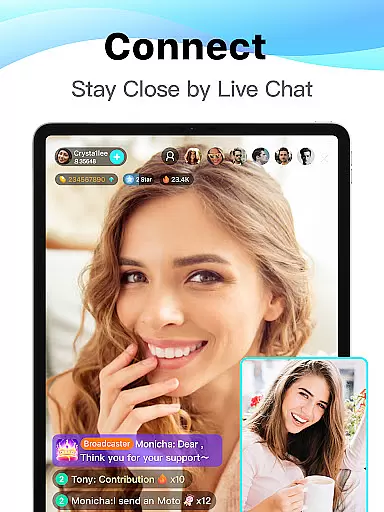
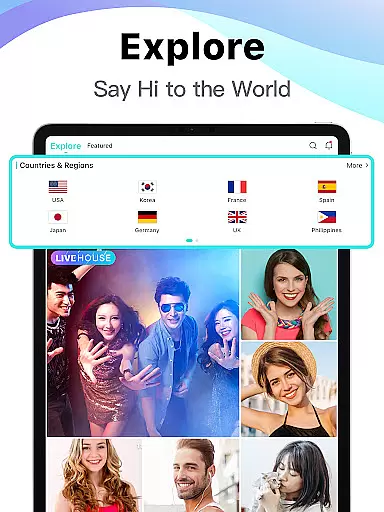
Connection discovery is at the heart of BIGO LIVE's social experience, enabling users to find and engage with like-minded individuals from around the world. The platform employs advanced algorithms to recommend live streams and users based on shared interests and viewing habits.
Users can explore various categories such as gaming, music, and lifestyle, where they can join live rooms and participate in real-time discussions. This feature not only helps users discover new content but also facilitates instant interactions with broadcasters and other viewers.
BIGO LIVE's connection discovery extends beyond passive recommendations. The platform encourages active participation through interactive features like virtual gifts, live chats, and multiplayer games, creating multiple touchpoints for users to connect and form lasting friendships.
By continuously refining its recommendation engine and offering diverse interaction methods, BIGO LIVE ensures that users can easily find and maintain valuable connections within its vibrant global community.
User-friendly interface
High-quality streaming
Vibrant global community
Diverse content categories
Interactive features
Occasional inappropriate content
Heavy battery consumption
Internet data intensive
Limited moderation tools
Premium features require payment

Meet Strangers Online, Live Video Chat & Make Random Video Calls on Joi!
 4.30
4.30
Video call, live video chat & talk to strangers. Meet people on Omega!
3.60
Follow the Truth! Join America's leading free-speech social platform.
3.10
Online group games like Mafia, Word War, Scattergories, Ludo, Uno, and many more
4.30
Widget Together, Share Whatever! Keep Pets & Share Sleep, Poop, Moods on Screens
4.70
SuperLive is a super popular video-streaming social network
4.60
Create your personal AI chatbot: talk, roleplay, and connect with characters!
4.10
Reddit is where you’ll find your people and feel at home in every conversation.
4.60
Create & share photos, stories, & reels with friends you love
3.90
Watch super live shows 24/7, chat & meet friends in Plamfy social networking app
4.70
Match, chat & date with singles nearby. The dating app to find true love
4.50
Social App Used By Millions
4.40
FREE calling and texting (SMS texts + MMS) in US & Canada with FREE phone number
4.30
Positive social
4.20
A warm, simple dating app for adults seeking real connection.
4.20
Meet online & chat with people! Talk, have fun, make connections in real time!
4.00
Instant messaging — simple, fast, secure, and synced across all your devices.
4.00
The video chat to meet people in the blink of an eye!
3.90
Go Live, Chat & Meet New People! Friends. And more than friends.
3.80


User Reviews