
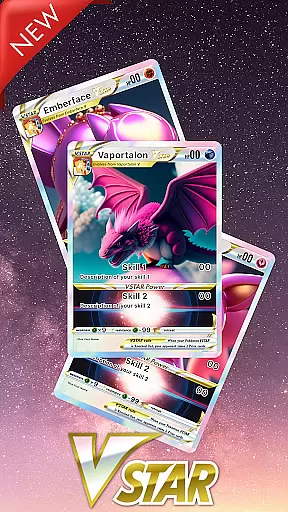
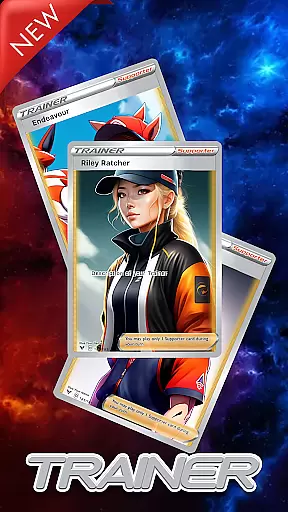
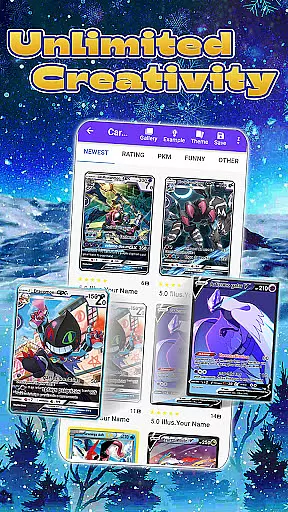
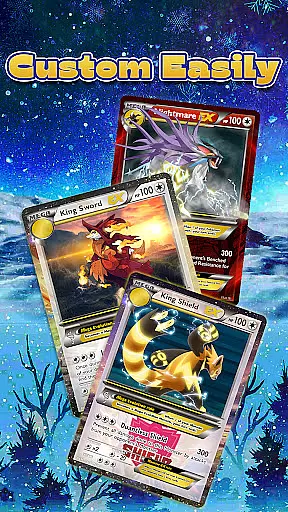
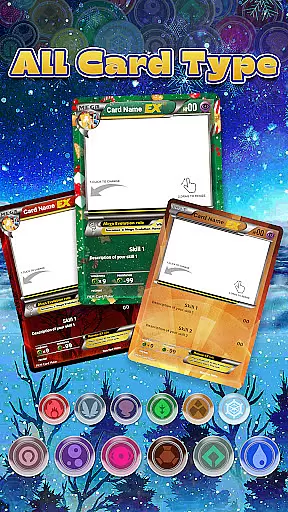
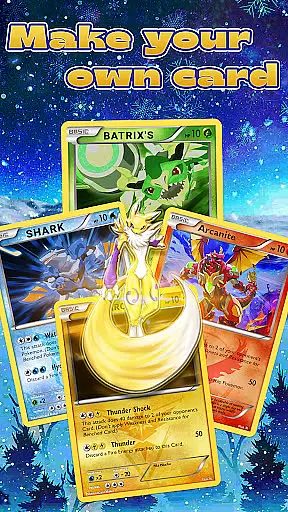
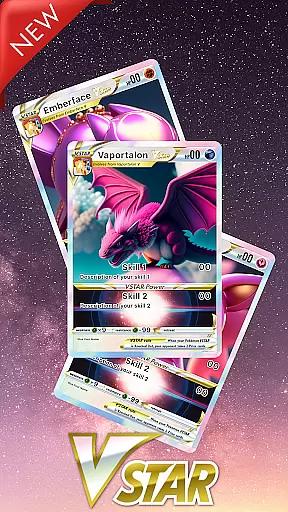
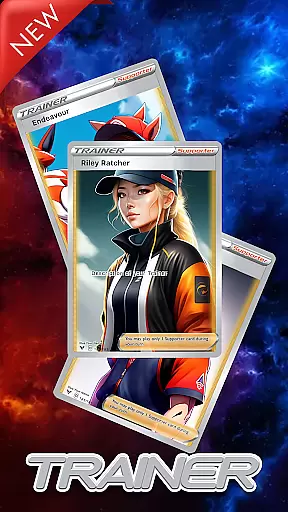
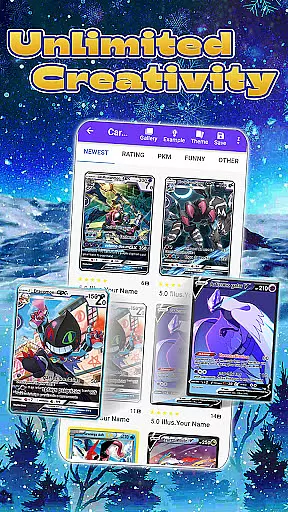
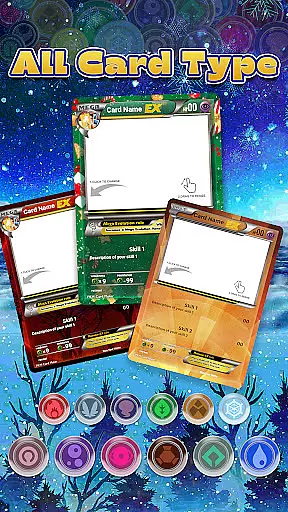
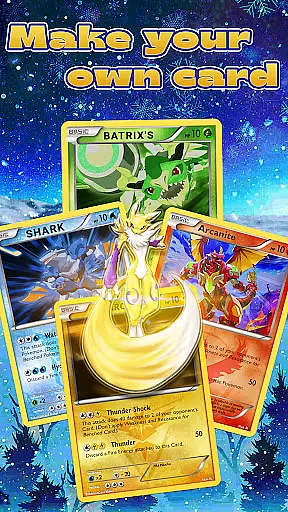
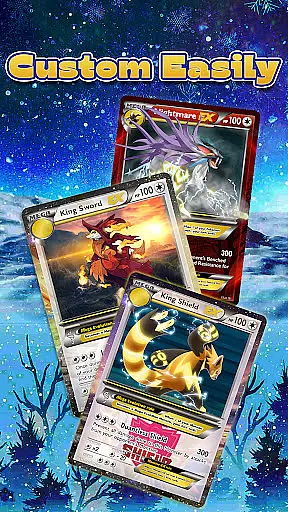
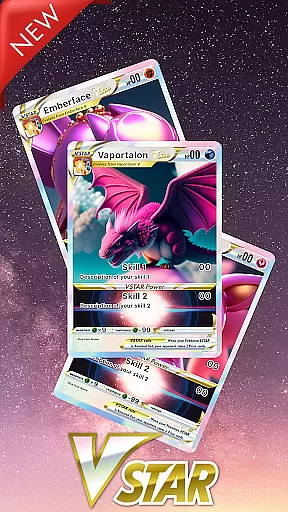
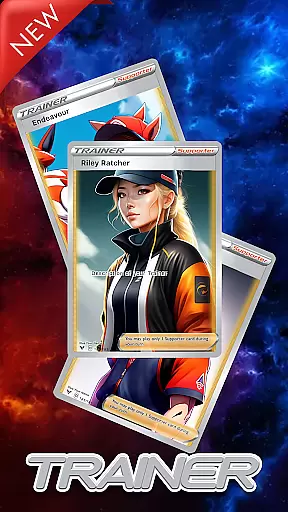
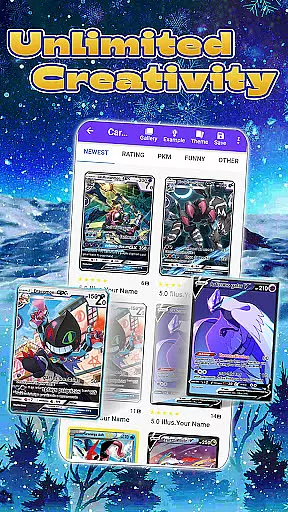
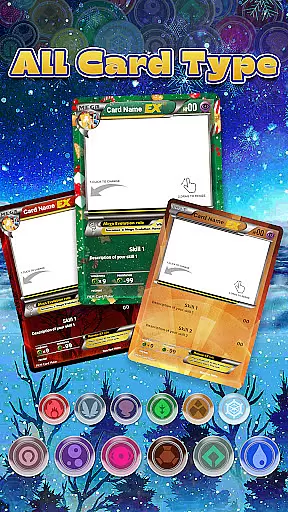
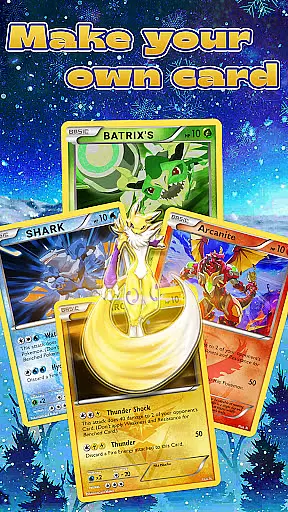
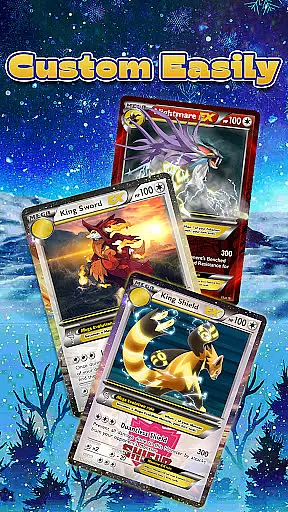
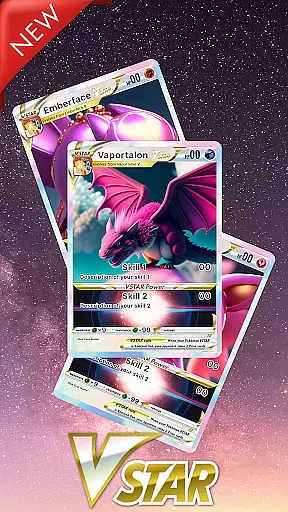
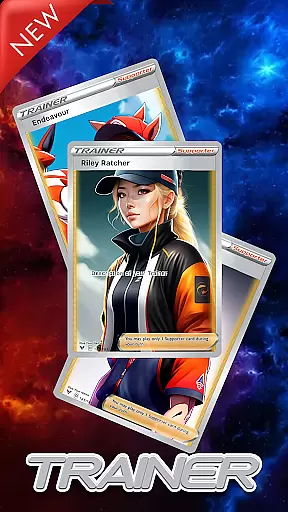
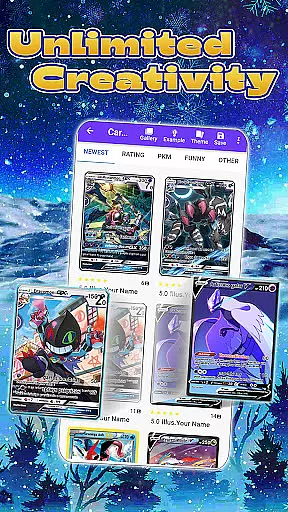
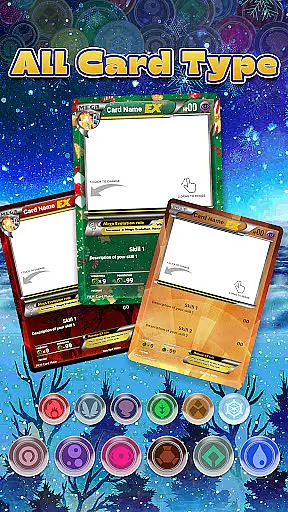
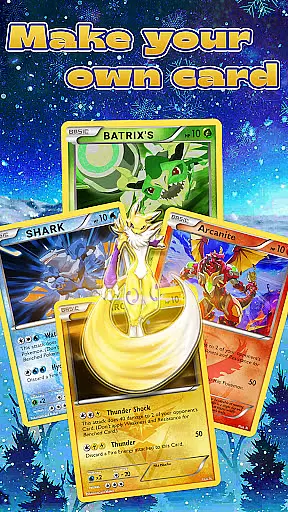
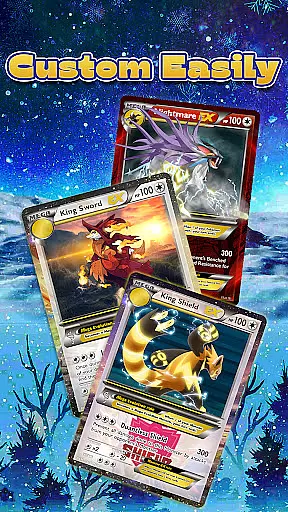
Card Maker for PKM is a specialized app designed for Pokemon fans to create custom trading card game (TCG) cards. The app offers an intuitive interface that allows users to generate unlimited Pokemon cards with ease, mimicking the style of official game cards. It supports various stages of Pokemon evolution and special card types such as V Star and Trainer Cards.
With features like image insertion, customizable card attributes, and a comprehensive library system, this app provides an immersive design experience. Users can save their creations in history, edit them anytime, and share with the PKM community. The exact dimensions of 2.5 x 3.5 inches make it convenient for printing physical copies.
This app is perfect for enhancing fan engagement by allowing creative freedom in designing unique cards while staying true to the original Pokemon TCG aesthetics. Whether you're a seasoned player or new to the game, Card Maker for PKM offers endless possibilities for customization and sharing within the Pokemon universe.
Card Maker for PKM stands out with its rich feature set tailored specifically for Pokemon enthusiasts. One of its key features is the ability to insert any images from your device, enabling highly personalized card designs. The app supports all functions akin to the original Pokemon game, including multiple stages of evolution and special rules for different card types.
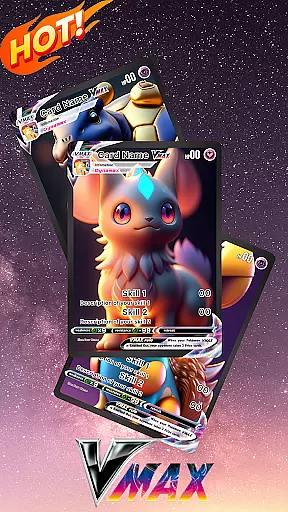
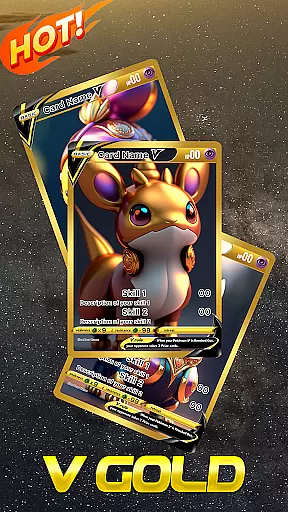
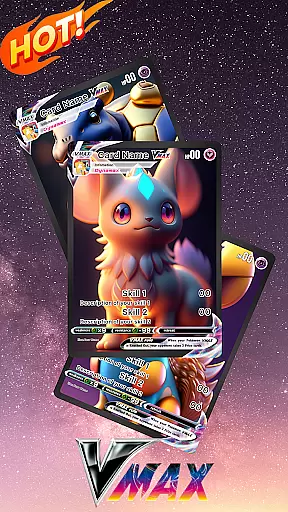
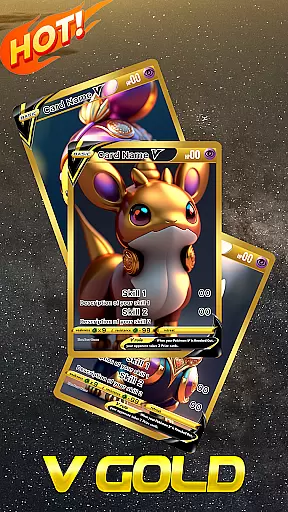
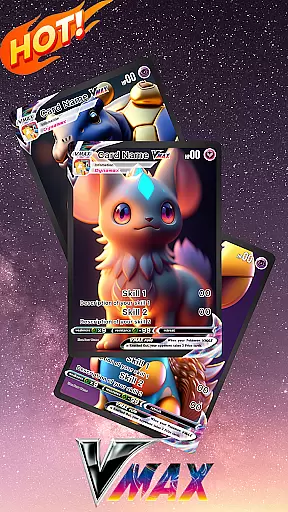
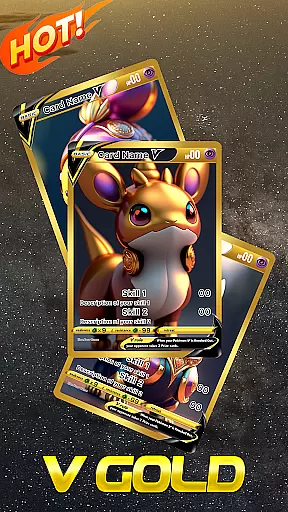
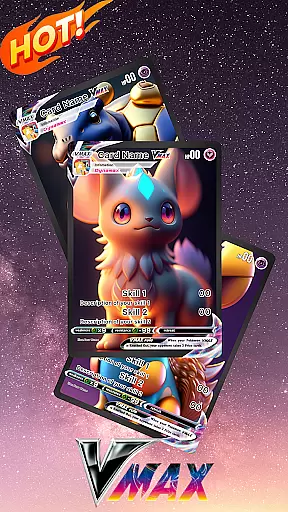
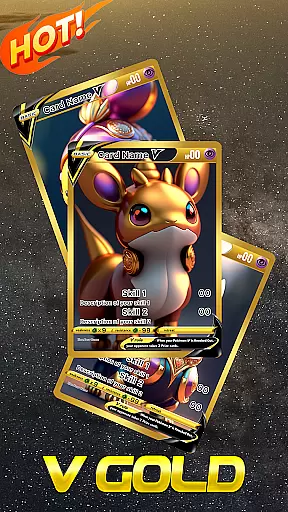
The immersive design environment lets users craft detailed cards with stages ranging from Basic to advanced forms like Vmax and VGold. Additionally, the inclusion of new special card types such as V Star, Trainer Cards, and Energy Cards adds depth and variety. Once created, cards are saved in a library where they can be reviewed, edited, and shared at any time.
Functionality improvements based on user feedback ensure a continually evolving toolset. While primarily a creative platform, it also facilitates community interaction by allowing easy sharing of customized decks. This makes Card Maker for PKM not just a creation tool but also a vibrant hub for Pokemon TCG aficionados.
For any fan of Pokemon TCG card games, having access to a vast and varied comic library is essential. The Card Maker for PKM app offers an extensive collection that caters to the needs of enthusiasts who wish to create unlimited PKM cards with ease. This app supports multiple stages of Poke cards including EX, GX, V, Vmax, and VGold, covering everything from Basic to Legendary cards, each coming with its own special rules.
The app's immersive design allows users to insert any images from their device, providing a personalized touch to every card created. With many available assets to choose from, fans can explore their creativity without limits. After being crafted, these cards are saved in the user's library, which not only stores them but also allows for reviewing and editing anytime. This ensures that your deck remains up-to-date and reflects your evolving style as a Poke fan.
Card Maker for PKM stands out by applying a 'Freemium' model to all Premium PKM card themes, thus unlocking unlimited creativity. Users can do everything with their TCG cards, from customizing unique designs to making their own Scarlet and Violet editions. The app continuously improves its functionality based on feedback, ensuring that it remains a relevant and powerful tool for the PKM community.
Authenticity and proper licensing are crucial factors when creating content related to beloved franchises like Pokemon. Card Maker for PKM (Poke Fan) takes this seriously, positioning itself as a designed tool for fans rather than an official product. It is important to note that this app is in no way affiliated with or endorsed by Niantic or Nintendo, which maintains the integrity of the original works while allowing creative freedom.
Despite not being officially connected, the app provides features that mimic the original Pokemon game closely. Fans can use simple taps from the menu to create very own cards, save these in their gallery, and even print them out in exact dimensions used in the real card game. This dedication to detail helps maintain the feeling of authenticity while still operating within legal boundaries.
By respecting trademarks and character names owned by Nintendo, Creatures Inc., and GAME FREAK inc., Card Maker for PKM ensures that users enjoy a safe and legitimate experience. The disclaimer clarifies its status as a fan-made tool, protecting both creators and users legally. Thus, it successfully balances between offering a rich, engaging platform for custom PKM cards and adhering strictly to copyright laws.
User-friendly interface
Highly customizable options
Supports multiple card types
Active community sharing
Regular updates
Limited official integration
Premium themes cost extra
Occasional bugs reported
No direct gameplay
Print quality varies

Follow your favorite manga and get notifications for new chapters!
 4.50
4.50
A free paradise specially built for comic lovers. When you step into this comic universe full of surprises, it is like opening a door to endless joy. You are immediately immersed in the wonderful world brought by reading and enjoy the infinite charm of reading.
4.0
You can create comics, manga and manwha using AI with Arcstory comic book maker
2.70
The ultimate app for comic lovers
4.50
Manga reader for manga, manhua, manhwa & webtoon, online & offline, update daily
4.50
Dive into the App for Premium Comics, Webtoons and Manga!
4.80
Arabic manga reader
4.00
Welcome to SnapSaga - your ultimate manga and novel destination!
4.0
A gathering place for a massive collection of genuine comics.
4.50
Read comics & manga
4.70
Joke book collection with the funniest dad jokes and riddles for you to enjoy!
4.60
The largest manga, comics, and manhwa community with millions of fans!
4.50
Discover manga stories & stream anime series with unlimited entertainment access
4.40
Read latest manga with this minimal reader with NO ADS.
4.30
Alpha Manga is a Japanese manga app where you can read isekai manga.
4.10
Pose Tool 3D for the Artists, create any human figure pose quickly for your art.
4.00
MangaRise - Your Manga and Manhwa Companion
3.90
Comic Scanner - Book Value - Identify and sell your comic collection with AI.
3.80
Read manga, comics, and manhwa
4.3


User Reviews