
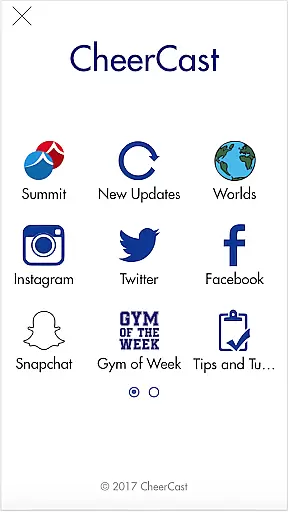

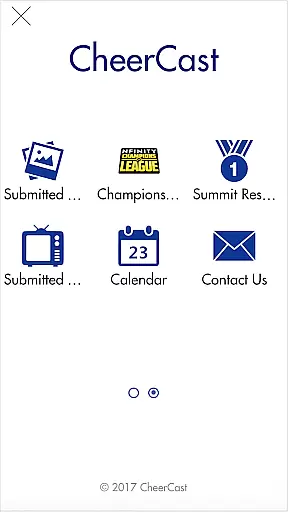
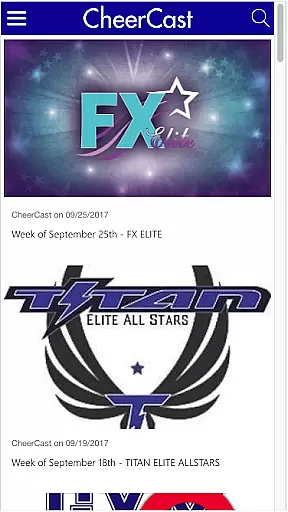
CheerCast is a dedicated sports app designed for AllStar Cheerleading enthusiasts. It provides the latest updates on bid information for major events like Summit and Worlds, making it an essential tool for competitive teams. The app also features sections for discovering upcoming bid events and tracking other teams' activities.
With its integrated comment section, users can showcase their team's skills and receive feedback from the community. Whether you're a coach, athlete, or cheerleading fan, CheerCast offers valuable resources to stay informed and connected in the world of competitive cheerleading.
CheerCast stands out with its comprehensive coverage of AllStar Cheerleading events. Users can access real-time updates on bid statuses for Summit and Worlds, ensuring they never miss critical deadlines. The app's event locator simplifies finding nearby bid-earning competitions, helping teams plan their schedules effectively.
Another key feature is the community-driven comment section, where users can share videos and descriptions of their team's performances. This creates a platform for collaboration and inspiration among cheerleading squads. Additionally, the app provides insights into what other teams are working on, fostering healthy competition and innovation within the sport.
In the realm of sports applications like CheerCast, gameplay realism is crucial for an immersive experience. This app focuses on AllStar Cheerleading and provides real-time updates and information relevant to the sport.
CheerCast meticulously recreates cheerleading dynamics by offering users the latest bid information for major events such as Summit and Worlds. The precision in delivering updates ensures that users receive authentic and accurate details about competitions.
For enthusiasts and participants, this level of realism enhances engagement by keeping them informed about upcoming bid events and showcasing what other teams are accomplishing. This positions CheerCast as a vital tool for those serious about their cheerleading journey.
The app's dedication to reflecting true-to-life scenarios aids users in strategizing their path in the sport, making it an indispensable resource for both amateur and professional cheerleaders.
An intuitive control scheme is essential for ensuring that users can effortlessly navigate through an application. CheerCast excels in providing an accessible interface tailored for AllStar Cheerleading aficionados.
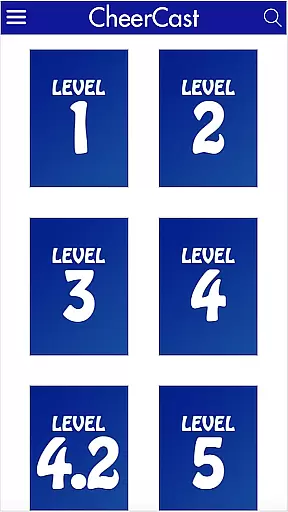
Upon opening the app, users are greeted with a streamlined layout where they can easily access bid information, event schedules, and team activities. This simplicity in design allows users to focus more on content rather than figuring out navigation.
Additionally, CheerCast incorporates a comment section where users can submit their team's skills. This feature is seamlessly integrated into the user interface, promoting interaction without complicating the user journey.
By prioritizing ease of use and clear navigational cues, CheerCast ensures that its users spend less time managing the app and more time engaging with the vibrant cheerleading community it supports.
User-friendly interface
Real-time event updates
Community engagement tools
Comprehensive bid tracking
Inspirational content sharing
Limited to cheerleading
Few customization options
Requires constant updates
Small user base
No offline mode

Very fun billiards game.
 4.60
4.60
A classic reborn, now into Season 3!
4.00
Exploring Football from a Unique Perspective
4.10
Real-time 1v1 basketball game! Dunk, shoot & win like MVP basketball superstars!
4.70
Build and play your own team! Baseball at your fingertips! BASEBALL NINE!
4.60
Challenging 1vs1 online matches! Strike, score, and be a soccer champion!
4.40
Build your football city, train your team— no ads, no in-app purchases!
4.4
Space City Home Network subscribers can now stream their favorite local teams.
3.60
The NFHS Network delivers high school sporting events from across the country.
2.10
Ride, flip, and perform crazy stunts in an open BMX freestyle playground!
4.80
Basketball Team Management Sim Coach a custom team and dunk your way to glory!
4.70
Modern arcade style pool game with single player, Relaxed game of 8 ball.
4.60
Master the arrow art in archer duels
4.50
Play one of most famous lawn games in America called foot bag toss family games!
4.30
Draft your NBA basketball game team. Authentic real-time online sports game.
4.20
Play eFootball™ with users around the world!
4.10
Play the 3 classic Duck Life games like you've never seen them before!
4.10
Relive the second baseball game in the Backyard Sports franchise!
4.00
Pro Freestyle Football
3.20


User Reviews