
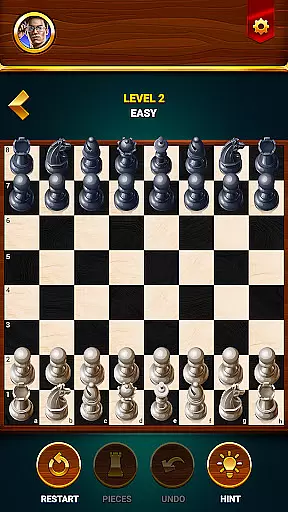

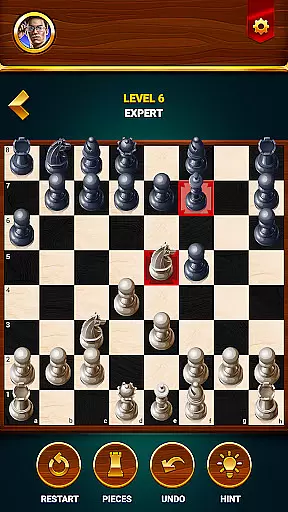
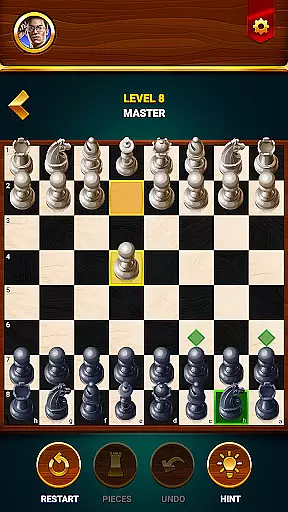
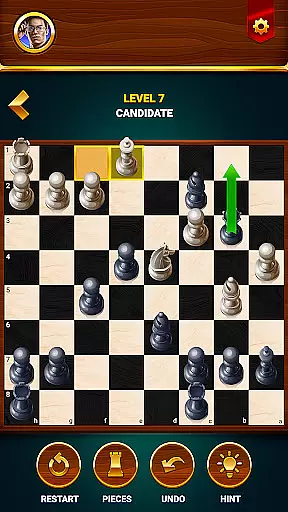
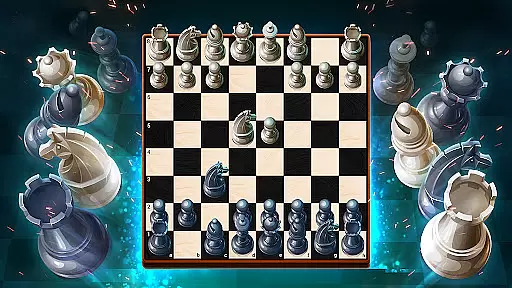
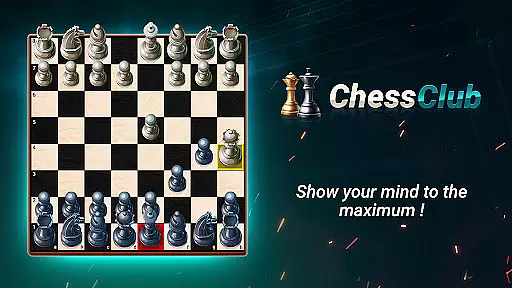
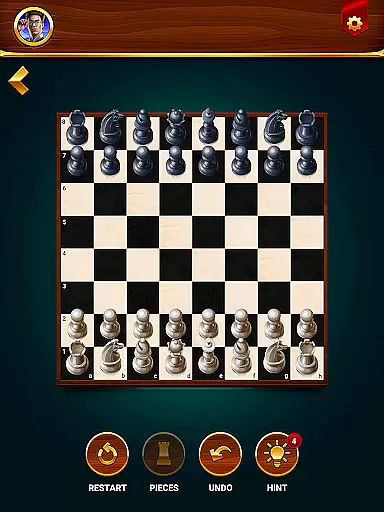

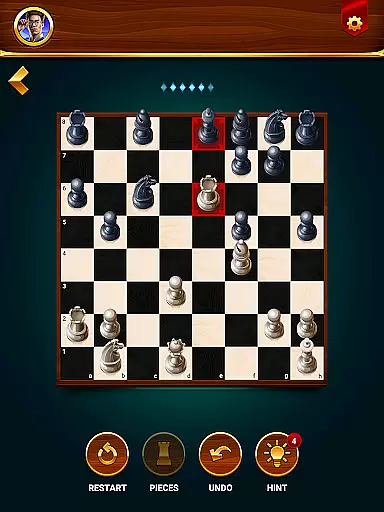
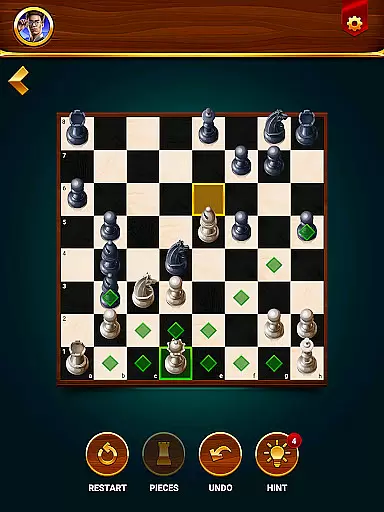
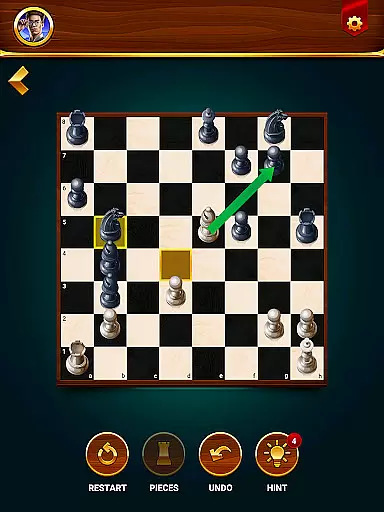
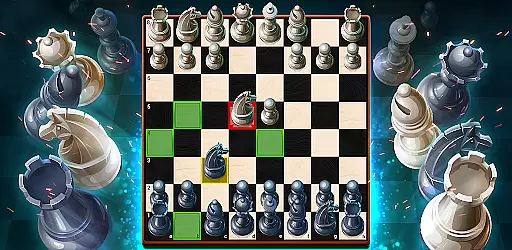
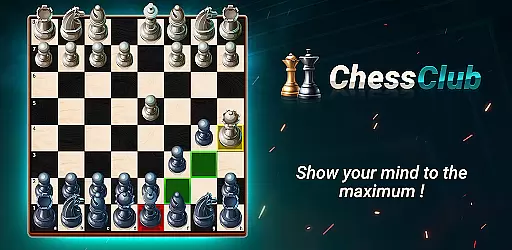
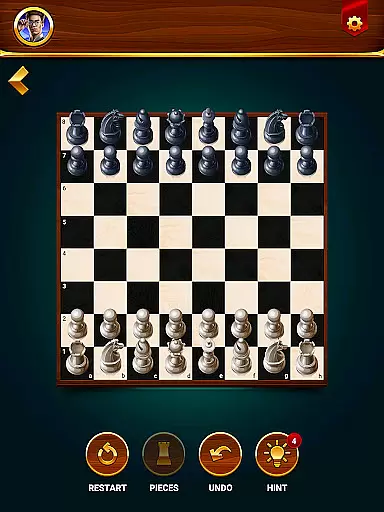

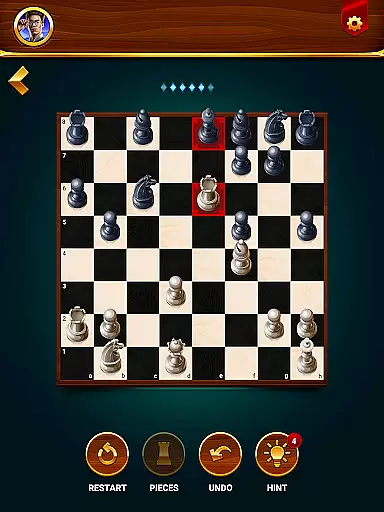
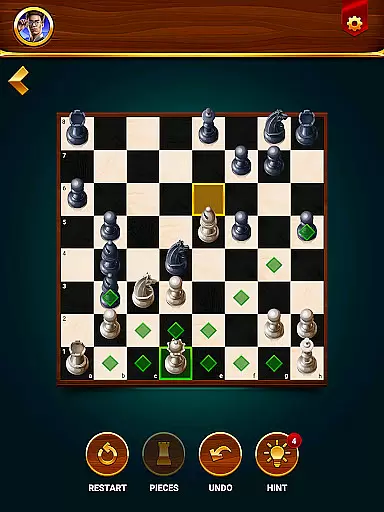
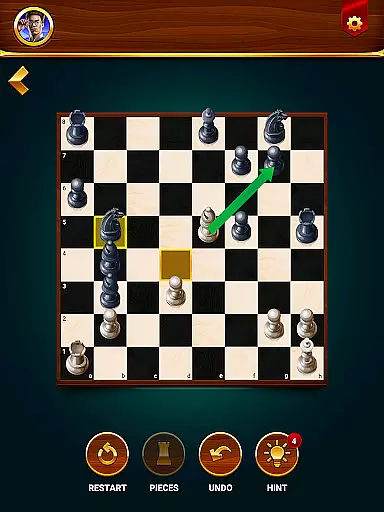
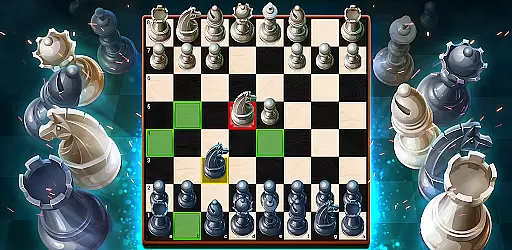
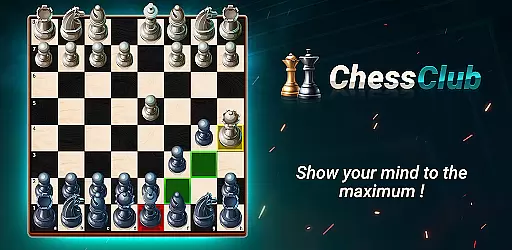
Chess - Offline Board Game is a premier chess application designed for players of all skill levels, from beginners to seasoned experts. This app offers unlimited free games in both 2D and 3D formats, allowing users to challenge various opponents, develop strategies, and enhance their cognitive abilities. With features such as offline play, two-player mode, daily puzzles, interactive lessons, and competitive events with rewards, it provides a comprehensive chess experience.
The app stands out with its customizable gameplay options, including adjustable opponent difficulty, hints, undo moves, and game restarts. It also includes detailed statistics to track progress and supports multiple language preferences. Whether you're honing your skills or simply enjoying a game, Chess Club offers an engaging platform to refine your strategies and elevate your chess rating.
Chess - Offline Board Game boasts a variety of features that cater to diverse player needs. The app allows users to select computer opponents ranging from beginner to grandmaster levels, providing a tailored challenge every time. In addition to single-player mode, the two-player game option lets friends compete directly, enhancing the social aspect of chess.
Further enriching the experience are daily chess puzzles and tactics training, which help sharpen strategic thinking. Interactive lessons guide users through the rules and advanced strategies of chess, ensuring continuous learning. Players can also participate in events to win rewards, adding a competitive edge. Additional functionalities include move hints, undo options, game restarts, and multi-language support, making this app a versatile tool for chess enthusiasts.
Chess Club ensures the most authentic and flexible implementation of chess rules, catering to both casual players and serious competitors. The app strictly adheres to official chess regulations while offering customizable rule options for unique gameplay experiences.
Players can enjoy standard games with traditional rules or explore variations such as timed matches, special move restrictions, and alternative board setups. This flexibility allows users to tailor their chess experience according to their preferences and skill development needs.
The app's rule system is regularly updated to maintain accuracy and incorporate new gameplay modes based on user feedback. This ensures that players always have access to the latest chess formats and rule interpretations.
By combining strict rule adherence with customizable options, Chess Club creates an optimal environment for players to practice, compete, and improve their chess skills while maintaining the integrity of the game.
The AI opponents in Chess Club represent a breakthrough in chess engine technology, offering players challenging and realistic competition across multiple difficulty levels. From beginner-friendly opponents to grandmaster-level challenges, the AI adapts to each player's skill level.
Advanced algorithms power the AI's decision-making process, analyzing millions of possible moves to create strategic and unpredictable gameplay. The AI opponents demonstrate human-like thinking patterns, making them ideal sparring partners for players looking to improve their skills.
Each difficulty level features distinct playing styles and strategies, preventing matches from becoming repetitive or predictable. Players can choose from various computer opponents, each with unique characteristics and tactical approaches.
This sophisticated AI system provides an invaluable training tool for players seeking to enhance their chess abilities while ensuring an engaging and competitive experience for all skill levels.
User-friendly interface
Comprehensive learning modules
Versatile gameplay options
Detailed progress tracking
Multi-language support
Limited offline events
Occasional ads
Advanced lessons locked
Graphics not customizable
High difficulty curve

Play a comic book come to life in this exciting adaptation of the hit card game!
 3.70
3.70
City Building Strategy Game: find the perfect spot for every polyomino piece!
4.60
Enjoy the classic board game of dice with friends. Roll Yatzy? Go!
4.90
Enjoy Mahjong Mingle: Large Tiles and Relaxing Puzzles for Seniors!
4.90
Become a chess master
4.70
Plan, Build, Conserve
4.80
Roll the dice, pass go and win! Play Hasbro's official MONOPOLY mobile game.
4.20
? BINGO GAMES, Multi Bingo Cards, Millions of Players, Super Huge Jackpot!
4.80
Strategic PvP bingo battles!
4.80
Enjoy tile matching puzzles and unlock fun stories!
4.90
Draft and manipulate dice to create the greatest fantasy hero in the RPG world!
4.70
Trade stickers & Get dice
4.70
Fun bingo with power-ups!
4.70
Chose clever, score better!
4.60
Become the best merchant in Istanbul!
4.60
Enhance your brain with vibrant visuals, enjoy 20,000+ stunning pics & puzzles!
4.50
The famous Ravensburger board game from star designer Stefan Feld.
4.30
Flip & Write game from the Roll Player universe. Expert Game of the Year nominee
4.00
Second Dawn for the Galaxy
3.90


User Reviews