
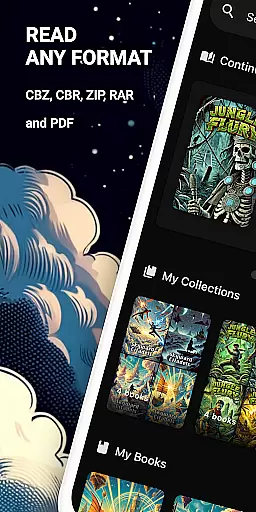
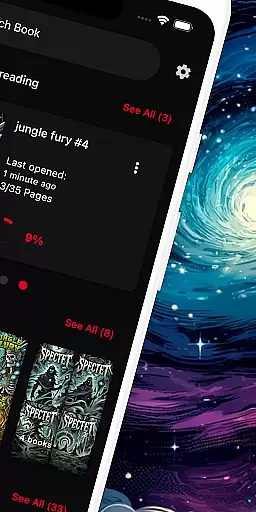
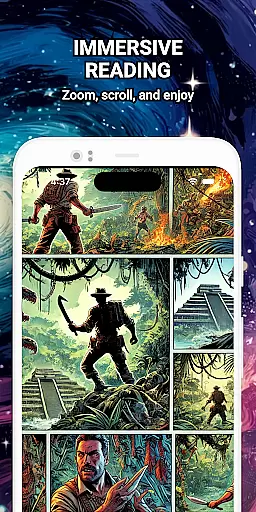
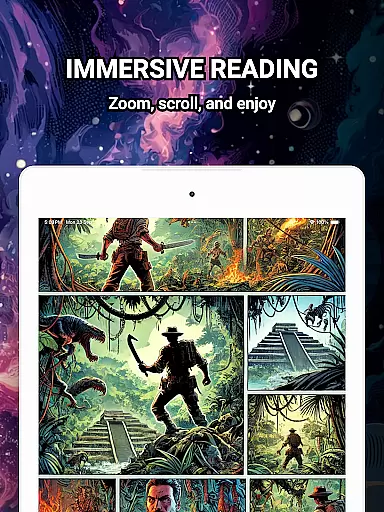
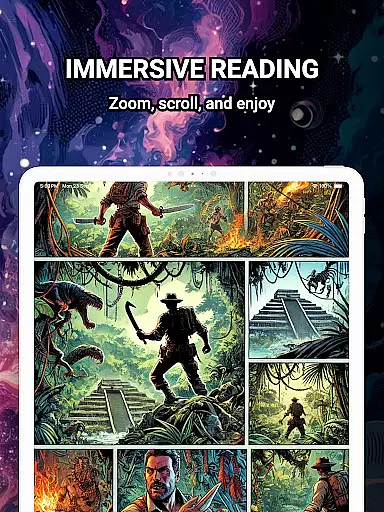
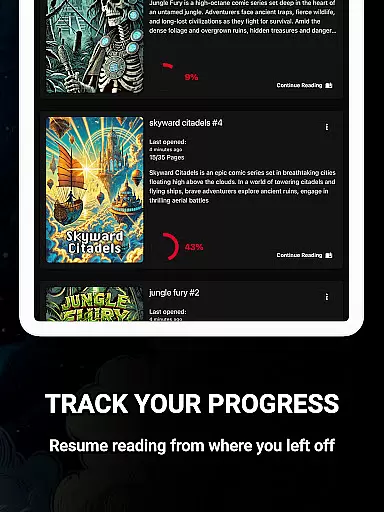
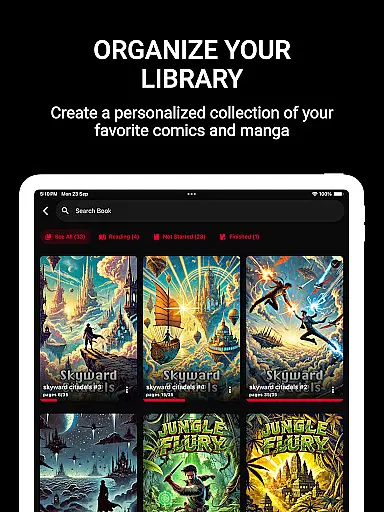
ComiQuest is a versatile comic reader app tailored for fans of CBR, CBZ, and PDF formats. It offers an elegant reading experience with smooth navigation and smart library features. Whether you're into graphic novels, manga, or webtoons, this app provides seamless access to your favorite comics without any distractions.
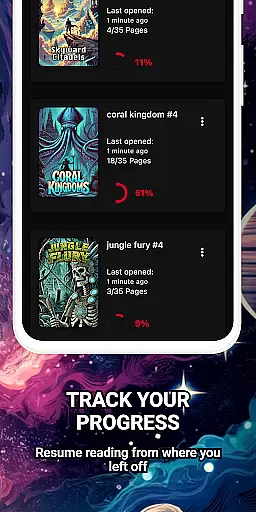
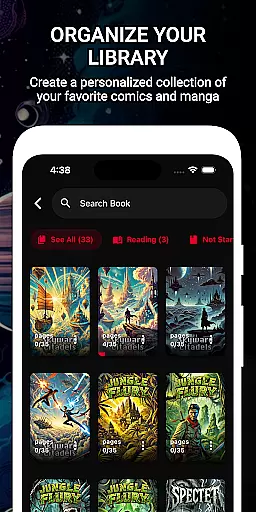
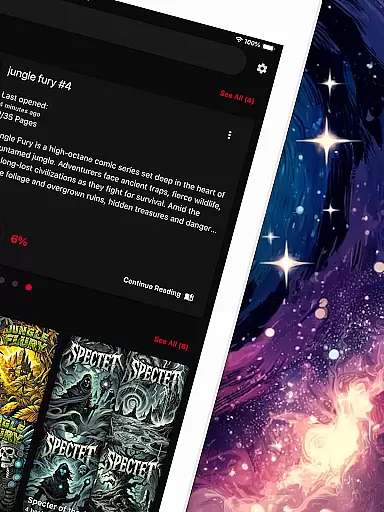
The app supports direct file imports from local storage or USB drives, making it easy to manage large collections. With automatic reading progress tracking and customizable collections, ComiQuest ensures that your library stays organized and accessible. Additionally, its ad-free interface and experimental eye comfort mode enhance the overall reading experience.
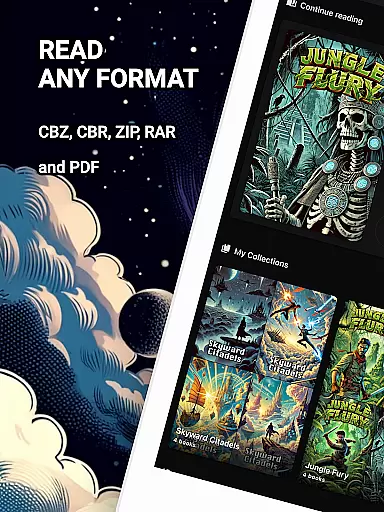
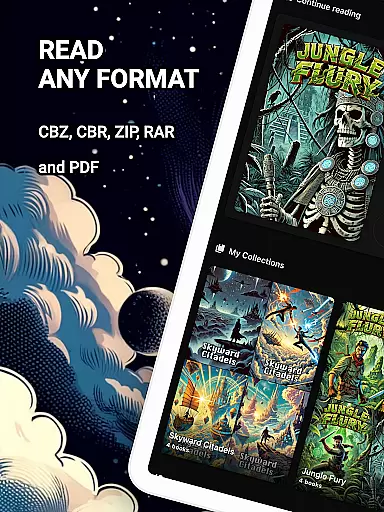
ComiQuest stands out with its comprehensive support for popular comic file formats like CBR, CBZ, and PDF. This allows users to open their collections without needing to convert files or switch between different apps, streamlining the reading process.
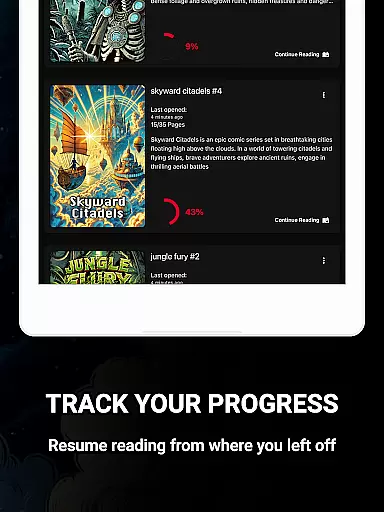
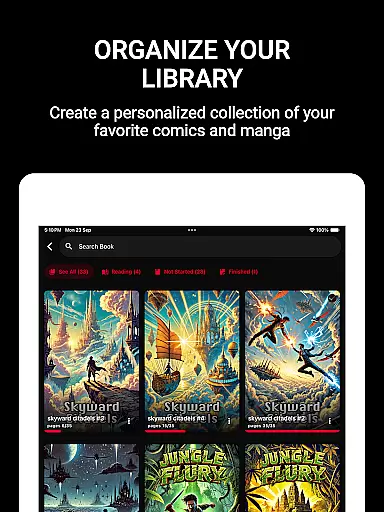
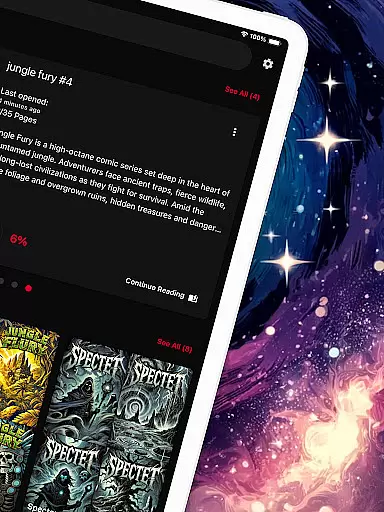
One of the key highlights is the ability to organize comics into custom collections, which helps in managing various types of content such as graphic novels and manga efficiently. The app also tracks reading progress automatically, ensuring you can pick up right where you left off. Furthermore, the experimental blue light filter for CBR and CBZ files reduces eye strain, promoting longer, comfortable reading sessions.
ComiQuest offers an extensive comic library that supports multiple file formats including CBR, CBZ, and PDF. This ensures that users can access a wide variety of comic books without the need for conversion or switching between different apps.
The app allows easy file access from local storage or USB drives, making it convenient to import and manage your entire collection. Whether you are a fan of graphic novels, manga, or webtoons, ComiQuest provides a seamless experience in organizing and enjoying your favorite comics.
With the ability to sort comics into custom collections, users can keep their library tidy and easy to navigate. This feature is particularly beneficial for enthusiasts who own large collections and want to maintain an organized digital shelf.
ComiQuest places a strong emphasis on content authenticity and licensing by ensuring that all supported file formats are opened and read exactly as they are. This means users can trust that the content they are viewing remains true to its original form.
While the app does not directly handle licensing, it provides tools for users to manage their legally acquired collections effectively. By supporting direct imports from personal storage, it respects user ownership and the integrity of their files.
Additionally, ComiQuest's premium features, such as unlimited imports and custom collections, ensure that users have continuous and unrestricted access to their authentic content. This commitment to a clean, ad-free reading experience further underscores the app's dedication to delivering genuine comic book enjoyment.
User-friendly interface
Automatic progress tracking
Customizable collections
Ad-free experience
Eye comfort mode
Premium features locked
Limited free imports
No cloud sync
Experimental filters only
USB import issues

A free paradise specially built for comic lovers. When you step into this comic universe full of surprises, it is like opening a door to endless joy. You are immediately immersed in the wonderful world brought by reading and enjoy the infinite charm of reading.
 4.4
4.4
Draw the comics with glow brushes! Easy and relax!
4.40
Read manga, comics, and manhwa
4.0
Comic Scanner - Book Value - Identify and sell your comic collection with AI.
3.80
The fastest and most convenient comic book reader - comics of all formats
4.40
Dive into the App for Premium Comics, Webtoons and Manga!
4.80
+Not your everyday comic. Everyday.
3.50
Read Manga, Comics & Manhwa of Romance, Action, Fantasy, Drama, BL and more!
4.40
Get the latest manga chapters daily, released simultaneously with Japan.
3.10
The pure application on the Manga SWAT website
4.80
Free Comic Book Collection Management & Price Guide
4.60
Comics and stories from Japan
4.60
Manga reader for manga, manhua, manhwa & webtoon, online & offline, update daily
4.50
매일 매일 새로운 네이버 웹툰
4.50
The largest manga, comics, and manhwa community with millions of fans!
4.50
Webtoons, comics, web novels, and e-books are all here! RIDI, my own space to enjoy stories
4.30
Read webcomics & webnovels
4.20
Experience the largest selection of DC comics anywhere with DC UNIVERSE INFINITE
3.40
Welcome to SnapSaga - your ultimate manga and novel destination!
4.3


User Reviews