
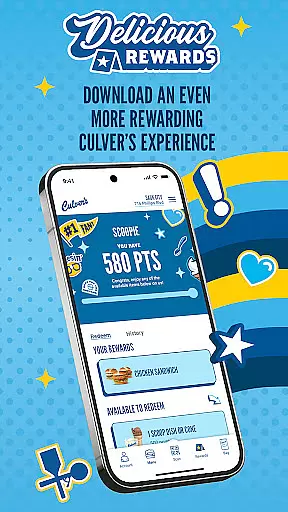

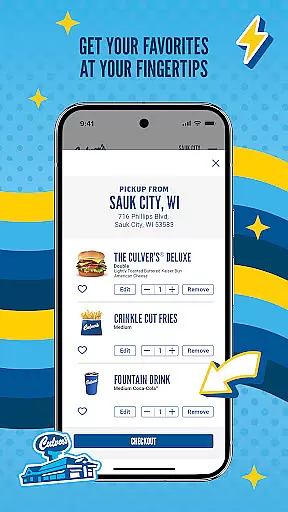
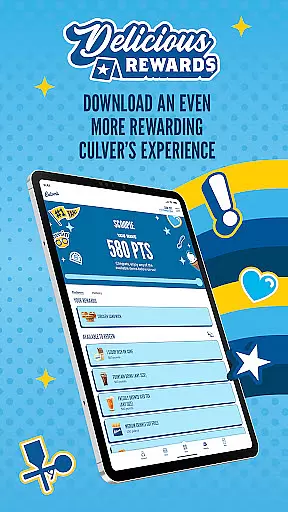
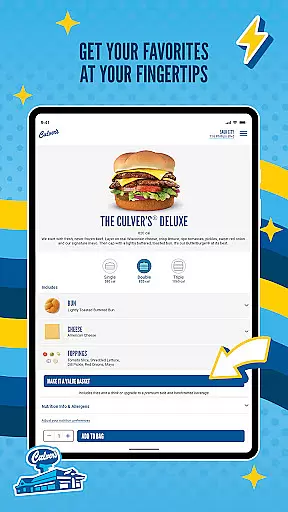
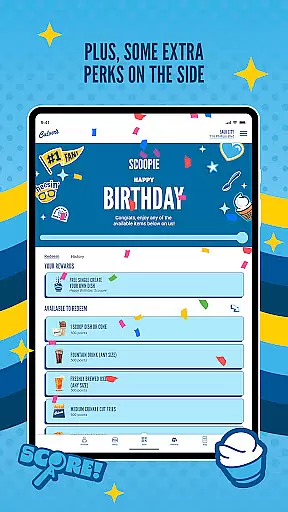
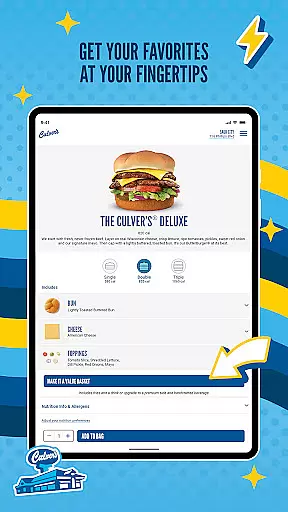
Culver's app is a comprehensive tool for food lovers who want to enjoy delicious meals while earning rewards. The app allows users to conveniently browse the full menu, which features fresh and quality ingredients such as never-frozen beef and farm-fresh dairy. With options like ordering ahead for carryout or CurdSide delivery, customers can choose how and when they receive their meal.
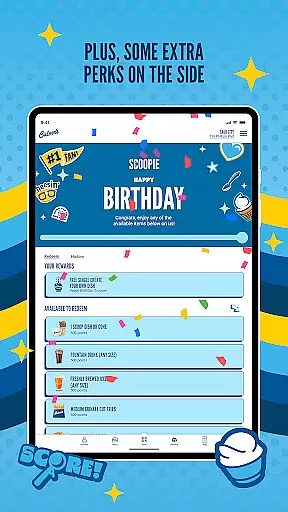
One standout feature is the ability to view the Flavor of the Day schedule, save favorite items for quick reordering, and personalize preferences after signing in. This creates a tailored experience that keeps users engaged. Whether you're looking to earn points towards free menu items through the loyalty program or simply want an easy way to order your favorite dishes, Culver's app ensures a seamless and satisfying experience.
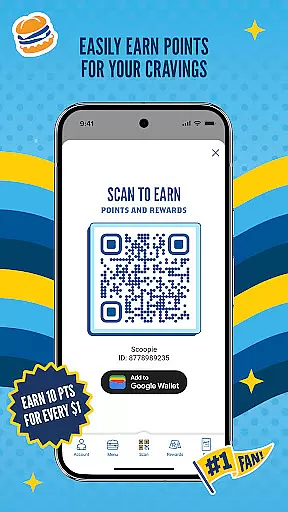
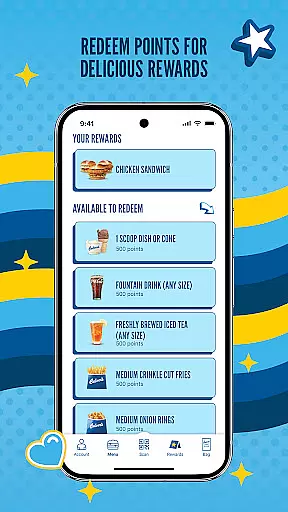
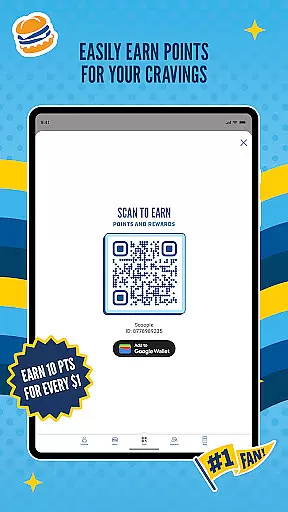
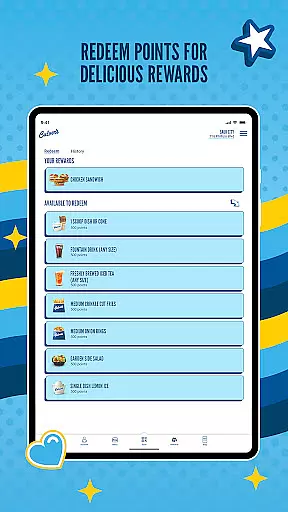
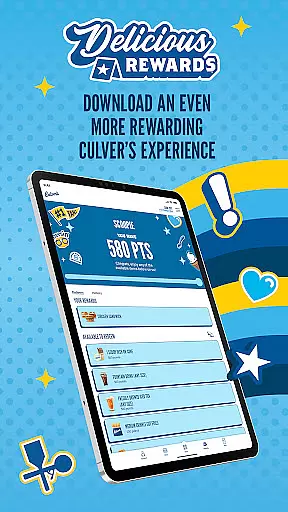
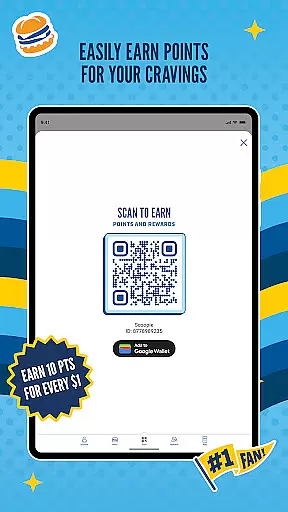
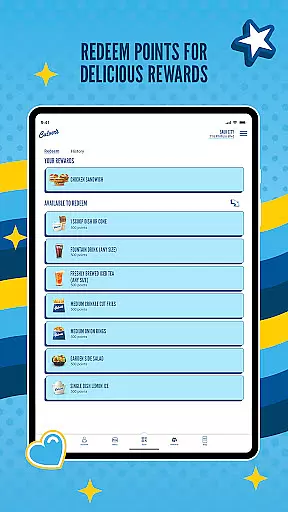
The app offers several notable features that enhance the user experience. First, it includes a robust rewards system where users earn points for every dollar spent, redeemable for free menu items. The Order Ahead functionality lets customers explore the entire menu and select pickup times that suit their schedules, ensuring food is freshly prepared upon arrival.
Additionally, Culver's app provides access to exclusive content such as limited-time menu items and seasonal favorites. Users can also view the Flavor of the Day schedule at local restaurants, allowing them to plan visits accordingly. Personalization options enable saving preferred menu items and customizing settings, making each interaction with the app unique and efficient.
Locating your nearest Culver's restaurant is now more convenient than ever with the built-in store locator feature. This functionality ensures that you can find a Culver's location no matter where you are, providing essential information such as address, contact details, and operating hours.
The app leverages your device's GPS capabilities to present the closest Culver's restaurants on an interactive map. This makes it easy for users to choose a location that best suits their needs, whether they're at home, work, or traveling.
Beyond just pinpointing locations, the store locator also provides additional details like directions and estimated travel time. This ensures that customers can plan their visit efficiently, reducing the time spent searching for a suitable dining spot.
By integrating this seamless store locator, Culver's enhances user experience by making every step, from finding a location to dining in or picking up an order, as smooth and hassle-free as possible.
Culver's app offers flexible delivery and pickup options designed to cater to your busy lifestyle. Whether you prefer to dine in, carry out, or have your meal delivered, the app accommodates all preferences with ease and convenience.
For those who opt for carryout, the app allows you to select a specific pickup time. This guarantees that your meal is freshly prepared right before your arrival, ensuring optimal taste and quality. The CurdSide pickup option adds another layer of convenience by delivering your order directly to your car.
Delivery services through the app provide real-time tracking, so you know exactly when to expect your meal. Transparent pricing and delivery fees ensure there are no surprises, allowing you to enjoy your meal with peace of mind.
These robust delivery and pickup features not only save time but also enhance the overall customer experience, making Culver's a top choice for quality meals on the go.
User-friendly interface
Customizable experience
Fresh ingredient focus
Rewarding loyalty program
Convenient ordering options
Limited to Culver's locations
Occasional bugs reported
Points take time to accumulate
No direct delivery option
Geographic restrictions apply

Fix bad slushies with SlushIQ tools for Ninja Slushi, Iceman, and home mixers.
 4.1
4.1
Delicious cocktail recipes you can make with ingredients you already have.
4.40
Fresh sandwiches and boxed lunches for delivery or pickup. Plus, track rewards!
4.80
Order and pay ahead with the Raising Cane's app. Get Clickin' for Chicken™!
4.80
Monthly Perks. Fuel Discounts. App Exclusive Deals.
4.90
Discover. Create. Plate.
4.40
Find the perfect restaurant for any occasion on OpenTable.
4.60
Enjoy Exclusive Deals, Rewards, Gas Benefits, and 24/7 Food Delivery!
4.90
Quickly order, pay, reload your Starbucks Card and earn free drinks or food.
4.80
Save at the pump AND in store with deals on gas, snacks & drinks at Murphy USA.
4.80
Easily Order, Earn Crumbs & Unlock Rewards!
4.80
Good Fortune Awaits with Panda Rewards and the Panda Express® App.
4.70
NEW digital gift cards available in exclusive designs!
4.60
The ultimate app to save recipes from Instagram, TikTok, Facebook & more.
4.60
Not just food delivery. Shop for groceries from local supermarkets to your door.
4.60
Get groceries delivered today
4.50
Easy and fast ordering, improved customization, and an enhanced guest experience
4.20
Krispy Kreme Mobile Ordering, Loyalty and Hot Light
3.20
My Recipes Your personal recipe collection in one APP. Private, offline, adfree.
4.0


User Reviews