
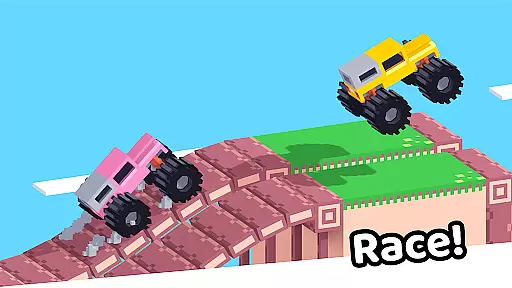

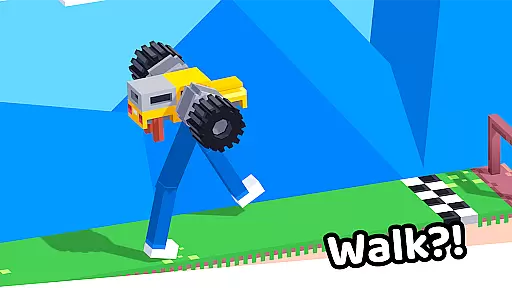


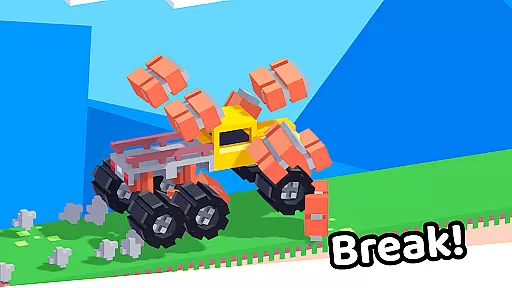


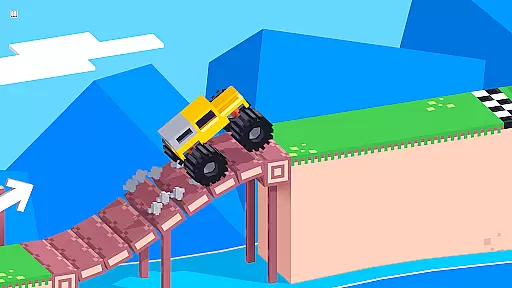
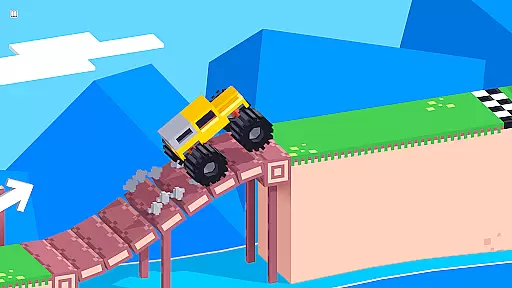
Drive Mad is a physics-based racing game that challenges players to master realistic driving mechanics. With simple controls - right to accelerate and left to brake - the game requires actual skill to navigate through complex tracks. As you progress, you'll learn to perform impressive stunts and tricks that initially seem impossible.
The game features over 100 challenging levels designed to test your driving abilities. Its optimized performance and small install size make it accessible to most devices. Drive Mad offers both online and offline play modes, allowing you to enjoy the game anytime, anywhere without losing progress or functionality.
Drive Mad stands out with its realistic physics engine that simulates authentic vehicle handling. The game's 100+ levels present increasingly difficult obstacles and challenges, requiring players to develop their skills progressively. Each track is carefully designed to test different aspects of driving proficiency.
A key feature is the game's offline functionality, allowing continuous play without internet connection. The developers have optimized the game for fast performance while maintaining a small footprint of only 50MB. This combination of challenging gameplay, compact size, and offline availability makes Drive Mad a compelling choice for racing game enthusiasts.
Realistic handling physics are essential for any racing game that aims to provide an immersive driving experience. Drive Mad excels in this area by implementing advanced physics calculations that mimic real-world vehicle behavior.
The game requires players to master the art of acceleration and braking while navigating challenging tracks. This level of realism ensures that every turn, drift, and jump feels authentic and satisfying.
As players progress through the 100+ levels, they develop a deeper understanding of the game's physics engine. This mastery allows them to execute impressive stunts and maneuvers that were initially thought to be impossible.
The physics-based gameplay not only tests players' skills but also provides a rewarding sense of accomplishment as they improve their driving techniques over time.
Precise controls with minimal input latency are crucial for a racing game to ensure that players can react quickly and accurately during high-speed races. Drive Mad achieves this by optimizing its control response for both touch and tilt inputs.
The simple control scheme - right to accelerate and left to brake - is designed for ease of use while maintaining the depth required for complex maneuvers. This intuitive setup allows players to focus on mastering the game's challenging physics.
With fast performance being a key feature, the game ensures that every input is registered instantly, without any noticeable delay. This responsiveness is particularly important when executing precise movements or split-second decisions during races.
The combination of accurate controls and low latency creates an engaging experience that keeps players invested in improving their skills across various challenging levels.
Realistic physics simulation
Over 100 challenging levels
Compact 50MB installation size
Smooth performance on most devices
Full offline functionality
Steep learning curve
Limited control options
No multiplayer mode
Repetitive graphics
Occasional bugs

Drift, slide and step on the gas! Dynamic racing with police chase and fast cars
 4.60
4.60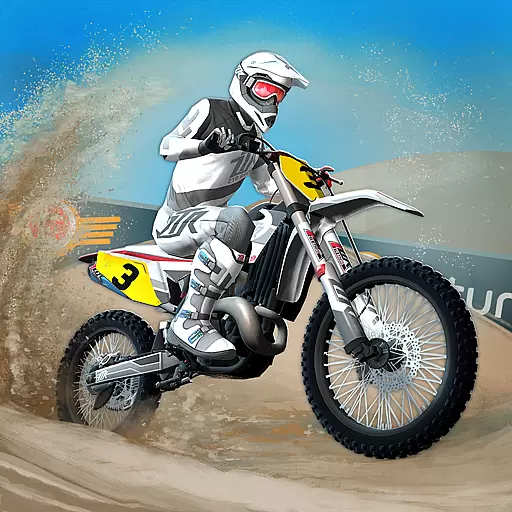
Dirt bike motorcycle racing game - race friends on fast off-road motocross bikes
4.20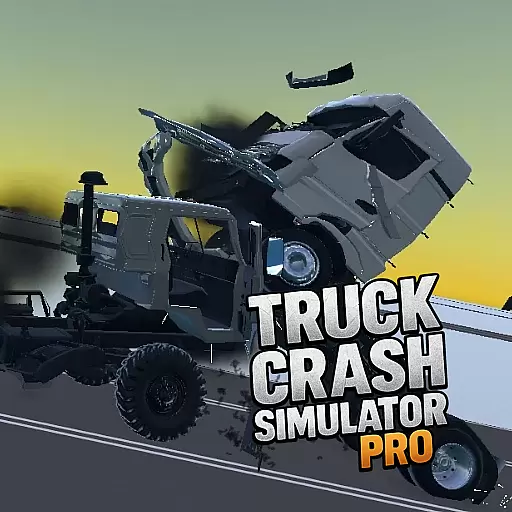
Drive and crash trucks in arenas, test zones and intercity routes.
4.0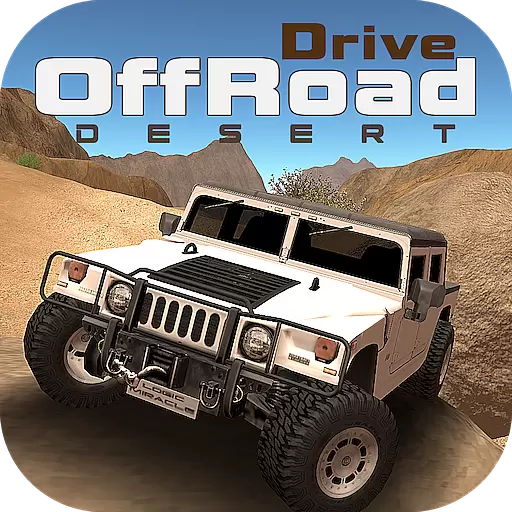
Ultimate 4x4 OffRoad Truck Driving Simulator Game with Real Physics & Suspension
3.60
Race in the golden era of rally.
3.30
Play open world offroad simulator car game. Drive cars over mud, sand and snow.
4.00
Race with Catboy, Owlette and Gekko on a brand new lunar adventure!
3.90
Old-school dirt racing meets cutting-edge tech!
4.10
Realistic extreme bike racing game — experience pure speed and ride fast!
4.60
Master your off-road driving skills in this hardcore, physics-based racing game.
4.90
Racing mania on extreme tracks - Stunt driving arcade racer!
4.60
High speed bike racing thrills in the fastest moto game around
4.60
Experience exciting multiplayer racing action with epic stunts and challenges!
4.50
Drive trucks, ATVs & 4x4 offroad in mudding, 4 wheeler racing & driving games
4.40
Race rocket powered hydrojets through futuristic cities and waterparks.
4.40
Real drag racing game - car tuning, upgrades, and 3D multiplayer street racing
4.10
Break the rules and take full-contact racing to the limit with Wreckfest!
3.80
Race through bustling highways, master the wheel and become the king of speed!
4.2
Drive in Your Lane in Your Own Style.
4.3


User Reviews