
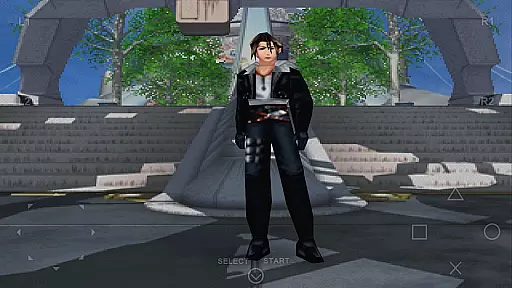
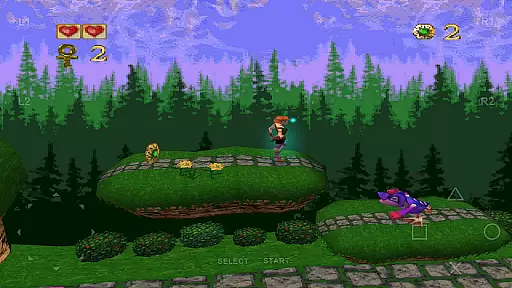
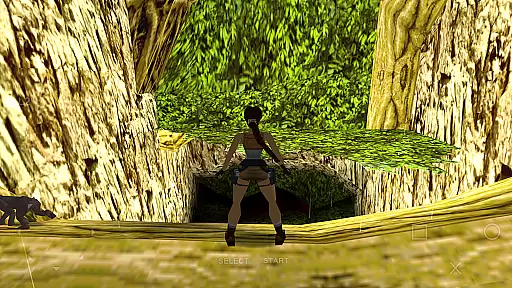
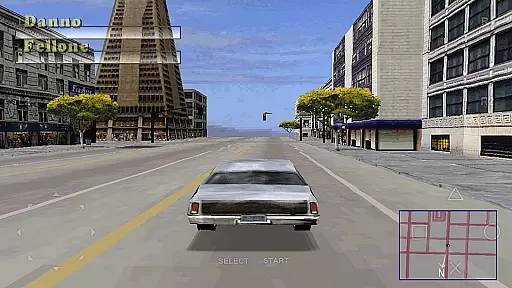
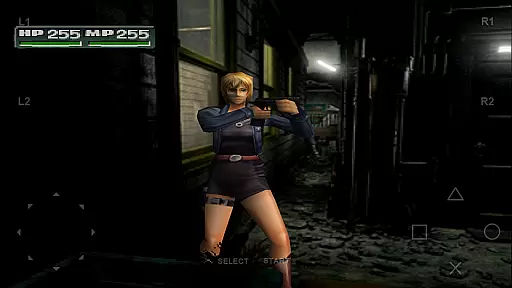
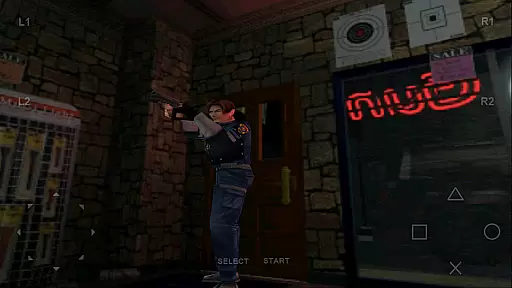
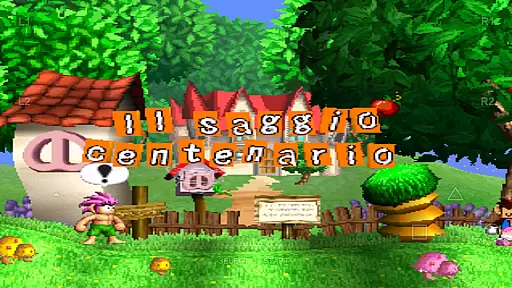
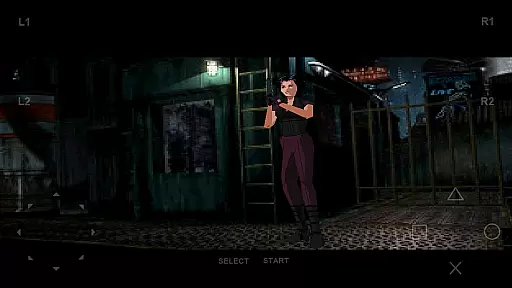
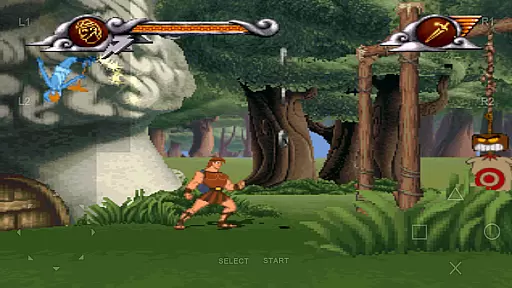
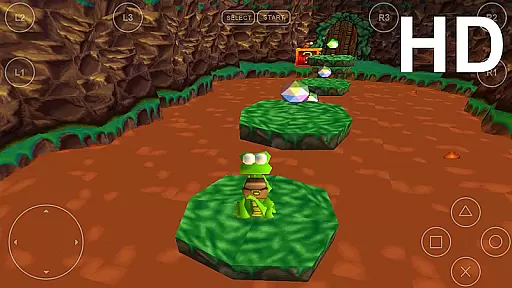
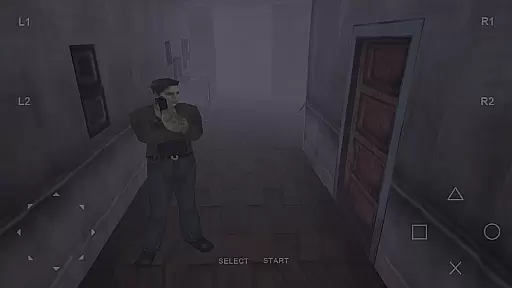
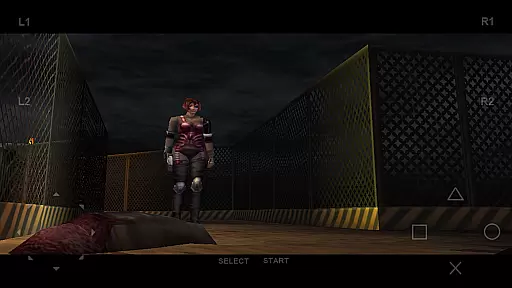
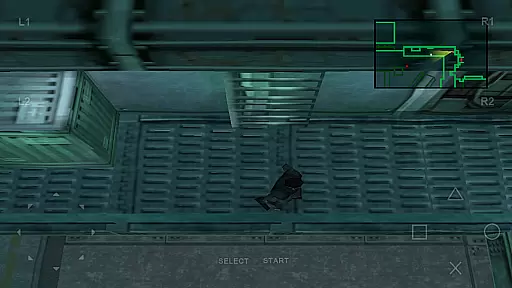
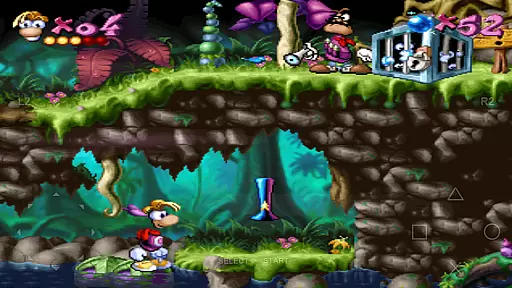
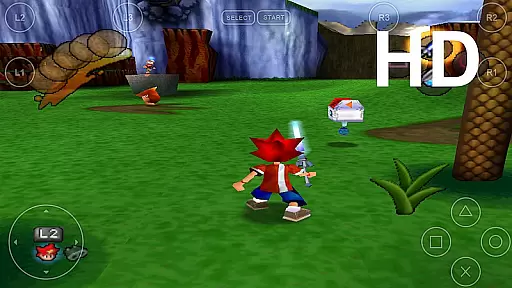
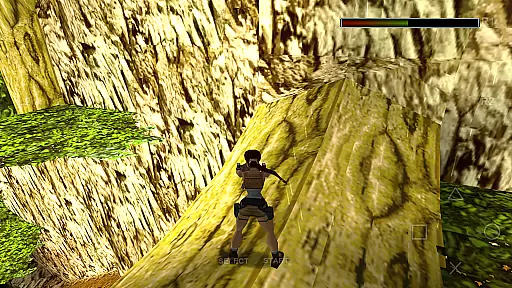
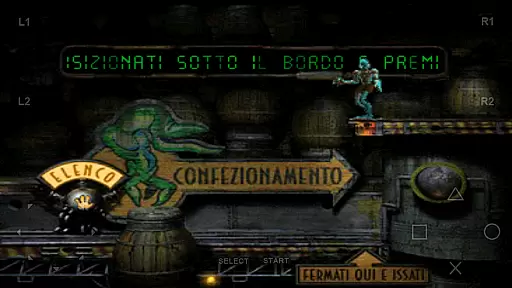
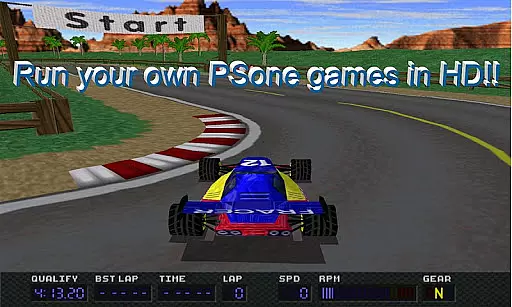
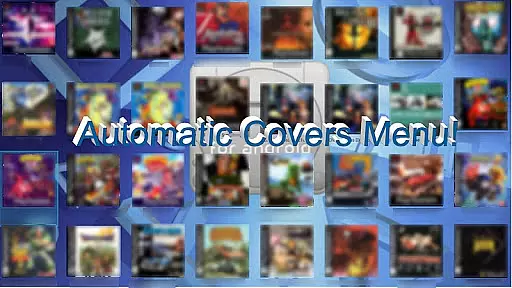
FPse for Android devices is a premier emulator that brings PlayStation 1 gaming to your smartphone. It offers high-resolution graphics through OpenGL, compatibility across Android versions from 2.3 to 8, and supports multiple disc image formats. The app's interface automatically scans local storage for games and displays their covers, providing an engaging user experience.
This emulator stands out with features like savestates, force-feedback, and emulation of audio tracks using .cue files. It also includes up to 10 gamepads in overlay onto the screen, gun emulation named Guncon, and compatibility with various controllers including IcontrolPAD and Zeemote. Whether you're at home or on the go, FPse delivers a seamless gaming experience.
FPse boasts an array of advanced features designed to enhance gameplay. With support for files' extensions such as .img, .iso, .bin, .cue, .nrg, .mdf, .pbp, and .Z disc image formats, it ensures broad compatibility. The software renderer operates in high definition, offering up to 4x native resolution for crisp visuals.
Exclusive functionalities include experimental multi-players LAN mode using two Android devices, automatic cheat's codes search engine, and displaying on widescreen. Additionally, FPse provides preliminary support for VR glasses and native support of NFS protocol, allowing users to load games directly from their local networks.
FPse for Android devices offers a streamlined and accessible approach to PlayStation 1 emulation, making it an ideal choice for casual gamers. The app's intuitive interface automatically scans local storage for compatible game files, presenting them with their original cover art.
This effortless discovery process ensures users can quickly locate and launch their favorite titles without any technical hassle. With support for multiple file formats including .iso, .bin, and .cue, the emulator maintains broad compatibility while keeping the setup process straightforward.
The inclusion of on-screen touch controls and external controller support through Bluetooth or USB provides flexible play options that cater to both mobile and traditional gaming preferences. These features maintain the simplicity of mobile gaming while delivering an authentic console-like experience.
By focusing on essential features and performance optimization across various Android versions, FPse ensures smooth and responsive gameplay even on lower-end devices. This commitment to accessibility makes classic PlayStation gaming available to a wider audience without compromising core functionality.
One of FPse's standout features is its remarkable session length flexibility, allowing players to enjoy their favorite PSone games in short bursts or extended sessions as their schedule permits. The emulator's implementation of savestates enables users to save their progress at any point during gameplay, regardless of the original game's save point structure.
This flexibility proves particularly valuable for casual gamers who prefer gaming in brief intervals throughout their day. Whether commuting or taking a quick break, players can easily pick up where they left off without worrying about losing progress or being tied to lengthy gaming sessions.
The emulator's efficient performance across different device specifications ensures consistent frame rates and smooth gameplay, even during shorter play periods. This reliability allows users to enjoy meaningful gaming experiences without requiring significant time investment or high-end hardware.
Additionally, FPse's battery-friendly optimization helps maintain this flexibility by minimizing power consumption during gaming sessions. Players can enjoy their favorite PSone classics without excessive concern about device battery life, making it perfect for casual gaming on the go.
High compatibility
Advanced graphics
User-friendly interface
Wide file format support
Innovative multiplayer modes
Complex setup process
Requires powerful hardware
Occasional performance issues
Limited customer support
Some features still in progress

Go exploring with Duggee!
 4.20
4.20
Relive those 8 bit glory days
4.1
Plan, craft and compete—an idle RPG with a smart Forge and Eternal cards.
4.20
Please solve the hexa puzzle.
4.2
Start with a simple lemon stand and grow into a business tycoon!
5.00
Unmissable Black Friday Discounts! Come and unlock your 3D screw puzzles offers!
4.80
A fun and relaxing idle game
4.20
Zen Koi Pro features single player offline play, and shiny rare koi!
4.70
Miraculous Ladybug is here to dance and play with the talking cat Angela.
4.30
Keep Popgoes alive in a quirky collection of LCD minigame challenges!
5.00
Be the Coin Master: attack friends & collect coins in this fun adventure game!
4.80
No internet. Play Fun Mini Puzzles, Color Blocks & Cards, 2 Player, Boys & Girls
4.50
Join Tom and friends and care for them. Create fun stories and play mini-games.
4.30
Talking Tom and pets bring adventure to this fun virtual cat game.
4.30
Merge numbers on the balls and run to aim for 2048!
4.20
Heads or tails? Coin Flipper in an idle game about flipping coins!
3.60
Five new incredible party games to liven up any gathering!
3.30
Epic air battles, jet upgrades, and boss fights await.
4.1
Fun drinking & party game with dares, sips, timers, and a live leaderboard!
4.2


User Reviews