
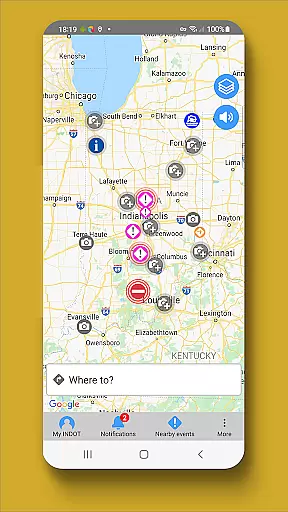
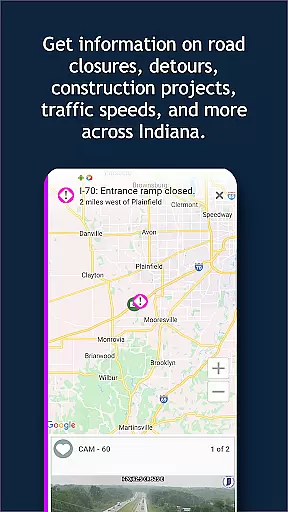
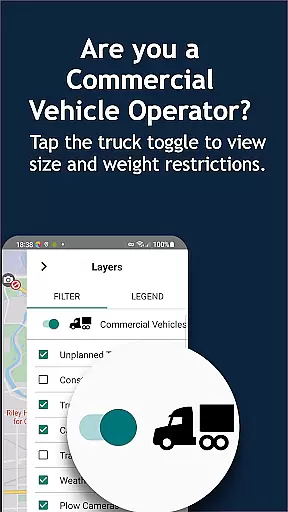
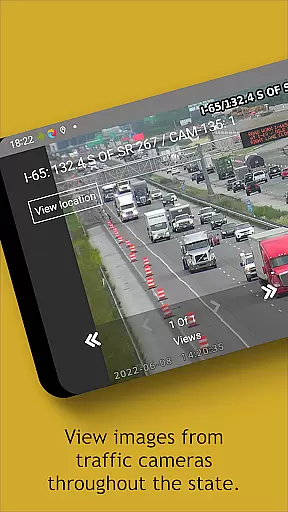
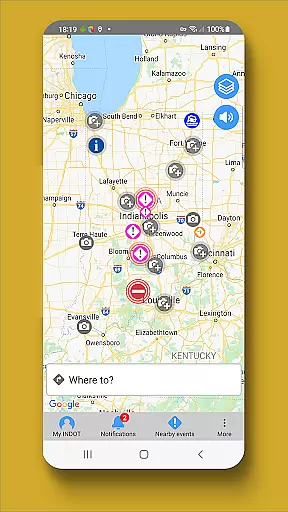
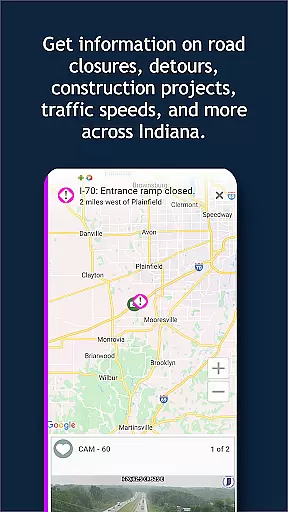
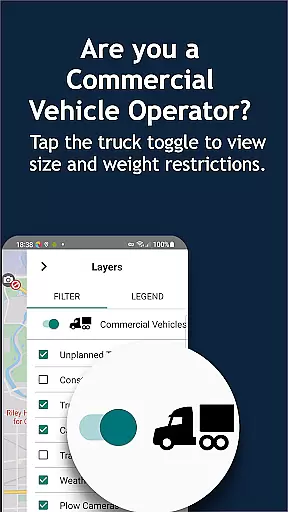
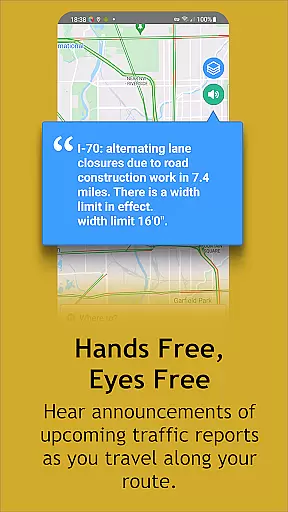
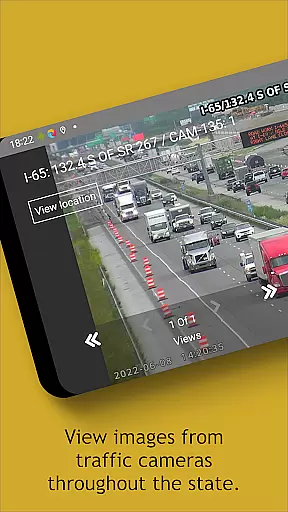
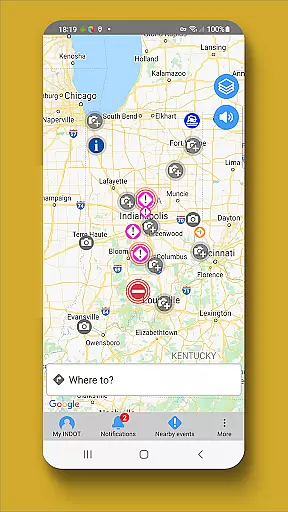
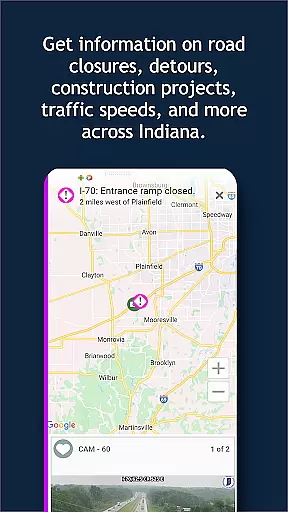
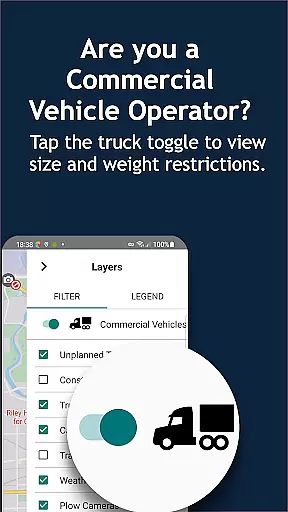
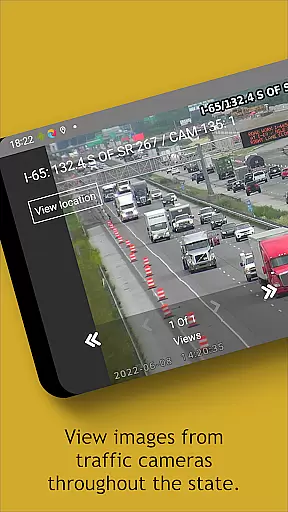
INDOT Trafficwise serves as the official traffic and traveler information app from the Indiana Department of Transportation, specifically designed to provide real-time traffic updates across Indiana's interstates, U.S. routes, and state highways. The app is an essential tool for drivers, offering hands-free audio notifications, a zoom-enabled map with live traffic events, and access to traffic camera streams.
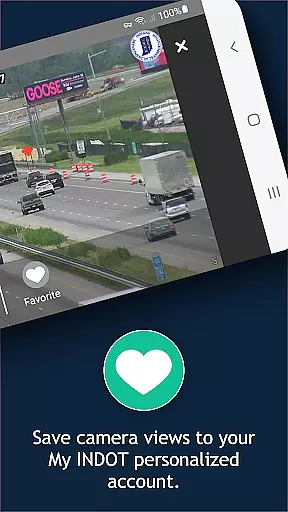
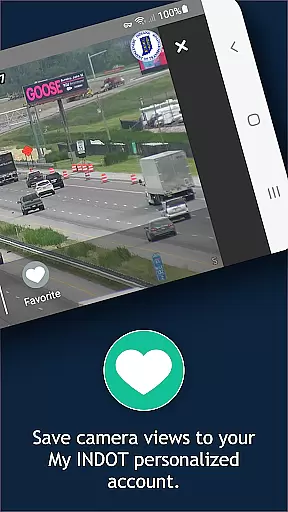
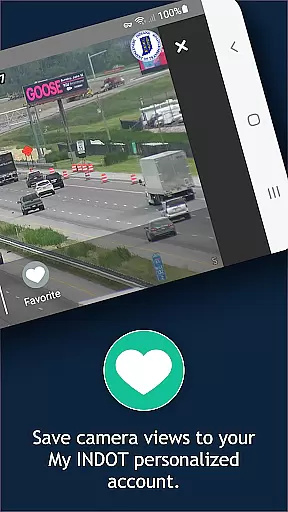
One of the key highlights of INDOT Trafficwise is its personalized My INDOT account feature, which allows users to save preferred routes, camera views, and receive email or text alerts. Additionally, it provides critical data such as weather station updates, road closure notifications, and live traffic speeds, ensuring drivers are well-informed before starting their journeys.
This app is particularly useful for commuters and travelers who frequently drive through Indiana, as it helps them avoid delays caused by construction, flooding, or accidents. With safety as a priority, the app encourages responsible usage by reminding drivers not to interact with the app while driving.
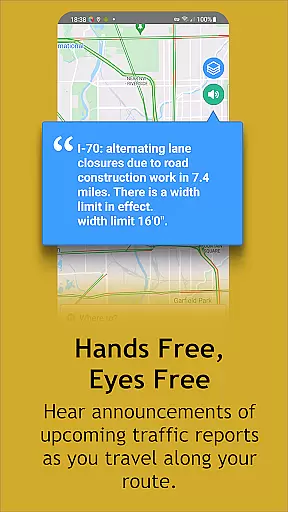
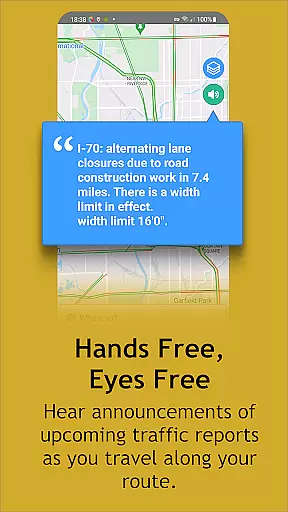
INDOT Trafficwise offers a comprehensive suite of features that cater to the needs of any driver in Indiana. One standout feature is the hands-free, eyes-free audio notification system, which ensures drivers can receive important traffic updates without taking their attention off the road. This functionality enhances safety while providing timely alerts about incidents, road closures, and construction zones.
The app also includes a dynamic, zoom-enabled map interface where users can tap on icons to view detailed traffic events, nearby camera feeds, and streaming video. For those managing regular commutes, the My INDOT account feature allows for personalized route management, saved camera views, and customized alerts via email or text. These capabilities ensure users have quick access to the specific traffic information they need.
Additional features include live traffic speed visualization, plow locations during winter, and access to statewide weather station data. By consolidating these tools into one platform, INDOT Trafficwise delivers a robust solution for staying informed about road conditions and planning efficient travel routes throughout Indiana.
Booking authenticity is a crucial aspect of any travel application, ensuring that all reservations and information provided are accurate and trustworthy. INDOT Trafficwise offers users reliable traffic data and traveler information for Indiana's interstates, U.S. routes, and state highways.
The app provides near real-time updates on traffic incidents, construction, truck restrictions, flooding, and road closures, which ensures that the information is current and can be trusted for planning trips or daily commutes. This level of accuracy in reporting allows users to make informed decisions about their travel plans.
Moreover, INDOT Trafficwise enables users to create personalized accounts called 'My INDOT', where they can save routes, areas, favorite camera views, and set up email and text alerts. This personalization enhances booking authenticity as users can tailor the app to their specific needs and receive timely notifications.
By offering features such as viewing current traffic speeds, traffic camera still shots, streaming video, and images from plows along with weather station information, the app equips travelers with comprehensive and authentic data to manage their journeys effectively.
Price transparency in a travel app refers to the clarity and openness in presenting costs associated with using certain features or services. Although INDOT Trafficwise primarily focuses on providing free traffic and traveler information, it indirectly supports price transparency by helping users avoid potential costs related to traffic violations or delays.
For instance, the hands-free, eyes-free audio notifications warn drivers about traffic events, which helps them stay compliant with local laws, such as avoiding texting while drivingu2014a practice that is against the law and could lead to fines.
Additionally, the appu2019s ability to provide near real-time updates on various traffic conditions like incidents, construction, and road closures empowers users to plan their routes more efficiently, potentially saving on fuel costs and time.
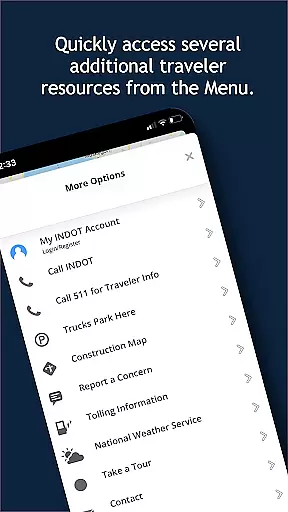
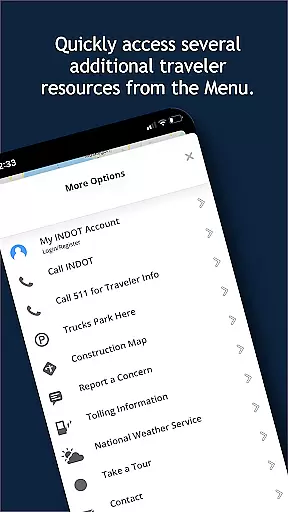
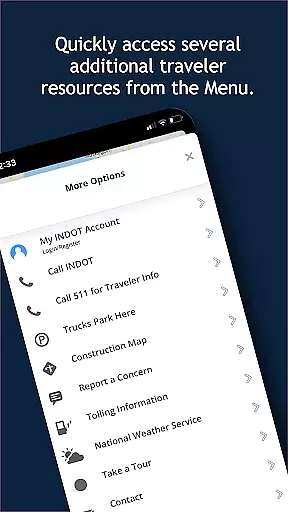
INDOT Trafficwise also includes resources for additional traveler information through its 'Menu' option, further promoting an environment where users have access to all necessary details without hidden fees or surprises, thus supporting overall price transparency in travel planning.
User-friendly interface
Real-time traffic updates
Personalized route management
Comprehensive camera network
Hands-free notifications
Battery consumption due to GPS
Limited to Indiana roads
No offline functionality
Premium features require account
Background activity may slow devices

Tide Table Chart provides quick and easy access to high and low tide forecasts.
 3.20
3.20
CLEAR provides a safer, easier way through airports, stadiums, and beyond.
4.20
Get all MTA services, Subway, Bus, LIRR, Metro-North and More all in one place.
4.60
GPS Live Satellite Earth to find route navigation and current location map
4.00
It drives. You ride.
4.90
Take JetBlue everywhere you go! Book, manage and check in for your trips & more.
4.60
One app, 300,000+ travel experiences, tours, and tickets you’ll remember.
4.90
The best way to book travel
4.60
Examine the planet
3.80
Replace your car trips with the world’s largest shared electric vehicle company.
4.90
Get faster fuel rewards, exclusive offers, and helpful tools!
4.70
Booking your bus tickets has never been easier
4.70
Maximize your cruise vacation with the Royal Caribbean app
4.70
Book rooms at any of 4.2M properties worldwide. Find flight deals every day!
4.60
Walt Disney World Resort maps, wait times, tickets, dining & more.
4.50
Travel light with our easy-to-use mobile app, the perfect flying companion.
4.40
MyTSA gives you 24/7 access to info that passengers frequently request from TSA.
4.10
Real-time flight tracking with live maps and flight status updates.
3.70
A Camino de Santiago Guidebook from St. Jean Pied de Port to Santiago
3.60


User Reviews