
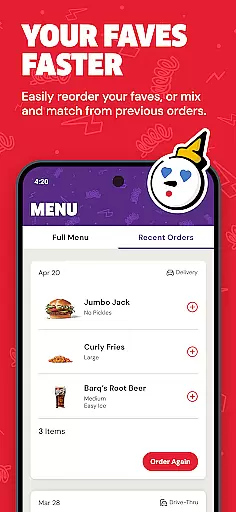
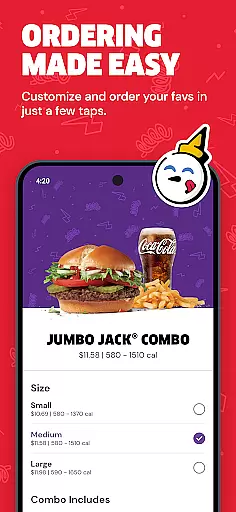
Jack in the Box is a leading food ordering app designed for convenience and speed, catering to those who enjoy quick pick-up or delivery meals. The app provides an intuitive platform where users can browse the full menu, locate nearby restaurants, and access exclusive deals not available elsewhere.
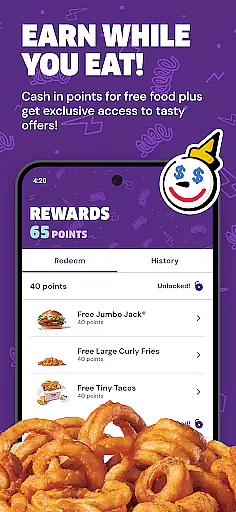
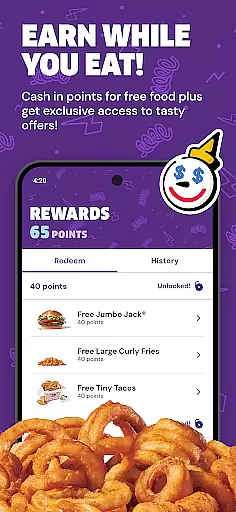
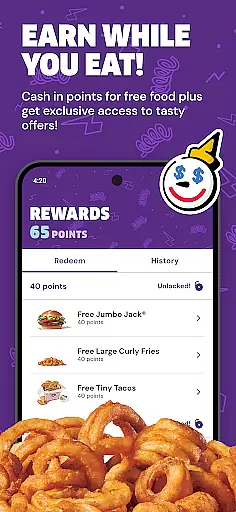
One of its standout features is The Jack Pack loyalty program, which allows users to earn points and redeem rewards seamlessly. With mobile-exclusive offers and push notifications for timely deals, this app ensures you never miss out on savings while satisfying your cravings. Whether you're a regular customer or new to Jack in the Box, the app enhances your dining experience by combining ease of use with valuable incentives.
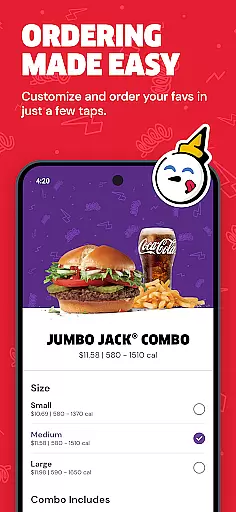
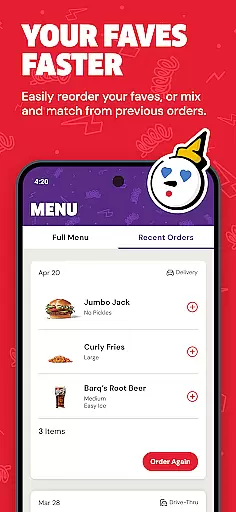
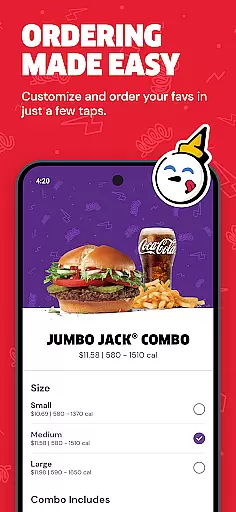
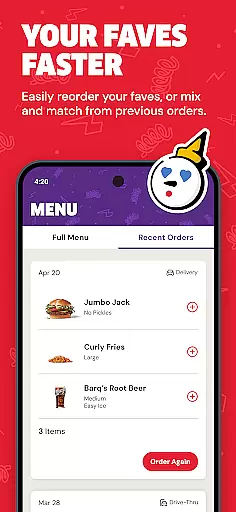
The Jack in the Box app offers a comprehensive set of features that streamline the food ordering process. Users can place orders for pick-up or delivery directly through the app, making it easy to get their favorite meals quickly. The built-in menu browser showcases all available items, ensuring customers have access to everything they love without needing to visit a physical location.
A key highlight is The Jack Pack loyalty program, which lets users accumulate points every time they order. These points translate into redeemable rewards, creating a personalized VIP experience. Additionally, the app provides special mobile-only promotions and enables push notifications so users stay informed about limited-time deals. Its ability to locate nearby Jack in the Box outlets further adds to its practicality, making meal planning effortless and efficient.
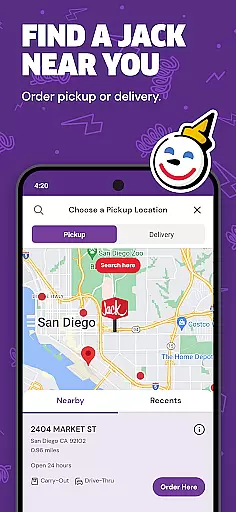
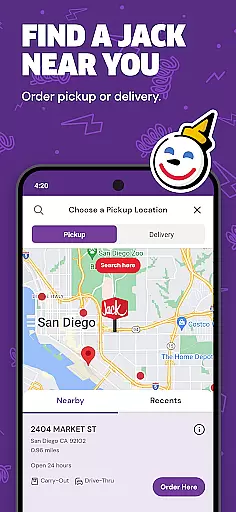
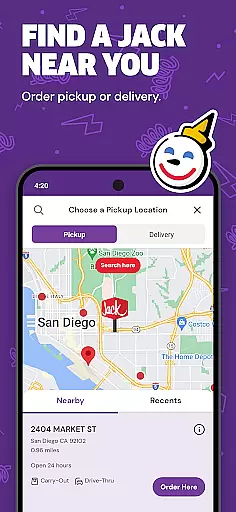
Locating your nearest Jack in the Box restaurant has never been easier. The app's store locator feature uses advanced GPS technology to pinpoint your location and display nearby restaurants with remarkable accuracy.
This functionality is crucial for users who are on the go and need a quick meal solution. By integrating detailed maps and real-time location tracking, the app ensures that customers can find their nearest Jack in the Box without any hassle.
The store locator not only provides directions but also includes essential details such as operating hours, contact information, and special instructions for each location. This comprehensive approach allows users to plan their visit efficiently and make informed decisions about where to dine.
With this feature, Jack in the Box enhances customer convenience, ensuring that whether you're at home or traveling, you can always find a Jack in the Box nearby to satisfy your cravings.
Jack in the Box offers seamless delivery and pickup options directly through its mobile app. This feature is designed to provide maximum convenience for users who prefer to enjoy their meals at home or on the go.
When placing an order, customers can choose between delivery or pickup, with clear indications of preparation times and estimated arrival for deliveries. The app's interface is intuitive, guiding users through each step of the ordering process while offering customization options for their meals.
One of the standout benefits is the ability to track your order in real time. For deliveries, users receive updates on the driver's location and estimated time of arrival, enhancing transparency and trust in the service. For pickups, customers are notified when their order is ready, minimizing wait times.
By streamlining both delivery and pickup processes, Jack in the Box ensures a smooth and efficient experience that caters to modern consumers' expectations for speed and convenience.
User-friendly interface
Exclusive loyalty rewards
Convenient ordering system
Push notifications for deals
Mobile-exclusive discounts
Limited to Jack in the Box
Occasional bugs reported
Delivery fees may apply
Geographic restrictions
Requires account setup

Krispy Kreme Mobile Ordering, Loyalty and Hot Light
 3.20
3.20
Save at the pump AND in store with deals on gas, snacks & drinks at Murphy USA.
4.80
Home baked, made easy! Passionate baking with Mauela Kjeilen @passionforbaking
4.40
Order from Gopuff and get your essentials delivered in as fast as 15 minutes
4.50
Order Beer, Snacks & More 24/7
4.20
Mobile Ordering - Order your favorite burgers, chicken, breakfast, and desserts
4.60
Order your Domino's favorites then follow the progress with Domino's Tracker®!
4.60
Quickly order, pay, reload your Starbucks Card and earn free drinks or food.
4.80
Food Delivered to your door! Order from 1800+ Grocery & Retail Store Brands.
4.10
Bringing a piece of Louisiana to your fingertips!
4.90
Rescue tasty unsold food from local stores for ½ price or less.
4.90
Order ahead at your favorite restaurants.
4.70
Simple recipes and kitchen tips for easy meal planning. Your digital cookbook.
4.60
Find the perfect restaurant for any occasion on OpenTable.
4.60
NEW digital gift cards available in exclusive designs!
4.60
Get exclusive food deals, earn rewards, fast reordering & order ahead options.
4.30
Your most rewarding experience is in the Cracker Barrel app.
4.20
Check out the most rewarding way to get Whataburger just like you like it!
3.30
Fix bad slushies with SlushIQ tools for Ninja Slushi, Iceman, and home mixers.
4.0


User Reviews