

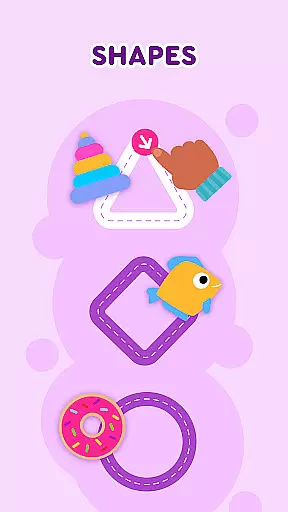
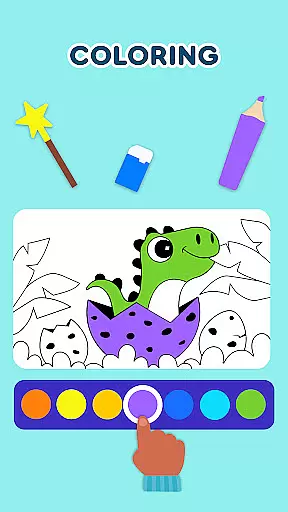
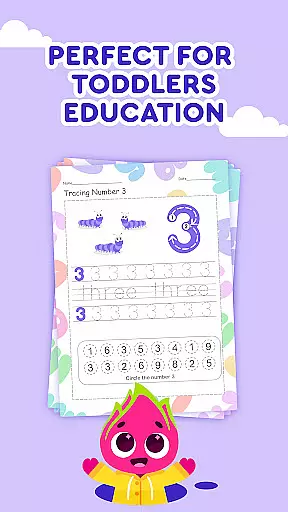

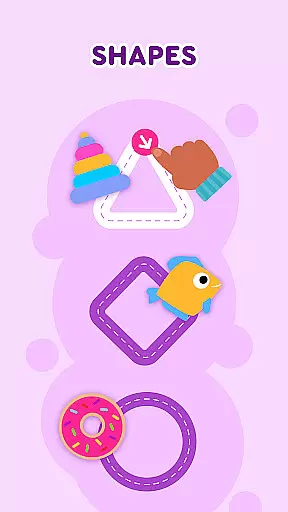
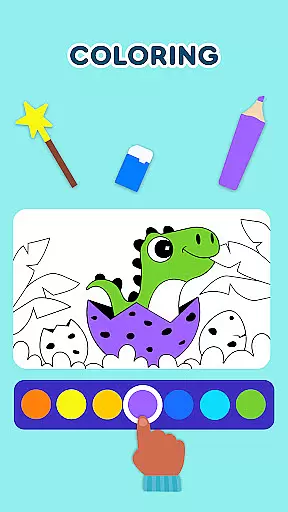
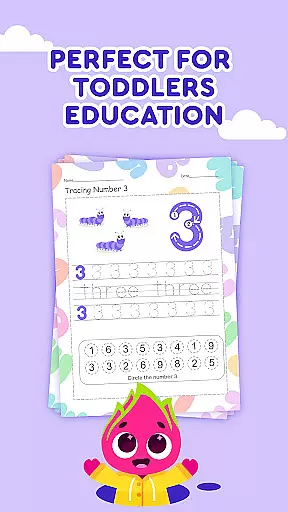

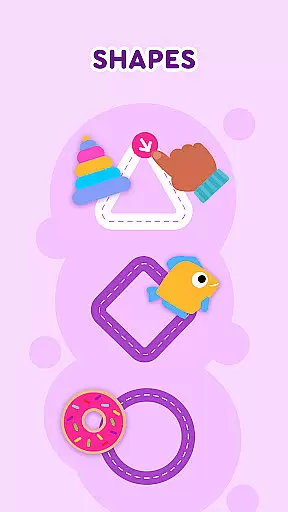
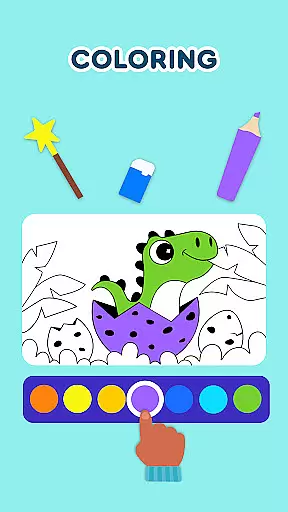
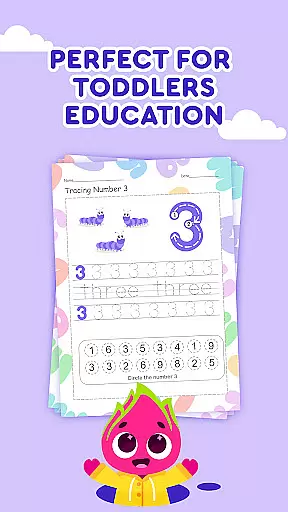

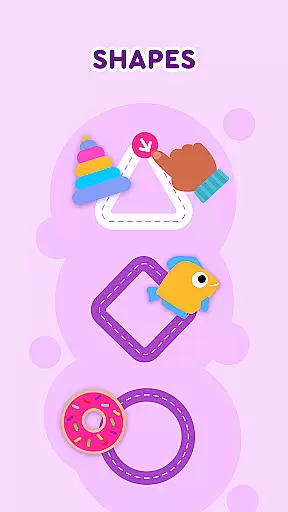
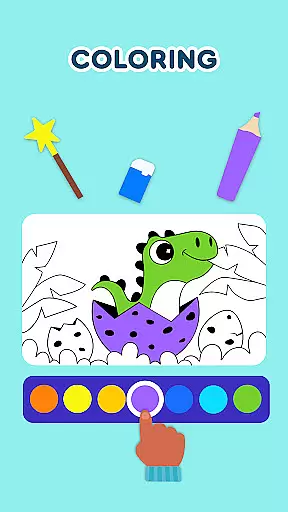
Keiki Learning Games for Kids is an educational app designed to make learning enjoyable and interactive for toddlers and preschoolers. The app offers a variety of activities including ABC games, math games, color and shape recognition, and puzzles that are crafted by child education experts. With its focus on fun and safety, it provides an ad-free environment where children can sing along to educational songs, learn letters, numbers, animals, and more.
The app's core function is to provide early learning experiences through engaging content like tracing letters, memory card games, and sorting games. These activities not only entertain but also help in the cognitive development of young children. Whether it's putting together a jigsaw puzzle or learning to write the alphabet, Keiki ensures that screen time is both productive and entertaining.
Parents will find this app particularly useful as it combines education with entertainment seamlessly. It's perfect for keeping kids engaged while they develop essential skills such as letter recognition, basic phonics, and problem-solving abilities. By integrating these educational tools into playful scenarios, Keiki Learning Games for Kids becomes an invaluable resource for early childhood education.
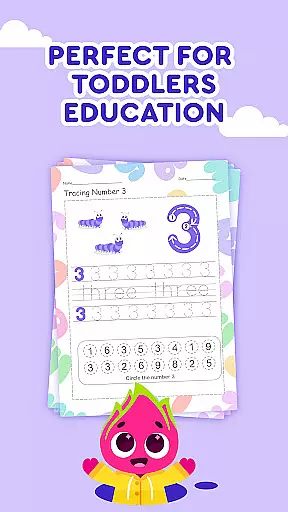
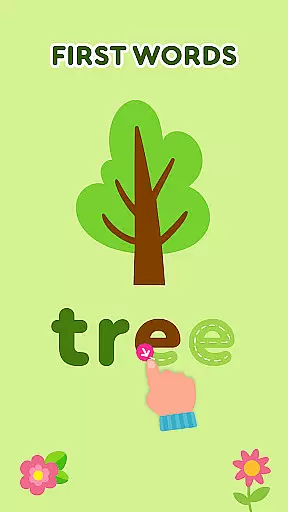
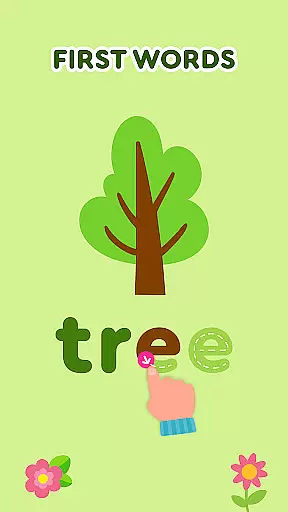
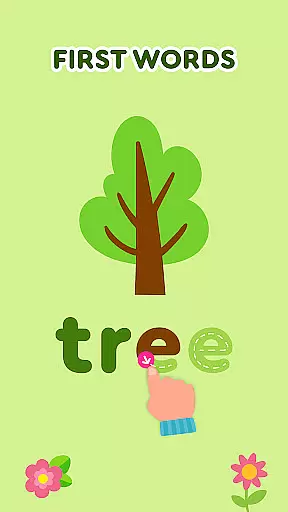
Keiki Learning Games for Kids boasts a wide array of features tailored to engage and educate young minds. One standout feature is the collection of ABC puzzle games which train letter recognition and basic phonics. Children select letters and place them in relevant slots, enhancing their understanding of the alphabet through interactive play. Additionally, the app includes tracing activities for both uppercase and lowercase letters, promoting handwriting skills from an early age.
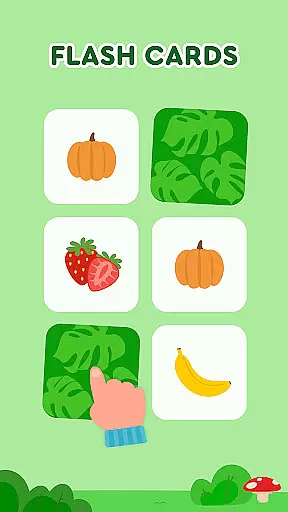
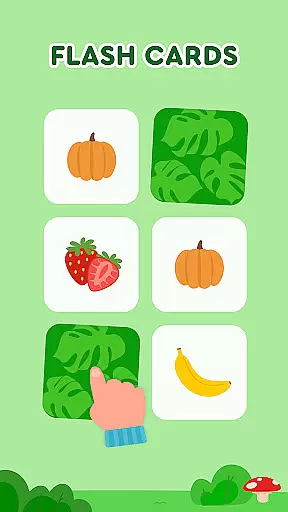
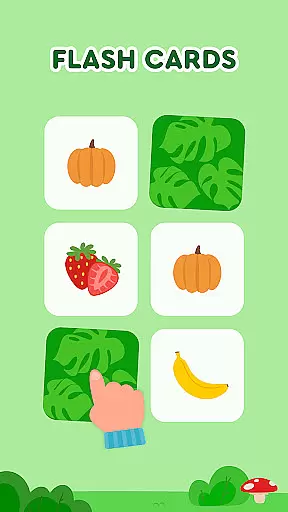
Another highlight is the suite of toddler puzzles that vary in complexity, allowing children to rotate pieces and solve puzzles featuring animals and vehicles. This not only sharpens their logical thinking but also improves their motor skills. Furthermore, the app contains memory games that cover diverse topics such as the alphabet, numbers, animals, and colors, with adjustable difficulty levels ensuring sustained interest and challenge.
Moreover, the app integrates fun themes like cooking and harvesting, where children can learn about fruits, vegetables, and kitchen etiquette. These thematic games encourage role-play and imagination while teaching valuable life skills. Overall, the combination of varied educational content and playful interaction makes Keiki Learning Games for Kids a comprehensive tool for early learning.
In the realm of educational gaming, content authority and curriculum alignment are paramount for ensuring that learning is both effective and relevant. Keiki Learning games for Kids takes this to heart by developing their suite of games with direct input from child education experts. This ensures that each game not only captivates the attention of young learners but also imparts foundational knowledge in a structured manner.
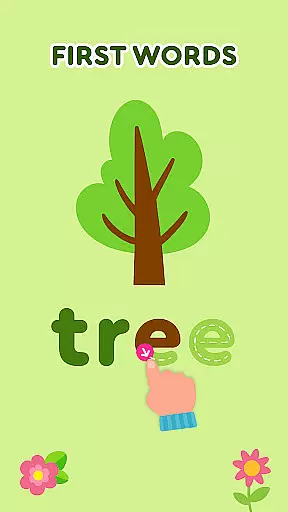
The application's ABC games for toddlers and babies exemplify this approach. These games are crafted to train letter recognition and basic phonics, adhering closely to early childhood educational standards. By engaging children with interactive puzzles that require them to select and place letters into relevant slots, Keiki facilitates an understanding of the alphabet and phonics in a playful environment.
Furthermore, the app includes tracing activities for big and small letters, which introduces writing skills. Such features are integrated seamlessly into the gameplay, providing a curriculum-aligned learning journey that feels like play. The inclusion of funny songs and Didl Cartoons further enriches the experience, offering diverse methods for kids to learn letters, numbers, animals, body parts, colors, and shapes.
Keiki Learning games for Kids stands out in its innovative approach to gamification-learning integration, transforming traditional educational content into interactive experiences that resonate with young users. Through a variety of engaging activities, such as toddler puzzles, math games, and color and shape recognition tasks, the app successfully marries fun with pedagogy.
One notable feature is the Spin & Turn Toddler Puzzle Educational Games, where children must figure out how to rotate puzzle pieces to complete pictures. This mechanic not only entertains but also enhances problem-solving skills and cognitive development. Similarly, the Harvest and Cooking sections use simulation to teach kids about fruits, vegetables, and basic cooking skills, all within a game-like setting that keeps them engaged and eager to learn more.
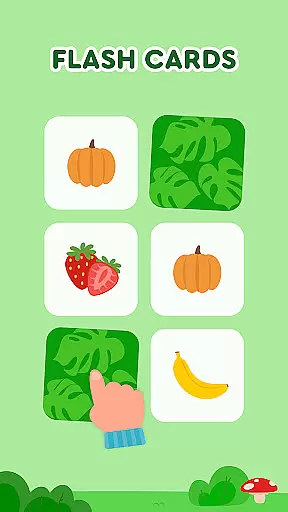
Memory Cards and Catch It! segments further demonstrate the appu2019s commitment to gamified learning. Memory Cards challenge children to find pairs of cards across different themes, including the alphabet, animals, food, and colors. Meanwhile, Catch It! encourages quick thinking and motor skills as children collect escaping bugs, crabs, and mice into color-matched baskets. These elements showcase how Keiki Learning games for Kids effectively blend education with entertainment, creating a dynamic platform where learning objectives are achieved through enjoyable, immersive play.
Engaging content
Safe environment
Educational value
Variety of games
Expert-designed
Limited to toddlers
No advanced levels
Simple graphics
Repetitive gameplay
In-app purchases

A game to memorize
 4.4
4.4
Puzzles, Cats and Programming
4.80
A logic puzzle game for 1 - 3 players
4.5
Imagine, build and ride your own Rollercoaster!
3.90
Kids letter tracing technique, which is the first step in learning how to write.
4.30
Create stories and build your own virtual world for your avatar!
3.00
Dress up, Makeover, and Party! Design a Wonder World!
3.90
Preschool learning games: 123 numbers game for kids, abc learning for toddlers
4.70
Enjoy coloring with wide variety of 1000+ coloring games for kids & drawing game
4.50
Play educational games for preschool toddlers—plus more to discover ►AdsFree◄
4.60
Play virtual baby daycare simulator & be a babysitter, take care of cute babies!
4.60
Fun educational games for kids that teach number tracing, counting with modes!
4.50
Toddler Learning Games, Learn: Colors, Shapes, Puzzles, ABC ... ►NoAds!◄
4.50
Fun game for preschoolers to learn addition, subtraction, counting and math!
4.50
OG Munchers - Play classic Number Munchers game on Android
4.40
A fan of cute games? Try animal games & take care of fluffy virtual pets!
4.20
Magical girl game where dreams come true. Collect & care for cute princesses!
3.80
Companion app for Cozmo, the educational toy robot who’s got a mind of his own.
3.30
Creating emotional connections
4.5


User Reviews