

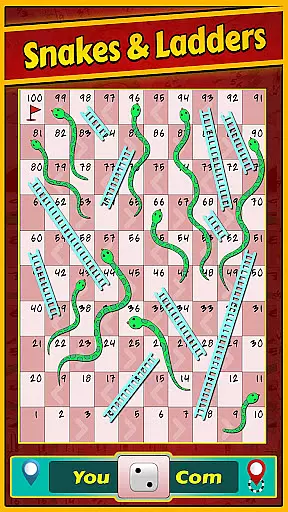

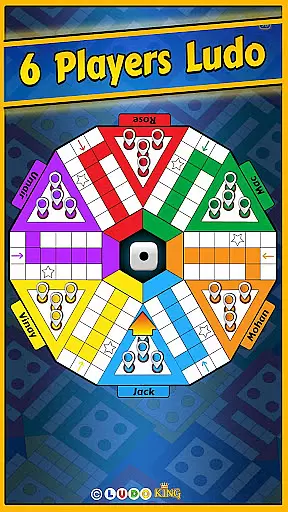

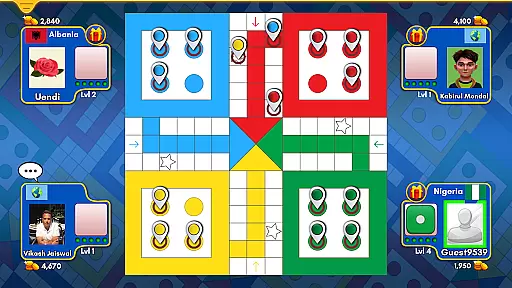
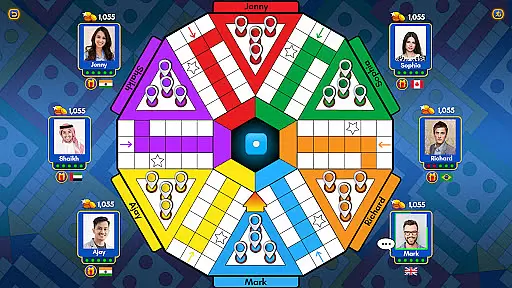


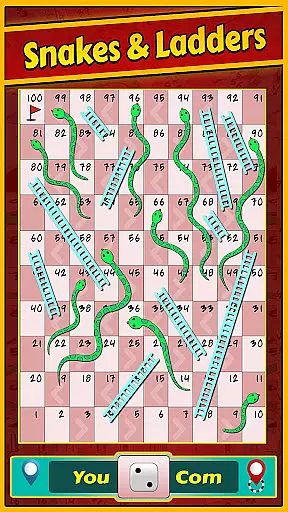

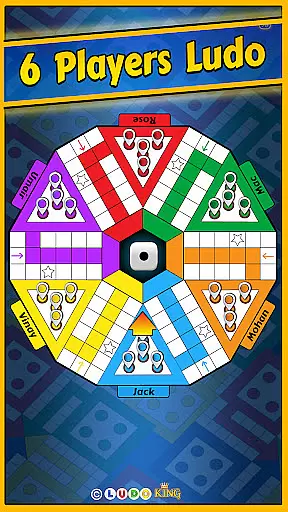

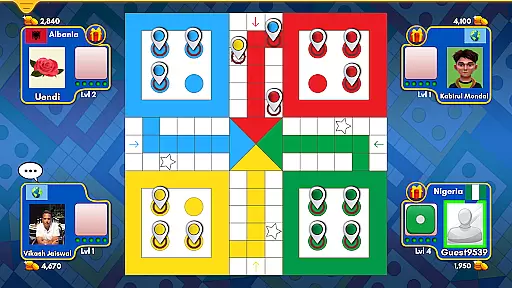
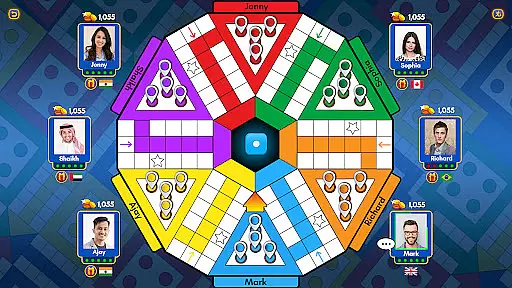


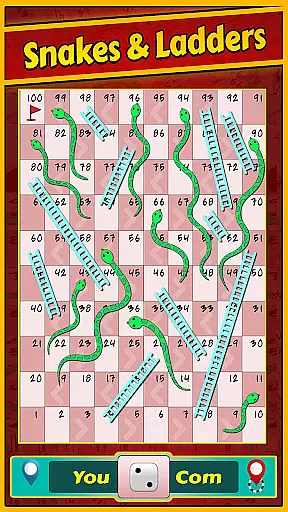

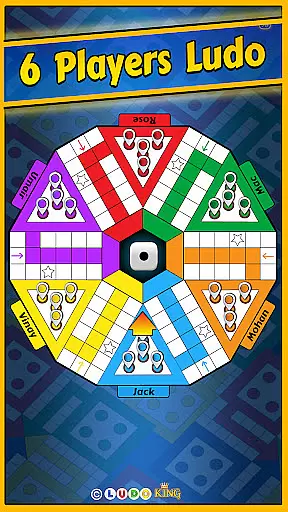

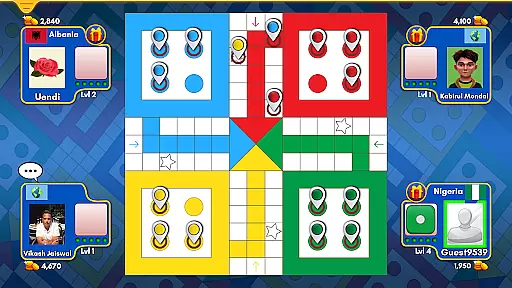
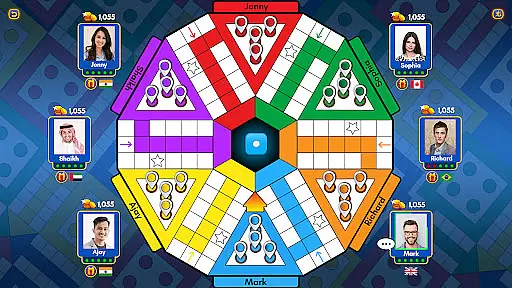

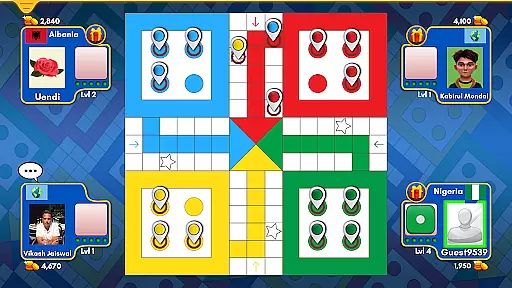
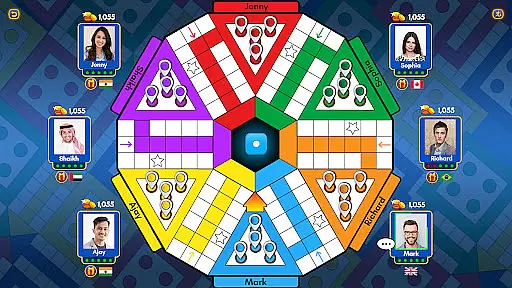

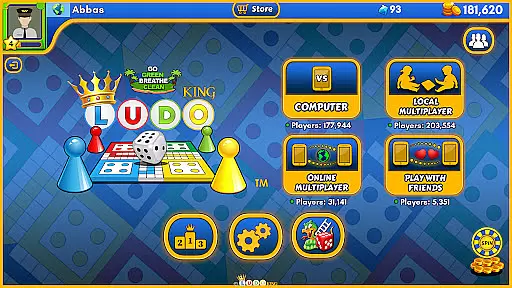



Ludo King® is a premier digital adaptation of the classic board game, designed for both casual and competitive play. This app brings together friends, family, and players from around the globe in an engaging experience that captures the nostalgia of traditional Ludo and Snakes and Ladders games. With over 1.5 billion downloads, it stands as one of the most popular multiplayer board games available today.
The core feature of Ludo King® is its versatile gameplay options, supporting 2 to 8 players across various modes including online multiplayer, offline play against AI, and local pass-and-play. The inclusion of themed boards, monthly seasons, and daily goals adds depth and variety to the gaming experience. Additionally, social features such as voice chat, text messaging, and the ability to challenge Facebook friends enhance player interaction.
Whether you're looking to relive childhood memories or seeking a fun way to connect with others, Ludo King® offers an accessible platform for all ages. Its cross-platform compatibility ensures seamless play on Android, iOS, and desktop devices, making it easy to enjoy anytime, anywhere.
Ludo King® distinguishes itself through a rich set of features tailored to enhance user engagement and enjoyment. One standout aspect is the diverse range of game modes, including classic Ludo, Snakes and Ladders, quick matches, and tournaments. These options cater to different play styles, whether users prefer strategic battles or fast-paced fun.
The app also incorporates innovative elements like customizable themes (e.g., Disco, Nature, Pirate), which allow players to personalize their experience. Social integration is another highlight, enabling users to invite friends via Facebook, participate in private chats, and even save/load games for later. Furthermore, accessibility features such as support for low-end devices ensure that everyone can join in the excitement.
By combining traditional gameplay with modern enhancements, Ludo King® delivers a dynamic and inclusive environment. Players benefit not only from the thrill of competition but also from opportunities to build connections and share memorable moments with loved ones.
Rule authenticity and flexibility are crucial elements in any board game, ensuring that the gameplay remains true to its traditional roots while adapting to modern preferences. Ludo Kingu00ae excels in this area by maintaining the classic rules of Ludo and Snakes and Ladders while incorporating new features that enhance user experience.
The game offers multiple modes including the standard 2/3/4 player Ludo and Snakes and Ladders, alongside innovative options like 5/6 player Ludo and 8-player tournaments. This variety caters to different group sizes and playing styles, making it versatile for various social settings.
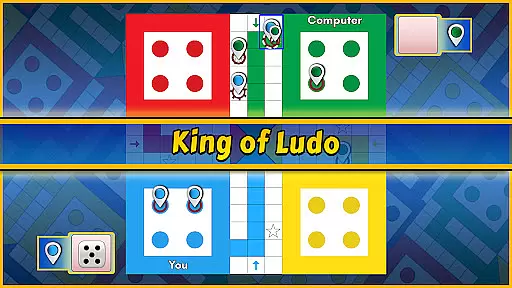
Players can enjoy both online and offline modes, with options for local multiplayer pass-and-play or competing against computer opponents. The inclusion of quick mode and save/load game functions adds convenience and adaptability, allowing users to tailor their gaming sessions according to their schedules and preferences.
By preserving the original charm of these timeless games while integrating contemporary enhancements, Ludo Kingu00ae ensures an engaging and flexible gaming experience that appeals to a wide audience, from nostalgic adults to curious children.
The quality of AI opponents is a significant factor in determining the enjoyment and challenge level of single-player board games. In Ludo Kingu00ae, the AI has been meticulously designed to provide a competitive yet fair playing experience, simulating human-like strategies and decision-making processes.
When playing against the computer, users will encounter varying difficulty levels, each presenting unique challenges. The beginner level offers a more relaxed pace suitable for newcomers, while advanced levels introduce sophisticated tactics that require strategic thinking and planning, closely mimicking real-life opponents.
This dynamic AI system enhances replayability, as each match presents new scenarios and outcomes. Players can hone their skills and develop winning strategies without needing an internet connection, making it ideal for travel or areas with limited connectivity.
Ultimately, the high-quality AI opponents in Ludo Kingu00ae contribute significantly to the overall appeal of the game, providing endless hours of entertainment and helping players improve their tactical abilities in a fun and interactive environment.
Wide user base
Versatile game modes
Cross-platform support
Social interaction tools
Regular updates
In-app purchases
Occasional bugs
Ads between games
High skill gap
Complex UI

Fantasy Christmas Color.Paint by number on holiday coloring book to relax.
 4.90
4.90
Start Playing this cool Domino Game right now!
4.70
Build an empire in around eight minutes!
4.20
Second Dawn for the Galaxy
3.90
Chose clever, score better!
4.60
Relive your favourite childhood game, now on mobile and tablet.
4.60
Best Dice Game with Friends!
4.80
Trade stickers & Get dice
4.70
Play bingo, roll dice, and relax with a brain-boosting MONOPOLY board game!
4.70
Enjoy Classic Domino: Master each tile and play offline board games!
4.90
Enjoy tile matching puzzles and unlock fun stories!
4.90
Play free Bingo with millions worldwide, enjoy nonstop fun and win great prizes!
4.80
Joyful color by number & paint by number in this relaxing coloring game!
4.60
Coloring Book is the #1 paint by number game with tons of free zen coloring.
4.60
Addictive, challenging and beautiful - test yourself in this ancient game!
4.30
Roll the dice, pass go and win! Play Hasbro's official MONOPOLY mobile game.
4.20
Challenge friends in offline 2 player games. Play boxing, fighting, chess, snake
4.00
Flip & Write game from the Roll Player universe. Expert Game of the Year nominee
4.00
by IRON Games
2.60


User Reviews