
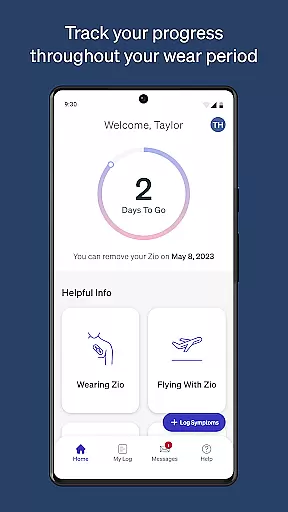
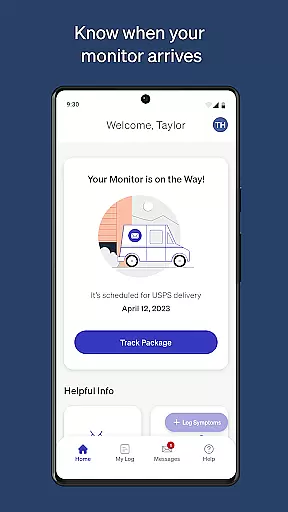
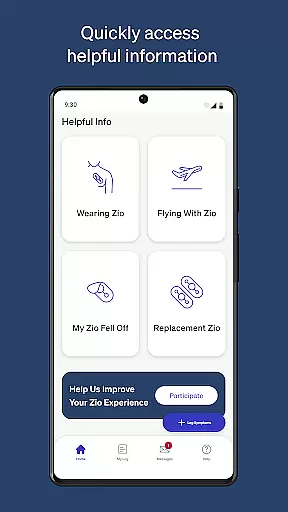
MyZio is a specialized medical application designed to complement the Zio ECG monitor. This app allows users to track the shipping status of their ECG monitors, log symptoms, and access instructional content. With its user-friendly interface, MyZio ensures that patients can efficiently manage their heart health monitoring process.
One of the standout features of MyZio is its ability to seamlessly integrate with the Zio service, providing users with resources such as instructional videos and symptom logging capabilities. Whether you're at home or on the go, this app provides critical support for managing cardiovascular health.
The app is particularly useful for patients who require continuous monitoring and regular updates on their device's status. By streamlining the management of ECG data and offering educational materials, MyZio enhances the overall user experience in personal healthcare management.
MyZio offers a comprehensive set of features tailored for users of the Zio ECG monitor. First and foremost, it enables users to create and manage their MyZio accounts effortlessly, allowing them to stay connected with their health data at all times.
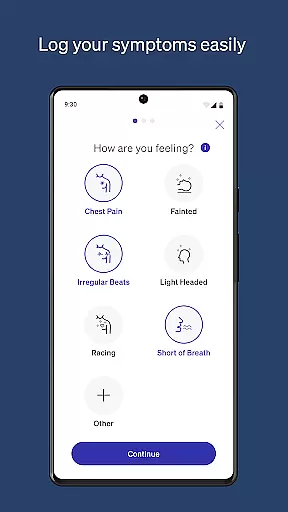
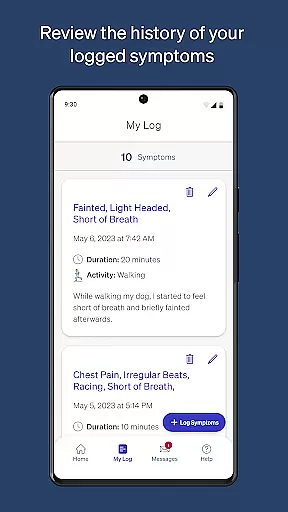
In addition to account management, the app excels in tracking the shipping status of the Zio ECG monitor, ensuring users are always informed about their device's whereabouts. The symptom logging feature is another highlight, enabling users to record and modify their symptoms as needed, which is crucial for accurate health monitoring.
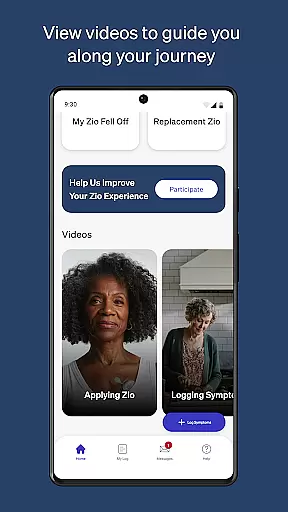
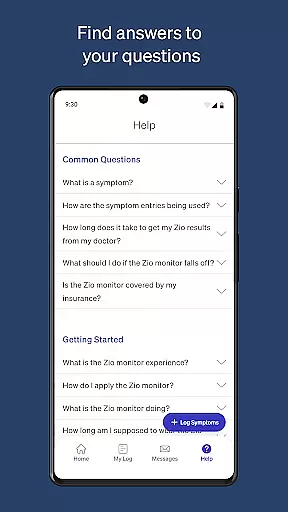
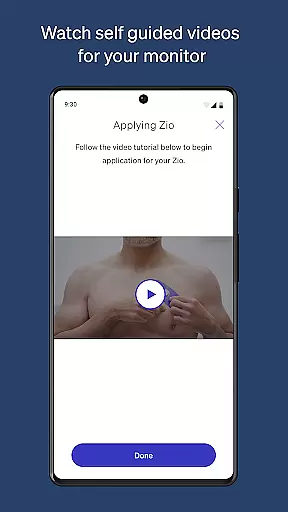
Furthermore, MyZio provides access to a wealth of information about the Zio service, including instructional videos that guide users through every step of their heart monitoring journey. These resources empower users to make the most out of their Zio ECG monitors, enhancing both usability and effectiveness.
In the realm of medical applications, content credibility is paramount. MyZio ensures that all information provided through its platform is thoroughly vetted by healthcare professionals. This guarantees that users receive accurate and reliable guidance concerning their Zio ECG monitor usage.
The app offers instructional videos and materials reviewed by experts, which assist users in understanding how to effectively use their device. These resources are designed not only to educate but also to give users confidence in managing their heart health monitoring process.
By having this level of expert-reviewed content, patients can be assured that they're following best practices for ECG monitoring. The peace of mind that comes with trusted medical advice enhances the overall value and effectiveness of the MyZio app as a companion tool for cardiac care.
MyZio goes beyond just tracking and logging symptoms; it provides an infrastructure for high-quality teleconsultations. Users can expect seamless communication with healthcare providers, ensuring that their data from the Zio ECG monitor is accurately conveyed and interpreted.
This feature allows for timely feedback and support without the need for physical office visits. Patients can discuss their symptoms and ECG readings with specialists who have direct access to the transmitted data, leading to more informed consultations.
The ability to engage in detailed discussions about one's health status remotely improves accessibility to professional care. It empowers users by providing them with convenient options for maintaining continuous dialogue with medical experts regarding their cardiac health.
User-friendly interface
Comprehensive symptom tracking
Real-time shipping updates
Instructional video library
Seamless device integration
Limited to Zio ECG users
Feature disparity by region
Potential connectivity issues
No offline functionality
Subscription may be required

Identify pills, search different drugs, get drug information and much more!
 4.50
4.50
Sync your blood glucose device, log values automatically and tame your diabetes!
4.60
Easy telehealth appointments + urgent care
4.70
Elegant, easy-to-use period tracker for fertility, PMS symptoms, and more
4.90
The Better Pharmacy Experience
4.90
Personalized hearing experience and health data tracking
4.50
Boost reading, writing, speaking and listening with a scientifically proven app.
4.70
CPR Timer for High Performance AHA BLS / ACLS
5.00
Online Doctors & Condition Management
4.40
myVCA is your tailor-made guide to raising a healthy and happy pet.
4.90
Live vet support by text/video
4.80
Manage your prescriptions anytime, anywhere with the Publix Pharmacy mobile app.
4.80
Search by insurance, see real-time openings & verified reviews, get care fast.
4.80
PPP provides quick offline access to over 350 field treatment protocols.
4.60
Internal medicine literature at your fingertips.
4.50
Molina Members: My Molina. Manage your health anytime, anywhere!
4.30
Control your hearing aids discreetly with the touch of a finger
4.30
Voice pitch monitor for speech therapy, LSVT, Parkinson's, singing & trans
4.30
ECG modules improve rhythm ID. ACLS is a simulator for cardiac arrest scenarios.
4.0


User Reviews