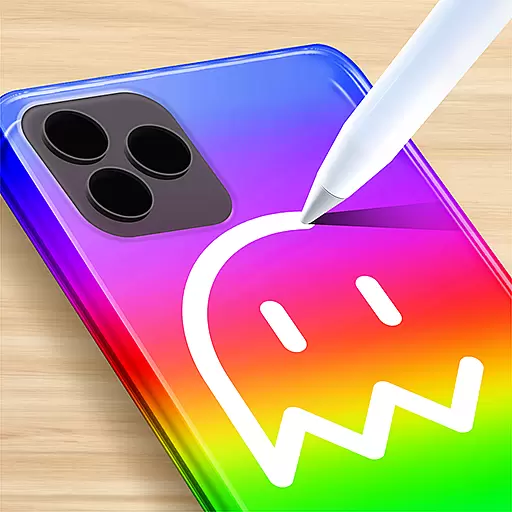
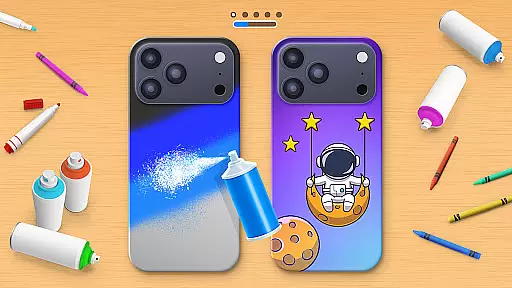
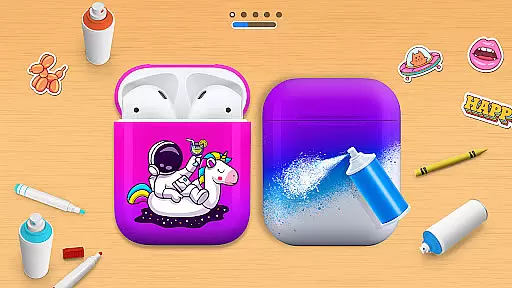
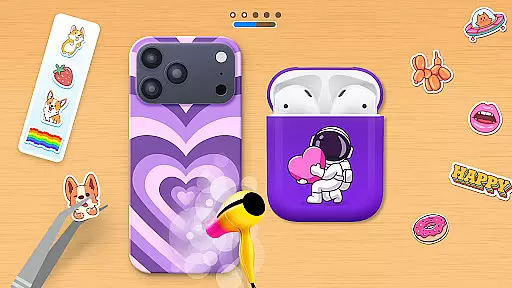
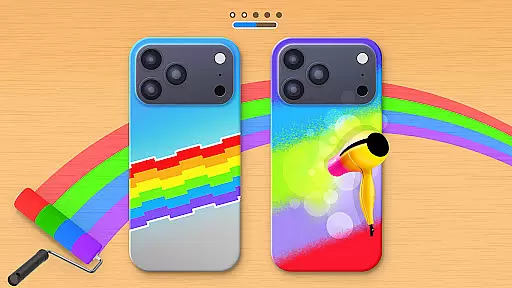
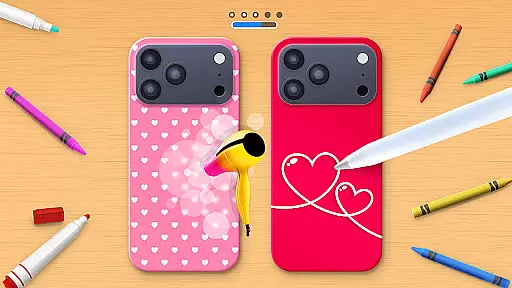
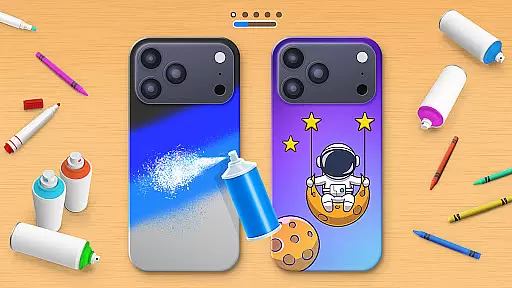
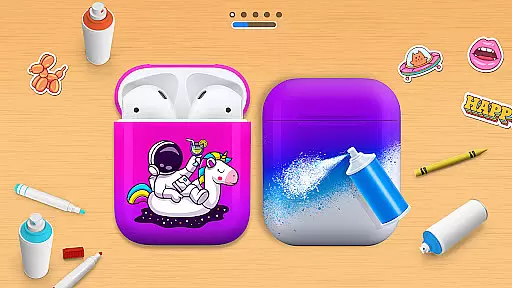
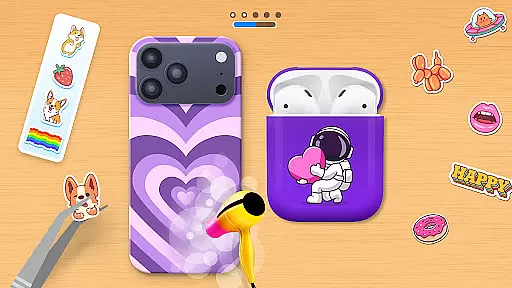
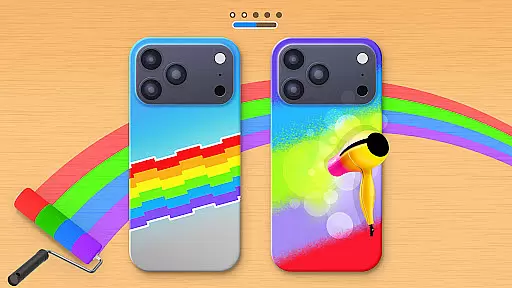
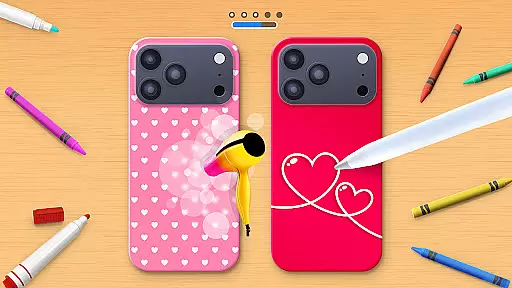
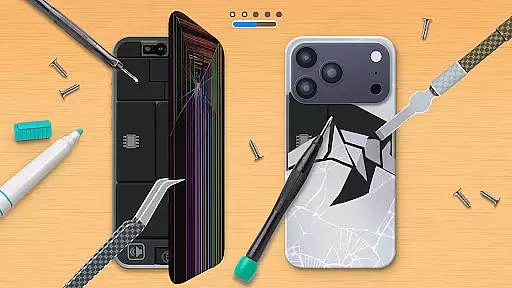
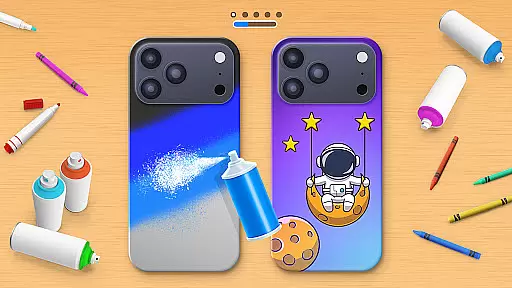
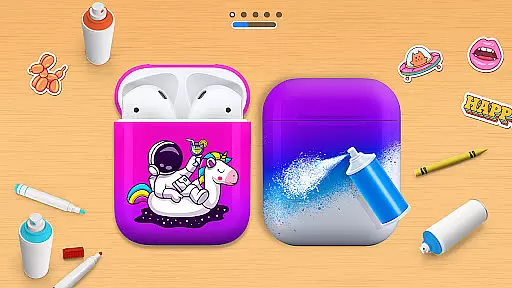
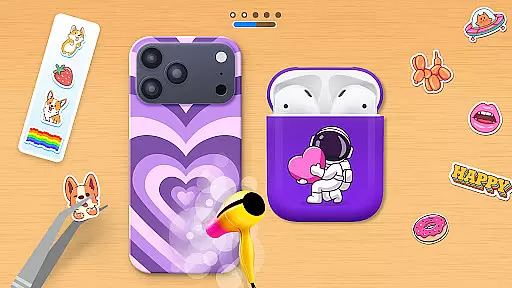
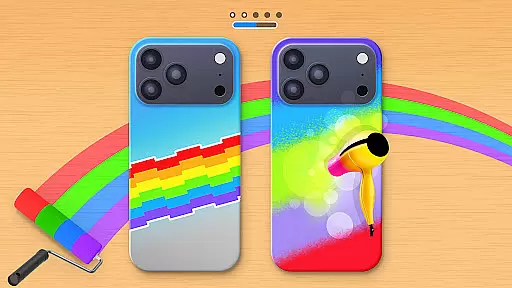
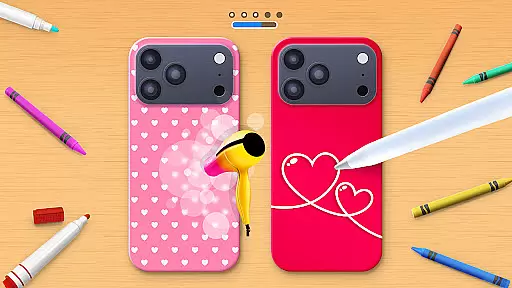
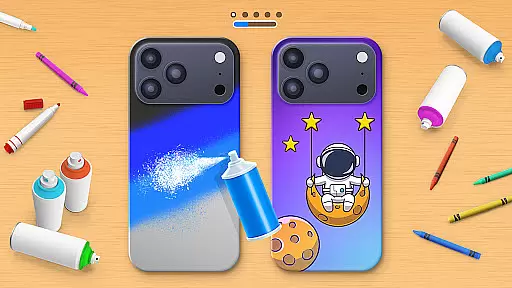
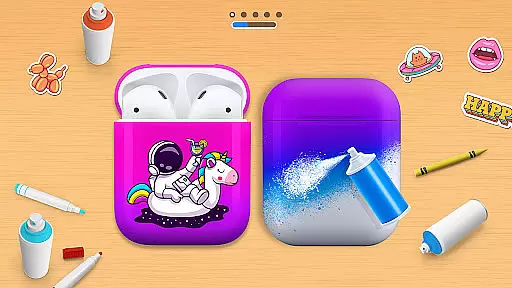
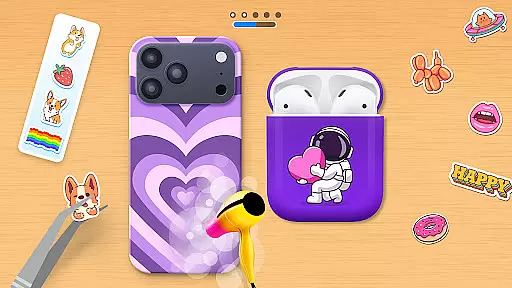
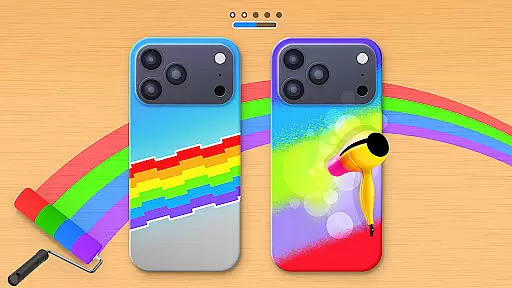
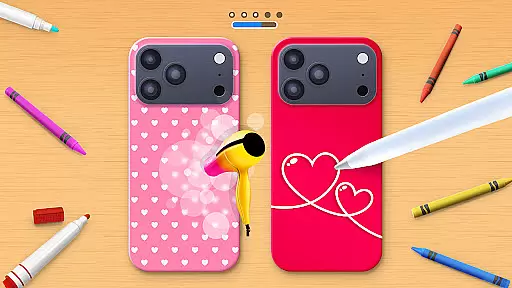
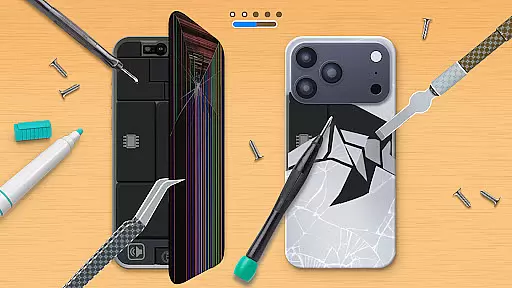
Phone Case DIY is a creative simulation game that allows users to design and customize their own phone cases, earbuds, and headphones. With an extensive range of colors, patterns, and stickers, the app offers endless possibilities for personalization. Users can express their unique style by painting and decorating phone accessories with vibrant acrylics, tie-dye effects, and fun stickers.
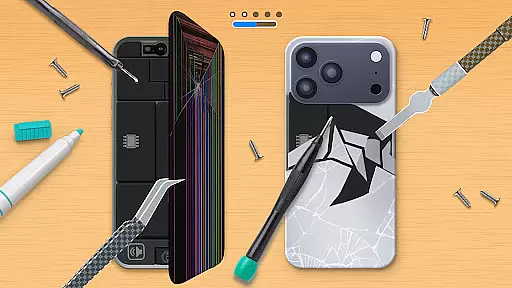
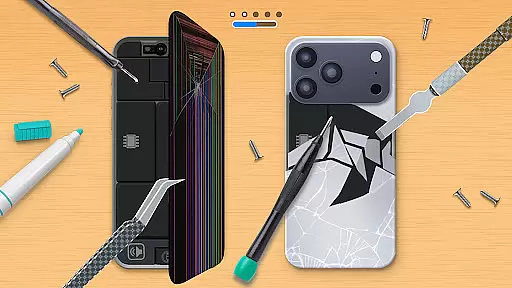
The app also features a leaderboard where users can showcase their design skills and compete globally. Additionally, it includes a profile customization option, enabling players to personalize their in-game presence. The ability to repair damaged phone cases adds another layer of creativity and engagement. Phone Case DIY provides a joyful platform for unleashing artistic potential and enjoying a colorful world of custom art.
Phone Case DIY stands out with its comprehensive set of creative tools. Users can paint phone cases using a variety of colors and patterns, ensuring each design is unique. The app's painting feature extends to headphones and earbuds, allowing for a fully coordinated look across all mobile accessories.
Beyond basic customization, the app offers advanced features like acrylic art and tie-dye effects, providing professional-grade design options. A rich selection of stickers adds extra flair to creations. The inclusion of a cleaning function ensures that designs start on a pristine surface, free from virtual dust and mud. These robust features make Phone Case DIY not just a game but a complete creative studio for mobile accessory design.
In Phone Case DIY, the economic system is intricately designed to enhance your creative journey. The game simulates a marketplace where resources such as colors, stickers, and customization tools act as currency. This creates an engaging feedback loop that encourages strategic thinking and planning.
Players must decide how to best allocate their resources to create unique phone cases efficiently. With each design decision, the system dynamically adjusts, offering new challenges and opportunities. This ensures that players remain engaged and invested in their crafting process.
The dynamic feedback mechanism also extends to social features, allowing users to see how their designs stack up against others on the leaderboard. This competitive aspect adds another layer of depth, motivating players to refine their strategies and improve their skills continuously.
Ultimately, this economic simulation provides a rich, immersive experience that mirrors real-world decision-making processes. Players learn to balance creativity with resource management, making every design choice impactful and rewarding.
Resource management in Phone Case DIY is thoughtfully balanced to provide both accessibility for newcomers and depth for seasoned players. The game offers a wide array of colors, patterns, and decorative elements that serve as resources for creating personalized phone cases.
Players can unlock additional resources through various activities such as completing challenges or climbing the leaderboard ranks. This balance ensures that there's always something new to strive for, keeping the gameplay fresh and exciting.
A key feature is the ability to repair and restore damaged phone cases, which introduces another dimension of resource allocation. By managing these resources wisely, players can maintain a collection of pristine designs while still experimenting with new ideas.
This careful balance fosters creativity without overwhelming the player, making it easy to dive into the world of phone case customization. Whether you're mixing colors, applying stickers, or cleaning your virtual workspace, every action contributes to a satisfying and well-rounded crafting experience.
User-friendly interface
Vibrant color options
Extensive sticker library
Global leaderboard
Creative freedom
Limited real-world application
In-app purchases required
Occasional bugs
Ads between sessions
Steep learning curve

Your Empire Awaits: Forge a Realm in This City-Building Idle Game!
 4.80
4.80
Multiverse in shambles? There's a goat for that. Play on mobile now!
4.60
Be a miner: Mine cash in this idle clicker simulator game as gold digger tycoon.
4.50
Big Tractors, Big Farms, 1000+ Acres, American Sheds, all on an American Map!
4.40
Experience the ultimate vehicle simulator with realistic soft-body physics
4.20
Manage the Logging Factory and Build an Idle Lumber Empire in the clicker game
3.90
The Ultimate Cosmic Destruction Simulator
4.60
Collection of relax mini games: Skincare, makeup, makeover, decorating and more
4.00
Cause chaos as a mischievous kitty in this hilarious cat simulator!
4.50
Make a Wizard's journey to find the Philosopher's Stone in an Incremental RPG!
4.80
Ready to be a billionaire and build your bank empire? Start your adventure now!
4.60
Divine casual-strategy Sandbox game about Gods, Civilisations and Faith!
4.50
Join storage auction! Manage your pawn shop! Become an auction tycoon!
4.40
Drive trucks along challenging routes inspired by Bolivia
4.20
Raise crops and animals in this farming simulator!
4.20
Build your base, fight zombies, and survive the post-apocalyptic war!
4.20
Manage your own supermarket. Order products and expand your store simulator game
3.90
Explore Mimo Land – where you can shop, decorate your home, relax at the spa!
3.70
Rule the night as a club security!
4.5


User Reviews