
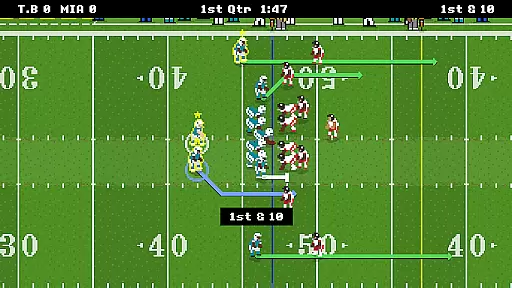
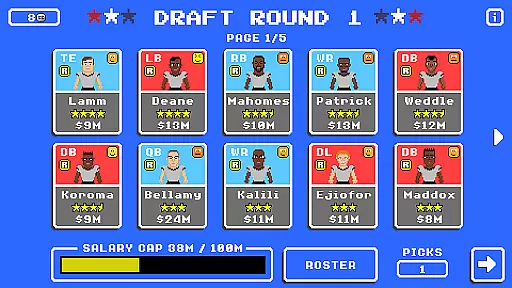
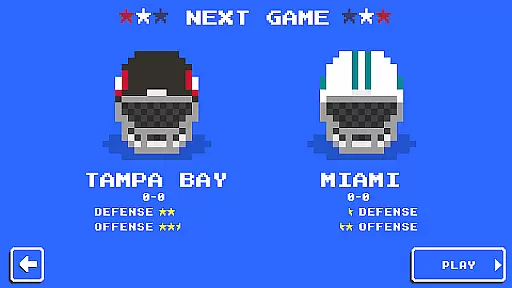
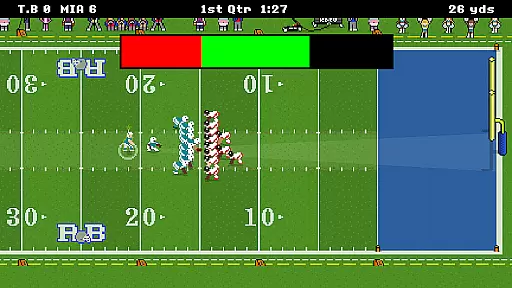
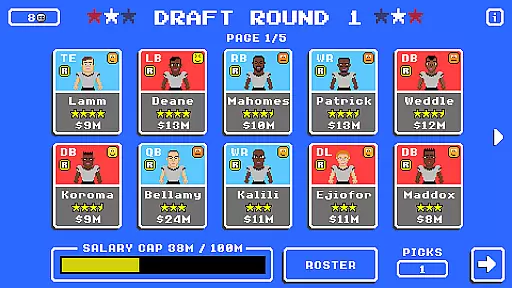
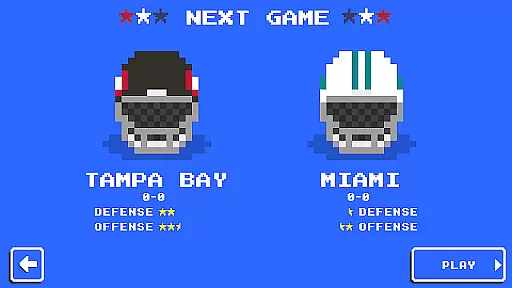
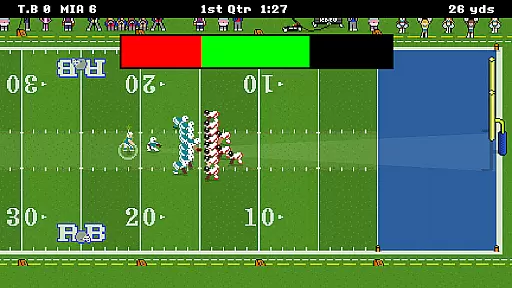
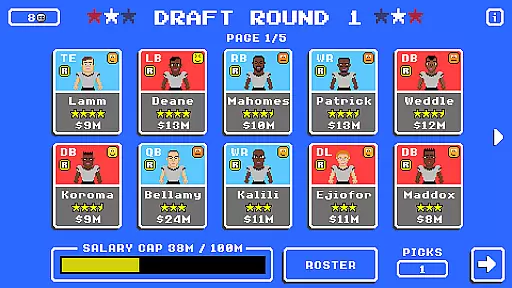
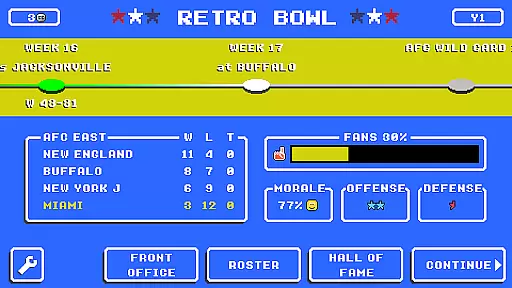
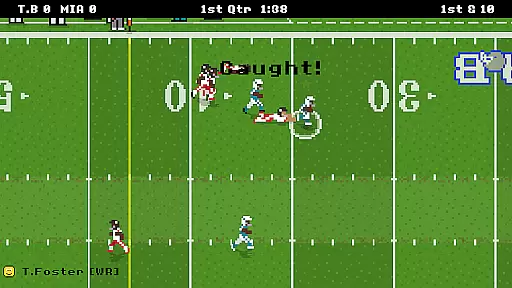
Retro Bowl is a sports game that combines strategic football management with arcade-style gameplay. Players take on the role of both coach and quarterback, handling everything from roster management to calling plays during games. The retro-style graphics give it a nostalgic feel while offering intuitive controls.
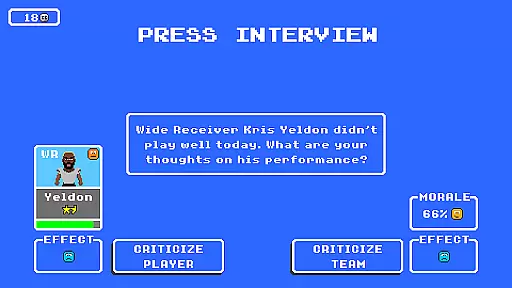
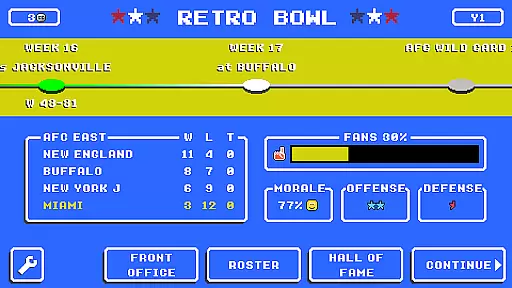
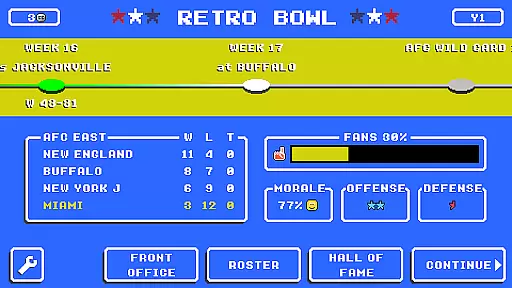
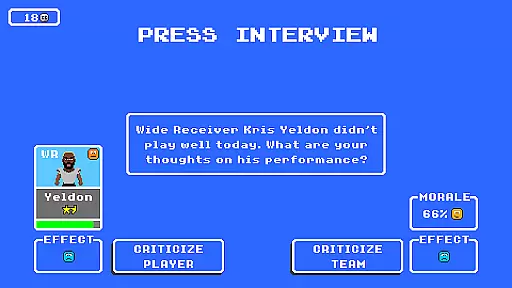
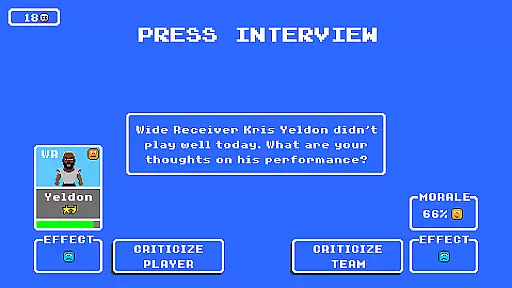
The game challenges players to manage team dynamics including player egos and media relations. On-field action requires tactical decisions, making it appealing for those who enjoy strategy as much as sports. Whether you're a football fanatic or casual gamer, Retro Bowl offers engaging gameplay.
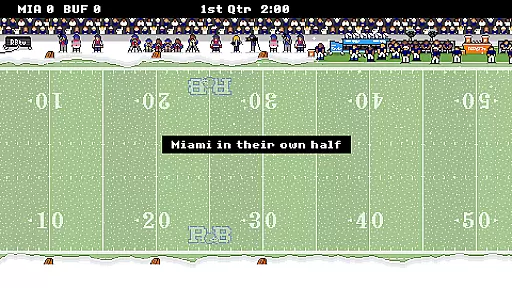
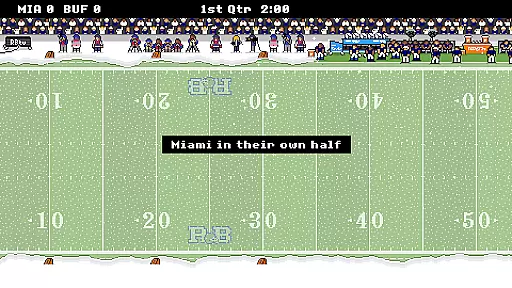
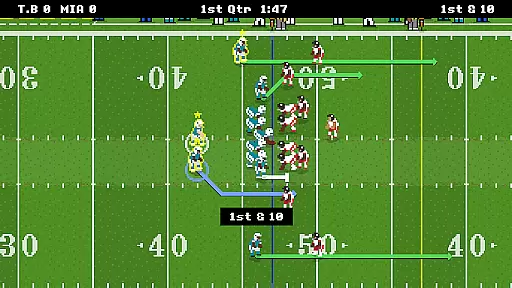
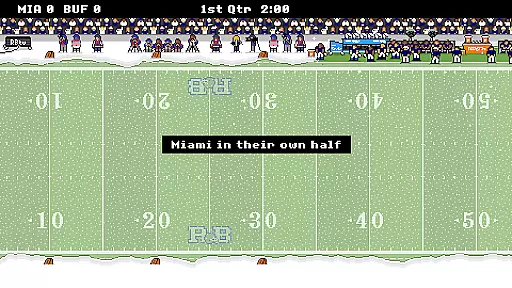
Experience authentic football action with simplified yet deep mechanics. Retro Bowl features customizable plays, detailed player management, and challenging AI opponents. The game includes season progressions, playoff tournaments, and dynamic weather effects.
A standout feature is its dual focus on both management and gameplay. You can trade players, handle team finances, and even manage press conferences. The pixel-art graphics and chiptune soundtrack add to the retro charm, providing an immersive experience for fans of classic gaming.
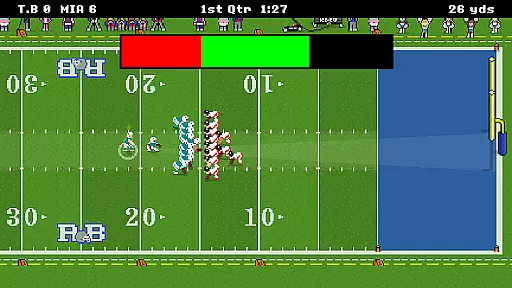
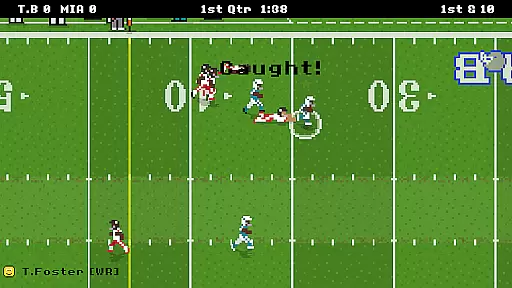
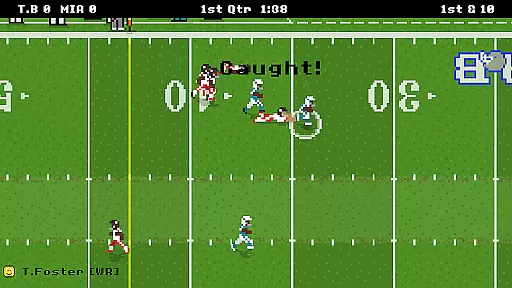
Retro Bowl captures the essence of football with its gameplay realism and physics accuracy, offering players an authentic sports experience. The game employs a retro-style simulation that ensures each play feels true to life, from the toss of the ball to the tackling of players on the field.
Every aspect of the game, including player movements and ball dynamics, is designed to mimic real-world physics. This attention to detail allows users to immerse themselves fully as they call the shots during critical game moments, making decisions that can make or break their team's performance.
Players benefit from this dedication to realism by gaining a deeper understanding of football strategies and the impact of their managerial choices. Whether it's managing fragile egos or deciding on crucial in-game tactics, Retro Bowl provides a satisfyingly challenging experience that resonates with both casual gamers and die-hard football fans.
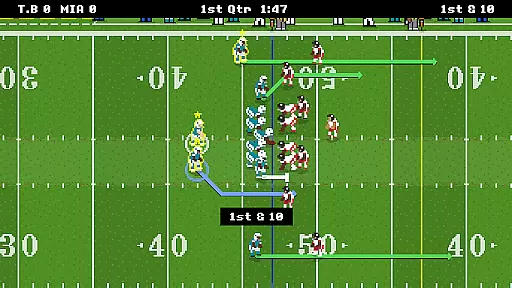
The control scheme in Retro Bowl is crafted for intuitive interaction, allowing armchair quarterbacks to focus on their strategic decisions without being bogged down by complex mechanics. With simple swipe and tap gestures, players can execute plays, manage rosters, and handle press duties effortlessly.
This straightforward approach ensures that users spend less time learning controls and more time enjoying the game. The responsive interface translates user inputs into precise actions on the field, maintaining the flow of the match and keeping players engaged in the action.
By prioritizing an accessible control system, Retro Bowl appeals to a broad audience, from seasoned gamers to newcomers. The ease of use enhances the overall gaming experience, enabling all players to prove their point and strive towards winning the ultimate prize in style.
Easy to learn controls
Addictive gameplay loop
Deep management features
Retro aesthetic appeal
Regular updates
Occasional bugs
Limited defensive options
Ads between plays
No multiplayer mode
Repetitive commentary

Score as a Super Star in Football Strike: Action Multiplayer Online Soccer Game!
 4.70
4.70
Social casino meets sportsbook - more than a bet app for social sports betting!
4.60
Play the hit multiplayer Carrom Disc Pool board game and become the best!
4.60
Pro Freestyle Football
3.20
Real-time 1v1 basketball game! Dunk, shoot & win like MVP basketball superstars!
4.70
Old-School Football
4.40
Feel the thrill of American football: guide a team to triumph through touchdowns
4.40
Master your shots and climb the ranks in the ultimate golf game!
4.30
The NFHS Network delivers high school sporting events from across the country.
3.70
Kick into action! Score goals & climb 100+ levels to become a soccer super star!
4.70
Quick-fire archery duels! Play the most realistic 3D archery game now!
4.70
Feel combo thrills in Challenge! Aim, strategize, and master your billiard skill
4.60
Real boxing game with PvP fights, tournaments & epic knockouts
4.60
Grab the ball and play your Basketball career in this 3D Real-time Sport Game!
4.60
Let's play catch and throwing game!
4.60
Manage your lineup of NBA and WNBA stars on the go with the NBA 2K26 MyTEAM app.
4.50
Fun multiplayer golf game! Prove you’re a golf legend and play with friends!
4.40
Raise your duckling into a champion racer in this addictive pet & adventure game
3.90
Space City Home Network subscribers can now stream their favorite local teams.
3.60


User Reviews