
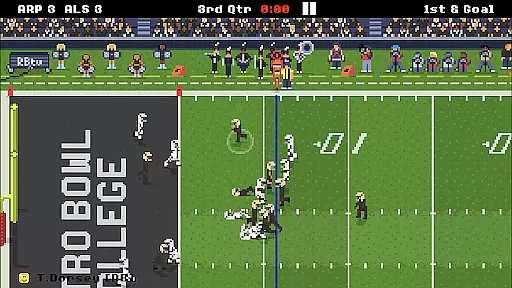
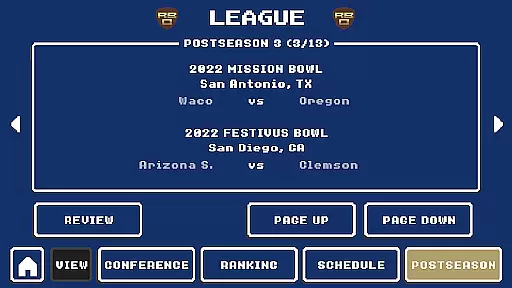
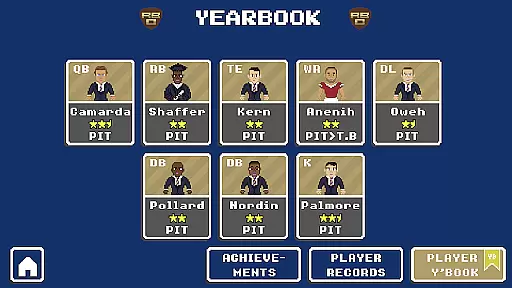
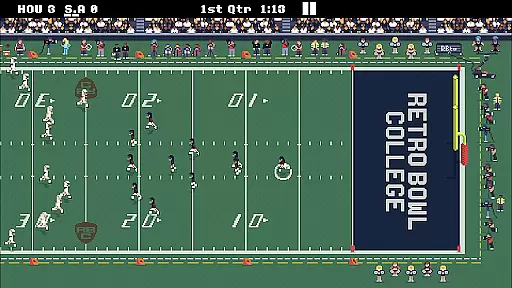
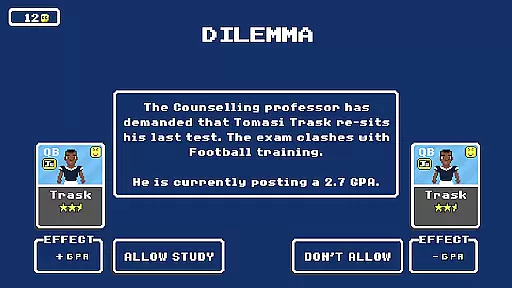
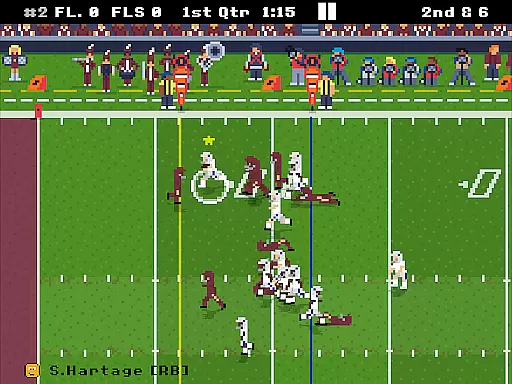
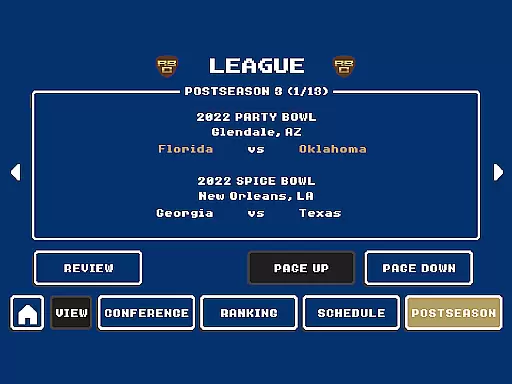
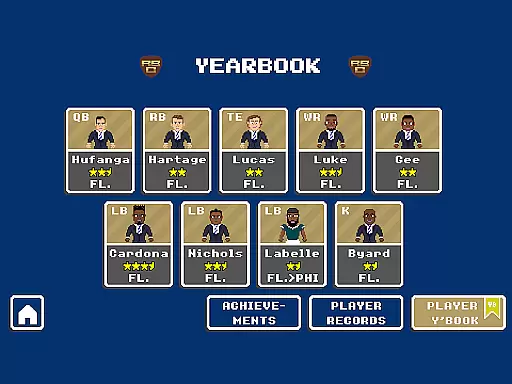
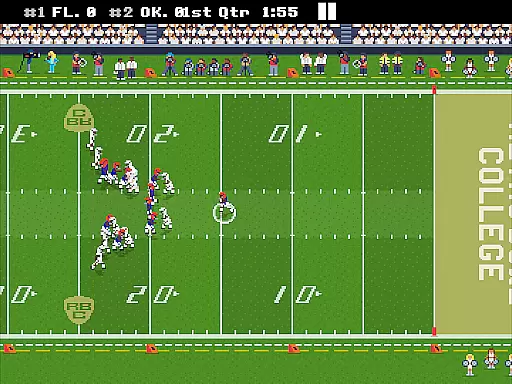
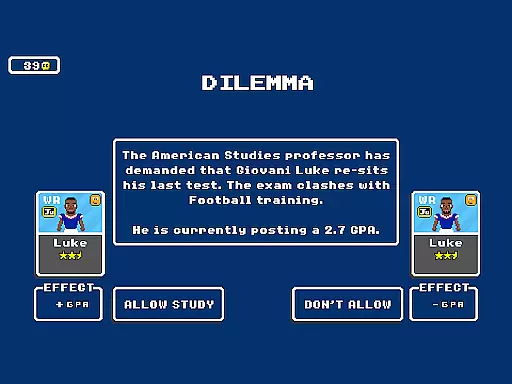

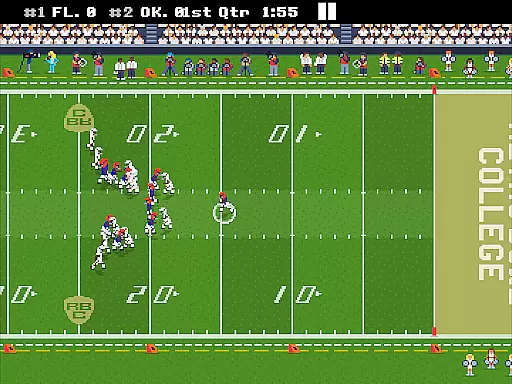
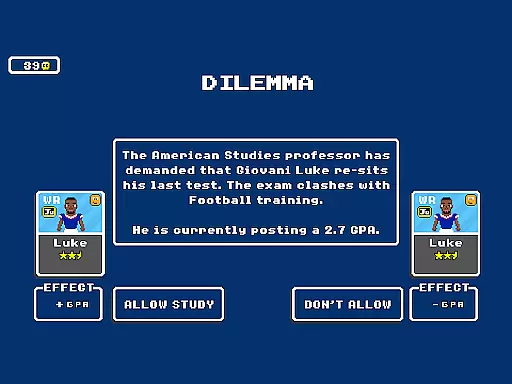

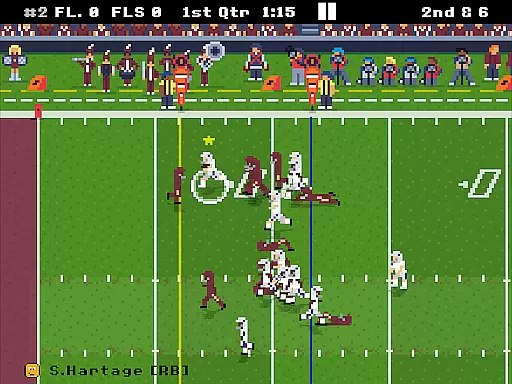
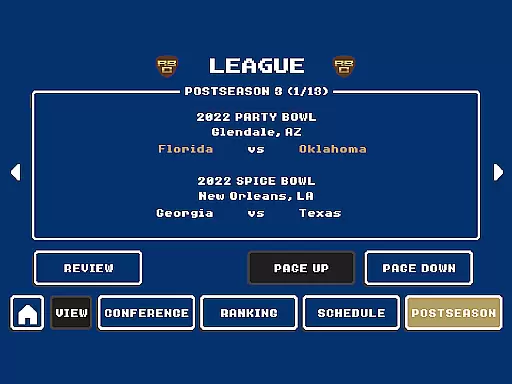
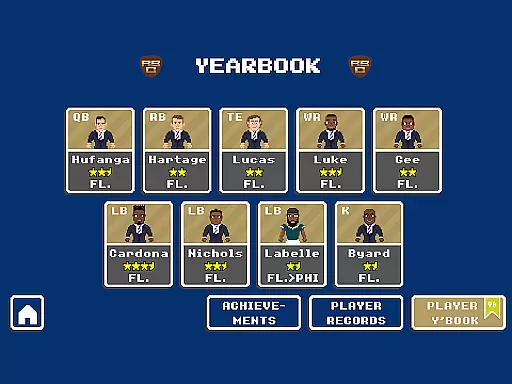
Retro Bowl College is a sports management game that puts you in charge of one of 250 college football teams. As the head coach, your mission is to manage team budgets, develop young talent, and navigate the challenges of college life. The game tests your ability to balance player discipline with performance on the field while preparing them for professional success.
With its retro-style graphics and challenging gameplay, Retro Bowl College offers an immersive experience for sports strategy enthusiasts. Whether you're drafting new players or making critical game-time decisions, this app provides countless hours of engaging football action.
This app stands out with its unique combination of team management and player development features. You'll need to handle everything from recruitment to budgeting, all while keeping your players focused amidst college distractions. The game includes customizable playbooks, detailed player stats, and realistic draft mechanics.
What sets Retro Bowl College apart is its authentic representation of college football culture. From managing egos to scouting future stars, every decision impacts your program's success. The intuitive interface makes it easy to execute plays and manage your team, while the challenging AI ensures every game feels competitive and rewarding.
Gameplay realism in sports games is crucial for providing an authentic experience. Retro Bowl College excels in this area by simulating the challenges of managing a college football team. The game incorporates realistic player behaviors and decision-making processes that reflect the unpredictability of college sports.
The physics engine accurately models player movements, tackles, and ball dynamics, ensuring each play feels true to real-life football. This attention to detail enhances the overall gaming experience, making every match engaging and unpredictable.
Players benefit from this realism as it adds depth to team management. You must consider player morale, fitness, and even off-field behavior. These elements make the gameplay more strategic and immersive, offering a rewarding challenge for those who love football strategy games.
An intuitive control scheme is essential for any sports game, allowing players to focus on strategy rather than complex mechanics. Retro Bowl College offers a streamlined interface where users can easily execute plays, manage their team, and navigate menus without frustration.
The game employs simple swipe and tap controls for play execution, making it accessible for both newcomers and experienced gamers. This simplicity ensures quick decision-making during intense moments, keeping the flow of the game smooth and enjoyable.
By prioritizing ease of use, Retro Bowl College enables players to concentrate on developing strategies and managing their college teams effectively. This approach not only enhances user satisfaction but also broadens the appeal of the game to a wider audience interested in football management simulations.
Easy-to-learn controls
Deep management options
Retro aesthetic charm
Challenging gameplay
Authentic college experience
Steep learning curve
Limited visual polish
Occasional bugs
Ads between games
No multiplayer mode

Trick cliff dive backflips, stunts & doubles! Unparalleled real physics!
 4.50
4.50
Ice Fishing Derby - It's the fun of ice fishing without the frostbite
4.40
Online multiplayer golf game. Play online golf games with your friends
4.60
Pro Freestyle Football
3.20
Mental skills exercise/training - improve your power of focus and concentration
4.3
Master the arrow art in archer duels
4.50
Play the World's Soccer Game Anywhere with Premier League, UCL & LALIGA stars.
4.60
Gym Calendar & check-in for Buckeye Pole Vault Academy athletes, parents & admin
4.5
The NFHS Network delivers high school sporting events from across the country.
2.10
Play darts against the world!
4.70
Quick-fire archery duels! Play the most realistic 3D archery game now!
4.70
Grab the ball and play your Basketball career in this 3D Real-time Sport Game!
4.60
Build a soccer club from scratch and see if you can conquer the World!
4.50
Advanced Shotgun Shooting Simulator: Skeet, Trap, Sporting and Bird Hunting
4.20
Golfing in an Endless Desert
4.10
The Hudl app helps coaches and athletes win using video.
3.70
Space City Home Network subscribers can now stream their favorite local teams.
3.60
An easy-to-use app for sports team communication and logistics
3.20
Run the ball into the endzone in AR.
4.2


User Reviews