
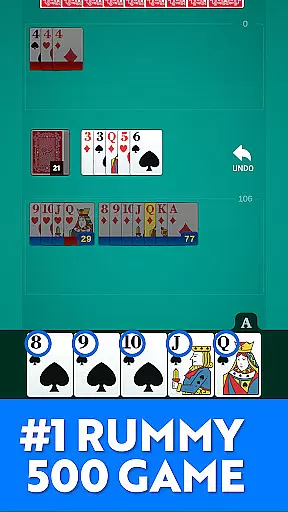
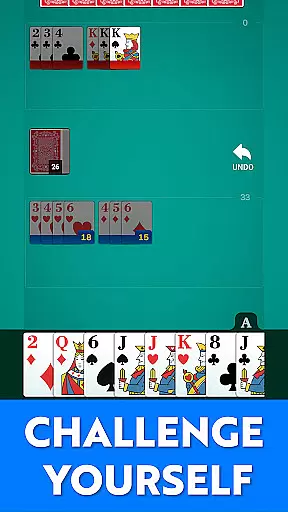
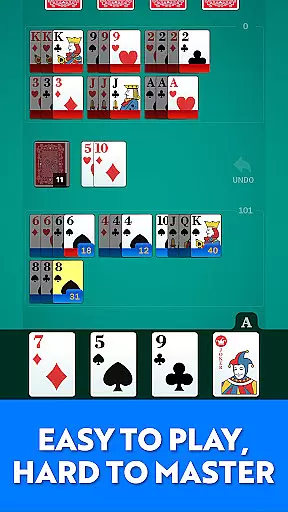
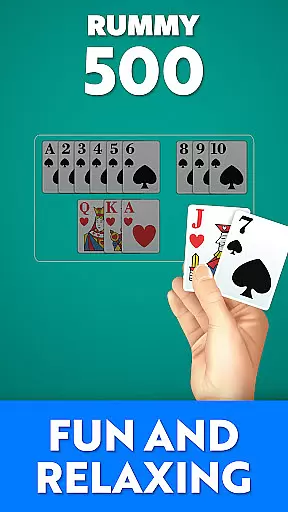
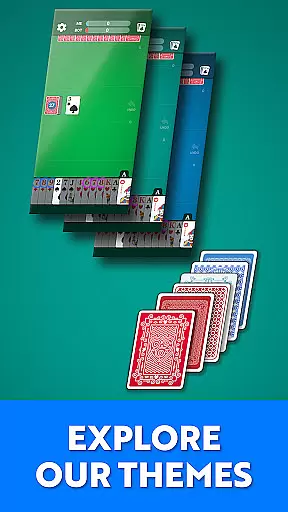
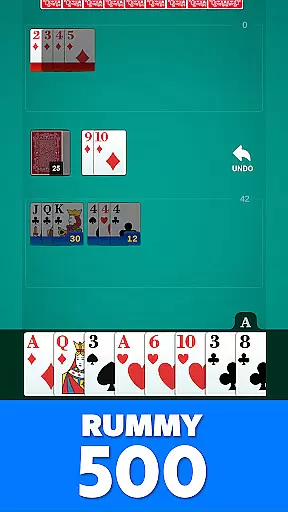
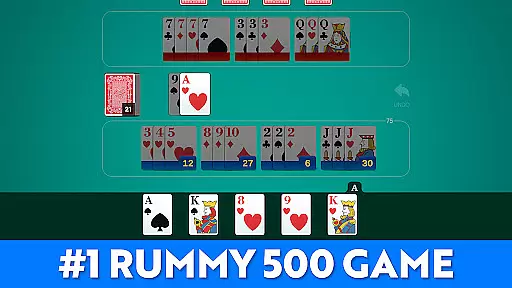
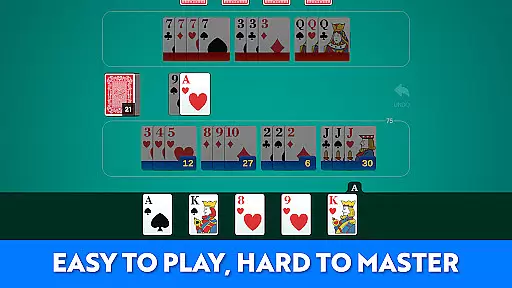
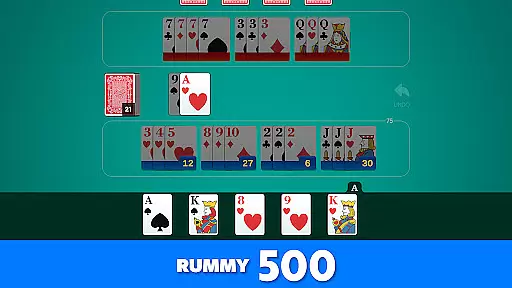
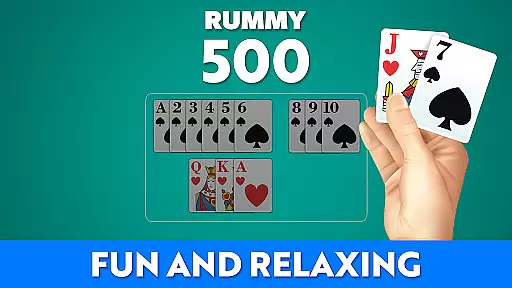
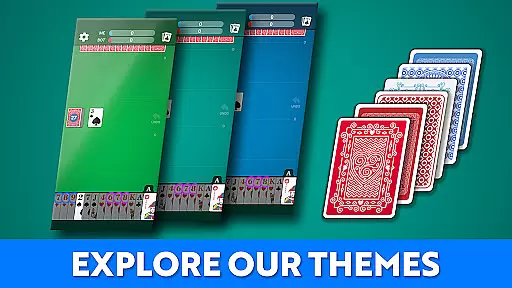

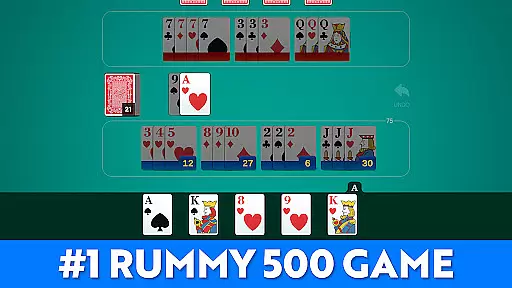
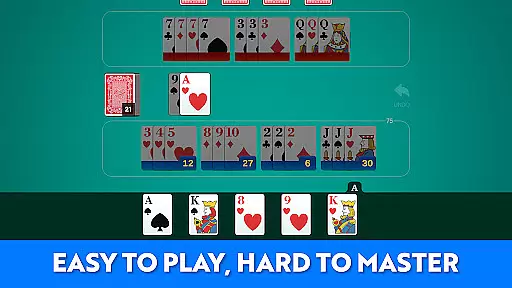
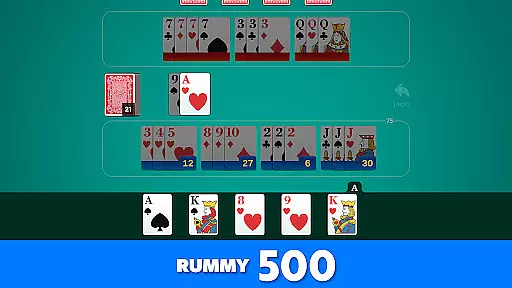
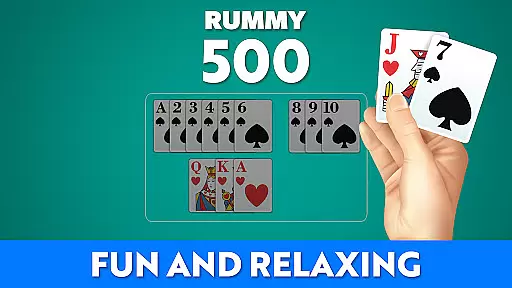
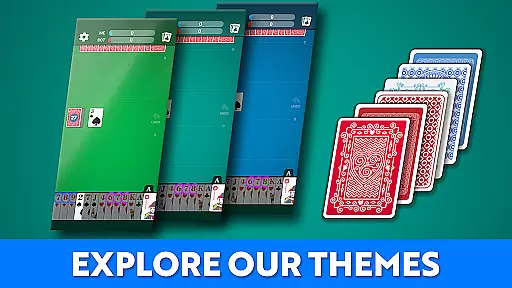

Rummy 500 - Card Game brings the classic card game to your mobile device with smooth gameplay, smart AI opponents, and easy-to-read large cards. Designed for both comfort and strategic depth, this app offers a rewarding experience for card game enthusiasts.
Whether you are a lifelong fan of rummy or new to the game, Rummy 500 provides an engaging mix of tradition and modern ease of play. The polished visuals and intelligent AI ensure each hand is familiar yet challenging, making it perfect for quick sessions or extended play.
Rummy 500 - Card Game stands out with its classic rules and scoring system, ensuring an authentic rummy experience. The app features smart AI opponents with progressive difficulty, offering a challenge to both beginners and experienced players.
Enhanced readability with large cards and a clean visual design ensures comfortable gameplay. Players can track their wins, scores, and game history, adding a layer of personal achievement and progression. With no internet required, enjoy Rummy 500 anytime, anywhere.
Random Number Generation (RNG) is crucial in card games like Rummy 500 to ensure that every shuffle and deal is genuinely random and fair. This app employs certified RNG algorithms, which means the distribution of cards is unbiased and unpredictable, just as if you were playing with a physical deck.
The implementation of RNG in this game guarantees that each player receives a unique and balanced hand every round. The randomness is not only about fairness but also adds an element of surprise and challenge, keeping the gameplay fresh and engaging.
For players, this ensures a trustworthy gaming environment where wins are based on skill and strategy rather than manipulated outcomes. It enhances the overall experience by providing a realistic and competitive atmosphere.
In any card game, especially one as strategic as Rummy 500, control fluidity and input responsiveness are vital for a seamless user experience. This app excels in delivering smooth controls, allowing players to draw, meld, and discard cards effortlessly without experiencing frustrating delays.
The developers have optimized the touch response and minimized input latency, ensuring that every action is registered instantly. Whether you're quickly discarding a card or carefully planning your melds, the app responds promptly to your inputs, maintaining the pace and flow of the game.
This level of responsiveness not only makes the game more enjoyable but also allows players to focus on their strategies without being hindered by technical glitches. It significantly enhances the overall satisfaction and engagement, making each session a delightful experience.
Classic Rummy Gameplay
Smart AI Opponents
Large Readable Cards
Offline Play Capability
Track Game History
Limited Game Variants
No Multiplayer Online
Basic Visuals
Few Customization Options
Ads in Free Version

Become a hero or a villain as you make choice in the fairy Middle Ages!
 3.50
3.50
Decked Builder is the premium deck building app for Magic the Gathering (MTG)
2.90
A unique card-based rogue-like with more than a hundred hours of content!
3.90
Cloud, Rain, Fog, Ice, Fire Magic Puzzle Card Game
4.2
Enjoy Fun and Relaxing Classic Spades Card Game with Friends!
4.90
Classic Solitaire Game: Brain training & relaxation!
4.20
Classic, Original, Klondike Solitaire Game with Large Cards!
4.90
Fishing, the card game that combines trick-taking strategy with deck-building
4.0
Defeat your landlord in this slot machine roguelike deckbuilder!
4.60
Large Card Solitaire Games: Play the addictive solitaire classic card games now!
4.90
Play and Master the Fun Classic Card Game Spades. Outsmart Opponents & Enjoy
4.80
Relax, strategize, and enjoy endless card fun with vintage solitaire.
4.70
Train your brain with relaxing classic solitaire game and have endless fun!
4.70
Enjoy a beautiful solitaire card game with classic rules and relaxing play.
4.60
Challenge your deck building skills in this RPG cardventure!
4.50
Solitaire Classic Pro, like Spider, Klondike Solitaire,FreeCell,Pyramid,Tripeaks
4.40
The original digital version of the cult-classic kitty card game!
4.40
Defeat the Uberlich in this challenging, deck-building roguelike adventure!
4.20
GWENT: Rogue Mage is a single-player expansion to GWENT: The Witcher Card Game
3.50


User Reviews