





Skincare Routine is a comprehensive beauty app designed to help users optimize their skincare and makeup regimen. The app provides personalized routines by recommending the best order to apply products, tracking usage, and preventing conflicts between treatments. Pre-loaded with DECIEM brands like The Ordinary, it also supports custom product entries from any brand, making it versatile for all skincare enthusiasts.
The app goes beyond basic organization by offering advanced features such as progress tracking, photo integration, reminders, timers, and detailed customization options. Whether you're dealing with dry skin, acne, or aging concerns, Skincare Routine offers tailored advice to address various skin issues effectively. Its one-time payment model ensures users can access these robust features without recurring costs.
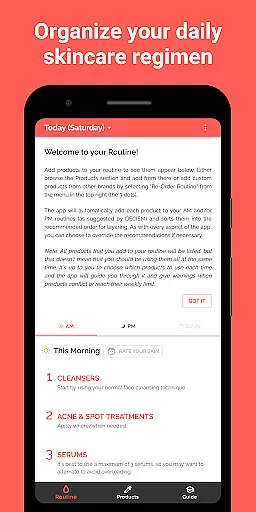
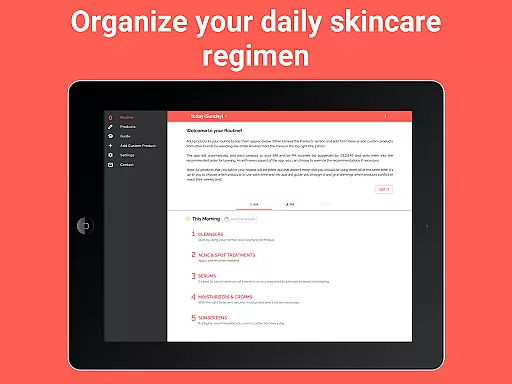
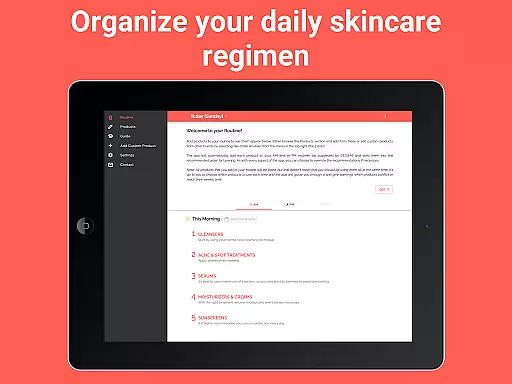
Skincare Routine stands out with its rich feature set tailored for both casual users and skincare enthusiasts. One of its core functionalities is the ability to create personalized routines by adding products that are automatically sorted into recommended AM and PM schedules. This ensures optimal layering based on expert guidelines while allowing users to customize the order if needed.
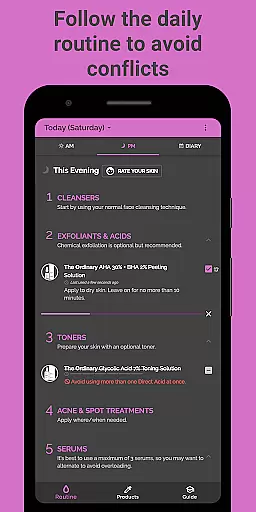
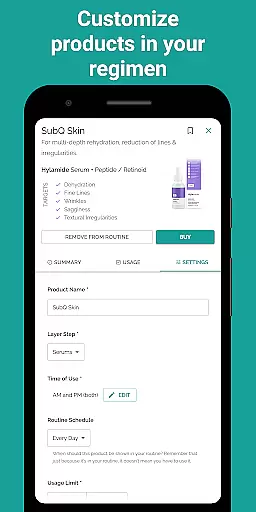
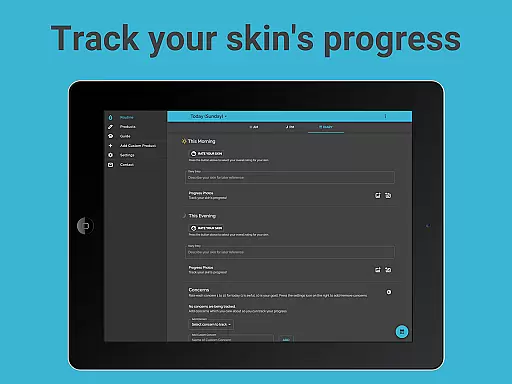
Beyond routine creation, the app includes tools like usage tracking to avoid product conflicts, progress notes with photo support, and scheduling options for specific days or intervals. Advanced customization allows reordering steps, ignoring conflict warnings, and setting reminders. These features collectively empower users to maintain consistency, track improvements, and adapt their routines dynamically over time.
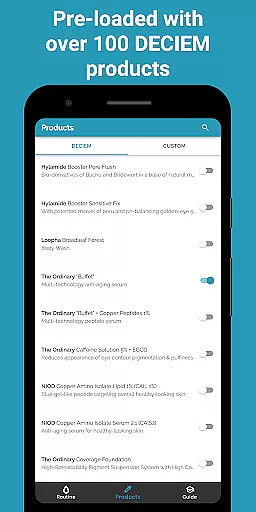
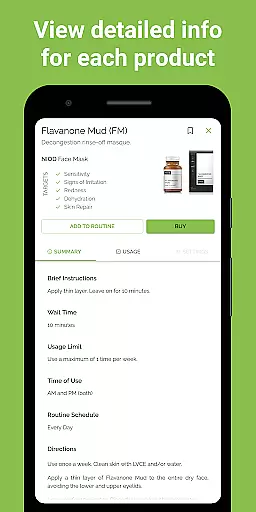
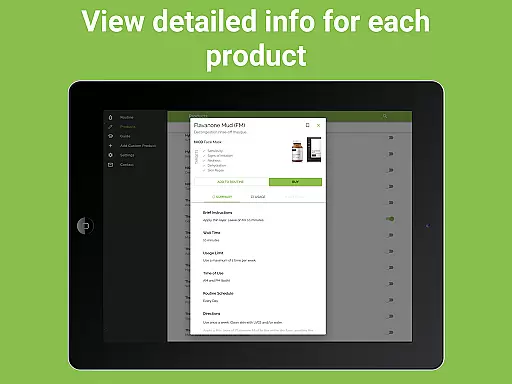
Skincare Routine offers an extensive product database that caters to a wide range of skincare needs. The app comes pre-loaded with DECIEM products, including The Ordinary, NIOD, Hylamide & Fountain, ensuring users have access to a comprehensive selection right from the start.
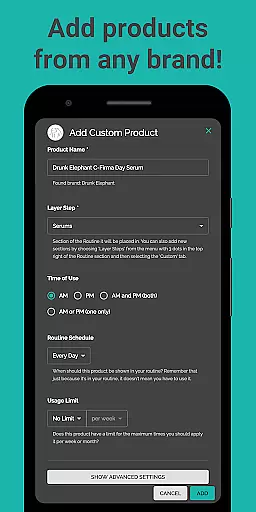
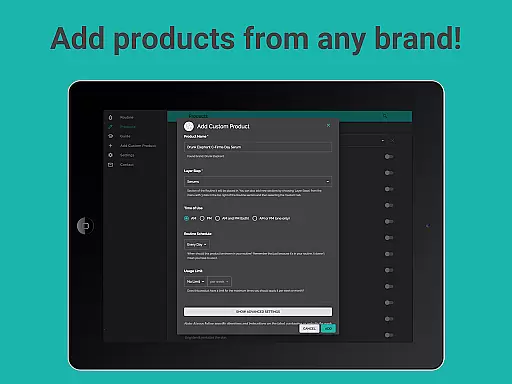
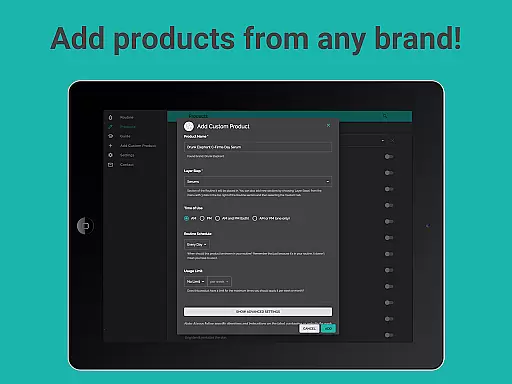
Beyond its initial offerings, the app allows for the addition of custom skincare products from other brands. This feature ensures that regardless of your preferred brand, whether it be Drunk Elephant, Pixi Beauty, or Paula's Choice, you can incorporate them into your personalized routine.
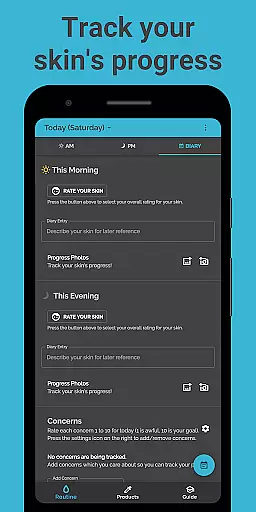
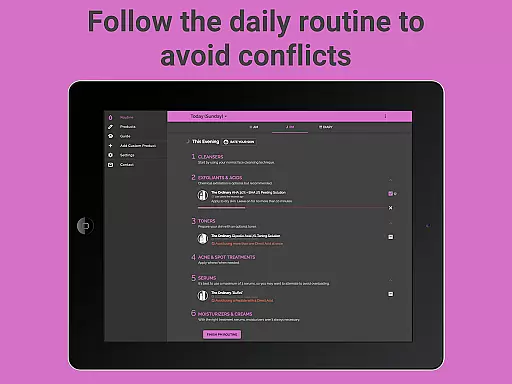
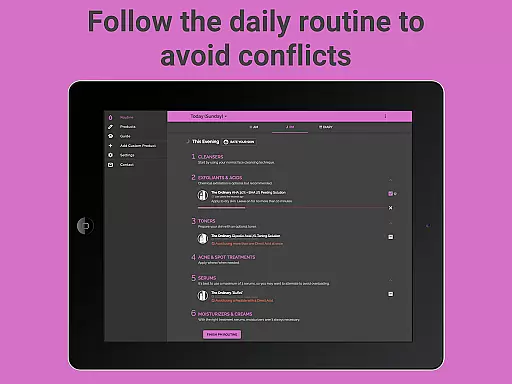
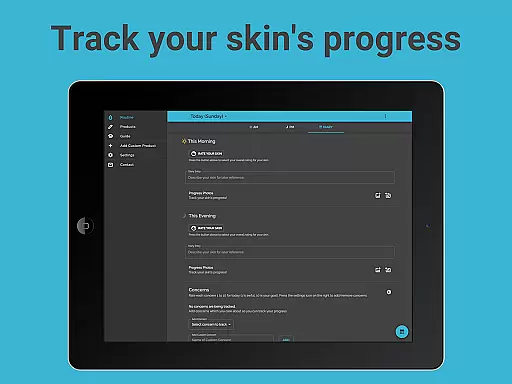
The detailed tracking system within the app helps users avoid conflicts by monitoring which treatments have been used. This attention to detail extends to allowing users to add photos and notes on their skin's progress, making it a robust tool for managing complex routines.
With options to schedule products for specific days or intervals, Skincare Routine provides a granular level of control over how and when products are used. This meticulous approach ensures that every user's unique skincare needs are met with precision.
One of the standout features of Skincare Routine is its ability to offer highly personalized skincare advice. By adding products, the app automatically places them in recommended AM and/or PM routines, optimizing the user's regimen based on expert recommendations.
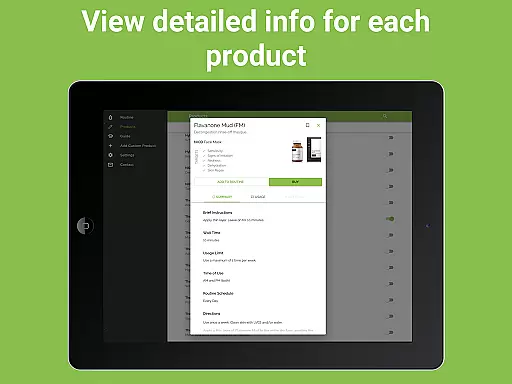
The layering advice provided by the app ensures that each product is used in the correct order, maximizing its effectiveness. Users receive clear guidance on when and how to apply each treatment, streamlining their daily skincare process.
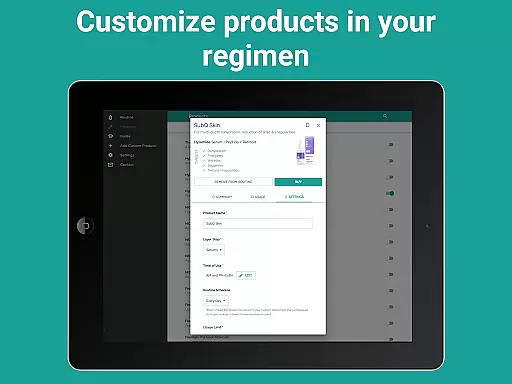
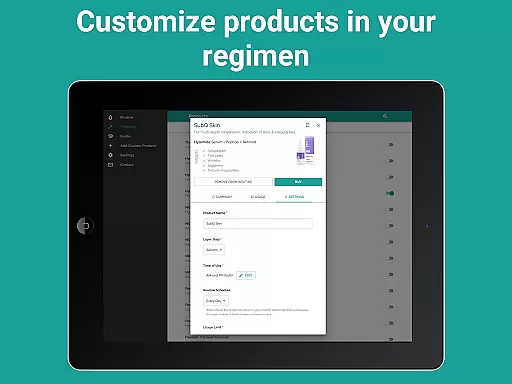
Customization options extend to re-ordering routines and ignoring conflict warnings if desired. These features allow users to tailor their routines precisely to their preferences while still benefiting from professional insights.
For those with specific skin concerns such as dryness, acne, or aging, Skincare Routine offers targeted solutions. Whether aiming for hydrated skin or reducing signs of aging, the app supports users in achieving their skincare goals through precise personalization.
User-friendly interface
Customizable routines
Comprehensive tracking
No subscriptions
Versatile brand support
Limited pre-load brands
Premium price tag
Complex for beginners
Few social features
Occasional bugs

Winter picture editor: Christmas stickers, frames for photos & Christmas cards.
 4.40
4.40
Make beautiful Hairstyles for girls with your own hands in little bit of time
4.00
Your future self face age old or young from camera selfie into beautify videos
4.4
Wacky mirror filter, waves effect & wavy effect to make your own funny videos.
4.60
Seasonal color palette, my personal color, hair color changer, makeup, wardrobe
4.20
For businesses, Booksy Biz allows you to manage your schedule & more on the go.
4.60
The ultimate beauty membership
4.70
Never run out of your go-to beauty & get 5% off with auto-replenish deliveries!
4.00
Snap stunning selfies with AI from the Sweet Beauty Camera editor
4.10
Use your phone as a makeup mirror, shaving mirror. Magnifying mirror with light!
4.80
Face Makeup Camera: Photo makeup app and perfect Lipstick app, beauty lip filler
4.70
Mirror app that shows your image with photo editor, zoom and light!
4.70
Monthly Perfume Subscription
4.70
Transform your sweet selfies with Selfie Beauty Camera Filters And Effects!
4.60
Unleash your (Pro)tential with the hottest hair, nails and beauty brands!
4.60
Top brand haircare & fragrance
4.60
This application is for the Luvme Hair official website: shop.luvmehair.com .
4.30
Glow up with science: cosmetics, ingredients scanner, tracking & face analysis
4.10
Try on different hairstyles and hair colors, glasses and jackets | Cartoon face
4.10


User Reviews