

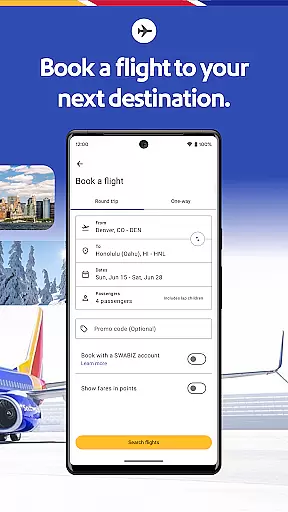
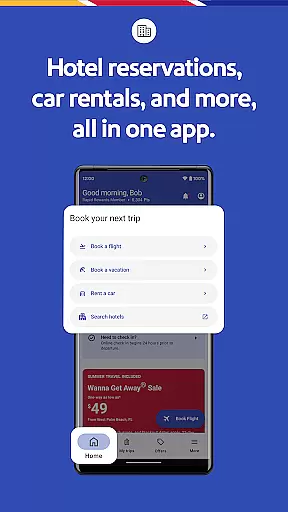
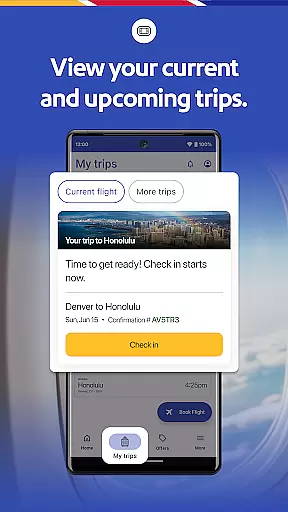

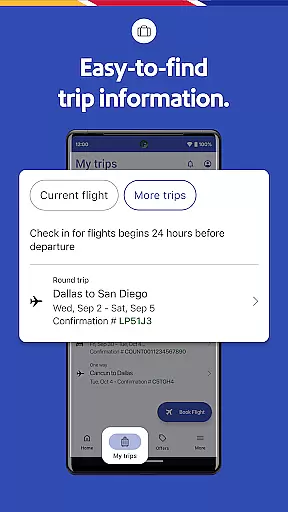


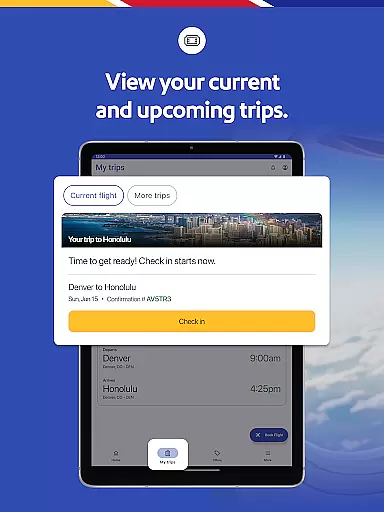
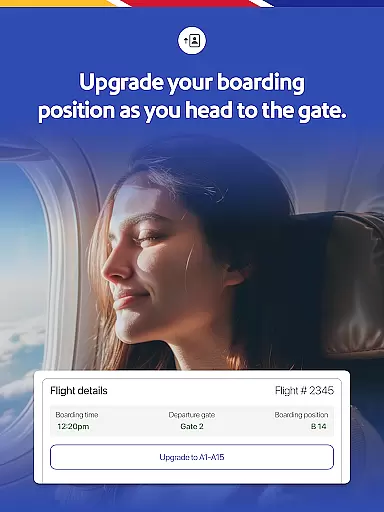
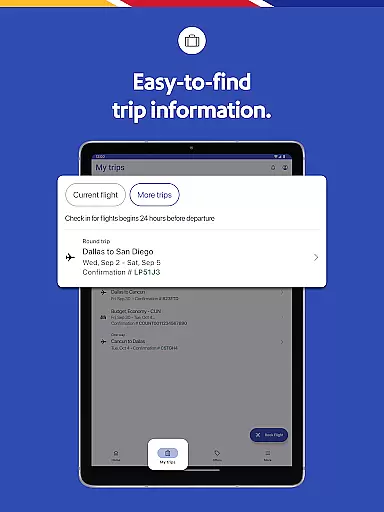
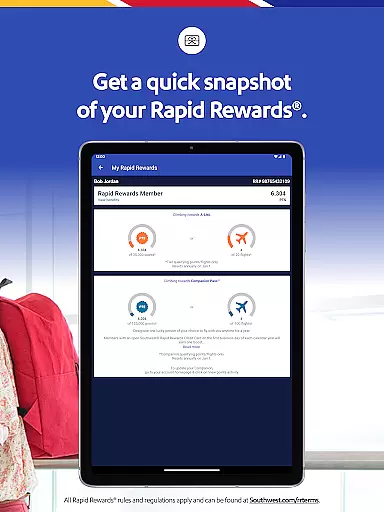

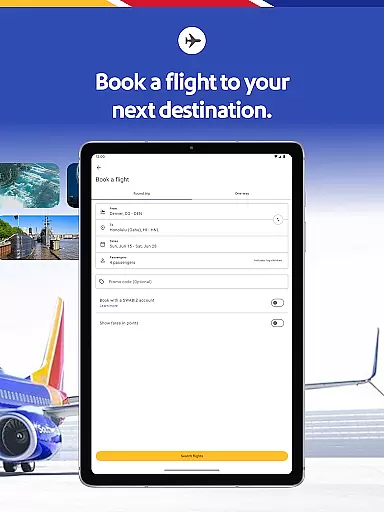
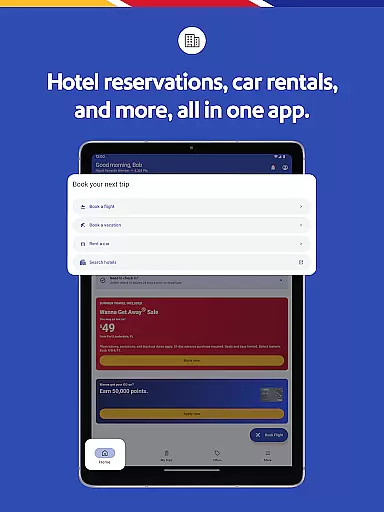
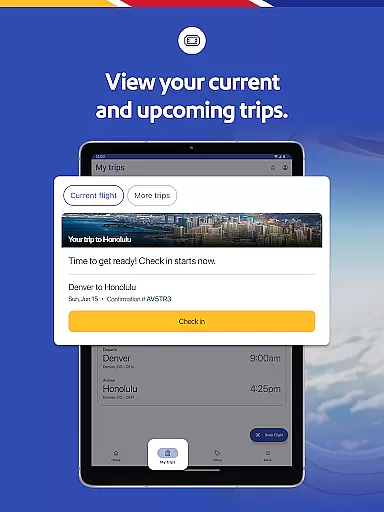
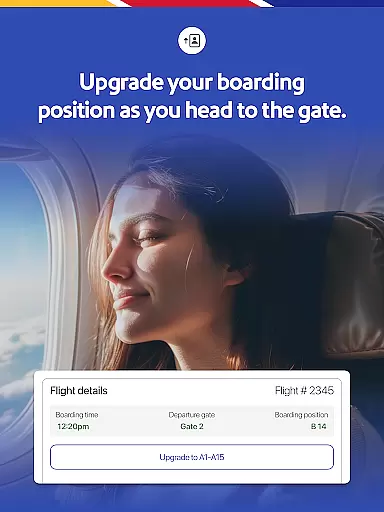
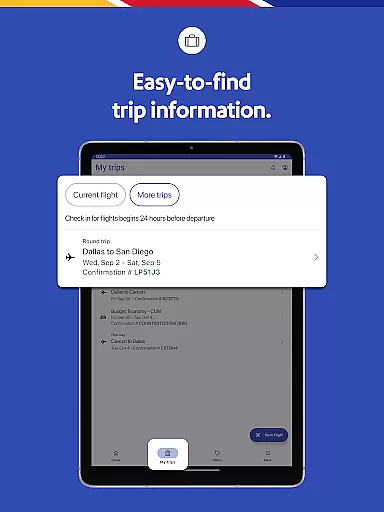
The Southwest Airlines app is a comprehensive travel companion that simplifies trip planning and management. With this app, you can book flights, hotels, cars, cruises, or vacation packages seamlessly. It provides essential features like gate information, boarding position, flight status, and more in the 'My Trips' tab.
One of the standout features is the ability to manage every aspect of your travel directly from your mobile device. Whether it's redeeming Rapid Rewards points for flights or checking into your hotel, the app ensures a smooth experience. Additionally, the app supports various payment methods and offers live chat support for customer assistance.
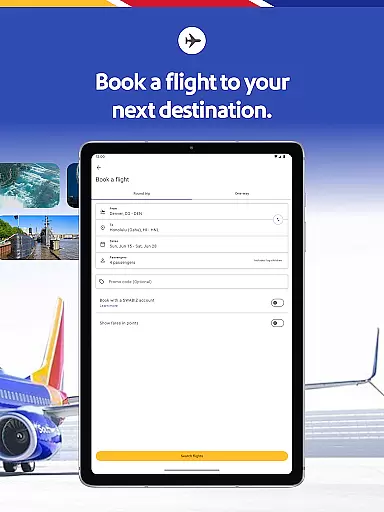
The Southwest Airlines app boasts an array of features designed to enhance your travel experience. You can easily search, book, and manage your flights, as well as view detailed trip information such as gate details and boarding times. The app also allows you to store mobile boarding passes and even add them to Google Wallet for easy access.
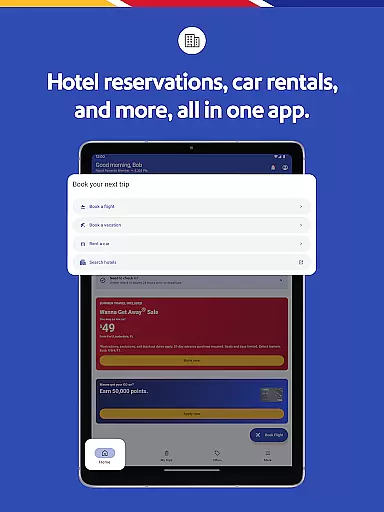
Beyond flight bookings, the app facilitates hotel reservations and car rentals, ensuring all your travel needs are met in one place. Another innovative feature is the Inflight Entertainment Portal, which offers free live TV and on-demand content. Moreover, the integration with Lyft provides seamless airport transportation options, making your journey stress-free from start to finish.
Booking authenticity is a crucial aspect of any travel application, ensuring that all reservations made through the platform are legitimate and reliable. The Southwestu00ae app excels in this area by providing users with a comprehensive booking system that covers flights, hotels, car rentals, cruises, and vacation packages.
The app allows travelers to search, book, and manage their trips seamlessly. With features like the 'My Trips' tab, users can view essential details such as gate information, boarding position, and flight status. This transparency helps build trust and ensures that customers have accurate and up-to-date information about their bookings.
Additionally, the app supports various payment methods including PayPalu00ae, Flex Pay, credit/debit cards, and Southwest LUV Vouchersu00ae, making the booking process flexible and convenient. Users can also apply unused flight credits and gift cards when booking or changing their flights, further enhancing the authenticity and reliability of transactions.
By offering these robust features, the Southwestu00ae app not only guarantees booking authenticity but also enhances the overall travel experience, giving users peace of mind and confidence in their travel plans.
Price transparency is vital for travelers who want to understand the full cost of their trips without hidden fees or surprises. The Southwestu00ae app addresses this need by providing clear and detailed pricing information across all its services, including flights, hotels, car rentals, and vacation packages.
When booking a flight, users can see a breakdown of costs, including taxes and fees, ensuring they know exactly what they are paying for. The app also offers multiple payment options, allowing travelers to choose the most convenient method for them, whether it's using PayPalu00ae, credit/debit cards, or applying unused flight credits and gift cards.
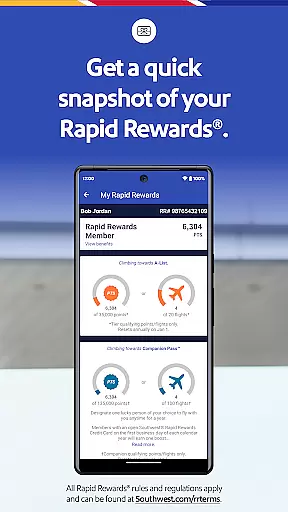
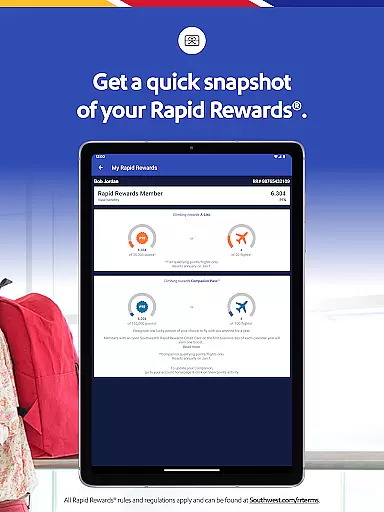
Moreover, the app includes features like Rapid Rewardsu00ae points redemption, enabling users to offset travel costs with accumulated points. This level of transparency extends to hotel bookings and vacation packages, where users can easily compare prices and find the best deals.
By prioritizing price transparency, the Southwestu00ae app empowers users to make informed decisions, enhancing their travel planning experience and ensuring they get the best value for their money.
User-friendly interface
Comprehensive travel management
Multiple payment options
Live chat support
Rapid Rewards integration
Limited international options
In-flight entertainment not always available
Occasional bugs reported
Some features require WiFi
Complex cancellation policies

OFFLINE detailed information about the Florida National and State Parks
 4.2
4.2
The Official Freedom Trail Foundation app.
4.30
View current Montana road conditions, cameras, plows, and timelapse videos.
4.70
Get all MTA services, Subway, Bus, LIRR, Metro-North and More all in one place.
4.60
Maps, Wait Times, Park Hours
4.40
Replace your car trips with the world’s largest shared electric vehicle company.
4.90
Find your perfect somewhere with last minute hotel & travel deals!
4.80
Book now to save with exclusive travel deals on hotels, flights, cars & packages
4.70
Rent the perfect car for wherever you’re going
4.90
Streamline your U.S. entry
4.90
Plan where to stand and shave minutes off your trip!
4.80
The travel app that makes booking cheap flights, hotels, and car rentals easy.
4.80
Book flight, car or packages. Instant access to hotel discounts & travel deals
4.80
Book neighborhood dog boarding, dog walking, pet sitting, and doggy day care.
4.60
Walt Disney World Resort maps, wait times, tickets, dining & more.
4.50
Travel light with our easy-to-use mobile app, the perfect flying companion.
4.40
Real-time flight tracking with live maps and flight status updates.
3.70
Everything you need for your trip in one place with the Volaris app.
3.60
Get Moving Made Easier® with the official U-Haul® Moving & Storage app.
3.40


User Reviews