
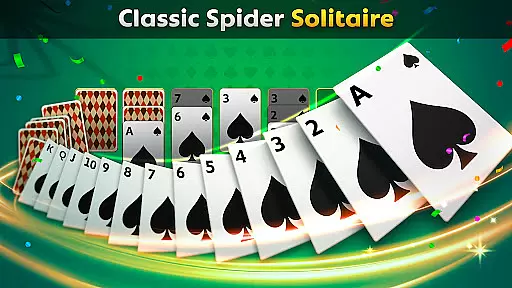
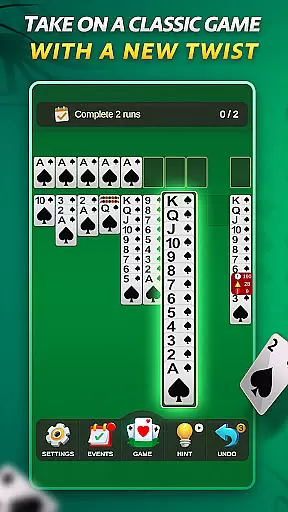
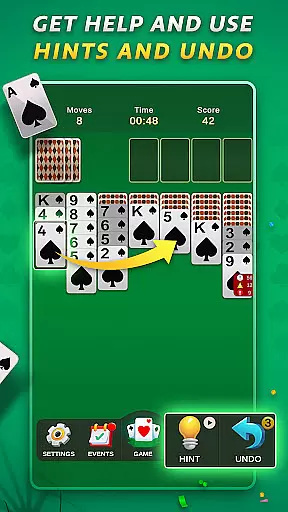

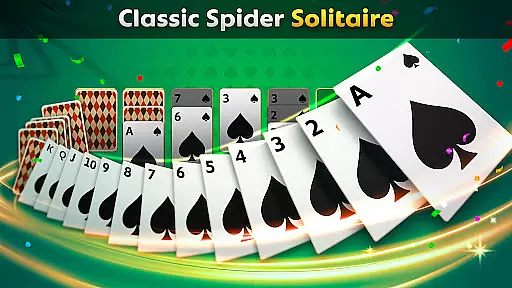
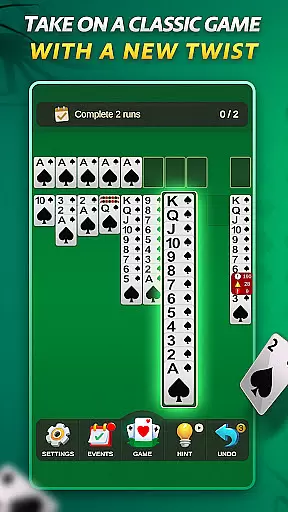

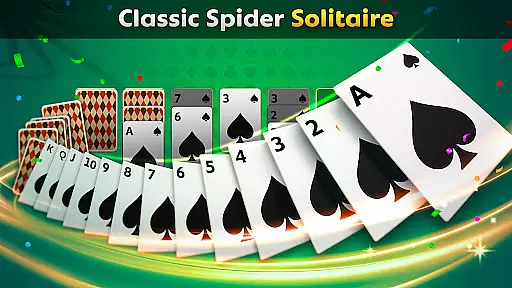
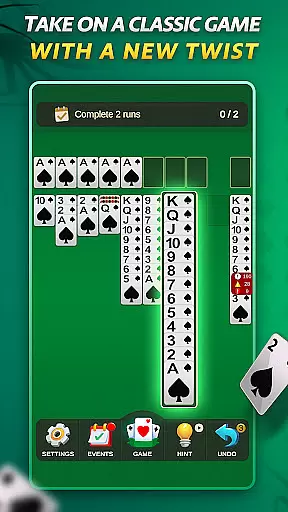
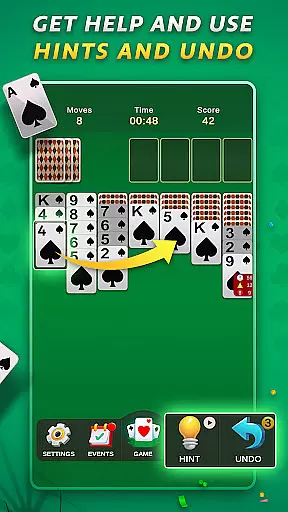

Spider Solitaire offers a modern twist on the classic card game, blending traditional gameplay with fresh features. The app includes both Spider Solitaire and Spiderette modes, offering multiple suit options for varied difficulty levels. Designed for all skill levels, it provides daily challenges, special events, and collectible badges to enhance engagement.
With intuitive controls, polished design, and mobile optimization, this version ensures a smooth experience across devices. Whether you're looking to relax or sharpen your skills, Spider Solitaire delivers a satisfying experience without in-app purchases, making it accessible and enjoyable for everyone.
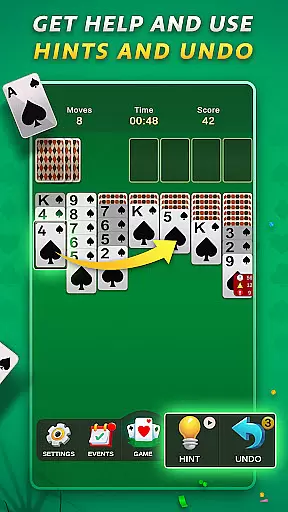
Spider Solitaire stands out with its variety of modes, including Spider Solitaire and Spiderette, catering to different play styles. Daily challenges and rotating special events keep the gameplay dynamic, while collectible badges add a layer of achievement. The app also includes undo and hint options, ensuring players can recover from mistakes or seek assistance when needed.
Its ad-supported model eliminates paywalls, offering optional rewarded ads for additional features. The clean visuals, calming interface, and smooth controls create an immersive experience. Optimized for mobile devices, the app performs seamlessly on all screen sizes, making it ideal for quick sessions or extended play.
Random Number Generation (RNG) is crucial in card games to ensure that every shuffle and deal is genuinely unpredictable. Spider Solitaire employs certified RNG algorithms, guaranteeing that each game starts with a random card distribution, thus maintaining the integrity of gameplay.
The implementation of RNG in this app ensures that no two games are alike, providing players with a unique challenge every time they play. This randomness is key to keeping the game engaging and preventing patterns that could make the game predictable or less challenging.
For players, this means an authentic card game experience where strategy and skill are genuinely tested without bias from pre-determined card sequences. The certification of RNG adds a layer of trust, assuring users that the game is fair and balanced.
Control fluidity and input latency are vital for a seamless gaming experience, especially in card games like Spider Solitaire. This app optimizes touch controls to ensure that every tap and swipe is registered instantly, allowing players to focus on their strategy rather than fighting with the interface.
With intuitive gestures and responsive design, moving cards around the tableau feels natural and effortless. The app minimizes input lag, making gameplay smooth and enjoyable even during complex moves or fast-paced decision-making.
This attention to control detail enhances user satisfaction by providing a frictionless interaction between the player and the game. Whether you're executing quick moves in Spiderette mode or carefully planning your next step in classic Spider Solitaire, the app's optimized controls ensure precision and ease.
User-friendly interface
No in-app purchases
Daily challenges
Variety of game modes
Polished design
Limited offline features
Ads between games
Basic tutorials
Occasional bugs
Few customization options

Lyric Party tests your knowledge of your favorite hit songs.
 4.20
4.20
Compete against the computer in this classic trick-taking game.
4.20
The classic Solitaire card game, with intuitive game-play and stunning graphics.
3.10
The world’s largest Spades game! Enjoy the classic card game with 52 card deck
4.70
Play Solitaire, win real cash prizes, and enjoy endless fun anytime, anywhere!
4.70
The Trading Card Game of Hunter's Gambit, Online!
4.5
Learn the tricks in classic Spades offline. No Wifi, Spades always feels right!
4.90
Classic Solitaire. The most famous card game in the world!
4.50
Cozy Thanksgiving moments plus relaxing offline solitaire games.
4.60
Special Klondike Edition
5.00
Classic, Original, Klondike Solitaire Game with Large Cards!
4.90
Card-based yatzy duels!
4.80
Train your brain with the challenging & addictive Solitaire Classic Card Games!
4.70
Easy play. Relax with daily solitaire fun!
4.60
Sit on the Iron Throne
4.60
Play and Master the Fun Classic Card Games with Friends
4.60
Train your brain and kill time
4.40
Solitaire Classic Pro, like Spider, Klondike Solitaire,FreeCell,Pyramid,Tripeaks
4.40
Fishing, the card game that combines trick-taking strategy with deck-building
4.4


User Reviews