
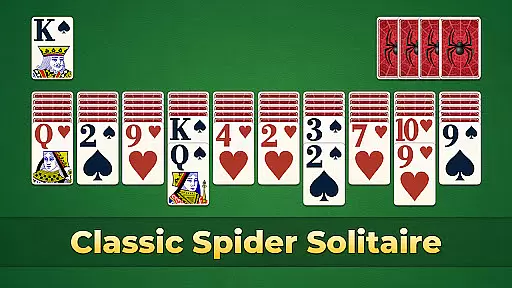
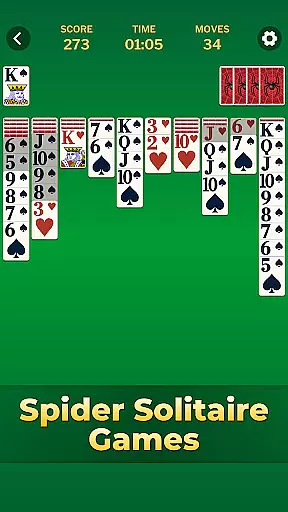
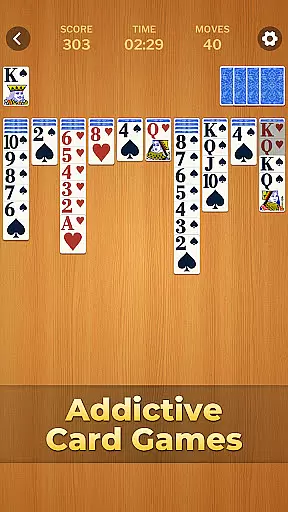
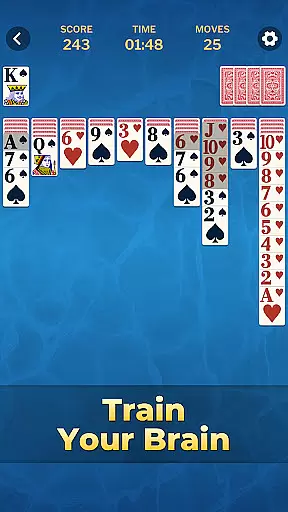
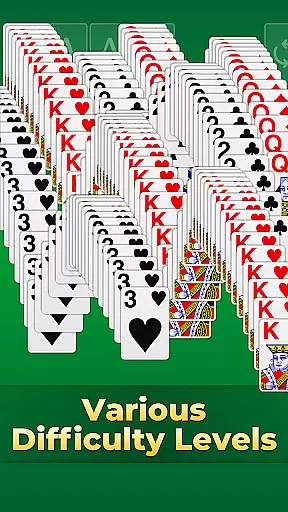

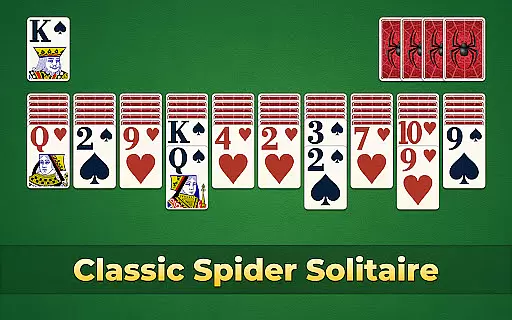
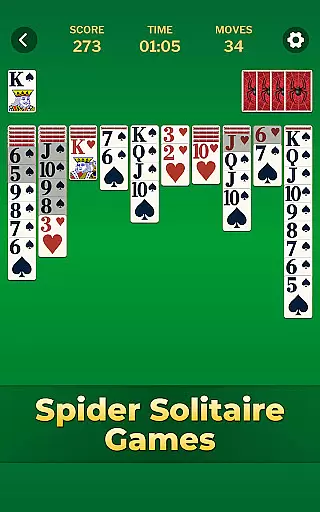
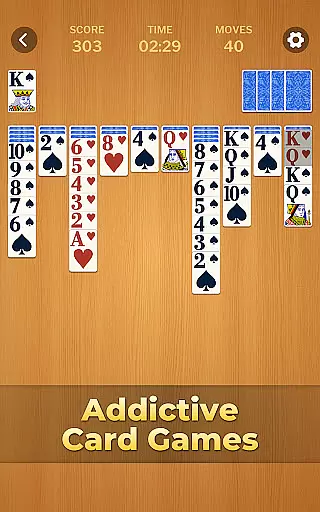
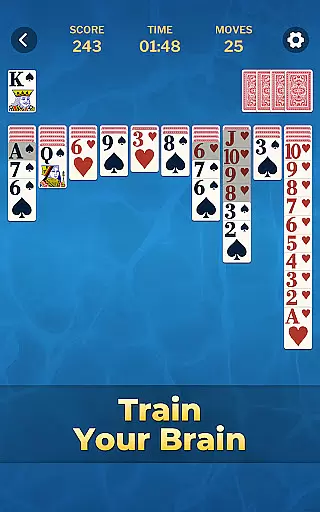

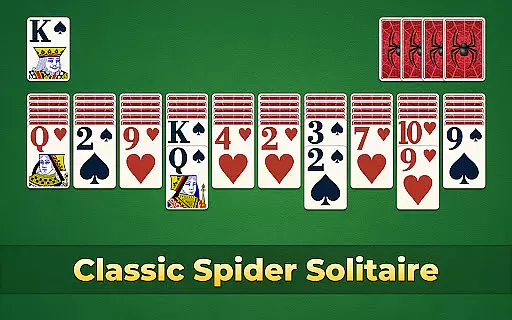
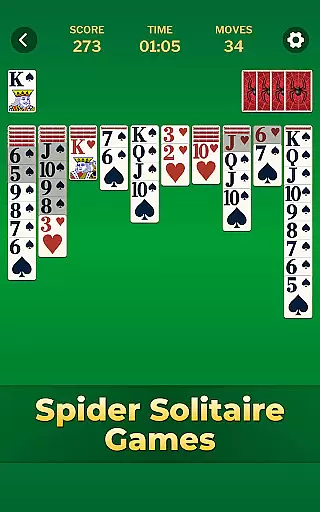
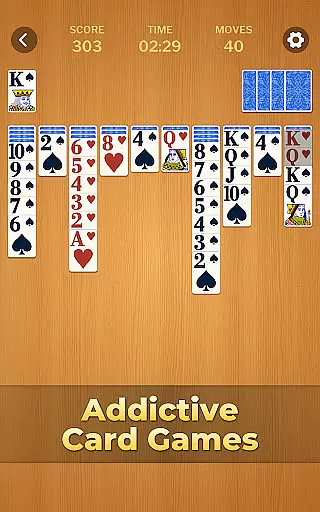
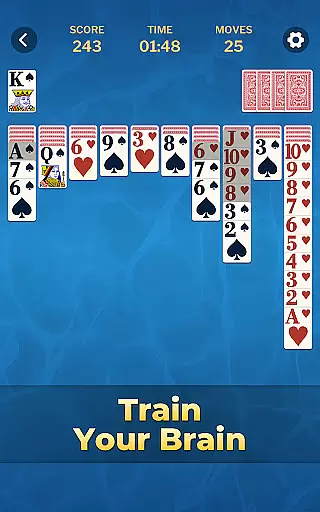

Spider Solitaire Classic Games is a premier card game app that combines classic Solitaire with the more challenging Spider Solitaire. Designed for both casual and serious players, this app offers endless entertainment through various difficulty levels and random deals. The game provides an engaging experience with its intuitive tap-to-move controls and auto-complete feature, ensuring smooth gameplay while you sharpen your skills.
One of the standout features is the ability to customize themes, allowing players to personalize card faces, backs, and backgrounds. Regular updates bring fresh events and challenges, keeping the gameplay dynamic and rewarding. With detailed statistics tracking your progress, Spider Solitaire Classic Games not only entertains but also helps improve your strategic thinking over time.
Whether you're looking to relax or challenge your mind during short breaks, this app serves as a perfect companion. Its unlimited hints and undo options ensure you never get stuck, making it accessible for players of all skill levels. The combination of classic and modern elements creates a balanced experience that has made Spider Solitaire one of the most beloved card games worldwide.
Spider Solitaire Classic Games boasts a rich set of features designed to enhance your gaming experience. First and foremost, the app includes both classic Solitaire and Spider Solitaire modes, offering double the fun and opportunities to refine your skills. The simple tap-to-move functionality and convenient auto-drag options make gameplay effortless, even for beginners. Additionally, the efficient auto-complete feature saves time by helping you finish sequences faster, improving your overall score.
The app provides diverse gameplay modes, including daily challenges and seasonal events, ensuring there's always something new to explore. Players can choose from various difficulty levels to match their expertise, while unlimited hints and undo options guarantee you'll never be stuck. Personalization is key, with a wide range of customizable themes allowing you to tailor the appearance of cards and backgrounds to your liking.
Tracking your progress is easy thanks to detailed statistics that display your performance over time. This feature not only adds a competitive edge but also motivates you to continually improve. With regular updates introducing fresh content and exciting rewards, Spider Solitaire Classic Games ensures long-term engagement and enjoyment for all card game enthusiasts.
Random Number Generation (RNG) fairness is crucial in card games like Spider Solitaire Classic Games to ensure that every shuffle and deal is genuinely random and not predictable. This randomness is key to maintaining the integrity of the game, providing a fair experience for all players.
In Spider Solitaire Classic Games, RNG fairness is achieved through sophisticated algorithms that mimic the randomness of shuffling a real deck of cards. This ensures that each game starts with a unique and unpredictable arrangement of cards, enhancing the challenge and excitement of the gameplay.
Players benefit from this commitment to RNG fairness as it guarantees that their progress and achievements are the result of skill and strategy rather than pre-determined outcomes. The certification of these algorithms by independent bodies further assures users of the game's impartiality and transparency.
Ultimately, the implementation of certified RNG systems in Spider Solitaire Classic Games enhances user trust and engagement, allowing players to focus on honing their skills and enjoying the endless possibilities each new game presents.
Control fluidity and input latency are essential factors in digital card games, impacting how smoothly and responsively the game reacts to player inputs. In Spider Solitaire Classic Games, ensuring high control fluidity and minimal input latency is vital for an enjoyable user experience.
The game achieves excellent control fluidity by optimizing its touch controls for both drag-and-drop and tap-to-move actions. This allows players to effortlessly move cards across the tableau, making strategic decisions quickly and efficiently without being hindered by sluggish controls.
Input latency is minimized through efficient coding practices and performance optimizations, ensuring that every action taken by the player is registered and executed almost instantaneously. This responsiveness is critical during complex moves or when timing is essential to complete challenging sequences.
By prioritizing control fluidity and reducing input latency, Spider Solitaire Classic Games provides a seamless and engaging experience, enabling players to fully immerse themselves in the strategic depth and addictive gameplay that has made Spider Solitaire a timeless classic.
User-friendly interface
Customizable themes
Unlimited hints and undos
Detailed progress tracking
Regular content updates
Ads between games
Premium features locked
Limited offline play
Occasional bugs
High difficulty for beginners

Relax, strategize, and enjoy endless card fun with vintage solitaire.
 4.70
4.70
Classic Solitaire game you love! Offline, easy, and relaxing!
4.80
A fresh take on traditional solitaire card games
4.50
Classic Solitaire: A smart mix of fun, relaxation, and brain training!
4.90
A fun and challenging rougelike dungeon card game.
4.0
Kill the monsters & grab the loot in the classic card game!
3.70
Challenge your deck building skills in this RPG cardventure!
4.50
Deckbuilding Dungeon Crawl
4.30
Classic Solitaire with big cards, smooth play, beautiful themes, and hints!
4.40
Card-Based Farkle Fun
4.80
Play and Master the Fun Classic Card Game Spades. Outsmart Opponents & Enjoy
4.80
Card-based yatzy duels!
4.80
Enjoy the fun and classic Card game Phase 10 with your friends and family!
4.70
Swipe and be the Queen!
4.60
Defeat your landlord in this slot machine roguelike deckbuilder!
4.60
Train your brain and kill time
4.40
Collect and play the original CCG on Arena. Magic is now on your phone!
4.10
A unique card-based rogue-like with more than a hundred hours of content!
3.90
Fishing, the card game that combines trick-taking strategy with deck-building
4.1


User Reviews