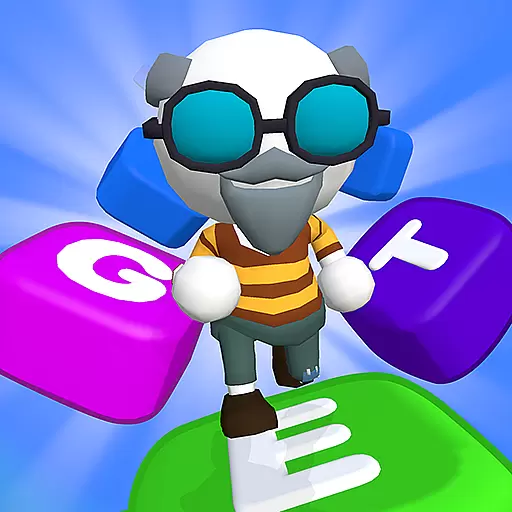
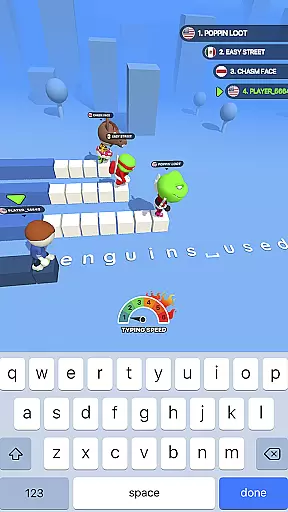
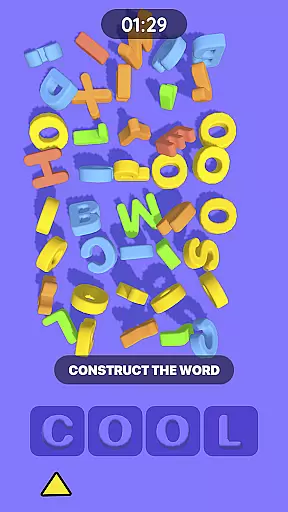
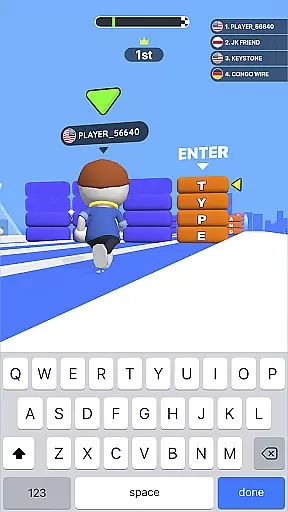
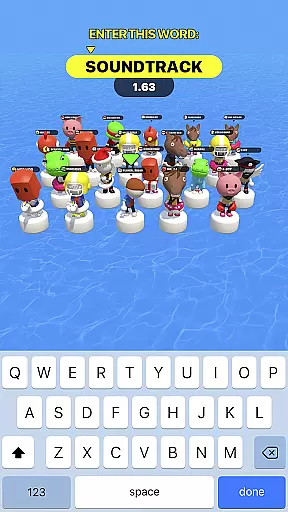
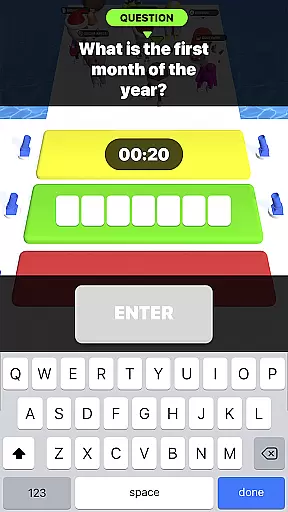
Type Sprint is an engaging typing game that combines the thrill of racing with educational word challenges. Players compete against cunning opponents in a series of levels, each designed to test and improve their typing speed and accuracy.
With its 5-in-1 game structure, Type Sprint offers various missions and rewards, ensuring players remain captivated. The game includes match 3 puzzles, hidden objects, and riddles, all aimed at enhancing memory and strategic thinking while providing an entertaining experience.
Ideal for those looking to sharpen their typing skills or simply seeking an addictive pastime, Type Sprint caters to different player abilities and promises endless fun through increasingly challenging gameplay.
Type Sprint stands out with its dynamic approach to typing practice, transforming learning into an exciting race. The game progressively introduces complexity, from basic typing tasks to intricate word trivia, keeping players mentally engaged.
One of the key highlights is the diverse range of opponents you'll face, ranging from novices to expert typists. This variety ensures that players must continually adapt their strategies and improve their skills to succeed.
The user-friendly interface, coupled with easy navigation and appealing design, makes Type Sprint accessible and enjoyable for all ages. Its ability to entertain while educating is what sets this typing game apart from others in the trivia category.
In the realm of typing games, question authenticity and accuracy are paramount for an enriching user experience. Type Sprint: Typing Games ensures that every query presented is not only accurate but also engaging. This dedication to precision transforms the game into a reliable typing tutor.
The app achieves this by integrating various typing challenges such as word trivia and match 3 games. Each level is meticulously crafted to test and improve the player's typing speed and strategic thinking. The questions posed range from simple typing exercises to complex word problems, ensuring a comprehensive learning curve.
Players benefit immensely from this feature as it aids in honing their typing skills while providing entertainment. The blend of education with fun missions and rewards keeps users motivated and invested in their typing journey.
Difficulty adaptation in typing games like Type Sprint: Typing Games is crucial for maintaining user engagement and promoting skill development. The game dynamically adjusts its difficulty based on the player's performance, ensuring a personalized challenge that is neither too easy nor overwhelmingly difficult.
This adaptive mechanism is implemented through diverse levels and missions. Players encounter a variety of opponents, from easy-to-defeat characters to smart and skillful type runners. As players progress, they face increasingly complex word problems and hidden object challenges, which push their cognitive and typing abilities to new heights.
The advantage of this tailored difficulty system is that it caters to both beginners and advanced typists. By scaling the complexity of tasks, Type Sprint offers endless fun and brain-pushing games that keep users entertained while enhancing their typing proficiency over time.
Improves typing speed
Engaging gameplay
Educational value
Variety of challenges
User-friendly design
May become repetitive
Ads between levels
In-app purchases
Steep learning curve
Limited social features

Guess whose photo is shown!
 4.50
4.50
Play Daily Trivia Games for Money & Prizes
4.30
Escape the Noise. Rediscover Simplicity.
4.90
America’s Favorite Quiz Show® in the palm of your hand! Play for Free now!
4.40
Can you guess all the logos? Try our fun addictive logo game trivia now!
4.80
Join in the Trivia Madness! And answer fun quiz questions!
4.40
How well do you know your Movie Trivia? Test your movie knowledge!!!
4.5
Trivial-style quiz game!
4.2
PLAY TRIVIA GAMES in Trivia Star - Quiz + Offline Games! Get Daily Brain Quizzes
4.80
Nut Sort is a classic and addictive online puzzle game!
4.90
Black Color: A Coloring Game Celebrating Diversity!
4.80
Test your geography IQ by guessing over 1,000 flags and maps of countries.
4.70
Find words with the same topic. Challenge your brain daily!
4.70
Do you want to test your IQ? Here is the funny and tricky brain puzzle!
4.70
Guess the Answer! Play This or That, Trivia Games, and test IQ in fun challenges
4.50
Fill The Bottles By Sorting The Colored Water, Water Sort & Color Sort Game.
4.40
Party Lab: Expose your friends with dirty exposed games! Party in my dorm (PIMD)
4.30
The FREE quiz game with friends
4.30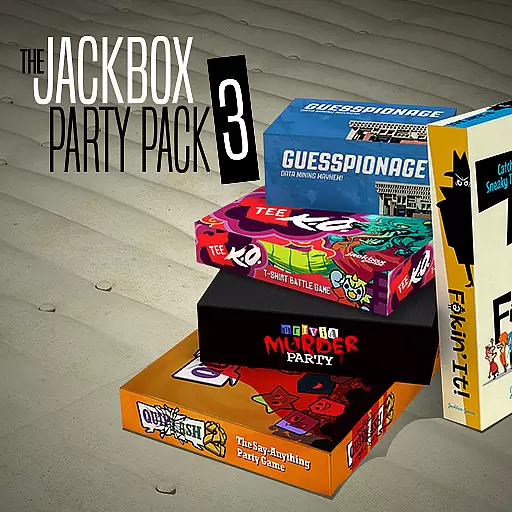
5 party games! Use phones & tablets as controllers! Use your mouth for laughing!
3.60


User Reviews