
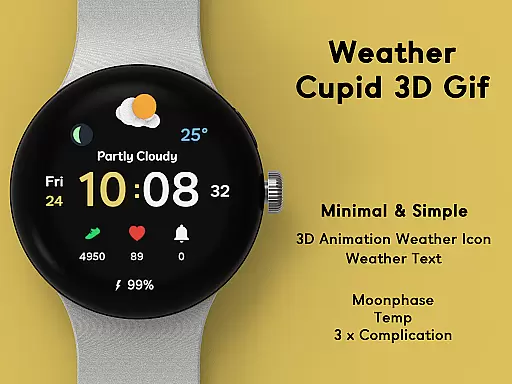
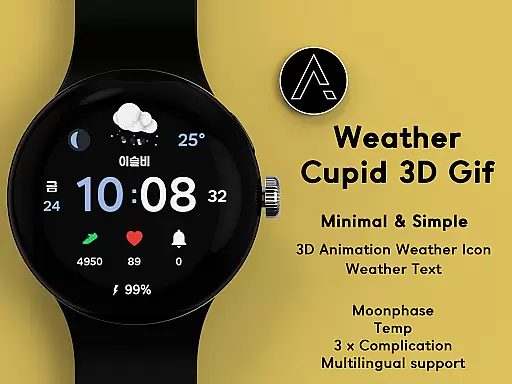
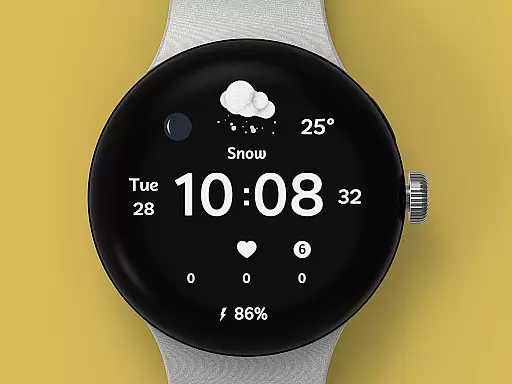
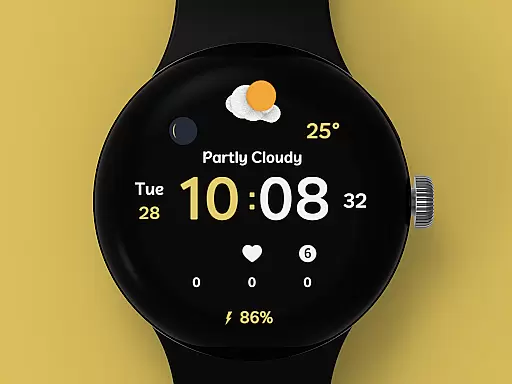
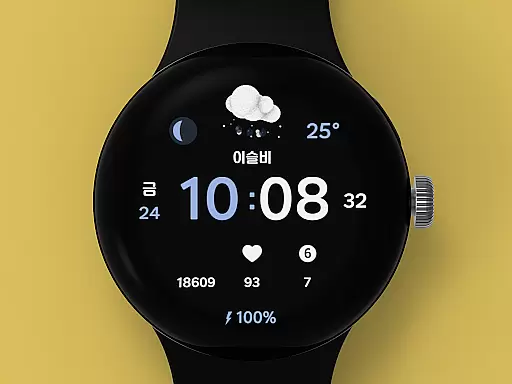
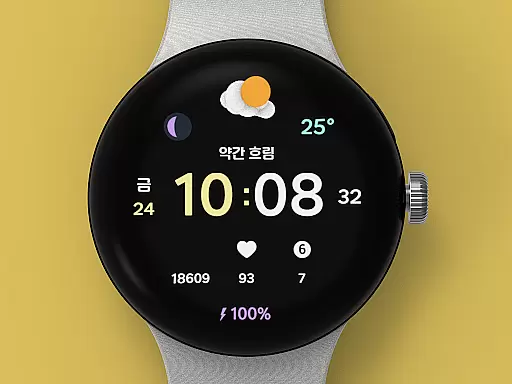
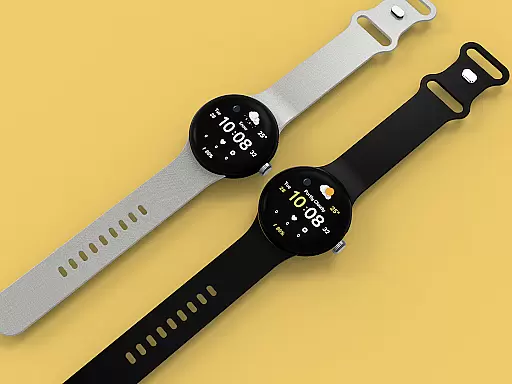
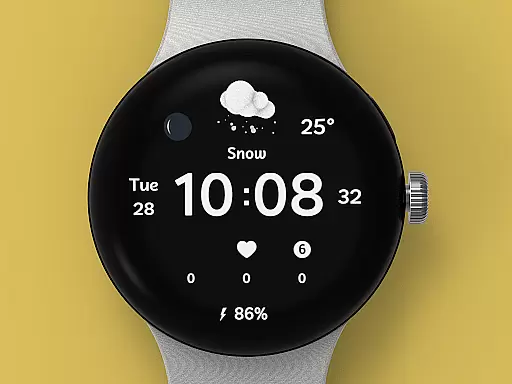
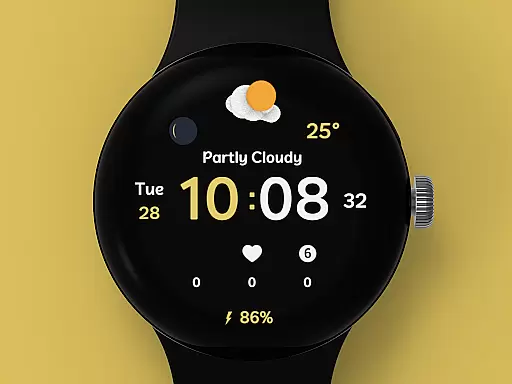
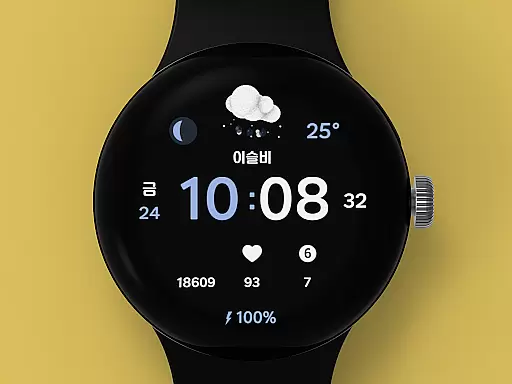
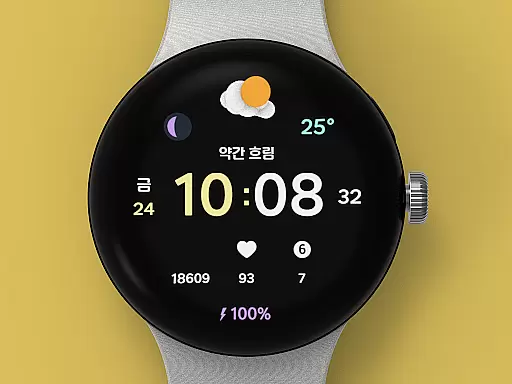
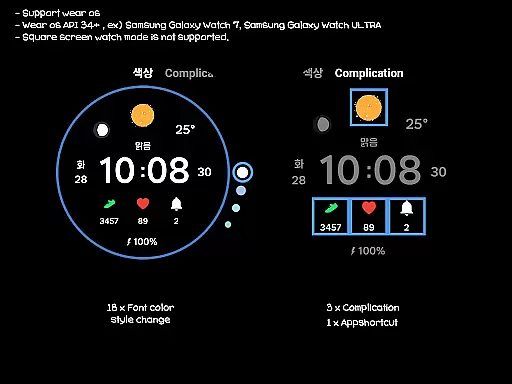
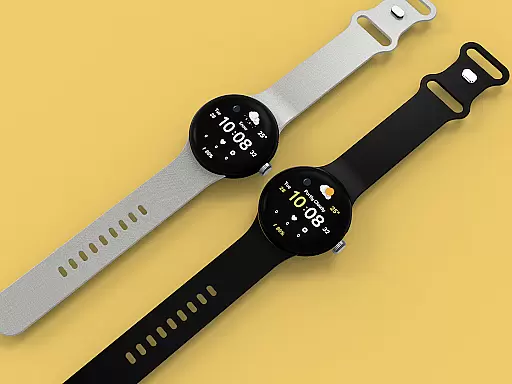
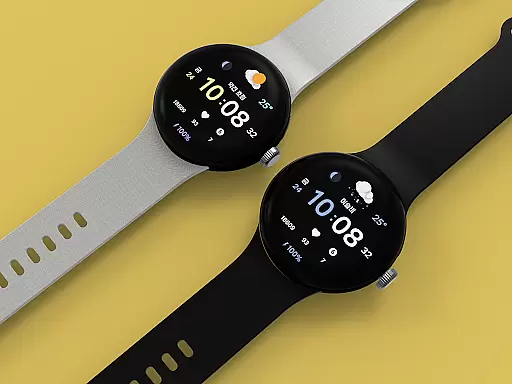
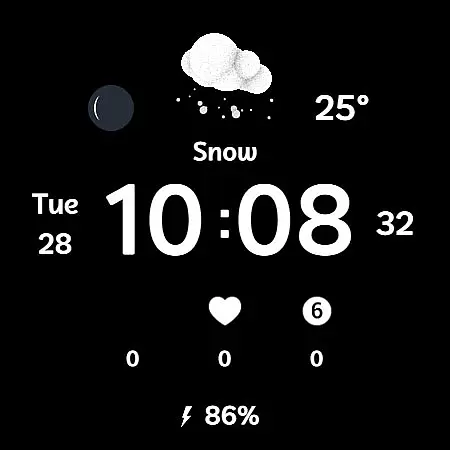
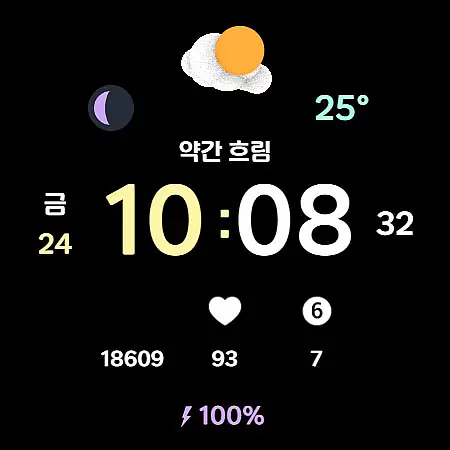
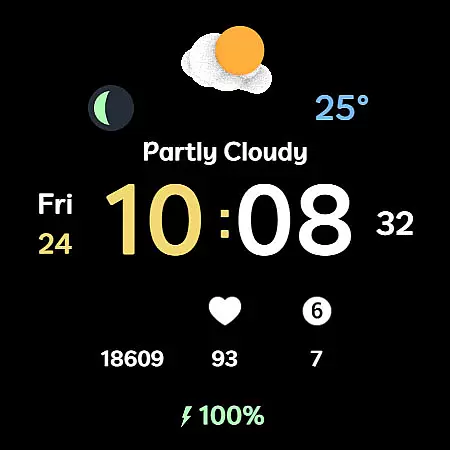
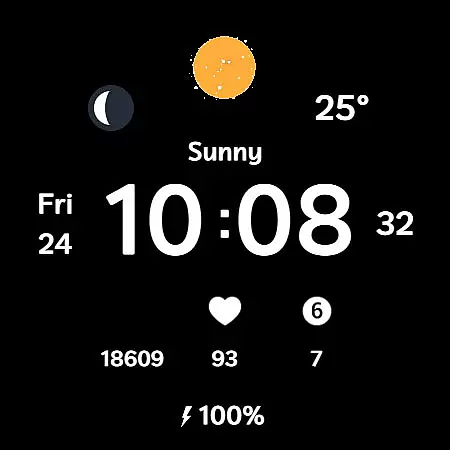
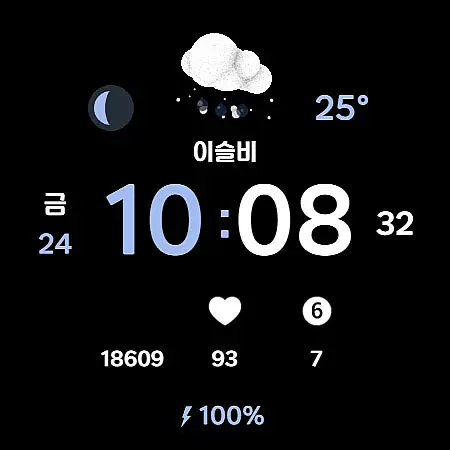
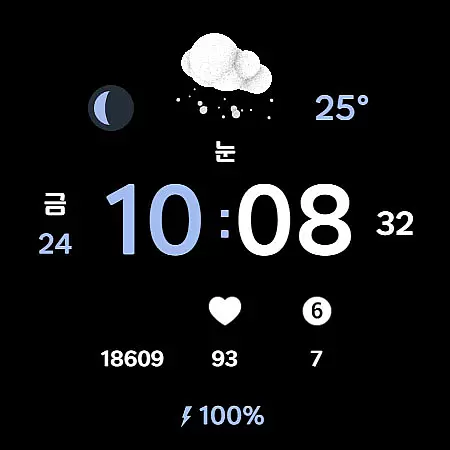
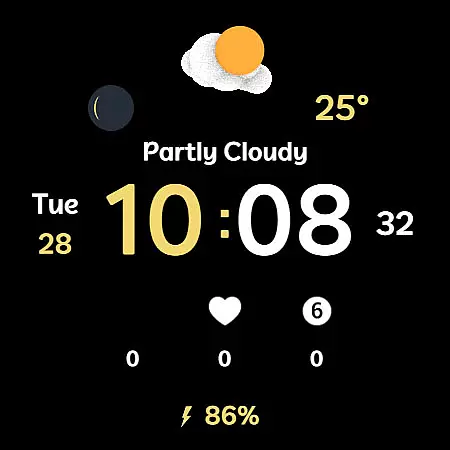
Weather Cupid 3D Gif is a visually appealing Wear OS watch face that combines functionality with style. This digital watch face features a minimalistic design complemented by lively 3D animated weather icons, offering users an engaging way to check the weather. The app supports key functionalities such as temperature display in both Celsius and Fahrenheit, moon phase tracking, multilingual options, 12h/24h time format, and battery percentage indication.
The watch face automatically updates weather information every 30 minutes, ensuring users have access to current weather data. In cases where weather information does not display after restarting the watch, users can reset by reapplying the watch face. All weather data is sourced from Samsung's API, which may vary slightly from other providers. With support for wear OS devices, this app enhances both utility and aesthetics for smartwatch users.
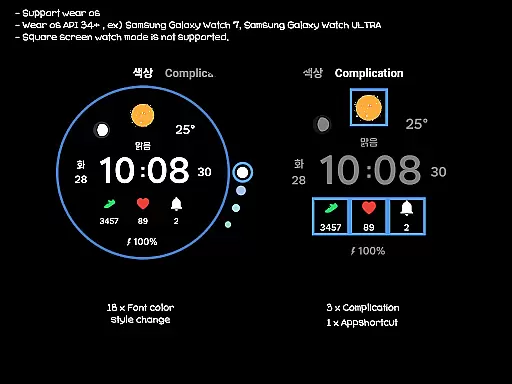
Weather Cupid 3D Gif stands out with its unique combination of features tailored for Wear OS users. The app provides an intuitive interface with 3D animation weather icons that bring a dynamic element to the watch face. Users can easily customize their experience with 18 font color styles, one app shortcut, and three complications. These customization options allow users to tailor the watch face to their personal preferences while maintaining easy access to essential information.
In addition to its customizable features, the app offers practical functions such as temperature display, moon phase tracking, and battery percentage monitoring. The weather information is updated automatically every 30 minutes or manually through the update button. Although square screen watch modes are not supported, the app ensures compatibility with various Wear OS devices. This blend of aesthetic appeal and functional utility makes Weather Cupid 3D Gif a valuable addition to any smartwatch user's collection.
Weather Cupid 3D Gif provides accurate weather forecasts through an intuitive digital watch face. The app utilizes Samsung's API to deliver reliable weather information directly to your Wear OS device.
The temperature data supports both Celsius and Fahrenheit, ensuring global usability. With automatic updates every 30 minutes and manual update options available, users can maintain up-to-date weather information throughout the day.
While minimal in design, the watch face incorporates essential features like moon phase display and multilingual support. This combination of accuracy and functionality makes it a dependable weather companion.
Although weather information may occasionally not display after restarting the watch, this minor issue is easily resolved by reapplying the watch face. Overall, the app delivers credible weather data tailored for wearable devices.
This innovative watch face offers comprehensive temporal and spatial weather forecasting capabilities. Weather Cupid 3D Gif displays animated 3D weather icons that represent current conditions while providing essential time-based information.
Users can access detailed weather parameters including temperature, moon phase, and battery percentage. The 12h/24h digital time display ensures convenient time monitoring alongside weather data.
The application supports extensive customization options with 18 font color styles and multiple complications. These features allow users to personalize their weather monitoring experience while maintaining clear temporal references.
While primarily designed for round-screen Wear OS devices, the watch face delivers consistent weather updates across different locations. The limitation of square screen support is offset by its robust performance on compatible devices and regular weather data synchronization.
Visually appealing design
Regular weather updates
Customizable interface
Multifunctional display
Compatible with Wear OS
Limited to Wear OS
No square screen support
Weather data variance
Manual update required
Initial setup complexity

Accurate weather forecast and beautiful weather & clock widgets
 4.20
4.20
Ultimate weather forecast + moon phase for Wear OS 5+ (Pixel, Galaxy, et al.)
4.70
Live weather forecast for your everyday life
4.60
Weather - Local weather forecast, weather daily & hourly, weather radar
4.80
Track rainfall totals with ease using our rain gauge app. Accurate rain tracker.
4.50
Instant weather updates, easy to check anytime on your home screen.
3.50
Most precise & accurate compass app give true North South East West directions.
3.00
No ads, No data collected. Beautiful and powerfully customizable weather app
4.90
Powerful US and worldwide earthquake feed with earthquake alerts and maps.
4.70
My Tide Times Pro is the only tide tables and forecasts application you'll need.
4.80
Nuts Weather, your ideal choice for knowing weather forecast & weather radar
4.70
Thermometer shows indoor and outdoor temperature
4.70
Weather radar, satellite, wind, waves, ocean and hurricane forecasts.
4.70
My Aurora Forecast Pro is the app for the Northern Lights and Aurora Borealis.
4.70
Your ultimate app for real-time weather information!
4.70
Prepare for severe weather with notifications, future radar, and live alerts.
4.60
Accurate Local Weather Forecast, let you easily understand the nearby weather!
4.20
Your Personal Weather Assistant
4.00
Moon phase calendar with live wallpaper, lunar widget, & 3D simulation.
3.60


User Reviews