
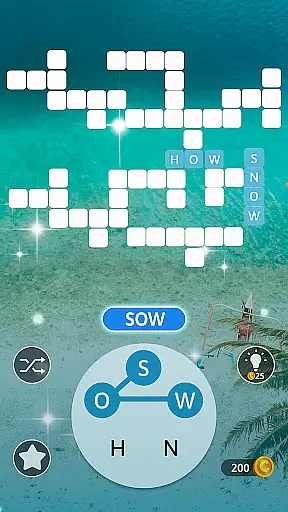
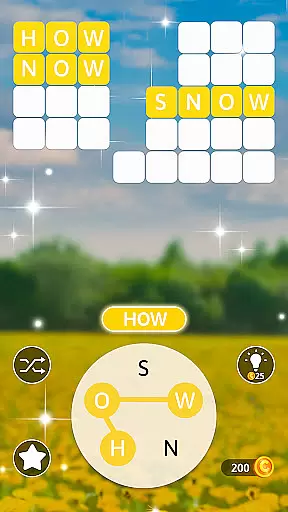
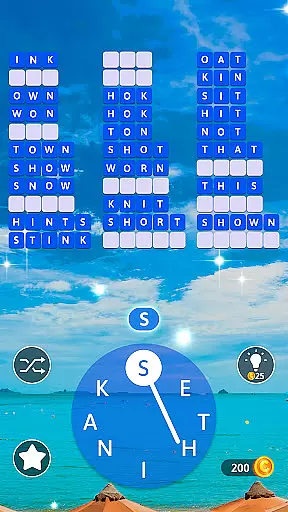
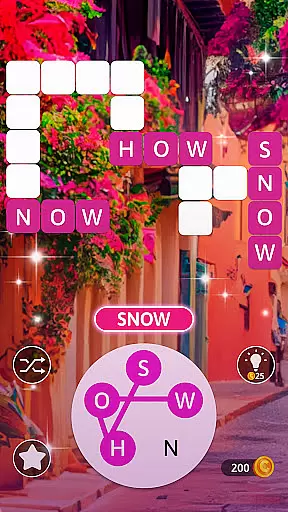
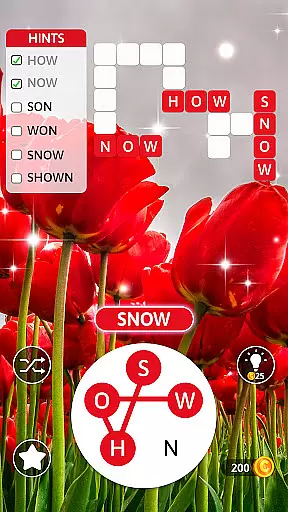
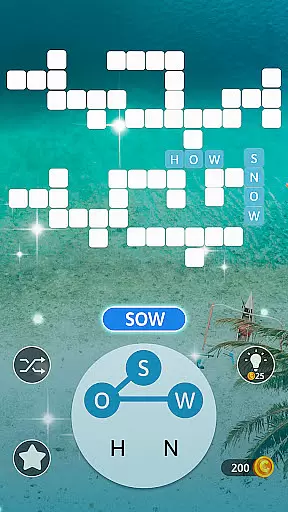
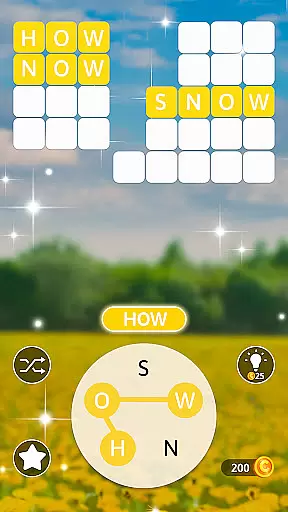
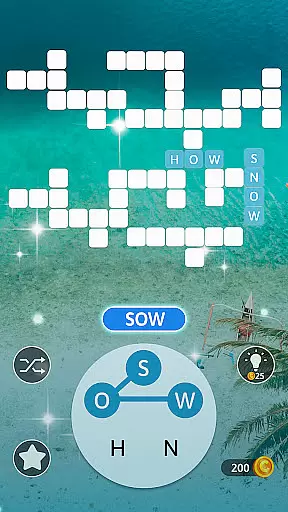
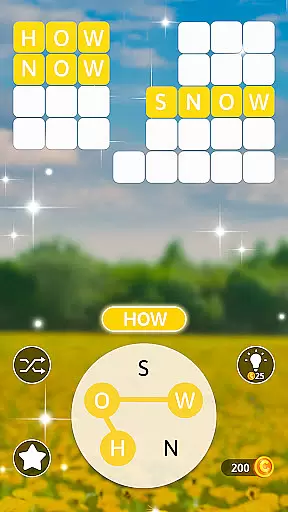
Word Maker is a word puzzle game app that combines crosswords, word search, and word connect games to enrich vocabulary while training the brain and improving IQ. The app offers thousands of challenging word puzzles across over 2000 levels, providing players with an engaging experience without boredom. Suitable for all ages, Word Maker helps improve vocabulary, spelling skills, and cognitive thinking.
The app features a Travel Theme with beautiful graphics and backgrounds, taking players on a virtual global tour. Players can earn gold coins as they progress through levels, unlock new cities, and access fun tools to reveal words and letters. With daily bonus rewards and hints available, Word Maker ensures continuous engagement and learning.
Whether you're on a break from work, school, or traveling, Word Maker serves as a perfect pastime. It's an excellent way to exercise your brain, develop language skills, and have fun by solving word puzzles. The app challenges users to unlock as many levels as possible in a virtual word puzzle world tour from New York to L.A. and around the globe.
Word Maker stands out with its variety of unique features designed to enhance user experience. The app includes over 2000 levels, each crafted to test and improve vocabulary, word puzzle knowledge, and focus. As players climb the vocabulary ladder, they unlock new levels and earn gold coins, which can be used to get hints or reveal words and letters.
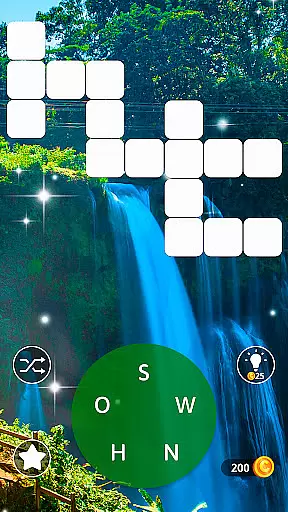
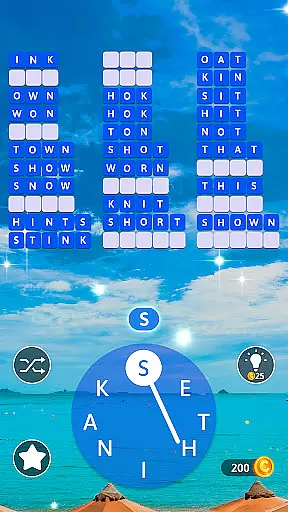
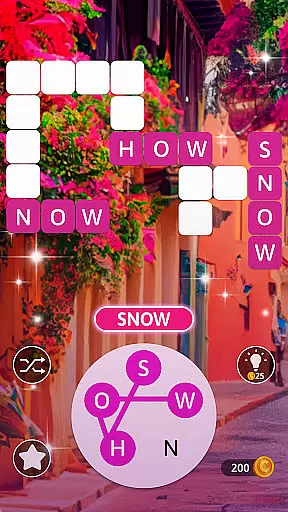
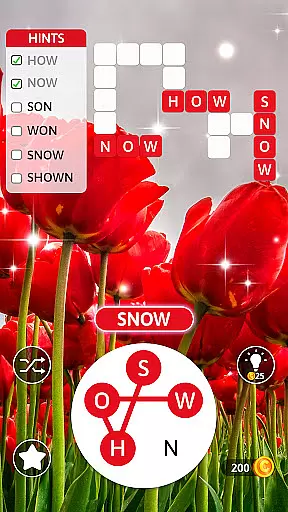
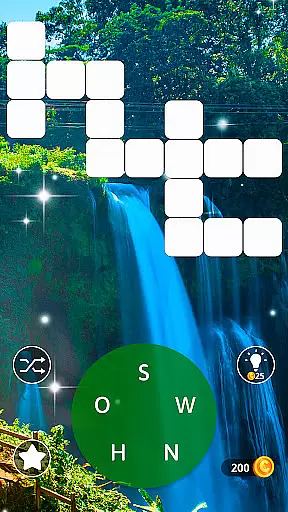
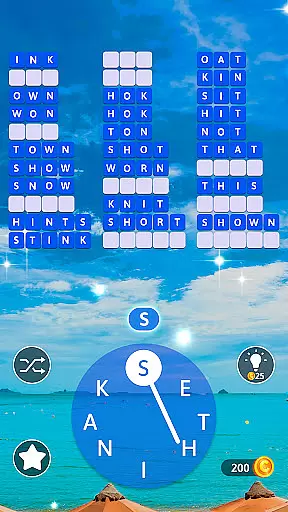
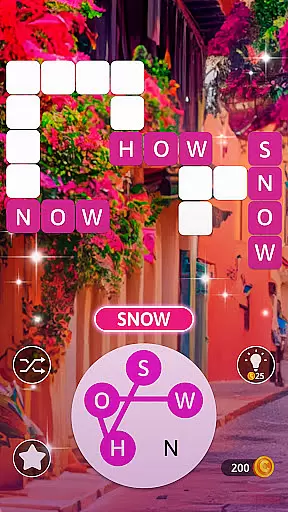
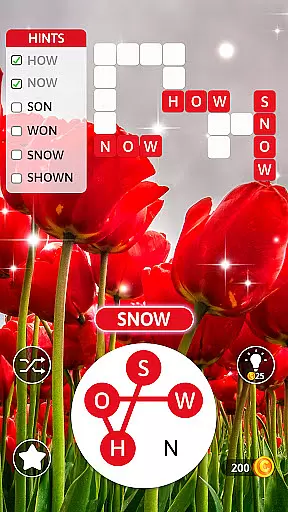
One of the key features is the ability to swipe letters in all directions to form words that fill crossword blanks both horizontally and vertically. Players can tap the Hint button for clues or use the Shuffle button to change letter order. Additionally, watching videos can provide more hints, ensuring players never get stuck on a puzzle.
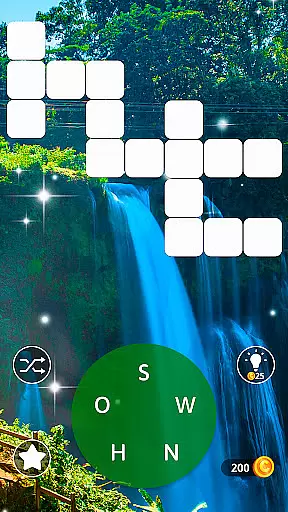
Word Maker also offers well-designed interfaces with beautiful graphics and backgrounds, creating a relaxing environment for solving puzzles. With free daily bonus rewards and new levels unlocking regularly, the app keeps players motivated and engaged. Its family-friendly design makes it suitable for all ages, offering a perfect blend of entertainment and mental exercise.
Clue quality and clarity are essential components of any word puzzle game, ensuring players can understand and solve challenges without unnecessary confusion. In Word Maker, clues are thoughtfully designed to guide users through the process of word searching and connecting letters. The app provides hints that are straightforward yet stimulating, maintaining a balance between challenge and accessibility.
The game incorporates a hint system that assists players when they are stuck. By tapping the Hint button, users receive immediate guidance on which letters to connect or words to form. This feature not only enhances the clarity of each puzzle but also keeps players engaged by preventing frustration. Additionally, the Shuffle button offers another layer of assistance by rearranging letters, making it easier to spot new word combinations.
For players seeking further help, the app allows them to earn or purchase additional hints using gold coins collected throughout their journey. Alternatively, watching short videos can provide extra clues. These mechanisms ensure that clue quality remains high, offering multiple ways for users to progress while maintaining the game's educational and entertaining essence.
Puzzle variety is a cornerstone of Word Maker, providing players with diverse challenges that keep the gameplay fresh and engaging. With over 2000 levels to unlock, the app offers an extensive range of word puzzles that cater to different skill levels and preferences. Each level introduces unique word combinations, crossword patterns, and letter arrangements, ensuring that no two puzzles feel the same.
The game goes beyond traditional word searches by incorporating various types of word-connecting tasks. Players must swipe letters in all directions to form words that fill crossword blanks both horizontally and vertically. This dynamic approach not only tests vocabulary but also enhances spatial reasoning and problem-solving skills. As players advance, they encounter increasingly complex puzzles that require more strategic thinking.
In addition to its core gameplay, Word Maker rewards users with daily bonus challenges and special events. These features introduce new elements of surprise and excitement, encouraging regular play. By continuously updating its content and offering themed puzzles related to global cities, the app ensures long-term engagement and enjoyment for its audience.
User-friendly interface
Over 2000 challenging levels
Educational and entertaining
Daily bonus rewards
Suitable for all ages
In-app purchases may be required
Ads between levels
Graphics could be improved
Occasional bugs reported
Limited social features

Play this fun word connect game to calm and train your brain.
 4.60
4.60
Word Puzzles from the hit TV show! Spin the wheel for fun word games!
4.60
Looking for inspiration? Enjoy offline Bible word games and unlock daily verses.
4.80
A smart word game that's challenging your mind with more than 1000 levels
4.80
The classic word game with advanced AI and built-in definitions
4.60
Word Sort meets Solitaire!
4.50
Relax, train your brain and improve your vocabulary with Word Search Journey
4.80
The 2 player games of hangman: save the hangman! Hangman 2player come! Ahorcado!
4.90
Play this visually-pleasing word game specially designed for seniors!
4.90
Link related words, train your brain, and relax with calming word puzzles!
4.90
Solve crossword puzzles challenge your brain and expand your vocabulary
4.90
Explore the world playing word puzzle games. Relax your brain by finding words
4.80
Zen Word - where challengers relax, solve word games, and train their minds!
4.80
Play word games with friends! Smart puzzles, custom tiles & multiplayer fun!
4.40
Combine crossword clues with a fill in the quote cryptogram style answer
4.30
Word search for watch. You can already wear your word search always at wrist!
3.30
Guessing word game for smartphones and smartwatches
4.4
Word puzzles with cute bears to enjoy, just don’t let the bubble bee bother you!
4.4
Scramble Words Puzzle Game
4.4


User Reviews