
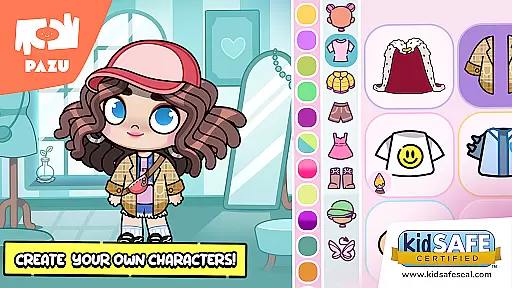
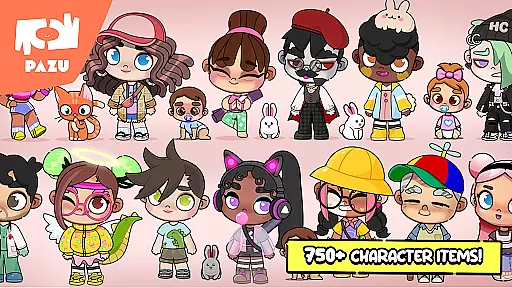
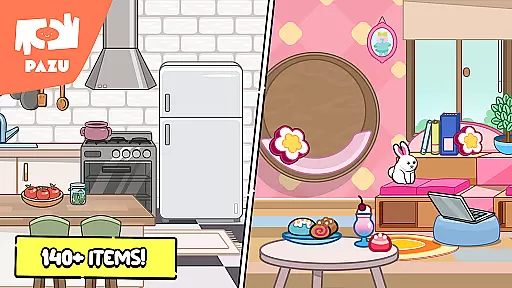
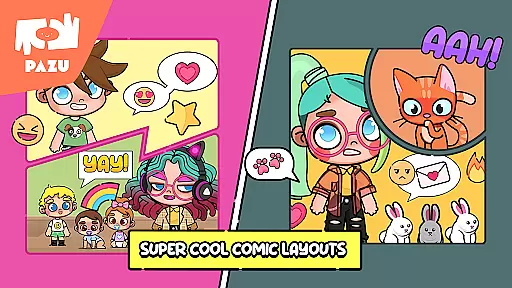
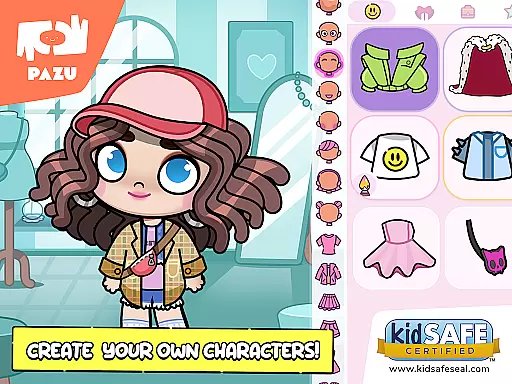
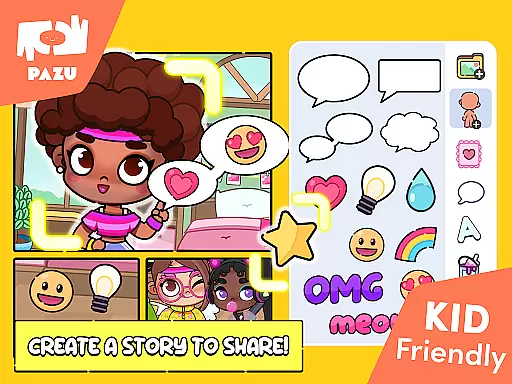
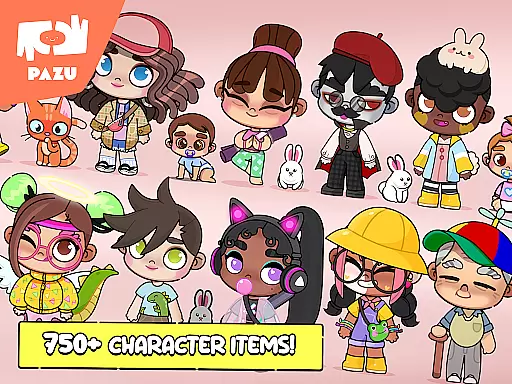
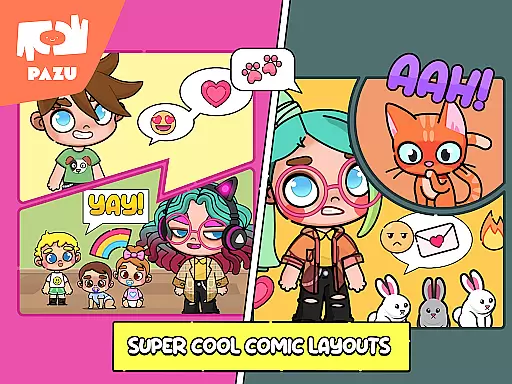
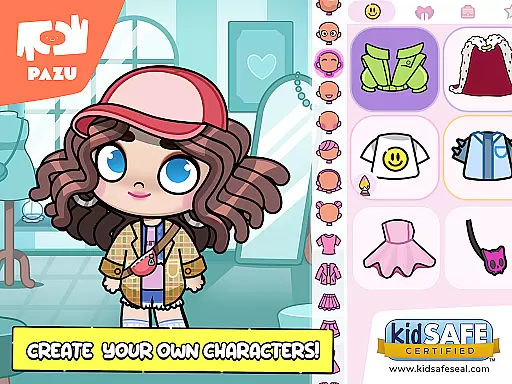
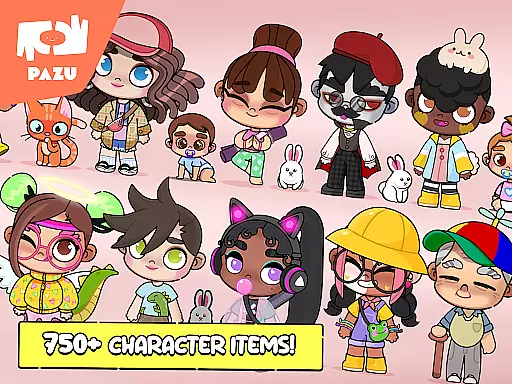
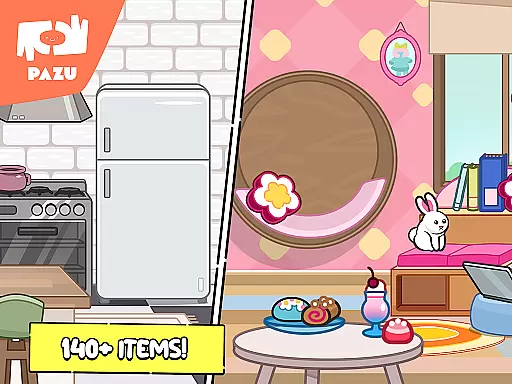
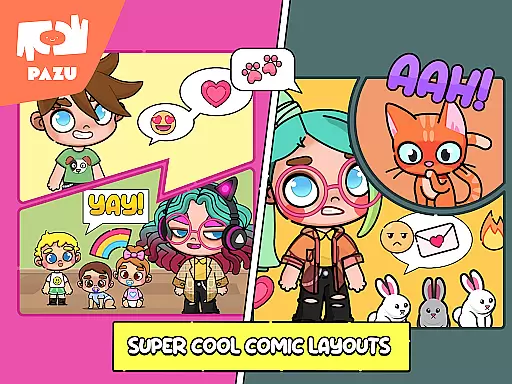
Avatar Maker Dress up for kids is an engaging educational app that allows children to design and customize their own cartoon characters. This app offers a magical world where kids can recreate any style they imagine, providing a platform for creativity and self-expression. With a vast selection of accessories, hairstyles, facial expressions, and clothing options, children can create unique avatars that reflect their personal style and imagination.
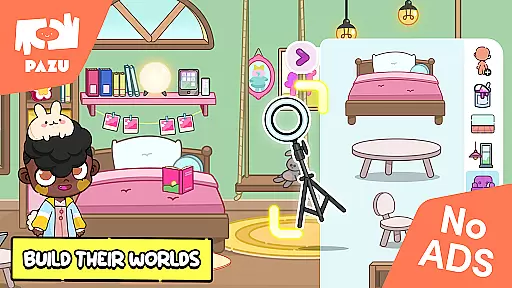
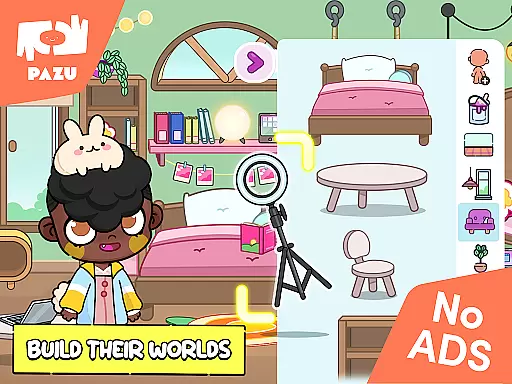
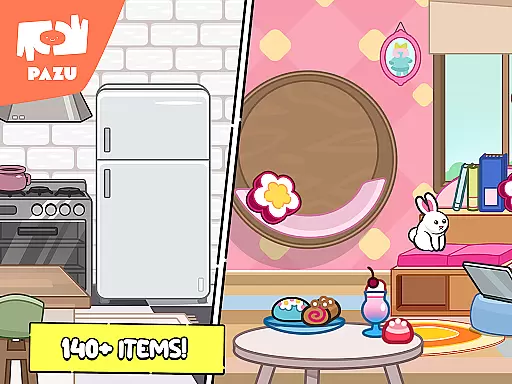
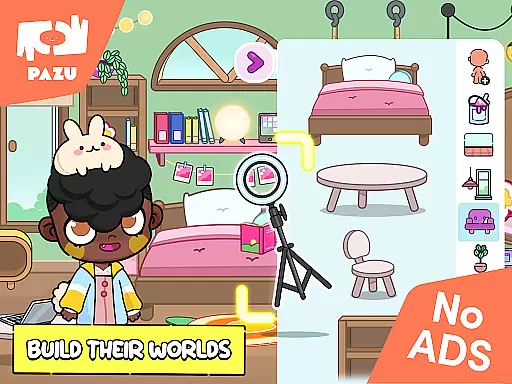
The app also includes features for customizing skin color, hair color, and clothing, as well as adding various accessories like masks, hats, and glasses. Children can express different emotions by adjusting facial features such as eyebrows, eyes, and mouth. Additionally, the app allows users to decorate virtual rooms with a variety of furniture and items, enhancing the creative experience. These features make Avatar Maker Dress up for kids not only entertaining but also an educational tool that fosters creativity and decision-making skills in young users.
Avatar Maker Dress up for kids stands out with its extensive customization options. The app provides full customization of skin color, hairstyle, and clothing, allowing children to create truly unique avatars. With a vast pool of items and accessories, including masks, hats, glasses, and various clothing pieces, kids can experiment with endless styles and combinations.
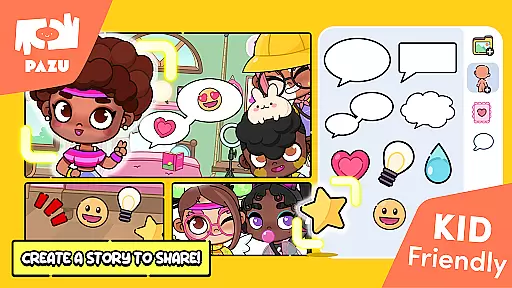
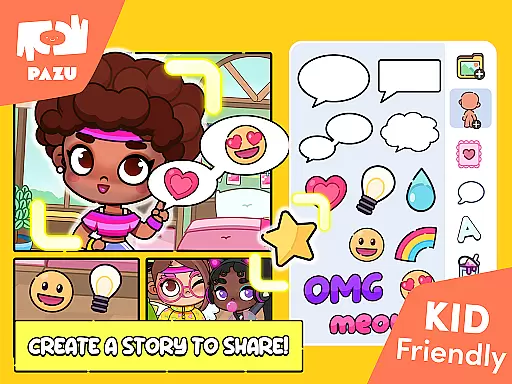
In addition to character creation, the app offers features for decorating backgrounds and virtual rooms, enabling users to design complete scenes that complement their avatars. The ability to use avatars as wallpapers or profile pictures and share them with friends adds a social element to the app. Furthermore, parental controls ensure a safe environment for children to explore their creativity. These comprehensive features make Avatar Maker Dress up for kids a versatile tool for both entertainment and education, promoting creativity and digital literacy among young users.
In the realm of educational gaming, content authority and curriculum alignment are crucial for ensuring that learning is both effective and relevant. Avatar Maker Dress up for kids establishes its content authority through a variety of customizable features that allow children to explore creativity and self-expression safely. The app offers an extensive selection of hairstyles, facial expressions, and accessories, which not only entertain but also encourage decision-making and aesthetic judgment skills.
Curriculum alignment in Avatar Maker Dress up for kids may not follow traditional academic subjects, but it aligns with important developmental goals such as fine motor skills, color recognition, and emotional intelligence. By customizing avatars' facial features and experimenting with different styles, children engage in a form of play that mirrors social-emotional learning activities used in educational settings.
The app's dedication to providing a rich palette of customization options ensures that young users can create avatars that reflect diverse identities and emotions. This feature indirectly supports multicultural education and empathy-building among users by allowing them to recreate or imagine characters from various backgrounds.
Furthermore, Avatar Maker Dress up for kids incorporates parental controls and maintains a secure environment free from ads, demonstrating a commitment to age-appropriate content delivery. Parents and educators can trust that the time spent on avatar creation contributes positively to children's cognitive and creative development without exposure to inappropriate material.
Gamification-learning integration represents the fusion of game mechanics with educational content to enhance user engagement and facilitate learning. In Avatar Maker Dress up for kids, this integration manifests through an immersive experience where children design their avatars using a vast array of options for personalization. This process not only entertains but also subtly educates players about combinations, colors, and spatial awareness as they assemble their digital personas.
The application provides a high degree of freedom in choosing avatar attributes such as skin tone, hairstyle, clothing, and accessories. Each choice requires the player to make decisions based on preferences and imagination, effectively turning the act of dressing up into a problem-solving exercise. This approach fosters critical thinking as children learn to visualize and execute their ideas within the parameters provided by the game.
Moreover, Avatar Maker Dress up for kids extends beyond mere character creation by including room decoration features. This expands the gamified learning environment, encouraging creativity in designing living spaces and further developing planning skills. Children can experiment with interior design concepts while having fun arranging furniture and accessories according to their tastes.
By enabling users to utilize their created avatars across different platformsu2014as profile pictures or shared creationsu2014the app bridges virtual achievements with real-world applications. This aspect reinforces the concept that learning outcomes have practical value outside of gameplay sessions, thus completing the circle of gamification-learning integration.
User-friendly interface
Variety of customization options
Safe environment with parental controls
No ads for uninterrupted play
Encourages creativity and self-expression
Limited to cartoon-style avatars
Some features may require fine motor skills
Potential for excessive screen time
May lack advanced features for older kids
Requires device storage space

Get points, learn Spanish, repeat. Speedrun your way to knowledge.
 4.0
4.0
Kids letter tracing technique, which is the first step in learning how to write.
4.30
Play the fun healthy habits game for kids with Cocobi the little dinosaurs.
3.40
Cure the patients to create your hospital story!
3.90
Explore, create, and play with Hello Kitty and all her friends!
4.60
Endless runner fun packed with animal facts, exciting wildlife, & adventure.
4.10
Explore Fantasy Land, get to know the world and create stories!
4.30
Design dreamhouses and dress up creatively in the ultimate role-playing game!
4.70
Create, design & explore Mia’s avatar game world! Dress up a dreamhouse you love
3.80
Puzzles, Cats and Programming
4.80
Epic battles, interactive quests and exotic pets. Learn math with Prodigy today!
4.70
Amazing toddler coloring games for 2+. Enjoy painting games
4.60
A must-have sequel to our Learn Letter Sounds with Carnival Kids app
4.30
Play the fun princess party game for kids with Cocobi the little dinosaurs.
4.10
Spark your little ones’ imagination!
3.80
Clean the messy house & play with cute kitty in this fun cleaning game for kids!
3.70
Join the pirate math adventure!
3.60
Explore & build the cute kitty city, create fun stories & discover surprises!
4.3
Discover the infinite cycles of the universe
4.4


User Reviews