
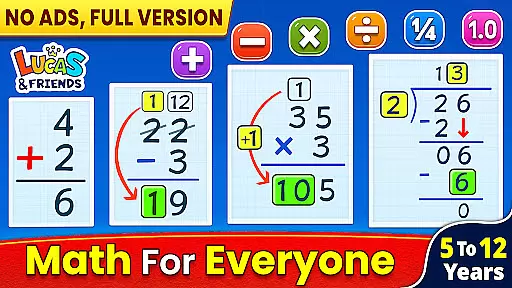
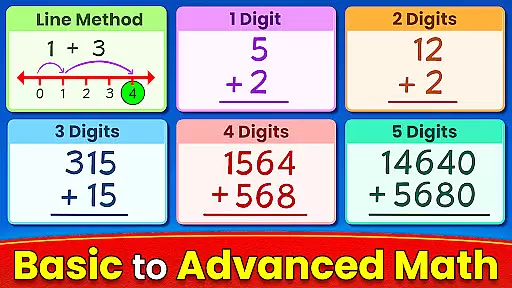
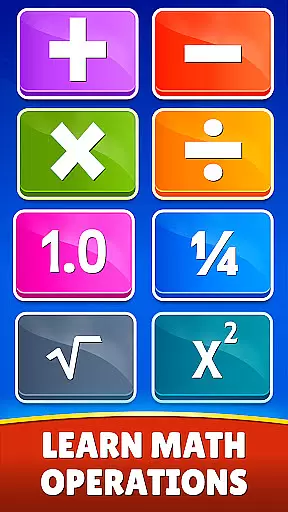
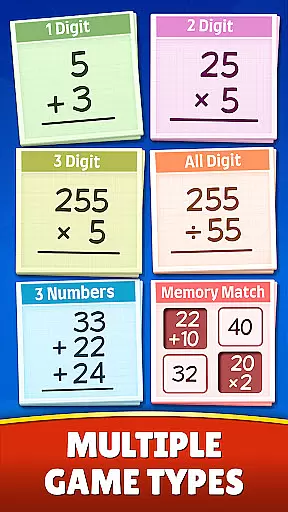
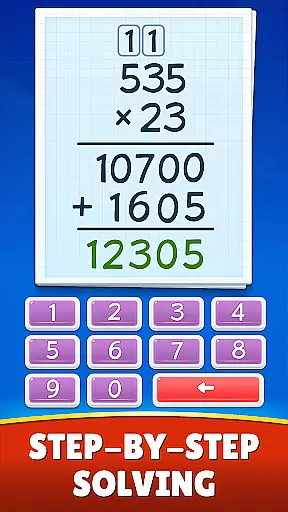
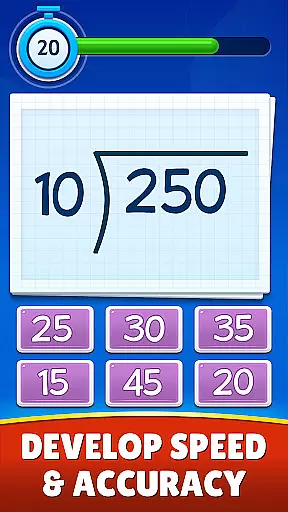
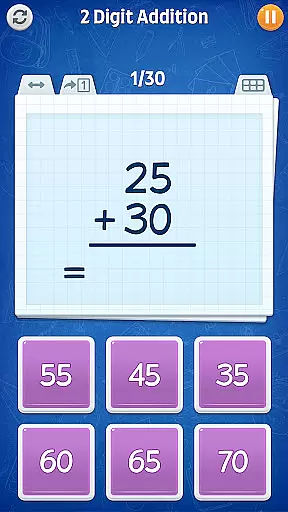
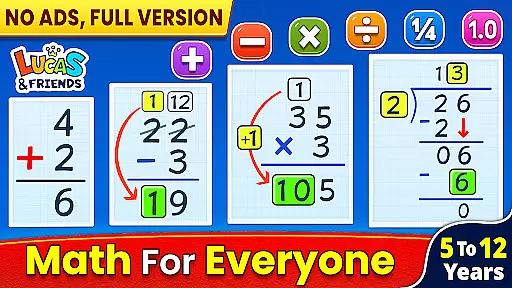
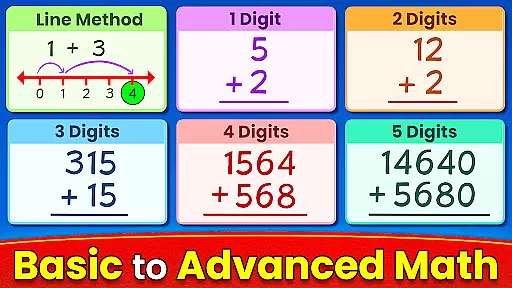
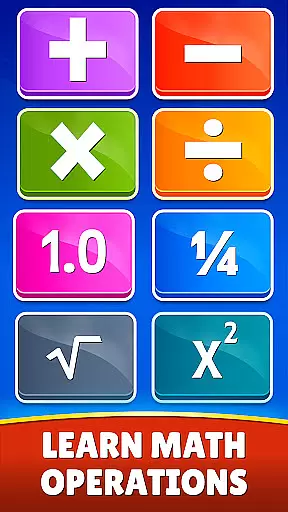
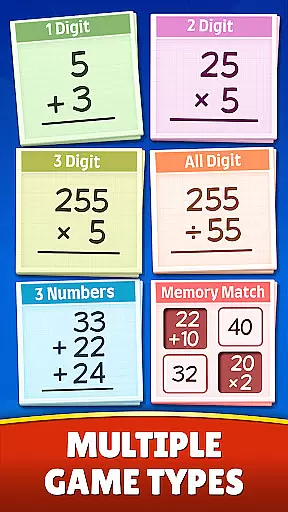
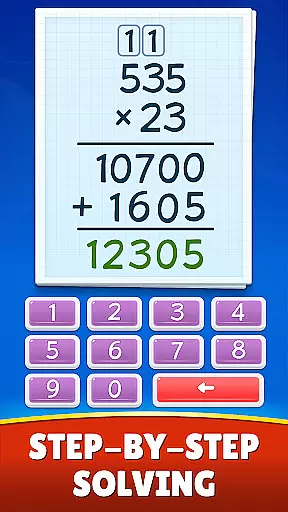
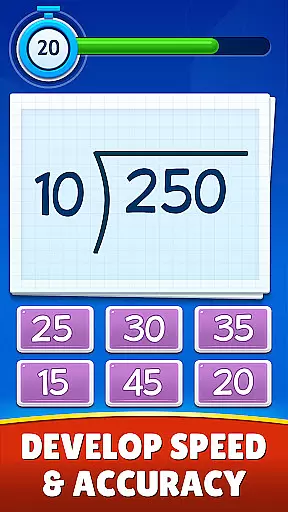
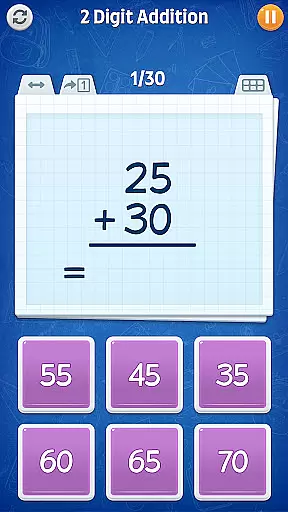
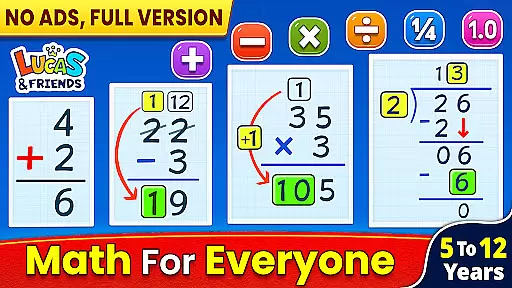
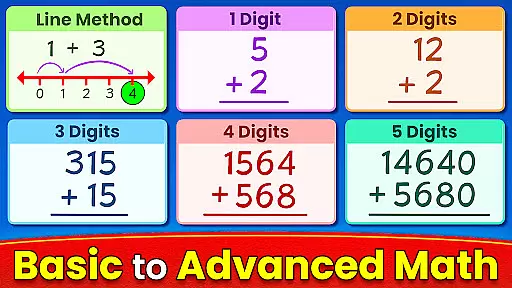
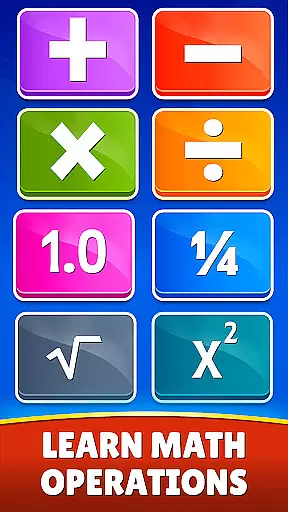
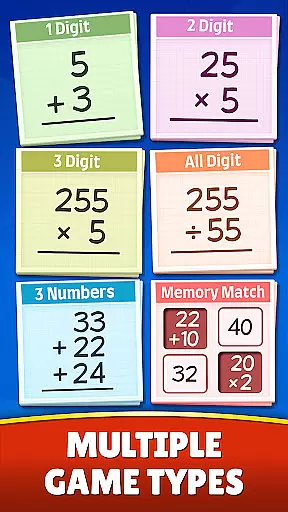
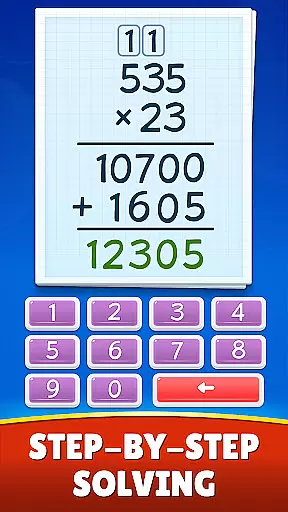
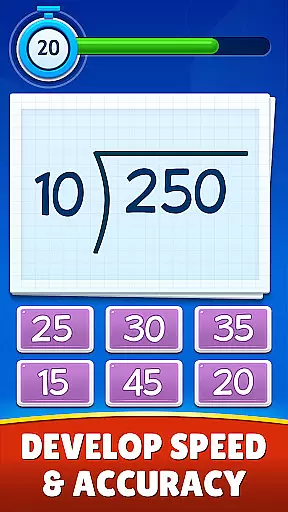
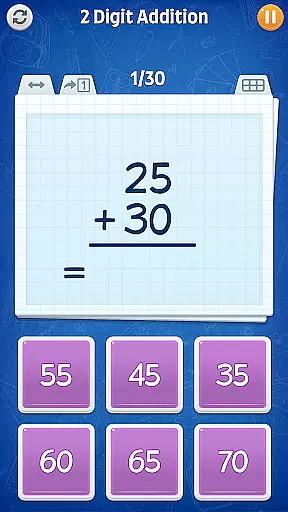
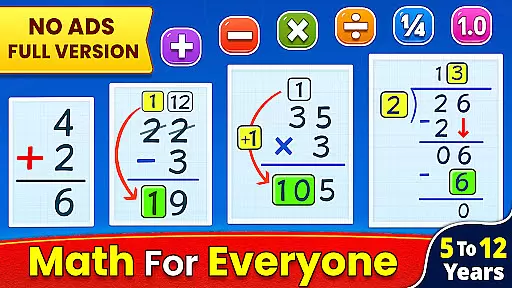
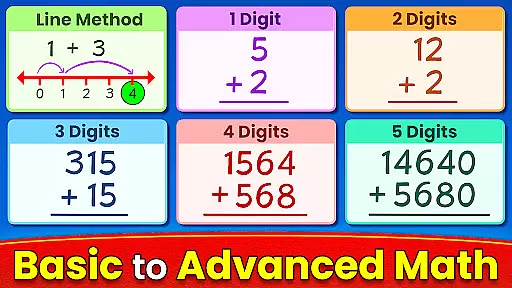
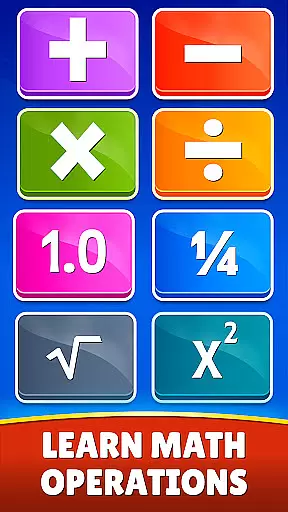
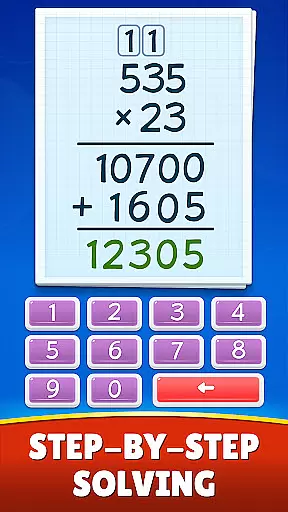
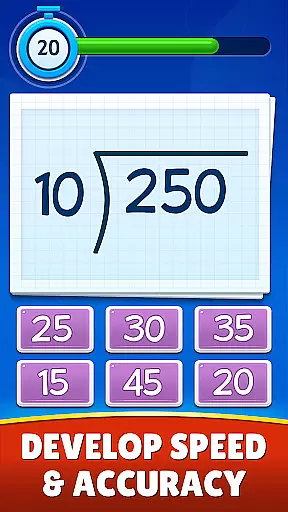
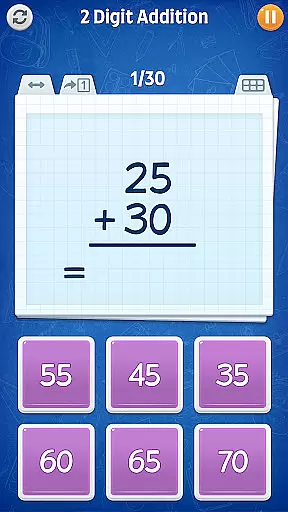
Math Games: Math for Kids is an educational app designed to make learning math enjoyable and interactive for children. This app provides a variety of fun, free math games that cover basic arithmetic operations such as addition, subtraction, multiplication, and division. It also includes advanced topics like fractions, decimals, square roots, exponents, and mixed operations.
The app offers different game modes including Memory Match, Challenge Mode, and Dual Mode which cater to various learning styles and preferences. Suitable for kids from kindergarten through 6th grade, it helps them master mathematics with engaging puzzles and brain teasers. The step-by-step approach ensures that children can learn at their own pace while enjoying the process.
With its colorful interface and easy-to-navigate design, Math Games: Math for Kids makes math practice both entertaining and effective. Parents and educators can use this tool to supplement traditional teaching methods and enhance students' mathematical abilities in a playful environment.
Math Games: Math for Kids boasts a wide array of features designed to engage young learners. One standout feature is the diverse range of math games available, covering everything from simple addition and subtraction to more complex operations involving fractions and decimals. Each game mode—such as Addition games, Subtraction games, Multiplication games, Division games, and Fractions—is crafted to reinforce specific skills using interactive and visually appealing methods.
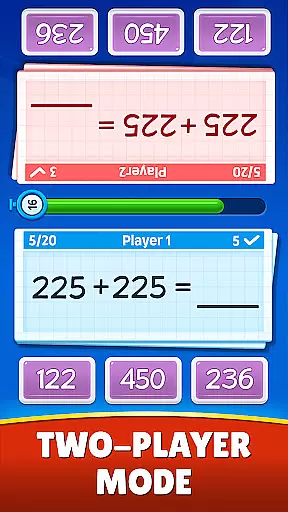
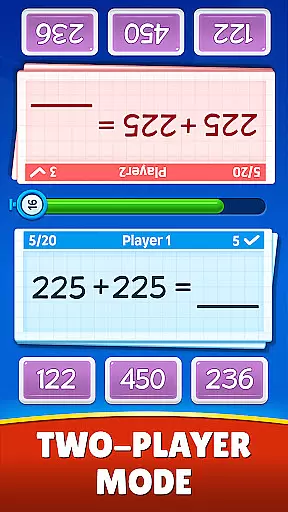
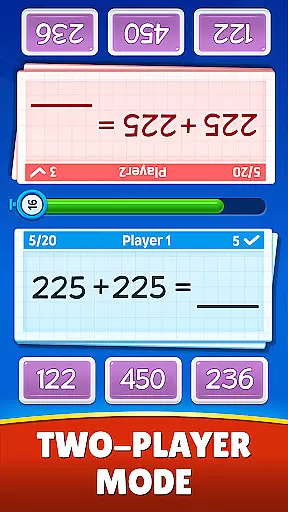
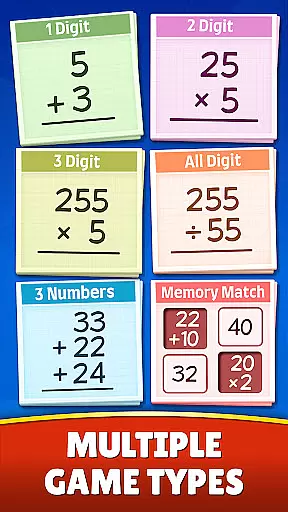
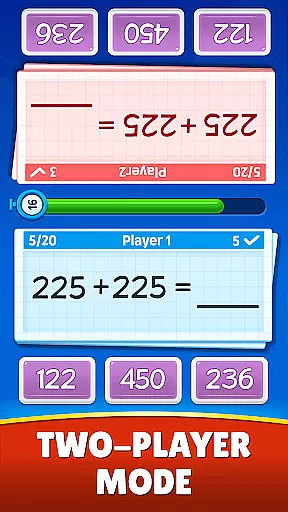
In addition to the core math games, the app includes specialized modes like Memory Match, where players flip number memory cards to match answers to equations, enhancing cognitive skills alongside math proficiency. The Challenge Mode encourages quick thinking by requiring users to complete puzzles before time runs out, adding an element of excitement. For collaborative learning, the Dual Mode offers a split-screen interface allowing two players to compete or cooperate simultaneously.
The app's user-friendly interface and vibrant graphics ensure sustained engagement. Moreover, regular updates and improvements based on user feedback guarantee that the content remains relevant and beneficial for children across different age groups and academic levels.
When it comes to educational apps, content authority and curriculum alignment are crucial factors that determine the app's effectiveness. Math Games: Math for Kids takes pride in offering a comprehensive learning experience that aligns with educational standards while maintaining authority in its content.
The app covers a wide range of mathematical concepts, from basic arithmetic such as addition, subtraction, multiplication, and division to more advanced topics like fractions, decimals, square roots, and exponents. Each topic is presented in an organized manner, ensuring that children can progress through different levels of difficulty at their own pace.
Math Games: Math for Kids has been crafted not only to teach math skills but also to instill confidence in young learners. By engaging them with fun and interactive math puzzles, brain teasers, and challenges, the app reinforces classroom learning and helps bridge any gaps in understanding.
Parents and educators can be assured that this app provides a reliable source of mathematical knowledge that serves as a supplementary tool for school curriculums. With its step-by-step approach to teaching math skills, it ensures that every child receives proper guidance on their journey towards mathematical proficiency.
Gamification has revolutionized the way we approach education by integrating game-like elements into learning environments. Math Games: Math for Kids leverages gamification to make learning mathematics an enjoyable experience for children across various age groups.
This educational app offers multiple modes designed to engage students through playful activities. Memory Match encourages memory retention by having players match equations with their answers. Challenge Mode tests speed and accuracy under time constraints, while Dual Mode allows friendly competition or collaboration between two players on a split-screen interface.
By incorporating these gaming features, Math Games: Math for Kids transforms traditional worksheets into dynamic exercises that motivate kids to practice repeatedly without losing interest. The colorful visuals, combined with instant feedback during gameplay, create an immersive environment where mistakes become opportunities for growth rather than sources of frustration.
Ultimately, this seamless blend of entertainment and education fosters a positive attitude towards mathematics among young users. As they advance through increasingly challenging levels within the app, children develop critical thinking skills alongside subject masteryu2014all while having fun!
User-friendly interface
Engaging game modes
Comprehensive math coverage
Suitable for all ages
Regular updates
Limited advanced topics
Occasional ads
No offline mode
Basic graphics
Simple sound effects

The Squirrels have been learning how to look after animal, now it's your turn!
 3.90
3.90
A world to build at the tip of your fingers!
3.80
A logic puzzle game for 1 - 3 players
4.3
Magical girl game where dreams come true. Collect & care for cute princesses!
3.80
Dress up, Makeover, and Party! Design a Wonder World!
3.90
Fun educational game: Learn, imagine, create, draw and color!
4.20
Cure the patients to create your hospital story!
3.90
Design dreamhouses and dress up creatively in the ultimate role-playing game!
4.70
Play safe educational games & learn with Daniel Tiger, Wild Kratts & more
4.40
Puzzles, Cats and Programming
4.80
Kids coloring games for boys! Fun drawing, painting & learning book for kids.
4.60
Toddler Learning Games, Learn: Colors, Shapes, Puzzles, ABC ... ►NoAds!◄
4.50
Build your own BRIO railway!
4.30
Fun dentist game with Cocobi friends!
4.10
Animal games! Adopt virtual pet dog, cat & rabbit to create your pet world!
4.10
Fun baby care game for kids with dinosaur friends. Enjoy the fun kids game.
4.00
Learn and practice multiplication and division
4.1
Little Explorer – Garage, Kitchen and Bathroom
4.2
Discover the infinite cycles of the universe
4.0


User Reviews