
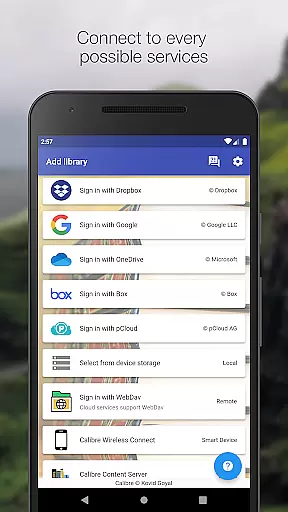
Calibre Sync is a powerful tool designed for book enthusiasts who use Calibre to manage their digital libraries. This app allows users to access full Calibre libraries on most popular personal cloud services, including Google Drive, Dropbox, Microsoft OneDrive, and more. It transforms your device into a smart device emulator that connects to Calibre wirelessly, supporting libraries on external storage and from Calibre Content Server with impressive performance.
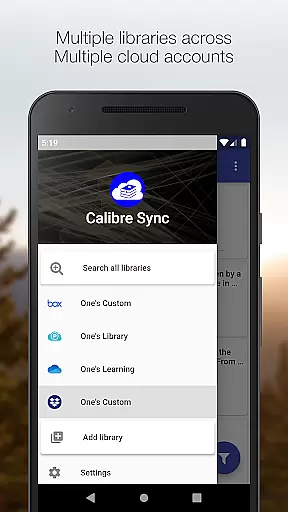
The application supports multiple libraries across various cloud accounts simultaneously, making it easy to browse, sort, search, download, and read books on your device. Whether you are at home or on the go, Calibre Sync ensures that your entire library is accessible at your fingertips, providing an efficient and seamless reading experience.
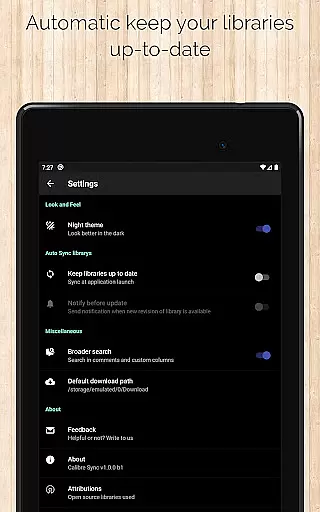
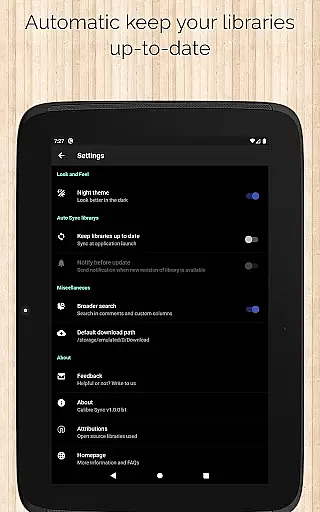
Calibre Sync offers a wide array of features tailored to enhance your reading experience. The app supports unlimited Calibre libraries and allows effortless wireless connection to Calibre as a smart device. Users can easily switch between multiple libraries across different accounts and benefit from automatic checks and updates when launching the app.
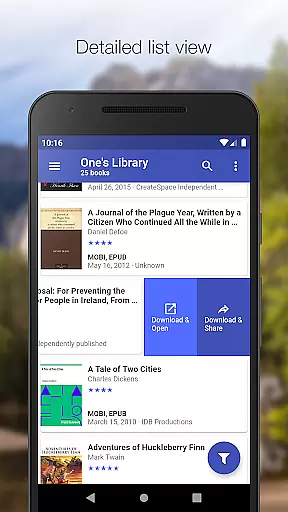
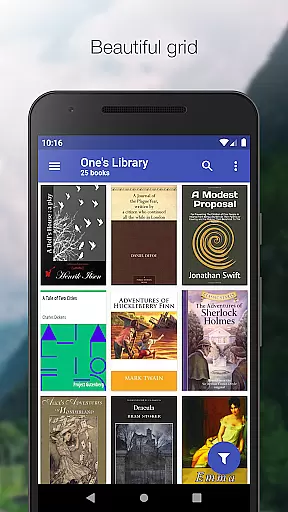
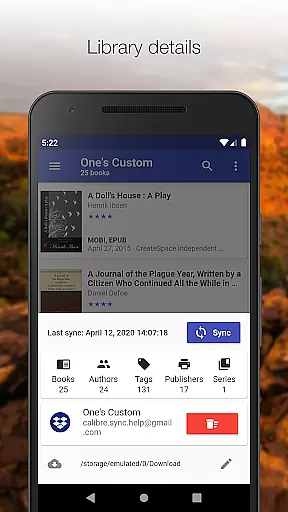
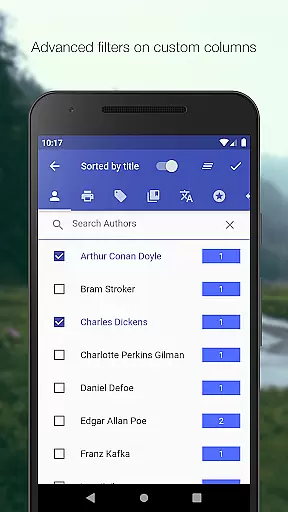
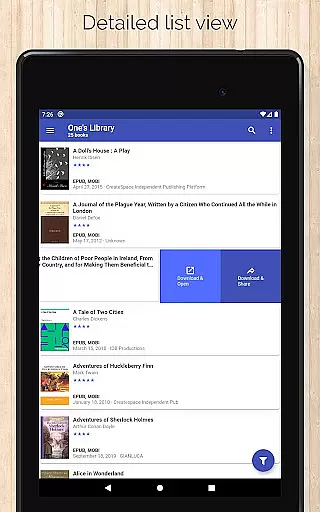
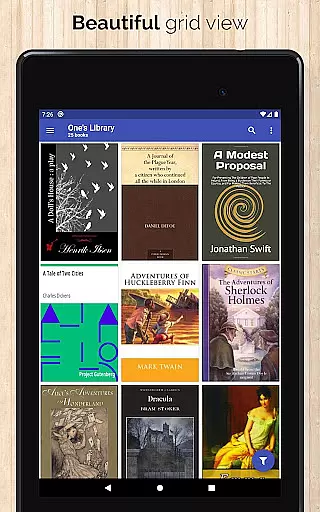
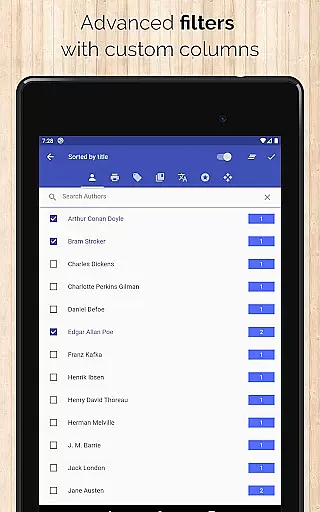
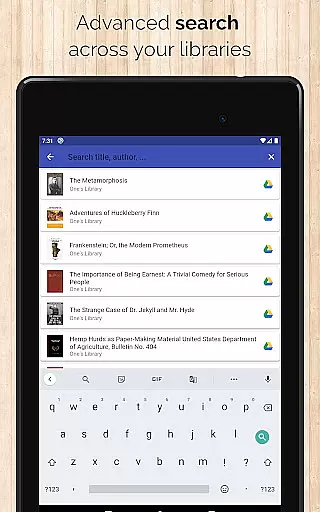
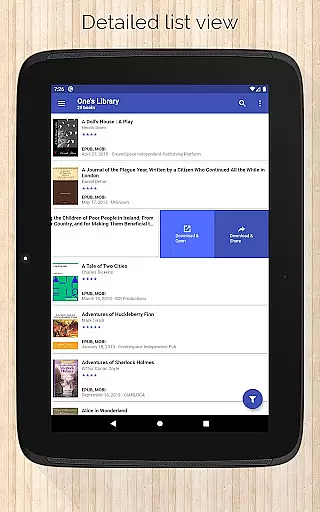
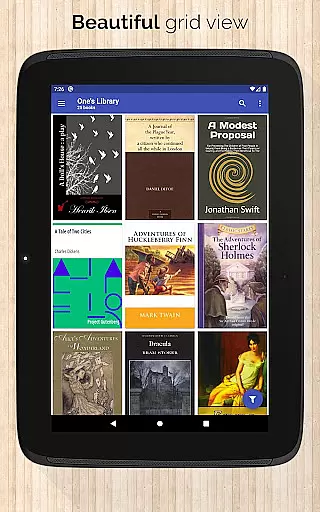
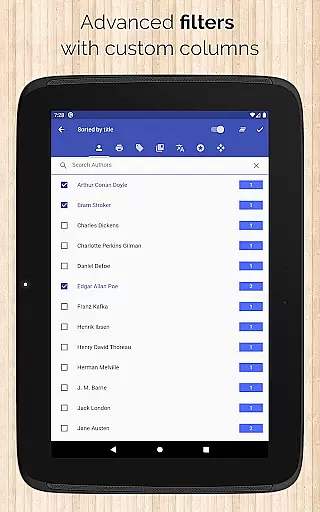
Additional features include support for various book list layouts such as List, Grid, and Carousel, viewing library statistics, and advanced search and filter options. You can sort libraries by title, author, ratings, and several date options, filter downloaded books, and configure download locations for each library. The app also provides quick access to book downloads and sharing via a slideable list view, zoomable book covers, and dark/light themes.
Calibre Sync offers an impressive e-book library management system that allows users to access unlimited Calibre libraries across multiple cloud services. The app supports popular platforms like Google Drive, Dropbox, and Microsoft OneDrive, ensuring extensive coverage for various user preferences.
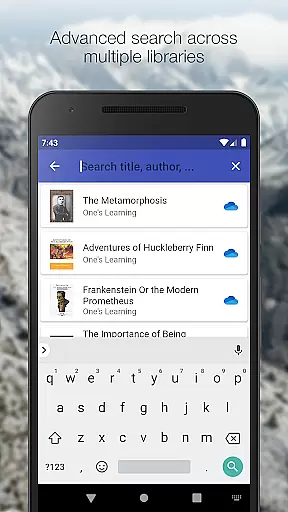
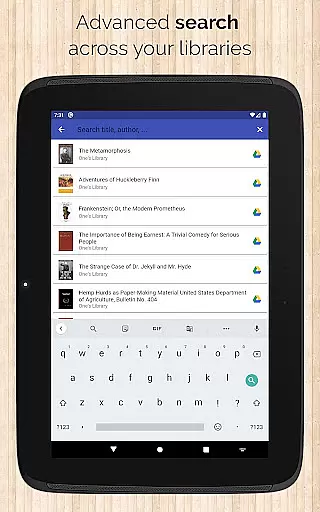
The application's strength lies in its ability to maintain the integrity of e-book metadata while providing seamless access. Users can search books by title, author, comments, and even custom columns, ensuring accurate content discovery. This meticulous organization demonstrates the app's commitment to copyright authenticity and proper content attribution.
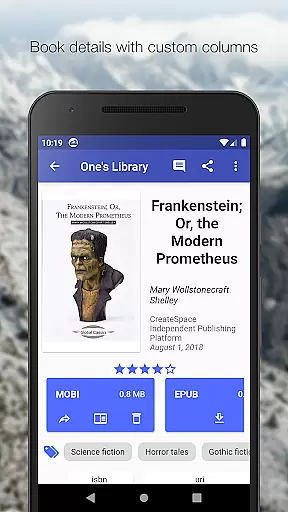
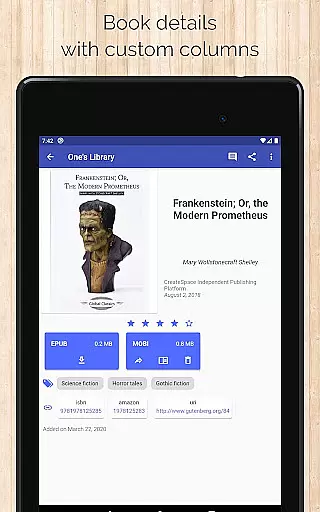
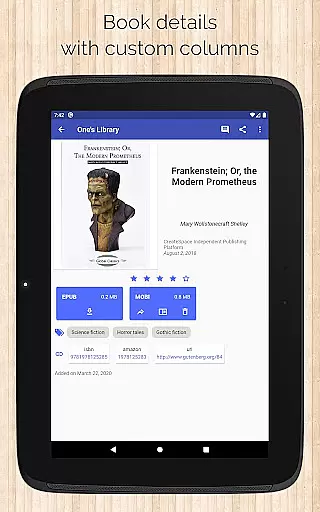
With support for custom columns and detailed book information including ISBN and source links, Calibre Sync provides a comprehensive solution for managing digital libraries. The app's sophisticated filtering and sorting capabilities enable users to maintain well-organized collections while respecting intellectual property rights.
This robust infrastructure benefits users by offering reliable access to their entire e-book collection while ensuring proper content identification and organization. The ability to manage multiple libraries across different accounts simultaneously makes it an invaluable tool for serious readers and researchers who require both quantity and quality in their digital libraries.
Calibre Sync excels in format compatibility, supporting various book list layouts including detailed list, simple list, grid, and carousel views. This flexibility allows users to customize their reading experience according to their preferences while maintaining consistent access to their library content.
The application's versatility extends to its support for different book formats and custom columns in book details view. Users can view file sizes for each format and access book identifiers that link to sources like Amazon and Google Books, demonstrating comprehensive format support.
Advanced features include wireless connection to Calibre as a smart device emulator and support for external storage libraries. These capabilities ensure that users can access their books in various formats regardless of their storage location or network configuration.
This extensive format compatibility provides significant value to users by enabling them to manage and read their books in preferred formats without restrictions. The app's ability to handle multiple libraries across different cloud services while maintaining consistent format support makes it an excellent choice for users with diverse e-book collections.
User-friendly interface
Extensive cloud service support
Advanced library management
Wireless connectivity to Calibre
Multiple account synchronization
No built-in reader app
Limited OneDrive support
Requires storage permission
Box API write permission needed
Case-sensitive file system required

Contains the 365 daily readings and everything other thing needed for catholics
 4.70
4.70
“There was one last piece of cake. My little sister said ‘Me too!’”
4.00
CleverBook Pro makes the popular guide for the game even better!
4.00
Words spoken by native English speakers and full definitions.
4.60
Universal Zoom, learn about sizes & distances of the universe and microcosmos
4.80
Holy Bible, a KJIV Bible study, audios & daily verses, talk with God now.
4.80
Read the Quran in Arabic alongside its translation, with color coded Tajweed.
4.50
The Apostolic Lutheran Church hymnal
4.5
Learn to tie more than 200 knots in 3D!
4.90
Offline dictionary for learning Cantonese as a second language
4.90
King James Bible read offline, AI Priest, Bible Quiz, Guiding Prayers & Plans
4.80
The Original & Authentic Crystals, Gemstones, Rocks & Minerals Encyclopedia.
4.60
Bible Spiritual Companion
4.40
Bilingual dictionary with English translations of Modern Standard Arabic words.
4.30
Holy Bible with verses and audio for studying and prayer
4.30
Prime novels await! Fantasy & Romance on JoyRead. Immersive reads!
4.20
Read Trending Romance Stories
4.00
Guide for dōTERRA® Products
3.60
A guide for the Court of Atonement spiritual healing process.
4.3


User Reviews