

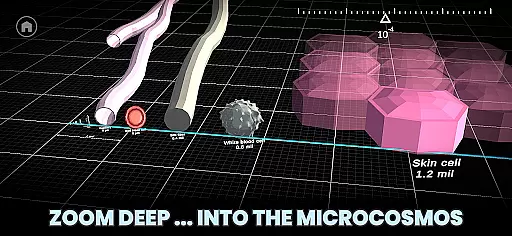




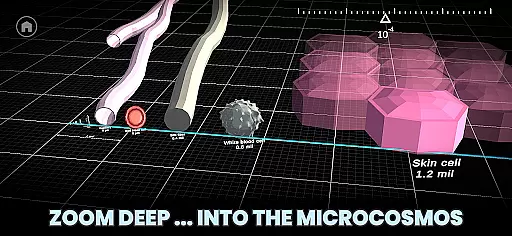




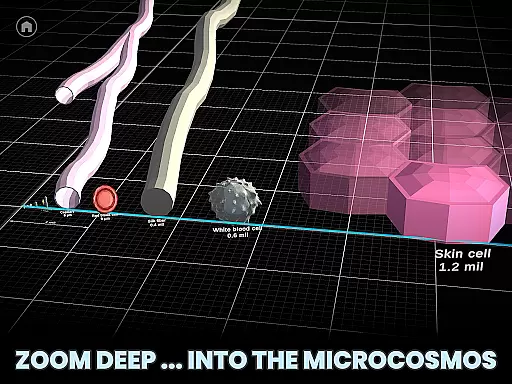


Univerzoom 3D is an interactive educational app that allows users to explore the vastness of the universe and microscopic worlds through intuitive 3D zooming. Designed for all ages, this Books & Reference app provides a unique perspective on the scale of objects in our cosmos, from the largest celestial bodies to the smallest subatomic particles.
The app's core functionality lies in its seamless zooming capability, which lets users swipe through billions of light years or dive into atomic dimensions with ease. Users can compare sizes between diverse objects like planets, stars, animals, and everyday items, gaining a deeper understanding of their relative scales.
Perfect for educational settings or casual exploration, Univerzoom 3D brings science to life by combining visual learning with factual information, making it an invaluable tool for students, educators, and curious minds alike.
Univerzoom 3D stands out with its comprehensive feature set tailored for exploratory learning. The app's signature feature is its multi-dimensional scaling engine, enabling users to navigate seamlessly from cosmic scales to microscopic levels using simple touch gestures.
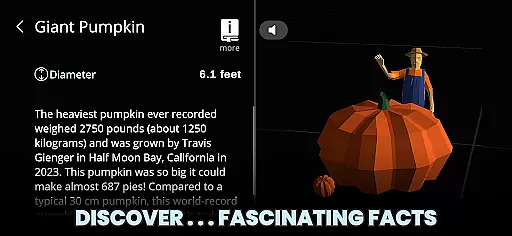
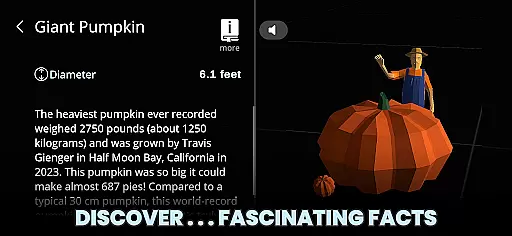
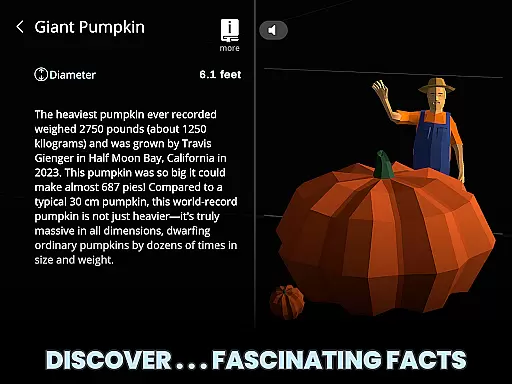
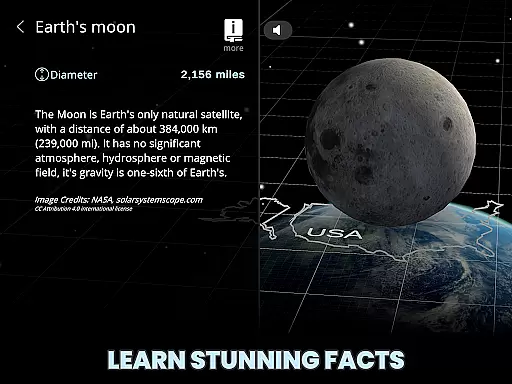
Each object in the app comes with detailed facts and descriptions, many of which can be read aloud through integrated Text-to-Speech functionality. The 3D visualization system provides realistic representations of celestial bodies, microscopic structures, and everything in between, while maintaining scientific accuracy.
Additional features include curated external resource links for deeper research, multigenerational usability design, and an intuitive interface that makes complex scientific concepts accessible to users of all ages and backgrounds.
Univerzoom 3D offers a vast virtual library that spans the scale of the entire universe, providing users with an extensive collection of 3D objects and facts at their fingertips. This interactive experience is akin to having access to countless e-books filled with knowledge about the cosmos, microscopic dimensions, and everything in between.
The app ensures copyright authenticity by sourcing information from trusted external sources and presenting original content powered by Morn1415. Users can explore this rich database without concerns about intellectual property violations, as they learn from reliable and vetted information.
With Univerzoom 3D, you're not just getting a static e-book; you're gaining an immersive educational tool that allows for exploration and discovery on a universal scale. The ability to zoom into microscopic details or out to cosmic expanses makes it an invaluable resource for students, educators, and curious minds alike.
Univerzoom 3D provides seamless format compatibility through its intuitive interface that supports various types of media and data visualization. Whether it's comparing celestial bodies or examining atomic structures, the app presents all content in an engaging 3D format that is both informative and visually captivating.
Accessibility is key, and Univerzoom 3D ensures that everyone from children to grandparents can easily navigate its features. By supporting multiple interaction methods such as swiping, pinching, and tapping, the app caters to users regardless of their technical proficiency or physical capabilities.
In addition to visual formats, Univerzoom 3D also embraces auditory learning styles by integrating Text-to-Speech functionality. This feature reads aloud fascinating facts about selected objects within the app, making knowledge more accessible to those who prefer listening over reading or require assistive technologies for a better learning experience.
User-friendly interface
Scientifically accurate
Wide age appeal
Interactive learning
Comprehensive content
Requires large storage
High device specs needed
Limited offline content
Subscription fees apply
Occasional bugs

Words spoken by native English speakers and full definitions.
 4.60
4.60
Bible Spiritual Companion
4.40
Werewolf novels & romance stories in audiobooks for book lovers! Werewolf storie
4.60
Learn Thai with 195,000+ entries, crisp Thai sounds, big text; works offline.
4.80
"Do you like green eggs and ham?"
4.70
America's best dictionary and thesaurus - with premium content and no ads
3.40
Read Trending Romance Stories
4.00
Identify birds of North America by call or picture | Bird Identification
4.20
ARC Raiders Companion: Map, Quests, ARC/Item Info. Track everything instantly!
4.00
"When tweetle beetles fight, it's called a tweetle beetle battle."
4.90
Bible, Catechism, Study, Saints, Mass Readings, Rosary, Prayer, Bible in a Year
4.80
A lightweight reader for comics and mangas files (.cbr, .cbz, .cbt, .pdf, ...)
4.80
"Five Dr. Seuss titles in one omBook!"
4.60
Unlock unlimited access to bestselling ebooks, novels, stories, and audiobooks
4.60
Offline translator from english to spanish, and from spanish to english.
4.50
Holy Bible with verses and audio for studying and prayer
4.30
Essential Technical Rescue Field Operations Guide 6, the Industry Standard Guide
4.20
Knots 360 Pro ( 3D ) shows you animated 192 knots in 3D perspective
4.10
A companion for prayer, with Azan alarm, Quibla direction, and Holy Quran book
4.10


User Reviews