
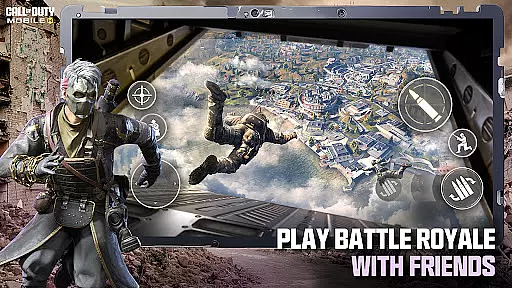
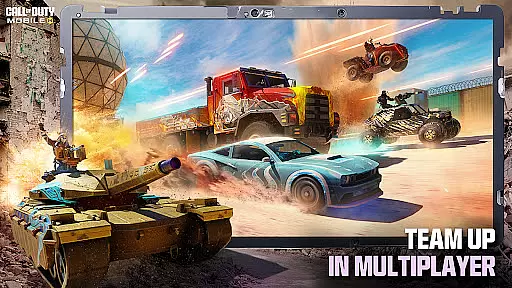
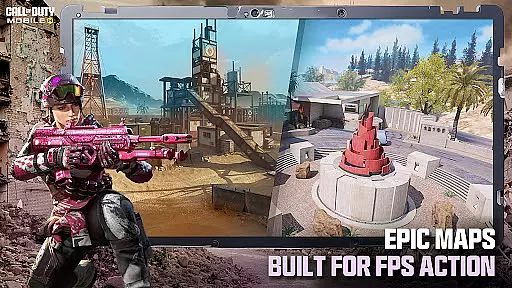
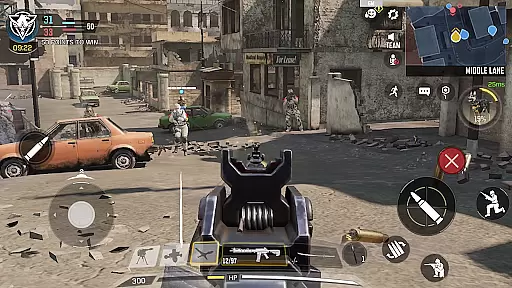
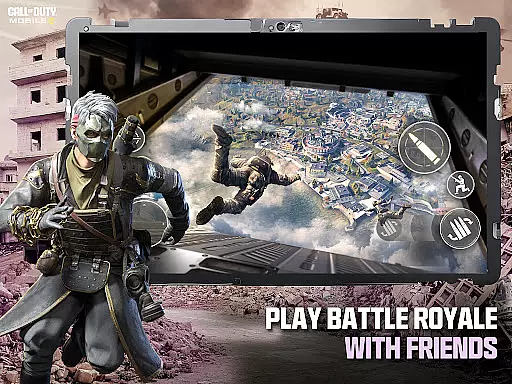
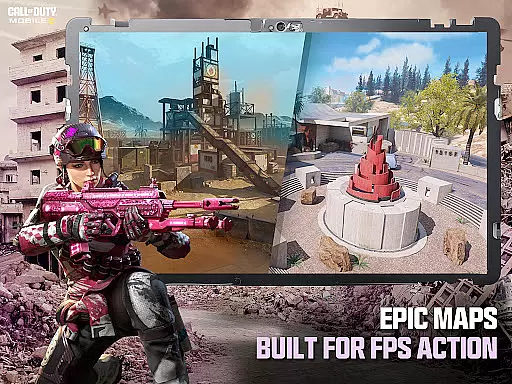
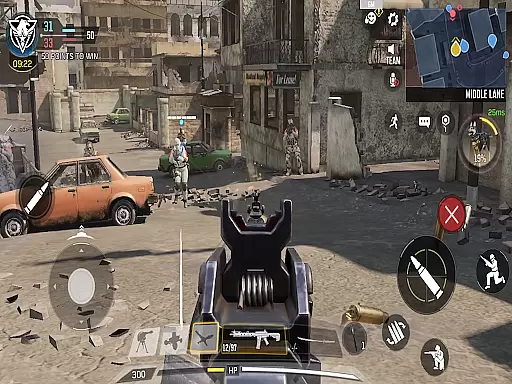
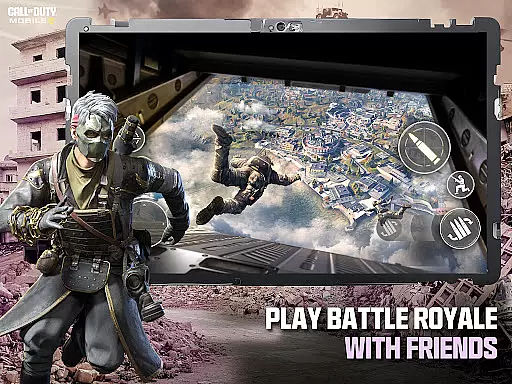
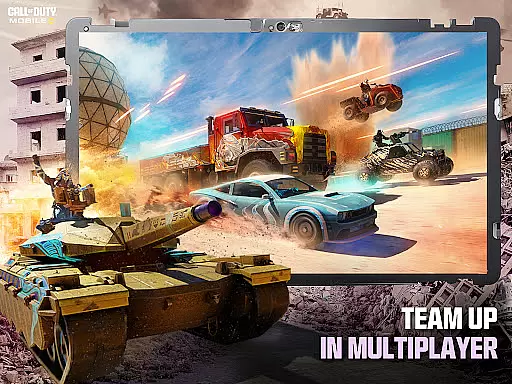
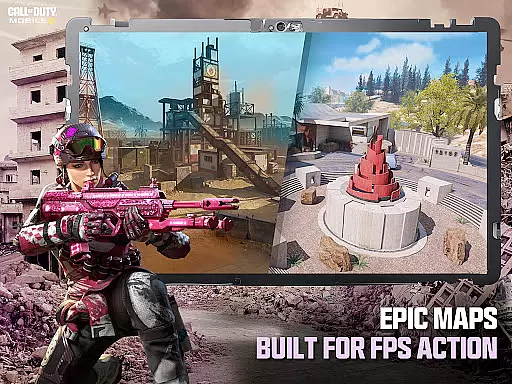
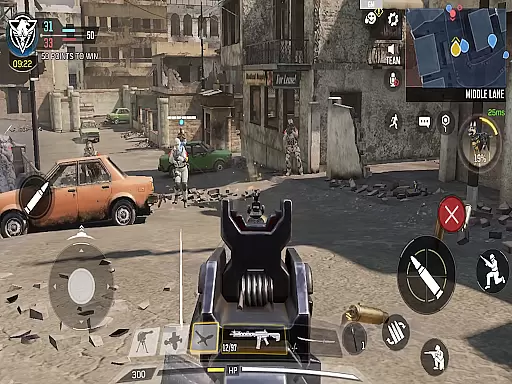
Call of Duty®: Mobile delivers the ultimate first-person shooter experience on mobile, combining fast-paced combat with iconic maps and modes. Players can engage in classic Multiplayer battles like Team Deathmatch or dive into the chaos of Battle Royale across expansive maps. With console-quality graphics and precise controls, this free-to-play game offers an immersive FPS experience that pushes your shooting skills to the limit.
The game features seasonal updates, introducing fresh content such as new operators, weapons, and themed events every month. Whether you're battling solo or teaming up with friends, Call of Duty®: Mobile ensures endless action through ranked competitive play, social matches, and clan-based rewards. Its customizable loadouts let players tailor their gear for a personalized approach to each match.
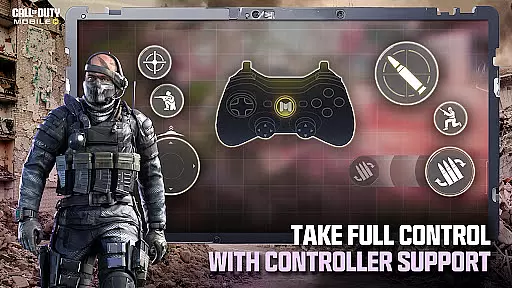
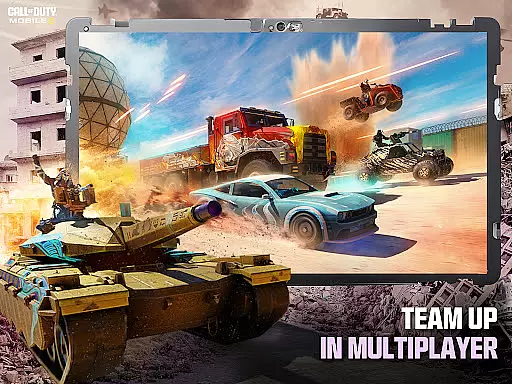
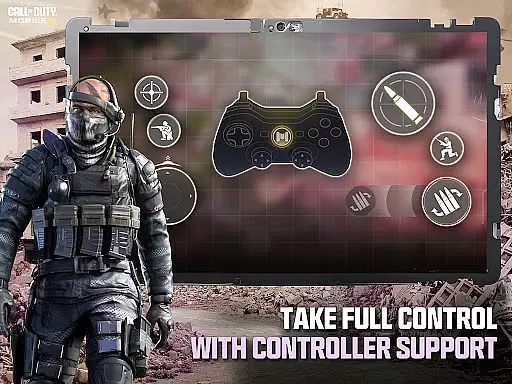
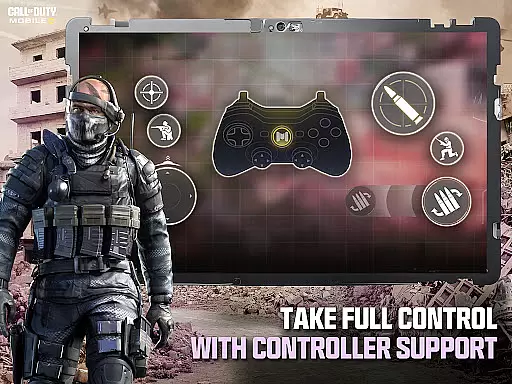
Call of Duty®: Mobile stands out with its variety of FPS game modes, including fan-favorites like Team Deathmatch, Domination, Zombies, and Battle Royale. Each mode is enhanced by legendary maps such as Nuketown, Shipment, and Raid, offering both nostalgia and strategic depth. The intuitive touch controls are fully customizable, while support for external controllers caters to console gamers looking for precision gameplay.
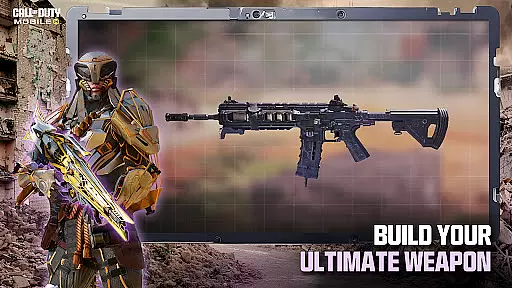
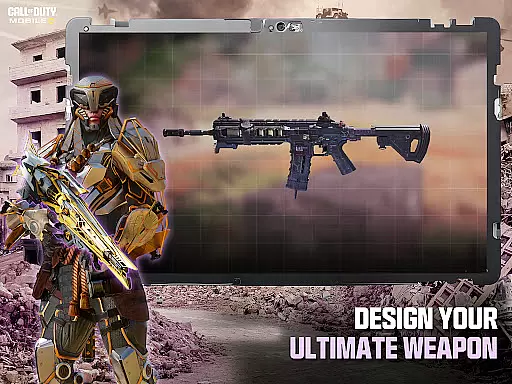
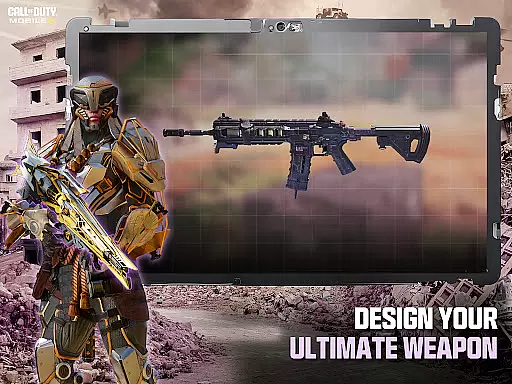
Customization takes center stage with unlockable operators, outfits, score streaks, and weapons, allowing players to create unique loadouts tailored to their playstyle. Additionally, the reduced initial download size makes it accessible even on devices with limited storage, while optional HD resources ensure high-quality visuals without compromising performance. Social features like clans, voice chat, and competitive rankings foster community engagement and long-term progression.
In the realm of first-person shooter games like Call of Dutyu00ae: Mobile, control responsiveness and latency are paramount to a player's success. Control responsiveness refers to how quickly and accurately the game reacts to a player's input, ensuring that every movement or action is mirrored in the game without delay.
Call of Dutyu00ae: Mobile achieves exceptional control responsiveness through optimized touch controls that mimic console-like precision. Players can customize their control layout, adjust sensitivity settings, and even use external controllers for an experience tailored to their playstyle. This ensures that whether you're lining up a precise shot or navigating complex terrains, your inputs translate instantly into actions.
The benefit of such responsive controls is immense. Gamers can execute intricate maneuvers and strategies with confidence, knowing their actions will be reflected accurately within the game world. This level of precision is crucial in fast-paced modes where split-second decisions determine victory or defeat.
Ultimately, Call of Dutyu00ae: Mobile's dedication to minimizing latency and maximizing control responsiveness enhances the overall gaming experience. Players remain immersed in the heart-pounding action without being hindered by sluggish controls, allowing them to fully leverage their skills and enjoy the thrill of combat at their fingertips.
Combat feedback tightness in action games pertains to how well the game communicates the impact of combat actions to the player. In Call of Dutyu00ae: Mobile, this aspect is meticulously crafted to ensure players feel every bullet fired and every explosion detonated, creating an immersive battlefield experience.
The game employs high-quality sound effects, realistic visual cues, and tactile feedback mechanisms to deliver tight combat feedback. Whether it's the crisp sound of gunfire, the visible recoil of weapons, or the vibration response from mobile devices, each element is designed to make players acutely aware of their combat effectiveness.
This attention to detail provides significant advantages to players. By clearly conveying hits landed, damage dealt, and enemy positions, Call of Dutyu00ae: Mobile enables gamers to make informed tactical decisions swiftly. Such clarity not only heightens situational awareness but also amplifies the satisfaction derived from successful engagements.
Furthermore, tight combat feedback contributes to the competitive edge required in multiplayer battles. Players who can interpret and react to these cues effectively gain a distinct advantage over opponents, making each skirmish not just about reflexes but also about leveraging precise feedback to dominate the battlefield.
High-quality graphics
Wide range of game modes
Fully customizable controls
Regular seasonal updates
Vibrant player community
Requires constant internet
In-app purchases can add up
Large downloads for HD assets
Steep learning curve
Battery consumption is high

The Official Amazing Frog? by Fayju
 3.60
3.60
NEOGEO's masterpiece game is now available in the app!
4.30
Become a commander and infiltrate the Planet of Heroes!
4.60
Take a katana in your ninja hands to fight foes! Stylish ninja stickman game
4.60
A funny game with open world offline games and many Online multiplayer games
4.30
A classic console-feeling action game
4.40
Controller supported shooting game. Go into a labyrinth & Reveal a mystery story
4.70
Five years ago, Carl ‘CJ’ Johnson escaped the haze of Los Santos, San Andreas…
3.30
Agent Shooter FPS action shooter with sniper & cover missions.
4.70
Memorize Scripture and climb through a vibrant hand-drawn Bible adventure!
5.00
Shooting Defense Game! Defend the dungeon from the heroes!
4.80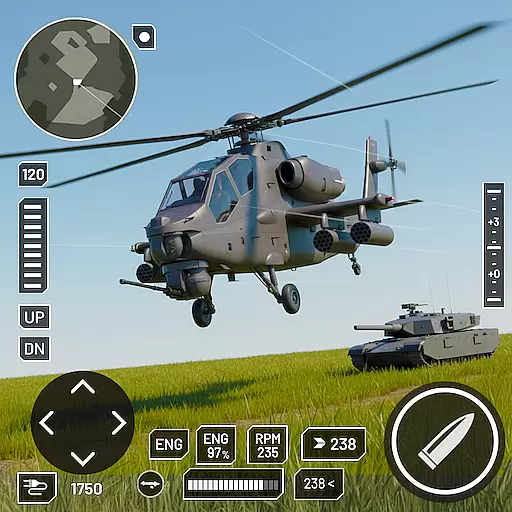
Battle in! Gunship Helicopters vs Tanks! Fast PVP Combat in Modern War Vehicles!
4.70
A roguelike hack'n'slash game
4.70
This time, the terror has followed you home!
4.60
Step into cooking Games make tower burger and enjoy burger runner games for all
4.40
Rockstar Games brings its biggest release to mobile yet.
4.40
Fun knockout battle royale, play with your friends!
4.30
Escape the pixel maze full of traps! Fun games for arcade and old games lovers!
4.30
NEOGEO's masterpiece game is now available in the app!
4.10


User Reviews