
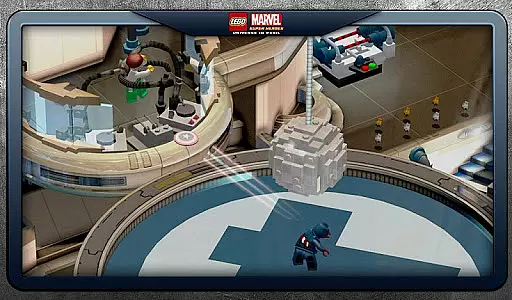


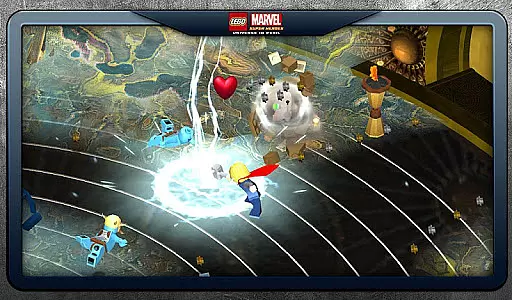
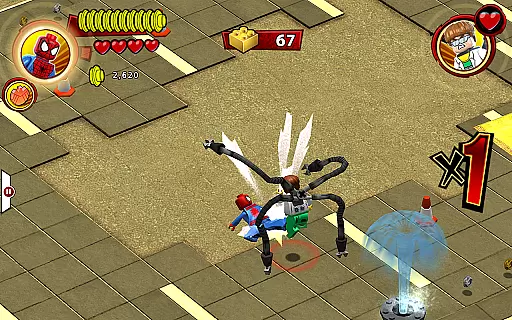
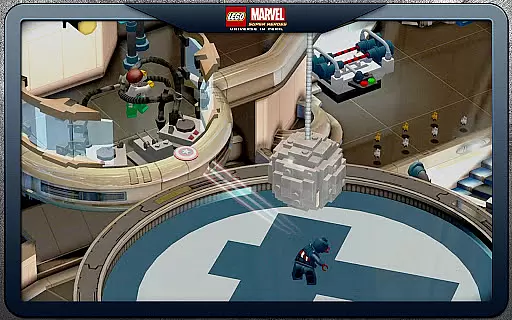


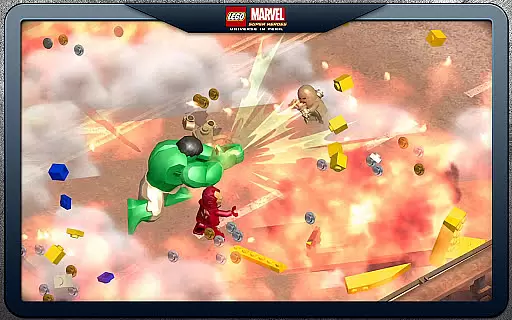
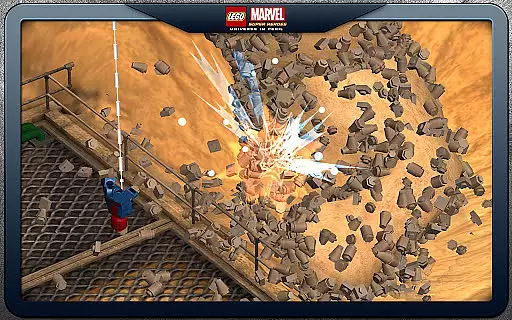
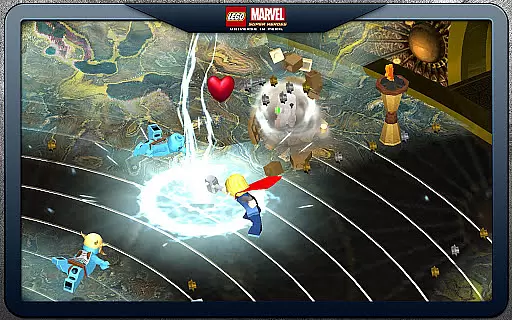
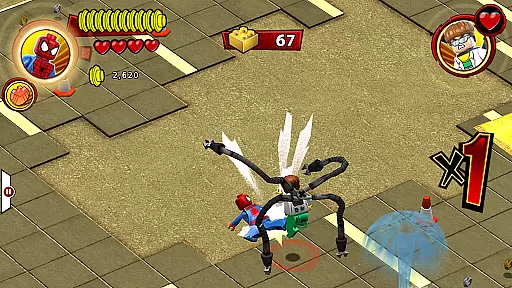

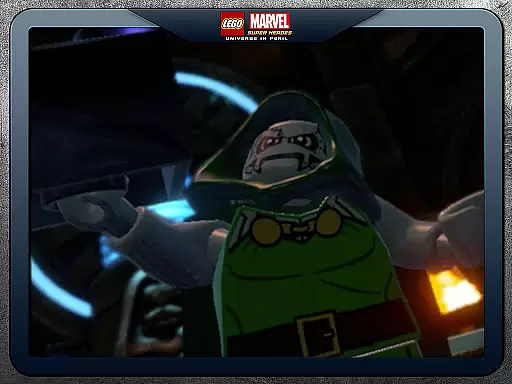

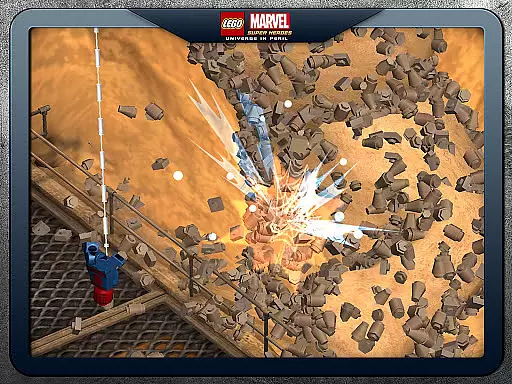
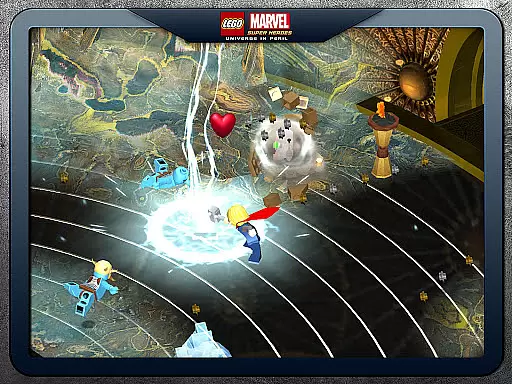
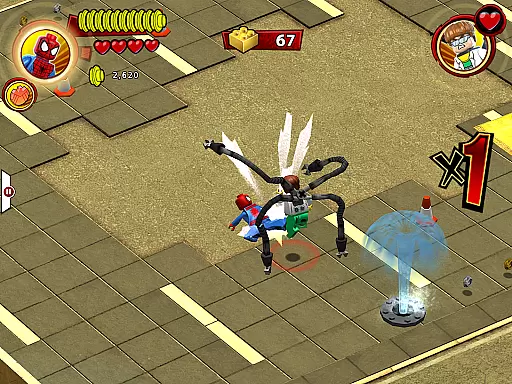
LEGO Marvel Super Heroes: Universe in Peril offers an action-packed gaming experience that combines the fun of LEGO building with the thrilling world of Marvel superheroes. In this game, players can take control of over 91 playable characters from the Marvel Universe, including iconic heroes like Iron Man, Spider-Man, Captain America, and Wolverine. The storyline follows these beloved characters as they unite to stop Loki and other villains from assembling a super-weapon capable of destroying the world.
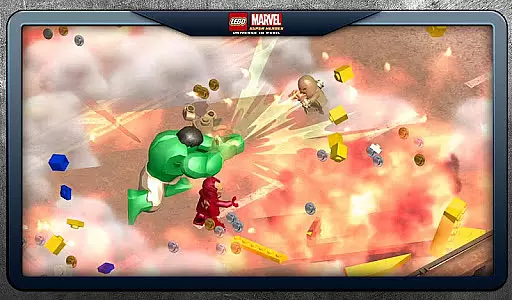
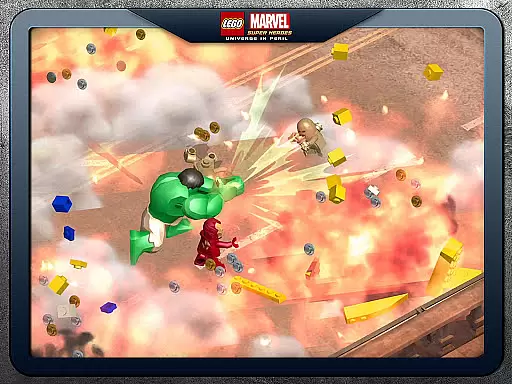
The game features 45 exciting missions where players chase down Cosmic Bricks across key locations from the Marvel Universe. Each character comes equipped with unique superpowers such as flight, super strength, and invisibility, allowing for dynamic gameplay. Players can also activate special moves like Hulk’s Thunder Clap and Iron Man’s Arc Reactor. With options to switch between console and touch screen controls, the game caters to different play styles, ensuring an engaging experience for all gamers.
LEGO Marvel Super Heroes stands out with its rich set of features designed to provide an immersive experience. One of the key highlights is the vast selection of over 91 playable characters, each with their own unique abilities and powers. As you progress through the game, you can unlock additional characters, or access select families instantly via in-game purchases. This feature allows players to customize their teams and explore various combinations of superhero powers.
The game includes 45 action-packed missions that challenge players to use strategy and skill. These missions are spread across iconic Marvel locations, providing a visually stunning backdrop for the unfolding adventure. Combat mechanics are fast-paced, encouraging players to master different fighting styles and utilize powerful Super Moves. Additionally, the ability to switch between console and touch screen controls ensures that players can choose the control scheme that best suits their preferences, enhancing overall accessibility and enjoyment.
In LEGO Marvel Super Heroes, control responsiveness is crucial for an immersive gaming experience. The game offers two control schemes - Console and Touch Screen - allowing players to choose the style that best suits their play preferences. This flexibility ensures that every action, from flight to super strength, feels intuitive and immediate.
The developers have optimized the game's engine to minimize input latency, ensuring that character movements and combat actions respond instantly to touch or button presses. Whether you're executing Hulku2019s Thunder Clap or Iron Manu2019s Arc Reactor, the controls are designed to feel tight and responsive, enhancing the excitement of battling Marvel villains.
Players can easily switch between different characters, each with unique abilities, without experiencing any noticeable delay. This seamless transition is vital when facing the game's diverse challenges and enemies, making gameplay not only more efficient but also more enjoyable.
Ultimately, the responsive controls and low latency enhance the overall gaming experience, allowing players to fully immerse themselves in the rich Marvel Universe. With fast-paced combat moves and the ability to unlock over 91 playable characters, gamers can enjoy a dynamic and engaging adventure through the vast world of LEGO Marvel Super Heroes.
Combat feedback tightness in LEGO Marvel Super Heroes significantly impacts player engagement and satisfaction. The game provides visual and auditory feedback for every punch, kick, and superpower use, ensuring players feel connected to the action on screen. This sensory feedback is essential for executing fast-paced combat moves effectively.
Each characteru2019s unique Super Moves, like Hulku2019s Thunder Clap and Iron Manu2019s Arc Reactor, come with distinct animations and sound effects that heighten the sense of power and impact. These elements ensure that players receive clear and satisfying feedback during intense battles, reinforcing their strategic decisions and enhancing the fun factor.
Moreover, the game includes various challenges where combat feedback plays a critical role in earning rewards. Players must master the responsive controls and understand the feedback cues to complete missions efficiently and unlock new characters and abilities.
By focusing on tight combat feedback, LEGO Marvel Super Heroes delivers an exhilarating experience that keeps players engaged for hours. The combination of responsive controls, engaging combat mechanics, and rewarding feedback loops creates an unforgettable journey through the Marvel Universe, appealing to both LEGO and Marvel fans alike.
Engaging storyline
Variety of characters
Unique superpowers
Dynamic combat system
Customizable controls
Large app size
Requires restart after install
In-app purchases
Occasional stability issues
Offline mode only

Weaphones is the ultimate firearms simulator for your phone or tablet.
 4.60
4.60
Retro pixel war game! Destroy enemies and survive the chaos!
4.0
Munch your way through 60 levels and over 140 objects!
4.40
Evolve monsters, climb tiers, and cash out real money in Monster Cash!
4.80
Combine a wide variety of skills and abilities to unleash dazzling combo attacks
4.00
Swing into action as a spider legend in an epic fighting adventure
4.60
Throw shurikens and cut through your enemies!
4.60
Defend the last base and protect humans against alien monsters !
4.40
Break the ragdoll and relieve your stress! This is the ultimate de-stress game.
4.40
Brotato: The Ultimate Bullet Hell Experience!
4.80
NEOGEO's masterpiece game is now available in the app!
4.70
Childhood nightmares should remain in the past.
4.60
Brutal action-platformer
4.50
Destiny experience on mobile! Epic Sci-fi RPG Shooter!
4.40
A classic console-feeling action game
4.40
Step into cooking Games make tower burger and enjoy burger runner games for all
4.40
Dive into Jurassic World in this dinosaur simulation game
4.30
Fast-paced multiplayer fun. 3v3 & 5v5 matches, PvP brawls and battle royales!
4.20
The Official Amazing Frog? by Fayju
3.60


User Reviews