
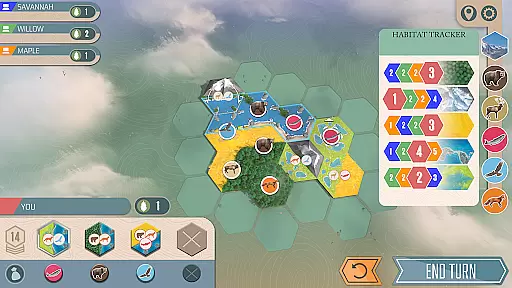
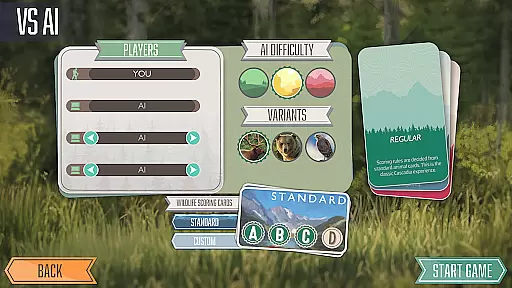
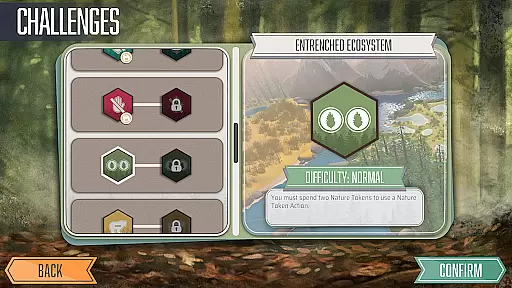

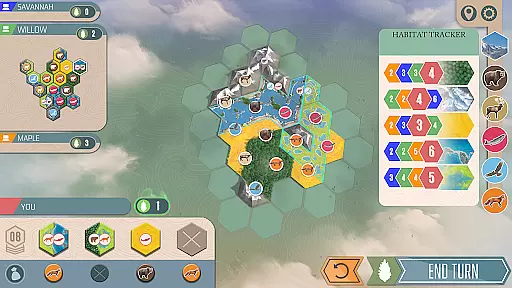
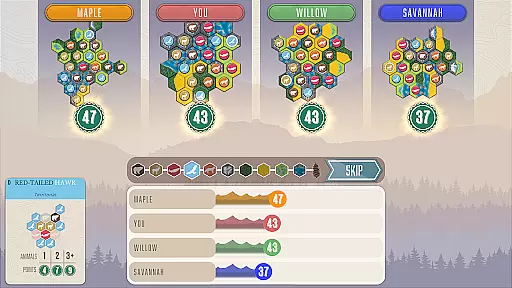
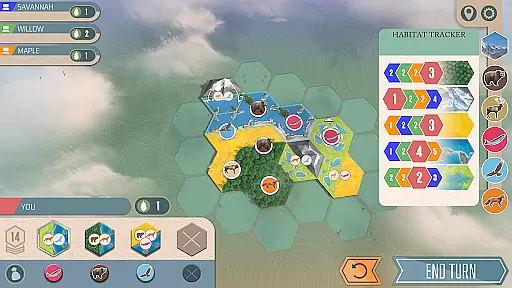
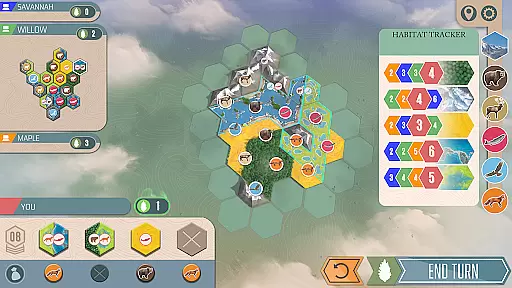

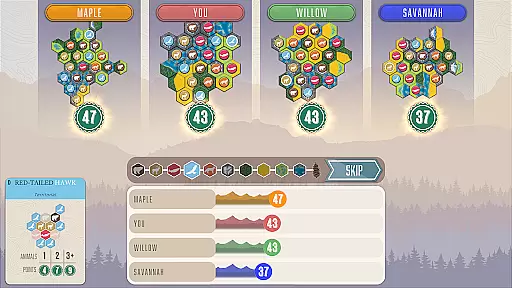
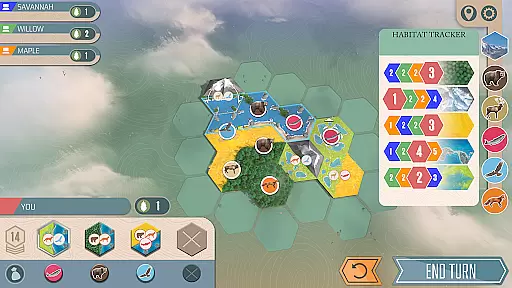
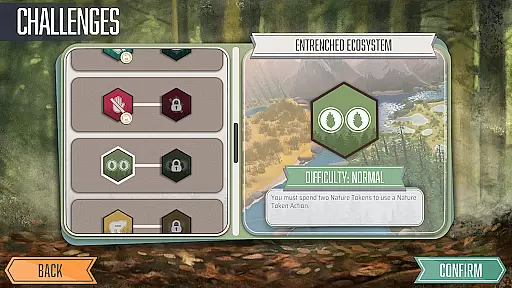
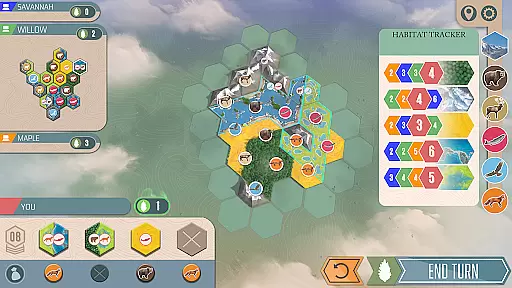

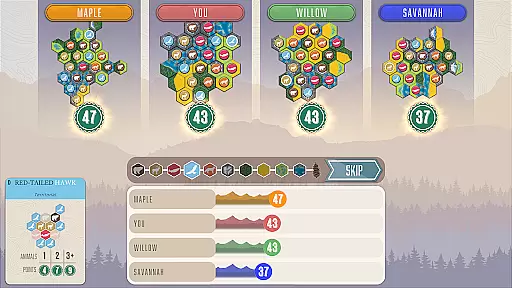
Cascadia Digital is an award-winning board game app that brings the beauty of the Pacific Northwest to your mobile device. This strategic tile-laying game challenges players to create the most harmonious ecosystem by balancing wildlife and natural habitats. With its stunning visuals and relaxing gameplay, Cascadia offers a unique digital board gaming experience.
The app features multiple play modes including solo challenges, online multiplayer, and pass-and-play options. Players can enjoy various game modes such as Family Mode with simplified rules or tackle daily objectives in the Daily Trek mode. The game's depth comes from its 15 solo scenarios and 14 special challenges that test strategic thinking.
Whether you're a casual gamer looking for a relaxing experience or a competitive player seeking strategic depth, Cascadia Digital provides engaging content for all types of board game enthusiasts. Its combination of beautiful design and thoughtful mechanics makes it a standout choice in the digital board game category.
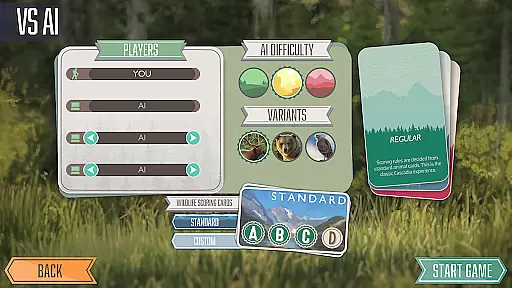
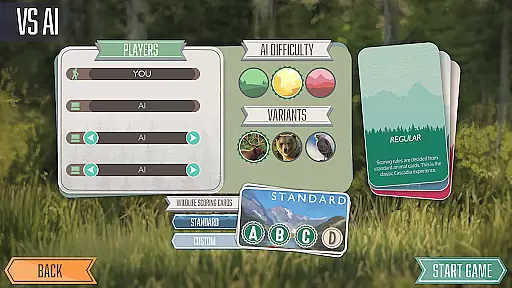
Cascadia Digital stands out with its variety of gameplay options and strategic depth. The app offers both single-player and multiplayer modes, allowing users to compete against AI opponents or challenge friends online. The Solo Mode presents 15 unique scenarios and 14 challenging objectives that push players' strategic abilities.
A key feature is the Daily Trek mode, which provides fresh objectives every day, keeping the gameplay experience engaging and unpredictable. The Family Mode simplifies scoring rules, making it accessible for younger players or those new to board games. The pass-and-play functionality enables local multiplayer without internet connection.
The app maintains the physical game's charm through faithful digital adaptation of its tile-laying mechanics. Players can zoom in on their virtual boards, rotate pieces easily, and track scores digitally. The intuitive interface preserves the tactical elements while streamlining the overall experience for touchscreens.
Rule authenticity and flexibility are crucial elements in any board game, ensuring that the gameplay remains true to its original design while allowing for variations that can keep the experience fresh and engaging. In Cascadia Digital, the rules have been carefully adapted from the award-winning board game to maintain the integrity of the original experience.
The game offers multiple modes of play, each with its own set of rule variations. For instance, players can enjoy a simplified scoring system in Family Mode, which makes the game accessible to new or younger players without compromising on strategic depth. This flexibility ensures that everyone, regardless of skill level, can participate and enjoy the game.
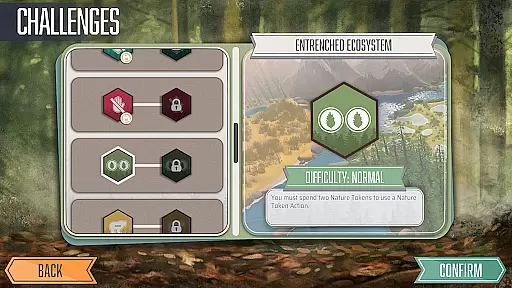
Moreover, Cascadia includes 15 solo scenarios and 14 challenges that introduce unique objectives and conditions, adding layers of complexity and variety. These rule variations challenge players to adapt their strategies and think creatively, providing countless hours of entertainment and keeping the gameplay dynamic and unpredictable.
By preserving the authentic Cascadia experience while incorporating flexible rule sets, Cascadia Digital successfully brings the beauty and strategy of tile-laying to digital platforms, offering an unparalleled gaming experience that is both faithful to the source material and innovative in its execution.
The quality of AI opponents in board games can significantly impact the player's experience, determining whether the game feels challenging, fair, and enjoyable. In Cascadia Digital, the developers have invested considerable effort into crafting AI opponents that provide a competitive and realistic challenge, simulating the experience of playing against human adversaries.
Players can choose to engage in online matches, where they will encounter a diverse range of opponents with varying skill levels. The AI manages these interactions seamlessly, creating a vibrant community of competitors. Additionally, the Daily Trek feature presents players with a new objective every day, testing their strategic abilities against the ever-evolving AI.
For those who prefer offline play, Cascadia offers robust AI-driven solo scenarios. Each scenario comes with its own set of objectives and conditions, pushing players to refine their strategies and problem-solving skills. The AI's adaptability ensures that no two playthroughs are the same, maintaining a high level of replayability and engagement.
Overall, the AI opponent quality in Cascadia Digital enhances the overall gaming experience by providing intelligent, adaptive, and varied competition that keeps players coming back for more, whether they're playing solo or online.
Strategic depth
Multiple play modes
Daily challenges
Family-friendly options
Intuitive interface
Complex for beginners
Limited social features
No cross-platform play
Premium price point
Occasional bugs

Retro pixel art mahjong solitaire with handcrafted boards and timeless gameplay
 4.3
4.3
Draft and manipulate dice to create the greatest fantasy hero in the RPG world!
4.70
Handcrafted Sudoku puzzles by the most popular Sudoku channel!
4.50
Take command and turn your faction into the most powerful in all of Europa!
3.80
online interactive board games
4.50
Fantasy Christmas Color.Paint by number on holiday coloring book to relax.
4.90
Become a Conqueror, Explorer and Merchant! The race to settle Catan has begun!
2.30
Defuse a bomb with your friends!
4.80
Companion app for Final Girl boardgame
4.50
Enjoy the classic board game of dice with friends. Roll Yatzy? Go!
4.90
Enjoy Mahjong Mingle: Large Tiles and Relaxing Puzzles for Seniors!
4.90
Pop Color – A Relaxing Zen Color Game
4.90
Relaxing Mahjong: Classic Tile Matching & Offline Puzzle Games! Install Now!
4.90
Harvest resources to build a woodland village in a beloved digital board game!
4.90
Play free Bingo with millions worldwide, enjoy nonstop fun and win great prizes!
4.80
Addictive, challenging and beautiful - test yourself in this ancient game!
4.30
Ludo King is a board game played between friends and family. A fun dice game.
4.20
The digital strategy game adaptation of the famous board game.
4.00
The popular roll & write game by Paolo Mori
3.90


User Reviews