
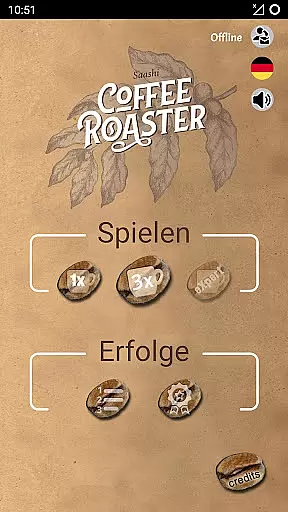
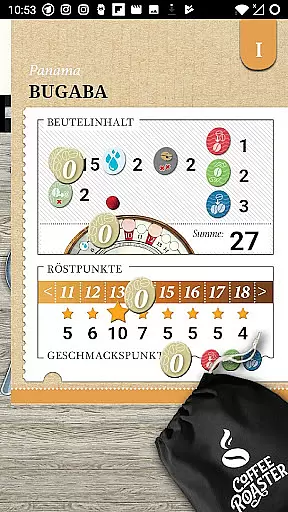
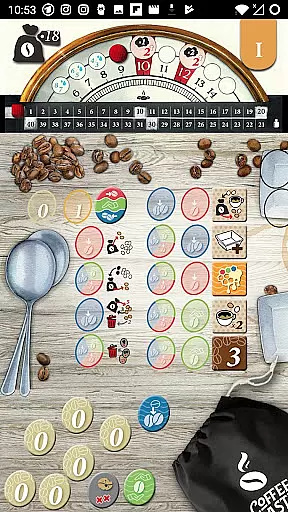
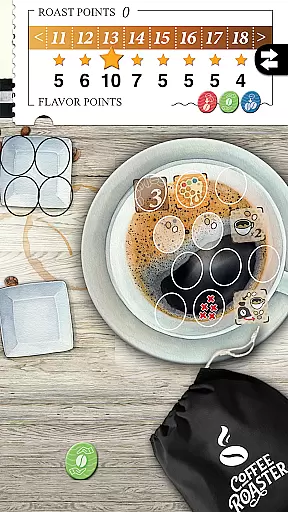
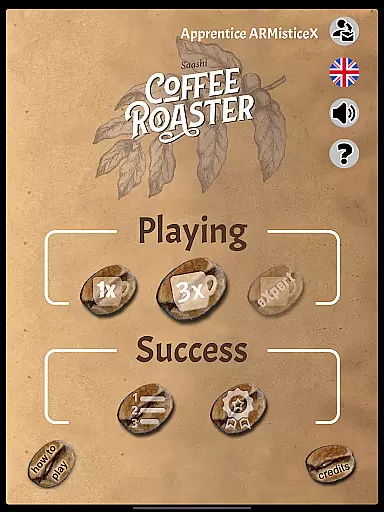
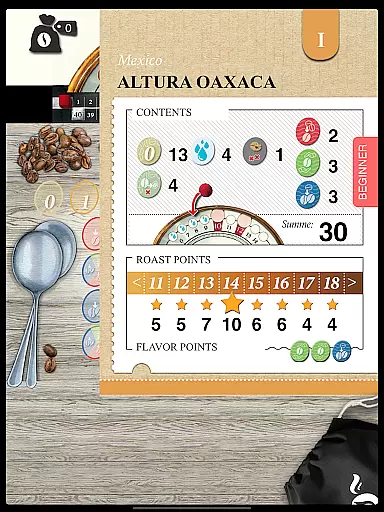
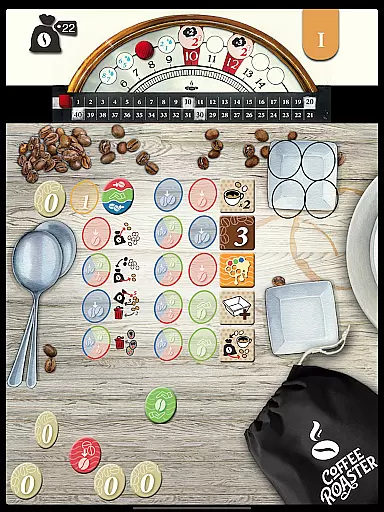
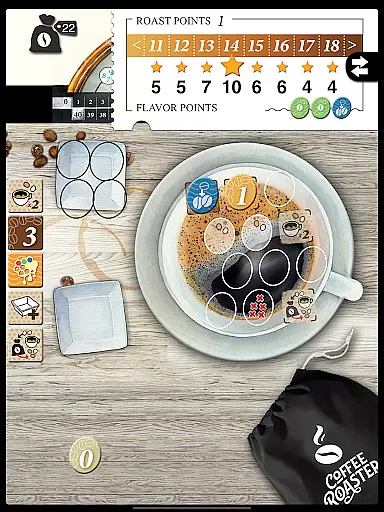
Coffee Roaster is a solo board game experience that challenges players to master the art of coffee bean roasting. In each 5-10 minute session, you'll rely on your instincts and senses to evenly roast beans, remove any undesirable portions, and stop the process at the perfect moment. The game captures the delicate balance required in real coffee roasting, offering both strategic depth and sensory engagement.
Designed for board game enthusiasts and coffee lovers alike, this app brings the tactile joy of coffee roasting to your mobile device. With its unique theme and focus on quality control, Coffee Roaster offers an engaging experience where every decision impacts the final cup test. Perfect for casual gamers seeking a quick yet rewarding challenge.
Coffee Roaster stands out with its innovative simulation of the coffee roasting process. The game incorporates timing-based mechanics, requiring players to monitor bean conditions closely and make critical decisions throughout the roast. Its minimalist design ensures accessibility while maintaining the complexity of real-world roasting.
The app also features a scoring system based on the quality of your roasted beans, encouraging replayability as you strive for mastery. Each session provides a new opportunity to refine your skills, experiment with different strategies, and achieve the perfect cup. Additionally, intuitive touch controls make it easy to interact with the beans and manage the roasting process seamlessly.
In Coffee Roaster, the rules are designed to authentically replicate the experience of coffee roasting while maintaining a flexible structure that allows players to experiment. The game incorporates real-world elements such as timing, temperature control, and bean selection, which are critical in actual coffee roasting.
Players must adhere to these core principles but can approach them in various ways, depending on their strategy. This balance ensures that the game feels true to life while offering enough freedom for creativity and personal expression.
The flexibility extends to different difficulty levels, allowing both beginners and seasoned players to enjoy the process at their own pace. This makes Coffee Roaster not just a simulation but also an engaging board game where rule adaptation enhances replayability.
Coffee Roaster offers a unique AI opponent system that simulates playing against a skilled roaster. The AI is programmed with multiple strategies, ensuring it doesn't behave predictably and challenges the player in new ways every time. This keeps each session fresh and intellectually stimulating.
The AI's decision-making process takes into account variables like roast time, bean quality, and sorting accuracy, much like a human player would. It evaluates its moves based on the current state of the game, providing a competitive experience even when playing solo.
Additionally, the AI adjusts its difficulty dynamically, learning from the playeru2019s actions. This adaptive feature ensures that players remain engaged without feeling overwhelmed or under-challenged, making Coffee Roaster a compelling choice for those who enjoy deep strategic gameplay.
User-friendly interface
Engaging gameplay
Educational value
Quick sessions
Unique theme
Limited multiplayer
Repetitive over time
No advanced options
Simple graphics
Few customizations

Retro pixel art mahjong solitaire with handcrafted boards and timeless gameplay
 4.5
4.5
Play a comic book come to life in this exciting adaptation of the hit card game!
3.70
Train your brain with classic backgammon and become the lord of this board game!
4.30
The official digital adaptation of Jamey Stegmaier’s board game - Charterstone!
3.40
VENUS - the biggest DLC for Concorida has just been released!
3.80
Relive your favourite childhood game, now on mobile and tablet.
4.60
Become the best merchant in Istanbul!
4.60
Solo RPG Engine & GM Emulator
4.50
A Digital Board Game of Woodland Warfare
4.90
Enjoy Mahjong Mingle: Large Tiles and Relaxing Puzzles for Seniors!
4.90
Play free Bingo with millions worldwide, enjoy nonstop fun and win great prizes!
4.80
The Offline Version of Sudoku classic puzzle game without advertisements.
4.80
Domino Frenzy - Tile board game.
4.70
The deck-building board game adventure !
4.70
City Building Strategy Game: find the perfect spot for every polyomino piece!
4.60
The official digital version of the world's favourite explosive cat-based game!
4.60
Companion app for Final Girl boardgame
4.50
The popular roll & write game by Paolo Mori
3.90
The legendary naval combat game sails onto mobile and tablet.
3.50


User Reviews