
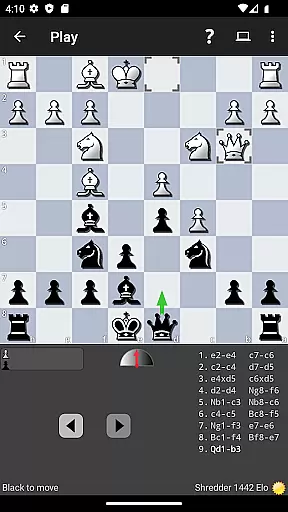
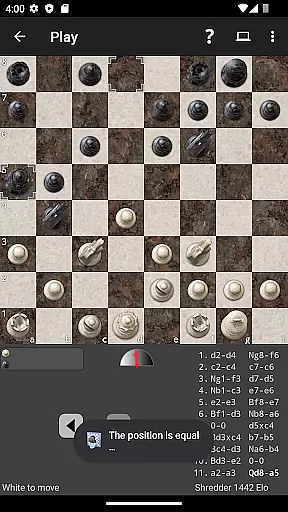
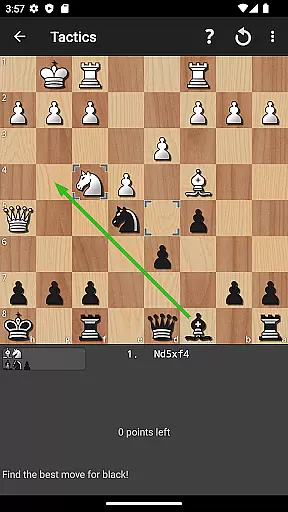

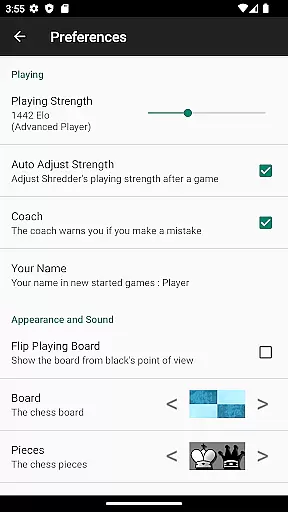
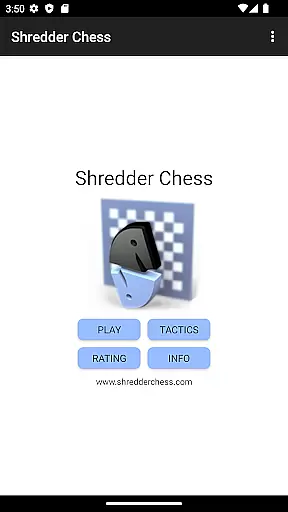
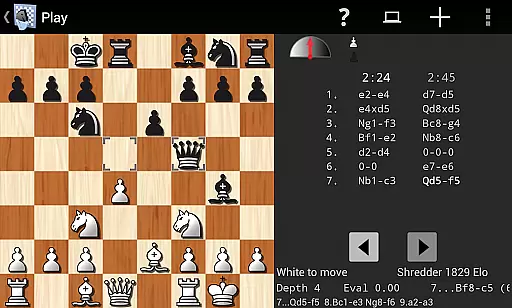
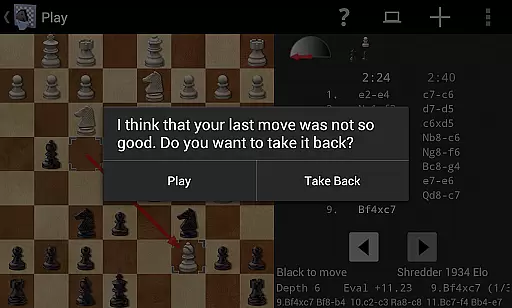
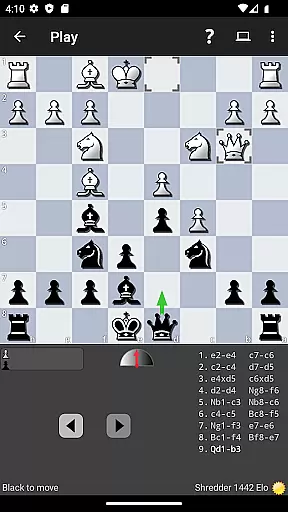
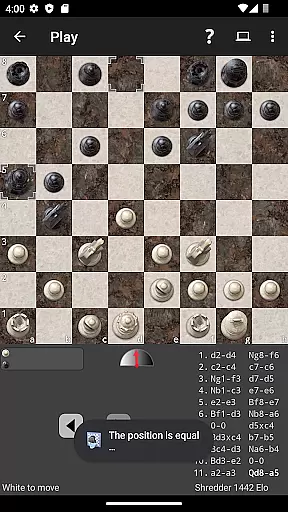
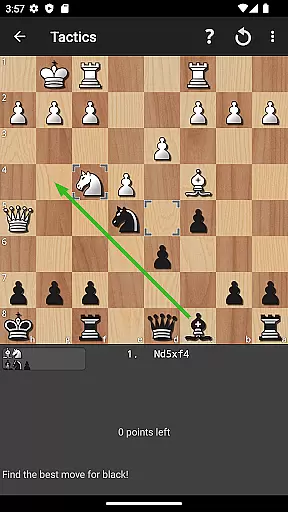
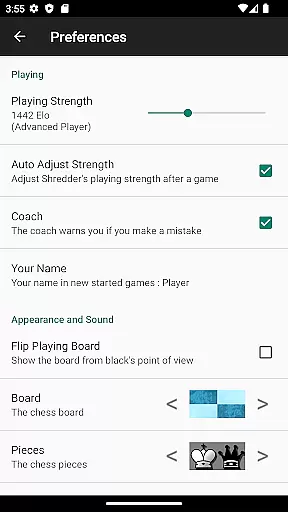
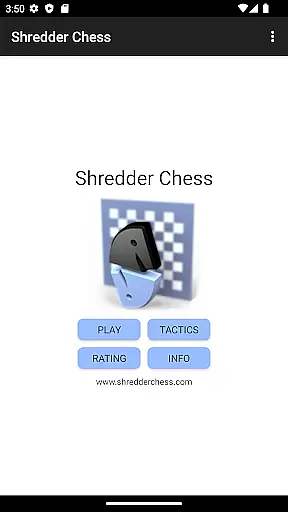
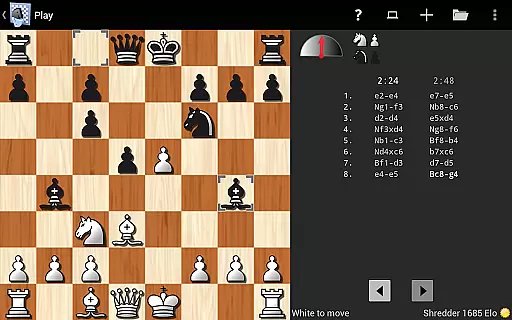
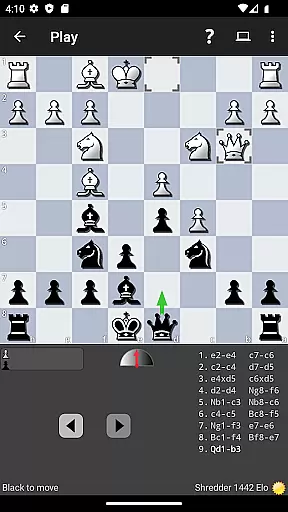
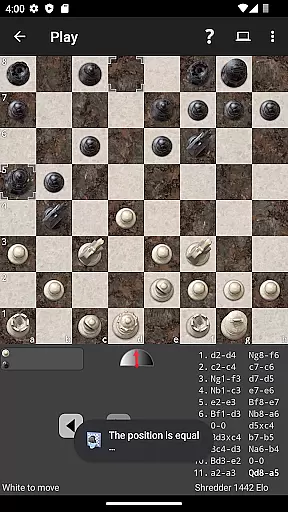
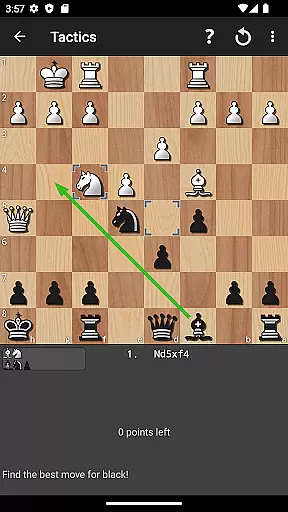
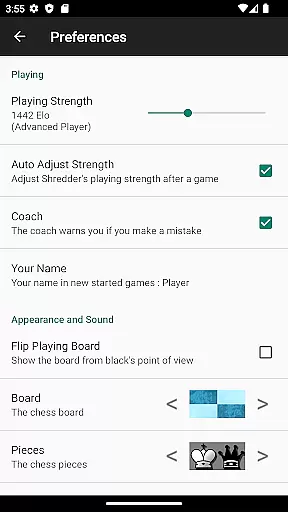
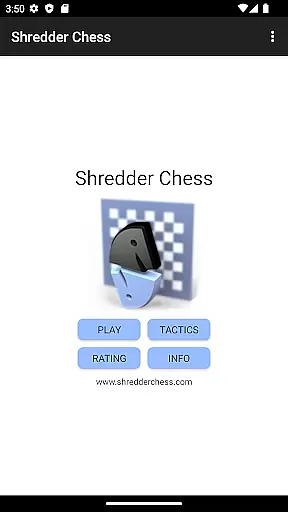
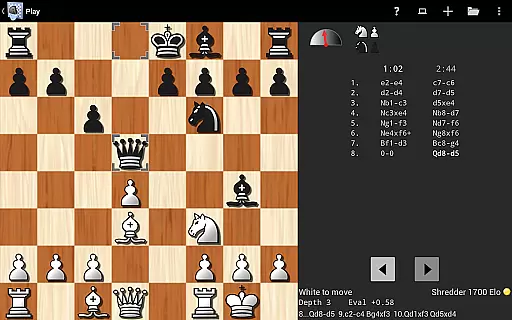
Shredder Chess is a premier chess application designed for both casual players and serious enthusiasts. This app brings the world-class capabilities of Shredder, the 19-time computer chess world champion, directly to your mobile device. With adjustable playing strength that caters from beginners to master-level players, it offers an adaptive experience tailored to individual skill levels.
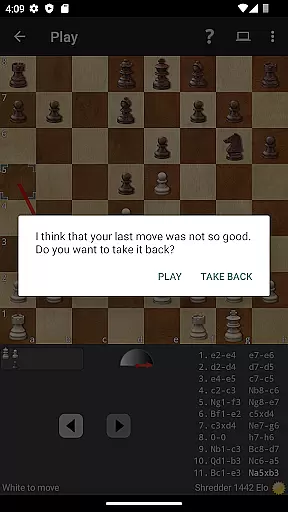
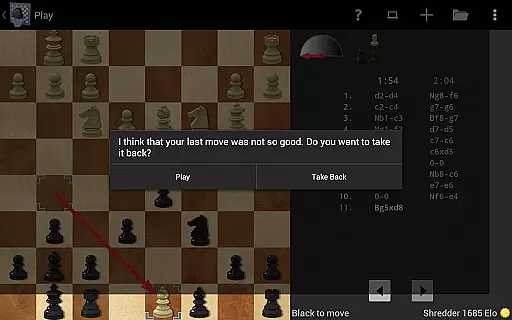
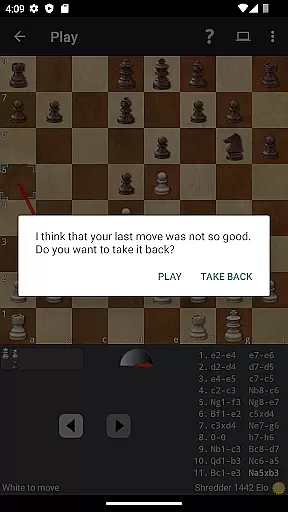
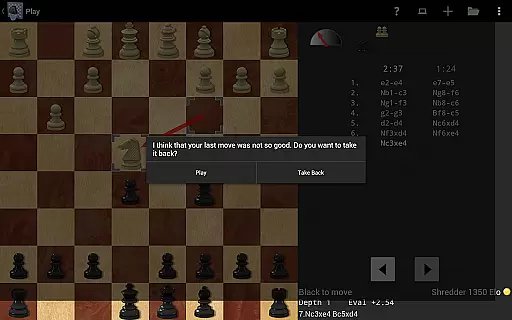
One of the standout features is its ability to mimic human opponents with varying degrees of skill, including making typical human errors at certain levels. Additionally, users can solve 1000 built-in chess puzzles, receiving performance tracking and advice when needed. The app also includes a coach function that monitors your moves and warns you of potential mistakes, helping you improve over time.
Whether you're looking to enhance your skills, practice against specific types of opponents, or simply enjoy a game of chess on the go, Shredder Chess provides a comprehensive and intuitive platform. Its compatibility with both mobile phones and tablets ensures a seamless experience across devices, making it an essential tool for anyone passionate about chess.
Shredder Chess stands out due to its remarkable adaptability and depth in features. The app allows users to adjust Shredder's playing strength from beginner to master level, even offering automatic adjustment based on the user's performance. It calculates an Elo rating for players, providing a measurable way to track improvement over time.
In addition to its robust playing options, Shredder Chess includes 1000 built-in chess puzzles designed to challenge and improve your skills. The app tracks your puzzle-solving performance and offers advice when necessary. A unique coaching feature actively monitors your games, warning you of potential mistakes and helping you learn from them.
Users can analyze their games with Shredder, identifying mistakes and understanding how to improve. The app supports importing and exporting games in PGN format, loading and saving games with metadata, and offers various customization options like different chess boards and pieces. Whether you want to play blindfolded or practice specific openings using the extensive opening book, Shredder Chess provides a versatile and enriching experience.
Shredder Chess offers an authentic chess experience by adhering to official chess rules while providing flexible gameplay options. The app allows users to adjust the playing strength from beginner to master level, catering to a wide range of skill sets.
With its ability to mimic human players of any strength and even simulate typical human errors, Shredder Chess ensures that the rules are upheld but with adaptable challenge levels. This feature is particularly beneficial for those looking to practice against varying styles and difficulties.
The inclusion of 1000 built-in chess puzzles adds another layer of rule engagement, where users can solve problems that adhere strictly to chess guidelines. As users progress, Shredder provides advice and tracks performance, enhancing learning without compromising on rule authenticity.
Moreover, the coach feature watches over the user's moves during games, offering warnings when mistakes are imminent. This not only reinforces the understanding of chess rules but also helps in improving strategic thinking within the game's framework.
The AI opponent in Shredder Chess stands out due to its exceptional quality and adaptability. As a 19-time computer chess world champion, Shredder brings an unparalleled level of play that challenges even seasoned players while being able to adjust its strength for newcomers.
One remarkable aspect is the AI's capability to simulate human opponents with varying strengths and even replicate common human errors at specified levels. This creates a realistic playing environment that prepares users for actual human vs. human matches.
Additionally, if users prefer, Shredder can automatically tune its difficulty to match their skill set, ensuring a consistently challenging yet achievable gameplay experience. It also calculates an Elo rating for users, which is a standard measure of chess player strength.
For those seeking improvement, the AI-powered analysis tool helps dissect games, highlighting mistakes and suggesting better moves. This aids in refining strategies and elevates the overall quality of play through continuous learning.
World-class chess engine
Adjustable difficulty levels
Comprehensive training tools
User-friendly interface
Extensive feature set
No offline multiplayer
Limited social features
Premium price point
Steep learning curve
Occasional bugs

Retro pixel art mahjong solitaire with handcrafted boards and timeless gameplay
 4.3
4.3
Take command and turn your faction into the most powerful in all of Europa!
3.80
Become a chess master
4.70
Loop and Merge!
4.4
Compete to create the most perfect ecosystem in the award-winning board game!
4.90
Mahjong Match: Relaxing and Fun Mahjong Tile Puzzle! Designed for seniors!
4.80
The ultimate Chess app available. Install now for pure enjoyment!
4.80
? BINGO GAMES, Multi Bingo Cards, Millions of Players, Super Huge Jackpot!
4.80
Strategic PvP bingo battles!
4.80
Pop Color – A Relaxing Zen Color Game
4.90
Defuse a bomb with your friends!
4.80
The official award-winning domino building strategy game comes to life!
4.80
Control a team of heroes battling evil villains across dynamic environments!
4.70
Trade stickers & Get dice
4.70
Handcrafted Sudoku puzzles by the most popular Sudoku channel!
4.50
The iconic train game arrives on mobile! Play against AI or online multiplayer.
4.50
Meet adorable cats and sew the coziest quilts.
3.90
The official digital adaptation of Jamey Stegmaier’s board game - Charterstone!
3.40
by IRON Games
2.60


User Reviews