
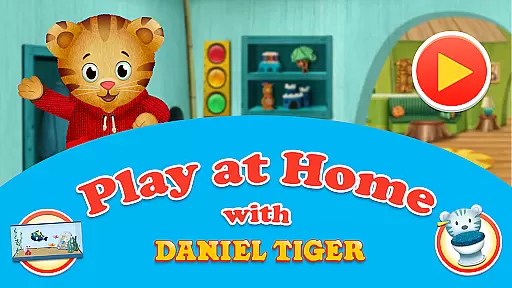
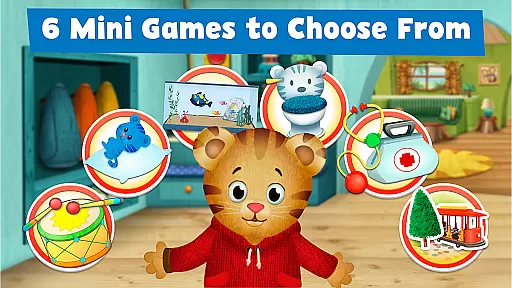
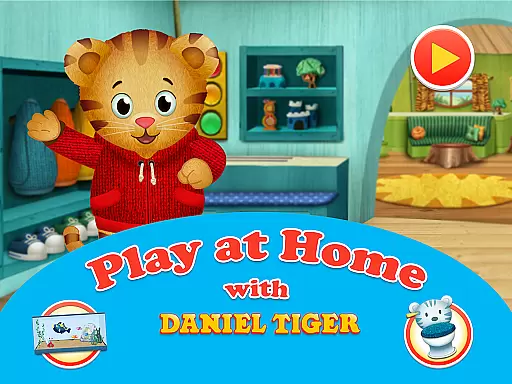
Daniel Tiger's Play at Home is an educational app designed to help children learn about everyday routines and experiences through interactive play. The app features six mini-games that teach children about activities such as bedtime, bathroom routines, and doctor visits. These games are crafted to make learning fun while helping kids understand their world better.
Children can engage in pretend-play scenarios with Daniel Tiger, a beloved character from the PBS KIDS show 'Daniel Tiger’s Neighborhood.' The app also includes songs and stories from the series, enhancing the learning experience with familiar tunes and narratives. This approach not only entertains but also educates, making it a valuable tool for parents looking to support their child's development.
The app serves as a virtual playdate, allowing kids to explore Daniel's world, interact with his pet fish, and even create their own stories using a sticker book. By integrating these activities into daily life, Daniel Tiger's Play at Home helps children develop healthy habits and emotional intelligence, preparing them for various real-life situations.
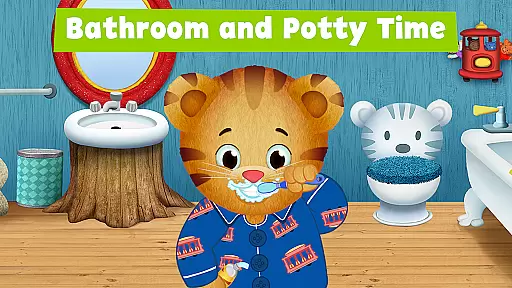
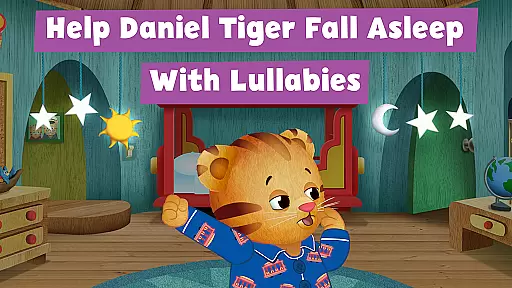
Daniel Tiger's Play at Home offers a variety of engaging features designed to captivate young minds. One standout aspect is the inclusion of six mini-games, each focusing on different aspects of a child's routine. For instance, the bedtime game helps children understand the importance of winding down before sleep, while the bathroom routines teach essential hygiene practices like washing hands and brushing teeth.
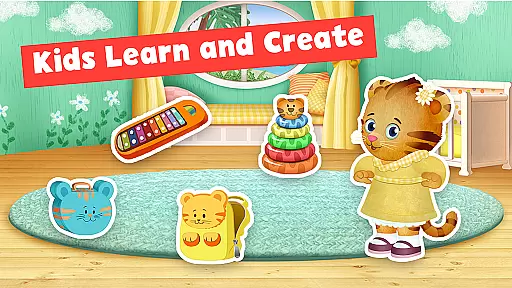
In addition to the mini-games, the app provides a rich storytelling experience. Kids can create and play stories featuring Daniel Tiger, fostering creativity and narrative skills. The sticker book feature allows children to craft their own tales using a wide array of stickers set in Daniel's house and neighborhood, promoting imaginative play.
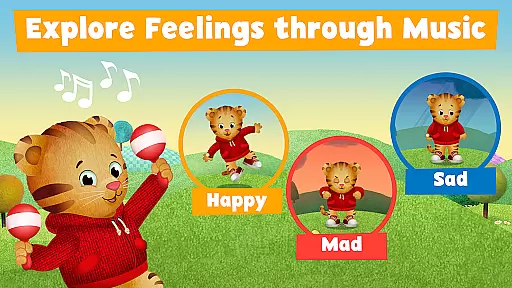
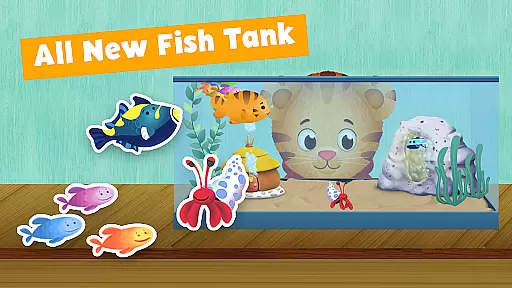
Another notable feature is the fish tank game, where children take care of Daniel's pet fish. This activity teaches responsibility and empathy towards animals. Furthermore, the app incorporates music to help children express emotions, offering songs that guide them through feelings of happiness, sadness, and anger. Overall, these features combine education and entertainment seamlessly, providing a holistic learning environment.
In the realm of educational applications, content accuracy and authority are paramount. Daniel Tiger's Play at Home app excels in this area by providing meticulously crafted learning experiences that align with the trusted content from the PBS KIDS show 'Daniel Tigeru2019s Neighborhood.' The app offers six mini-games focused on everyday activities and routines, ensuring that children receive correct information about healthy habits.
The app is developed in partnership with reputable organizations such as PBS KIDS and Fred Rogers Productions, which guarantees that the educational material is vetted and endorsed by experts in child education and development. This collaboration ensures that the lessons about bedtime, bathroom routines, and even pretend-play doctor games are not only engaging but also pedagogically sound.
Parents can feel secure knowing that their children are learning from a reliable source. Songs and stories within the app are directly derived from the television content, reinforcing the same values and lessons in an interactive format. This dual exposure through different media enhances retention and understanding.
Ultimately, Daniel Tiger's Play at Home app provides peace of mind to parents seeking authoritative educational content for their children. By integrating expert-endorsed routines and activities, the app successfully bridges entertainment and education, fostering both cognitive and emotional growth in young learners.
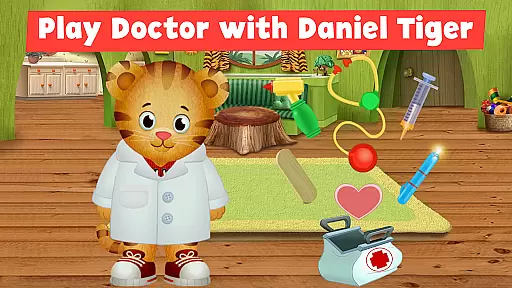
Daniel Tiger's Play at Home app understands that each child learns differently and thus incorporates personalized learning paths to cater to individual needs. Through its diverse range of activities, including sticker book games, fish tank interactions, and doctor role-playing, the app allows children to explore and learn at their own pace, focusing on what interests them most.
The app features various sections like Bedtime Routines, Bathroom Routines, and Doctor Games, each designed to teach specific life skills. Children can engage with these modules based on their current developmental stage or areas they find intriguing, allowing for a tailored educational journey. For instance, while one child might be fascinated by taking care of pets in the Fish Tank Game, another could be more engaged with creating stories using the Sticker Book.
Moreover, the integration of music and songs helps children express emotions and feelings, adding another layer of personalization. These musical elements allow kids to connect emotionally with the content, making the learning process more relatable and enjoyable. Parents can observe which parts of the app resonate most with their child and encourage further exploration in those areas.
By offering multiple pathways to learning, Daniel Tiger's Play at Home app ensures that every child finds something meaningful and educational within its offerings. This personalized approach not only makes learning fun but also highly effective, catering to the unique preferences and developmental needs of each young user.
User-friendly interface
Educational content
Engaging mini-games
Interactive storytelling
Emotional learning tools
Limited free content
Requires frequent updates
Some features locked behind paywall
Occasional bugs reported
Ads between sections

FAR/AIM, FAR for Flight Crew and FAR for Aviation Maintenance Technicians
 3.80
3.80
Astronomy app ? Discover the universe scope, explore solar system model in 3D.
4.20
An aviator’s preparation, study and test tool for FAA Knowledge Exams.
3.90
Gain new skills in 10 minutes
4.70
Nighty Night Circus - Bedtime story for kids
4.10
Experience the sky, planet earth and the solar system like never before
4.90
THE ESTABLISHED "GO TO" ARMY BOARD PREPARATION APP!
4.30
Our most popular app series returns, better than ever!
3.90
The best way to study for your amateur radio license exam.
4.90
Memorize anything efficiently with AnkiDroid! Many pre-built decks available.
4.80
Stack the Countries makes learning world geography fun!
4.50
One of the most engaging and innovative ABC apps on the market.
4.30
The "Go To" app for Airmen studying for promotion to SSgt and TSgt
4.30
A magical world of fun, building, and learning with Mickey Mouse and more!
4.20
Build math skills in: addition, subtraction, multiplication and division.
4.10
Explore the City of the Sun in Augmented Reality
3.70
Master the NRP with 700+ questions, rationales, and updated NREMT scenarios.
3.00
The official CCM Glossary app, including 700+ terms and definitions.
2.90
Learn and joke with the Silly Turkey!
4.5


User Reviews