
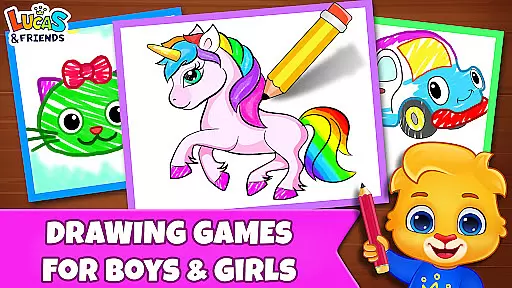
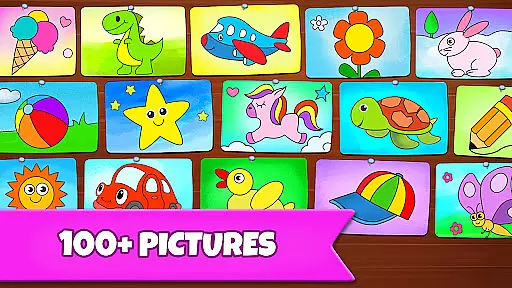
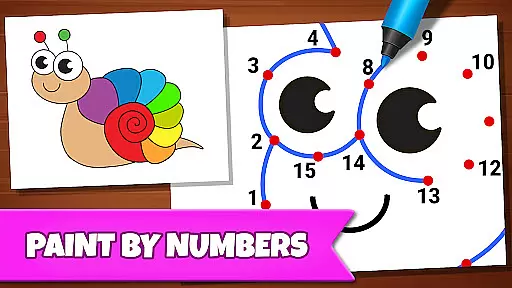
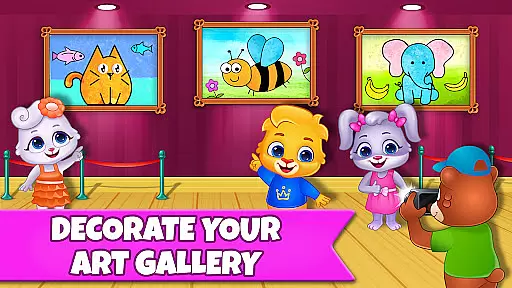
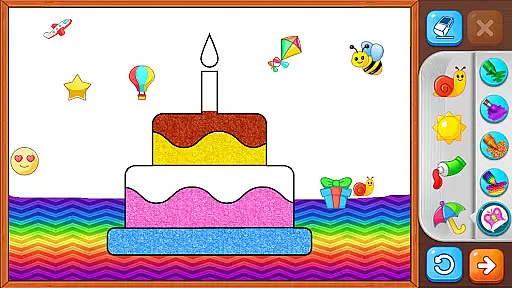
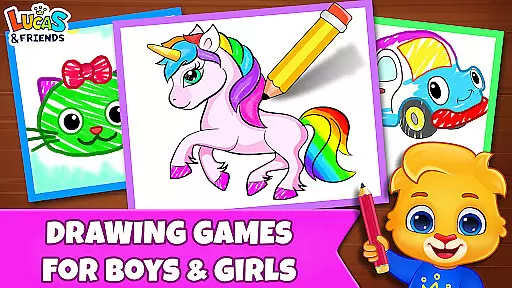
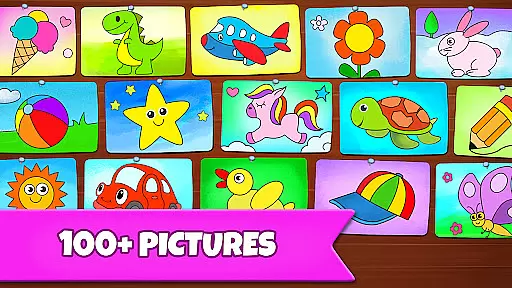
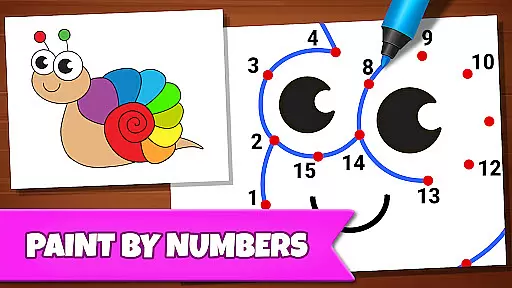
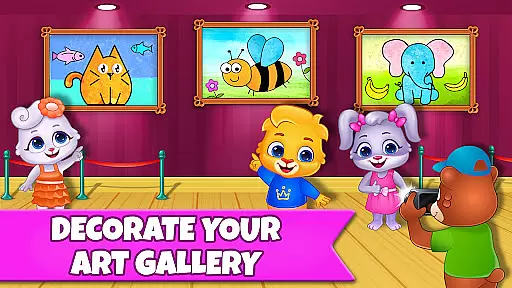
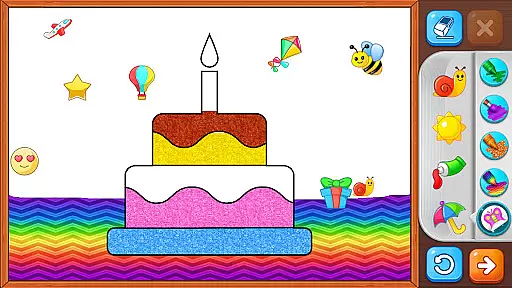
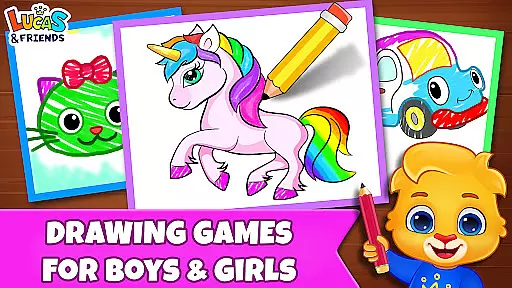
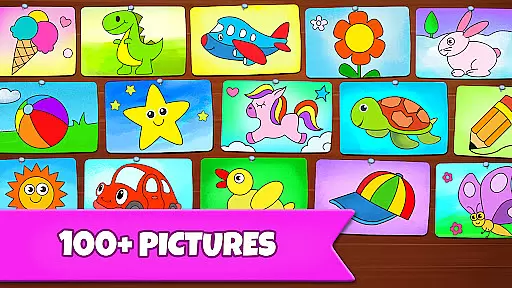
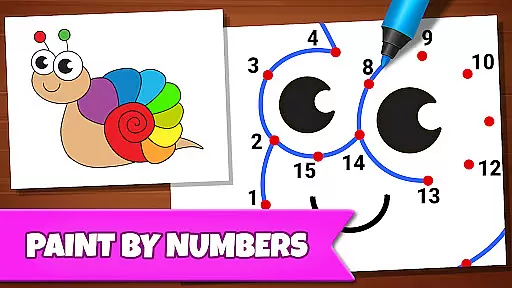
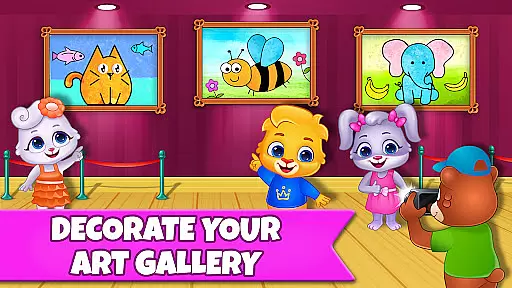
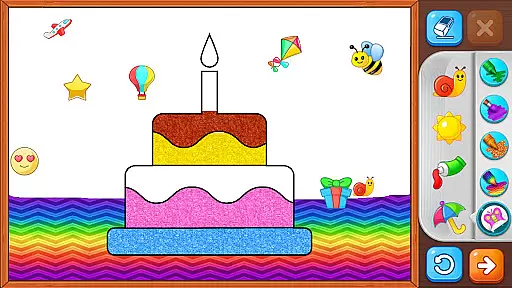
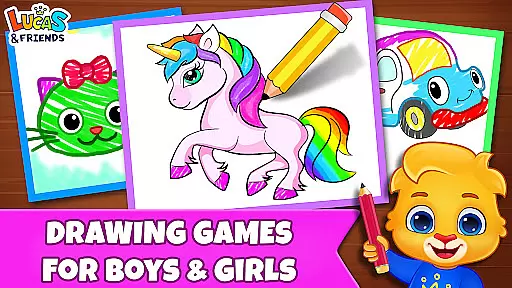
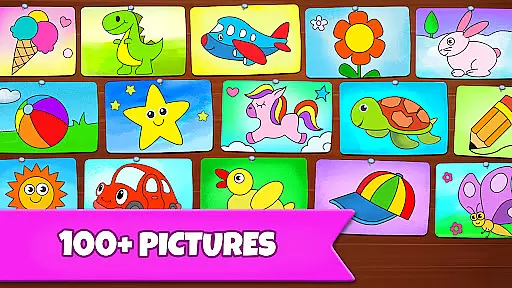
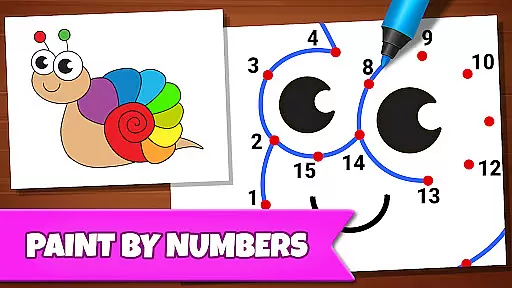
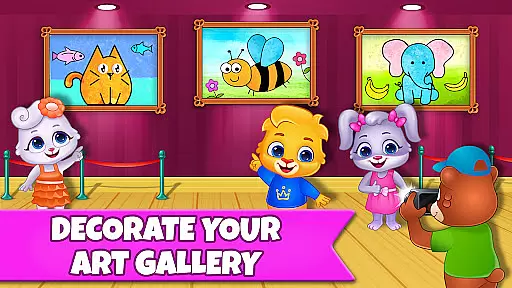
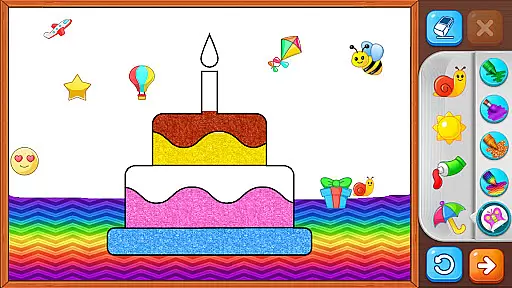
Drawing Games: Draw & Color is an educational app designed to engage children in creative drawing and coloring activities. The app offers multiple modes that teach kids how to draw, recognize shapes, numbers, and pictures through interactive games.
With features like Learn to Draw, Auto Draw, Connect & Color, and Glow Paint, the app provides a comprehensive platform for toddlers, preschoolers, and kindergartners to express their creativity while learning essential skills. The absence of in-app purchases and ads ensures an uninterrupted and safe experience for young learners.
This app is ideal for parents who want their children to enjoy screen time productively. By combining fun with education, Drawing Games: Draw & Color becomes a valuable tool in early childhood development, fostering both cognitive and motor skills.
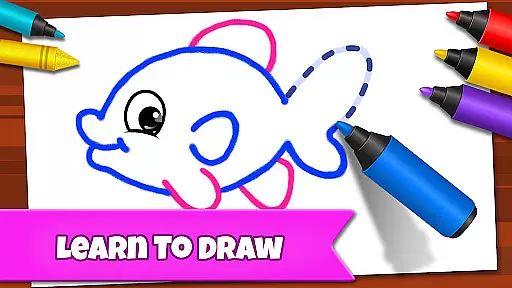
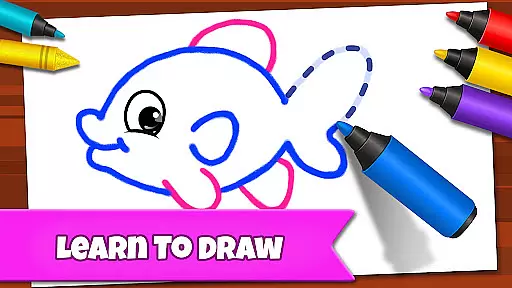
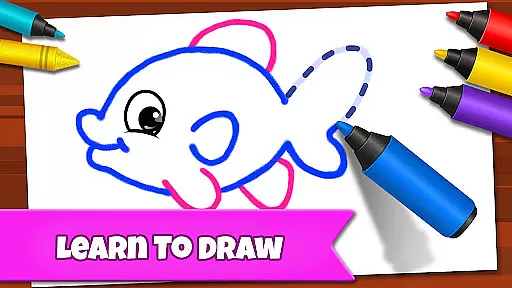
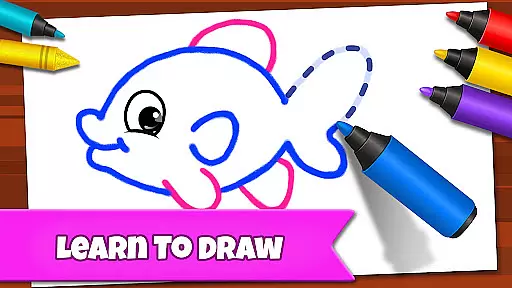
The app boasts a variety of engaging modes tailored to different age groups and skill levels. Learn to Draw guides children step-by-step through the drawing process, while Auto Draw offers a simple mode for toddlers to watch and learn. Connect & Color and Connect the Dots help improve picture recognition and fine motor skills.
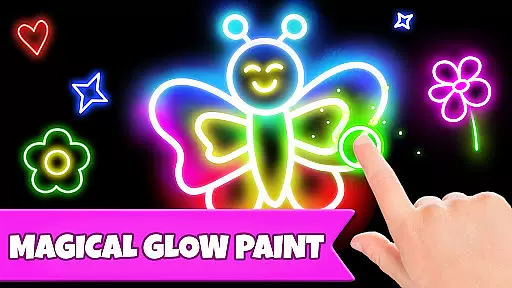
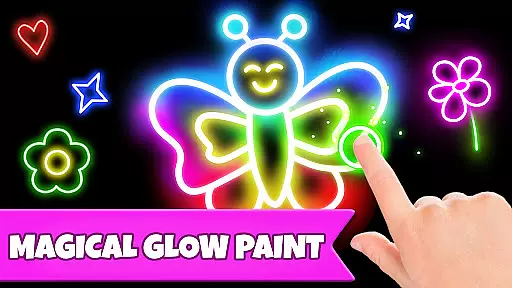
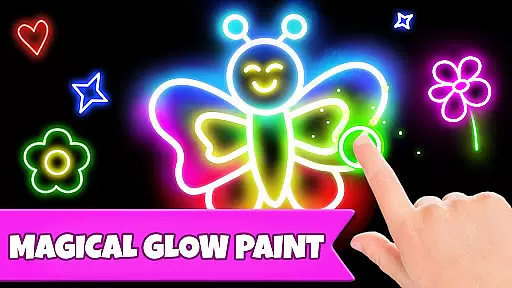
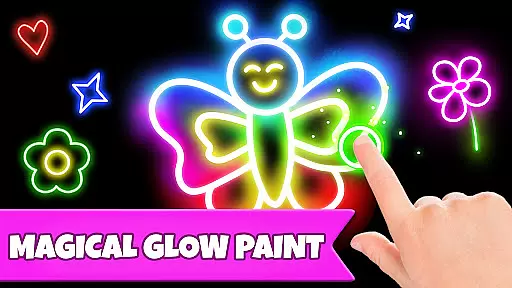
Memory Drawing challenges children to replicate lines from memory, enhancing their cognitive abilities. Glow Paint adds an element of fun with glowing colors, keeping kids entertained for hours. The app also includes numerous stickers, crayons, and pens to spark imagination.
All these features are presented in a child-friendly interface with beautiful pictures and vibrant colors. The app's design ensures that children remain engaged and motivated to continue their drawing journey, making it a perfect blend of education and entertainment.
In educational apps, content authority and curriculum alignment are crucial for ensuring that children receive accurate and relevant learning experiences. Drawing Games: Draw & Color provides a robust framework that aligns with early childhood education standards.
The app offers various modes like Learn to Draw, Auto Draw, and Connect the Dots, which are designed to teach kids essential skills such as shape recognition, number identification, and picture association. These activities are crafted by educational experts to ensure they meet curriculum guidelines.
Parents can be confident that their children are engaging with content that is not only fun but also pedagogically sound. The app's dedication to authoritative content means that each drawing and coloring activity contributes meaningfully to a child's development.
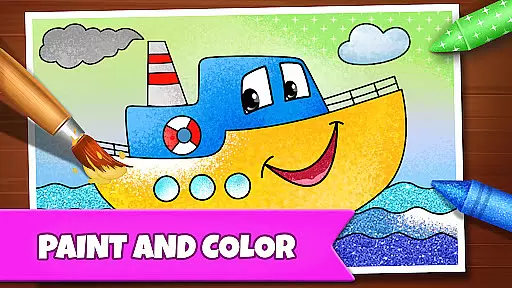
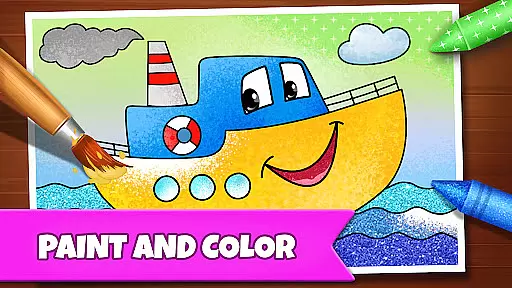
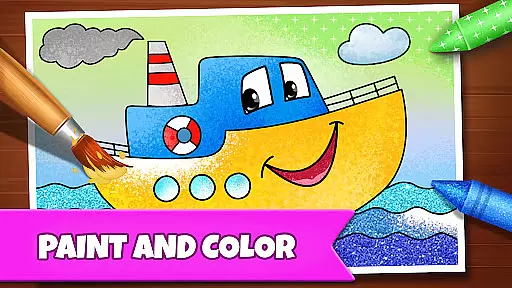
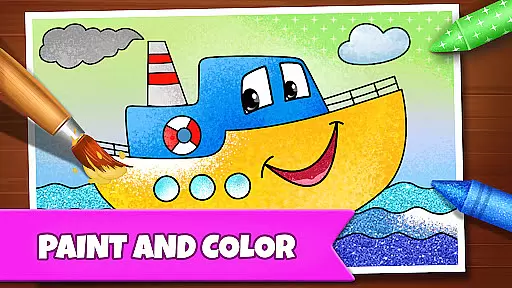
By integrating an interactive coloring book with paint-by-numbers games, Drawing Games ensures that kids enjoy a comprehensive learning experience that is both enjoyable and aligned with educational benchmarks.
Gamification in learning transforms traditional educational content into engaging activities that motivate and captivate young learners. Drawing Games: Draw & Color excels in merging gamified elements with educational objectives, creating an immersive environment for children.
Features such as Memory Drawing and Glow Paint incorporate game-like challenges that stimulate cognitive abilities while maintaining the excitement of play. Kids learn to draw and recognize patterns through these innovative modes, enhancing their memory retention and creative thinking.
The app leverages colorful stickers, vibrant crayons, and glowing pens to keep children engaged for extended periods. This approach not only sustains their interest but also reinforces learning outcomes through repetitive yet entertaining tasks.
With no in-app purchases or ads, Drawing Games provides a seamless blend of fun and education, allowing uninterrupted learning. Children embark on a drawing journey that is as educational as it is enjoyable, fostering both creativity and foundational skills.
User-friendly interface
Educational content
No in-app purchases
Engaging activities
Safe for kids
Limited advanced features
Basic color options
Repetitive gameplay
Simple graphics
No social features

Spark your little ones’ imagination!
 3.80
3.80
Creating emotional connections
4.1
Play the fun healthy habits game for kids with Cocobi the little dinosaurs.
3.40
Tracing, phonics & spelling games for toddlers, preschool & kindergarten kids!
4.50
Magical girl game where dreams come true. Collect & care for cute princesses!
3.80
Explore Dopples World, build your avatar life & create endless stories!
4.70
Play pretend & explore at the doctor's & school in Daniel Tiger's Neighborhood.
3.30
Featuring the Numberblocks
3.60
Expert-designed fun interactive learning games to prep kids (2-5) for preschool.
4.00
Epic battles, interactive quests and exotic pets. Learn math with Prodigy today!
4.70
Pro Doctor Dentist for PetsGame
4.60
OG Munchers - Play classic Number Munchers game on Android
4.40
Games, music, crafts and coloring with cats
4.10
Enjoy the fun kid's hospital play game with Cocobi, the little dinosaurs!
4.00
The kids phonics and reading app that's helped millions of kids learn to read
4.00
Clean the messy house & play with cute kitty in this fun cleaning game for kids!
3.70
Help your child improve their number literacy with Numberblocks: Card Fun!
2.60
Little Explorer – Garage, Kitchen and Bathroom
4.5
Fun step-by-step drawing & coloring app to learn and create art!
4.4


User Reviews