
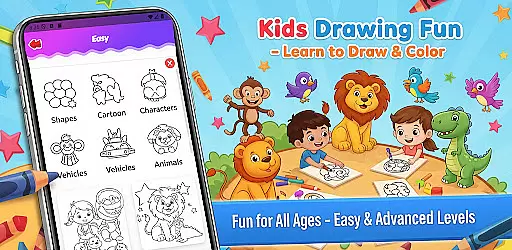
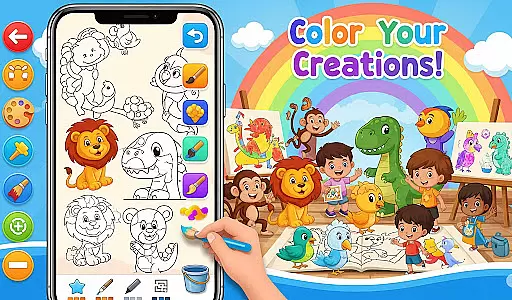
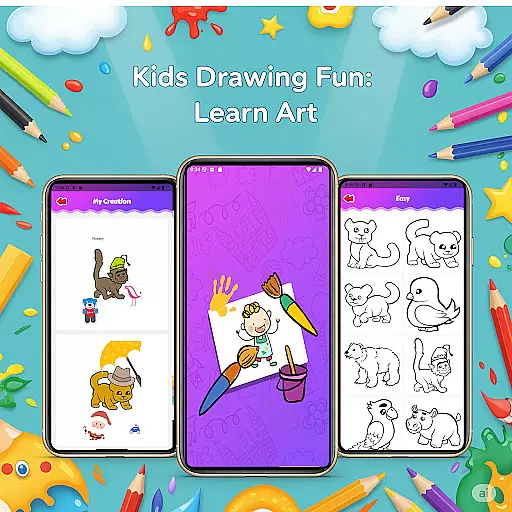
Fun Drawing & Color: Learn Art is an innovative educational app designed to make drawing and coloring both fun and instructional. This app caters to users of all ages, from beginners taking their first steps in art to experienced artists looking to refine their skills. The app offers a comprehensive suite of creative tools including step-by-step drawing guides, vibrant coloring options, and customizable text styles. With its ad-free environment and intuitive interface, Fun Drawing & Color ensures an uninterrupted and engaging artistic journey.
One of the standout features of this app is its wide array of drawing and coloring tools. Users can experiment with different brush types, pencil colors, and a complete color palette. Additionally, the app provides playful stickers and various font styles for text, allowing users to add unique touches to their artwork. Whether you're sketching animals or designing complex scenes, Fun Drawing & Color supports your creative process with easy-to-use tools that bring imagination to life.
The app's personal gallery feature allows users to save and revisit their creations anytime, making it perfect for tracking artistic growth over time. Compatible with both tablets and smartphones, this app delivers a seamless experience across all Android devices. By removing ads and subscription models, Fun Drawing & Color focuses purely on fostering creativity, making it an ideal choice for educational purposes and leisure activities alike.
Fun Drawing & Color: Learn Art boasts an impressive range of features designed to enhance the user's drawing and coloring experience. One of the core functionalities is the step-by-step drawing guides, which break down complex drawings into simple shapes and stages. This makes it easier for users to follow along and learn essential drawing techniques at their own pace. These guides cover a variety of subjects including animals, vehicles, objects, food, and characters, ensuring there's something for everyone.
In addition to structured lessons, the app offers a plethora of customization options. Users can choose from multiple brush types and pencil colors, each providing a unique texture and style to their artwork. The inclusion of a color fill tool and a full palette enables users to effortlessly apply colors to large sections of their drawings. Moreover, the app includes playful stickers and diverse text styles, empowering users to personalize their creations further. These features collectively ensure that every piece of art is not only skillfully crafted but also uniquely expressive.
Usability is another strong suit of Fun Drawing & Color. The app provides essential editing tools such as erase, undo, and redo functions, allowing users to correct mistakes or experiment with new ideas without hassle. All artworks are automatically saved in a personal gallery, where users can access, review, or modify them anytime. With compatibility across various Android devices and a focus on delivering a smooth, kid-friendly experience, this app stands out as a versatile and reliable choice for nurturing artistic talent.
In the realm of educational drawing apps, content authority and curriculum alignment are crucial for ensuring that learning is both credible and structured. Fun Drawing & Color: Learn Art positions itself as not just a creative outlet but also an authoritative source for art education.
The app provides step-by-step drawing guides that cover a wide array of subjects, from animals to vehicles, each designed to build upon the user's existing knowledge and skills. This progressive learning approach aligns well with educational standards, making it suitable for supplemental learning in artistic skills.
Users benefit from the app's carefully crafted lessons which are created to impart foundational art concepts through engaging and colorful activities. The presence of multiple skill levels ensures that learners can advance at their own pace, reinforcing the curriculum aspect.
By offering a comprehensive suite of drawing tools alongside its educational content, Fun Drawing & Color: Learn Art guarantees an uninterrupted focus on learning and creativity, establishing itself as a valuable educational resource.
Gamification in learning has been shown to increase engagement and motivation, and Fun Drawing & Color: Learn Art leverages this by integrating game-like features into its educational framework. The app offers a vibrant and interactive platform where users can learn art while enjoying themselves.
With features such as stickers for fun decoration and text addition with various fonts, the app injects playful elements into the learning process. These features serve as rewards that encourage continued use and exploration, effectively gamifying the experience of learning to draw.
Moreover, the app includes a personal gallery where users can save and revisit their artwork. This feature acts as a personal achievement showcase, further enhancing the sense of accomplishment and progression akin to levelling up in games.
Fun Drawing & Color: Learn Art successfully blends educational content with gamified elements, providing a seamless and enjoyable learning journey that captivates users' interest and fosters a love for art.
User-friendly interface
Wide range of tools
Ad-free experience
Step-by-step guides
Compatibility with multiple devices
Limited advanced features
No social sharing options
Premium version only
Basic tutorials
Occasional bugs

A game to memorize
 4.5
4.5
Creating emotional connections
4.4
Play educational games for preschool toddlers—plus more to discover ►AdsFree◄
4.60
Kids coloring games for boys! Fun drawing, painting & learning book for kids.
4.60
Discover the infinite cycles of the universe
4.3
Find the hidden Numberblocks, add them together and see what happens.
3.50
Companion app for Cozmo, the educational toy robot who’s got a mind of his own.
3.30
Play virtual baby daycare simulator & be a babysitter, take care of cute babies!
4.60
Safe, fun, ad-free games for kids! For babies, toddlers, & kids age 2-6
3.60
Tons of kids safety games, cartoons, and stories are included in one kids app!
4.70
A must-have sequel to our Learn Letter Sounds with Carnival Kids app
4.30
Build your own BRIO railway!
4.30
A fan of cute games? Try animal games & take care of fluffy virtual pets!
4.20
Animal games! Adopt virtual pet dog, cat & rabbit to create your pet world!
4.10
Expert-designed fun interactive learning games to prep kids (2-5) for preschool.
4.00
Cure the patients to create your hospital story!
3.90
Master your phonics letters and sounds with the Alphablocks!
3.80
Create, Style, Repeat!
3.70
Perfect for Dino fans of all ages.Vivid illustrations.Fascinating_Facts.Narrated
4.5


User Reviews