
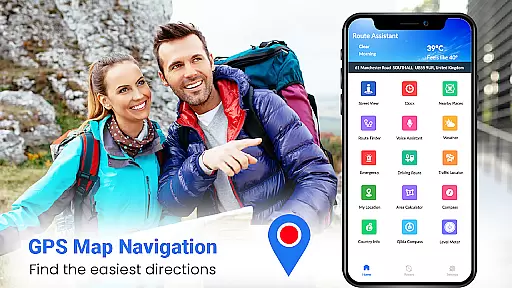


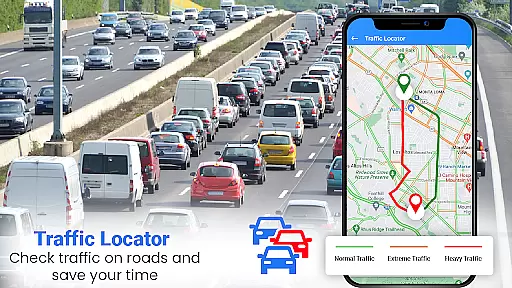

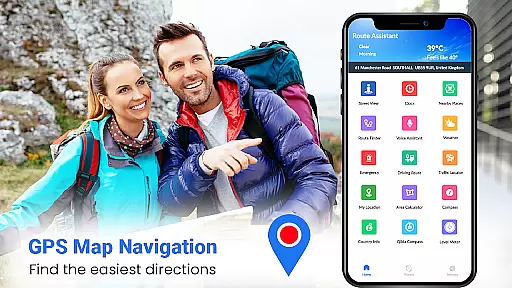


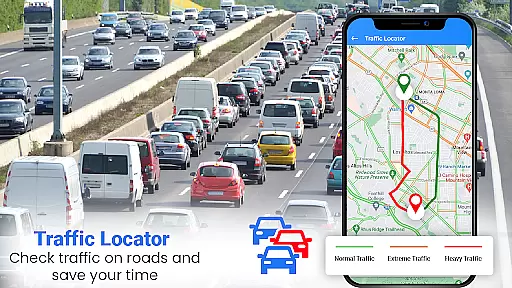

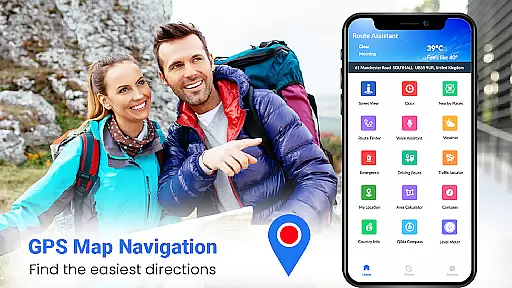



Easy Rout Map: Navigation Path is a comprehensive GPS navigation app designed to simplify travel and exploration. The app provides users with multiple navigation modes including driving, walking, cycling, and hiking, all supported by real-time traffic updates and voice guidance. Its standout feature is the Navigation Path Finder, which allows users to virtually explore destinations before their trips, making it an invaluable tool for both local commutes and international travel planning.
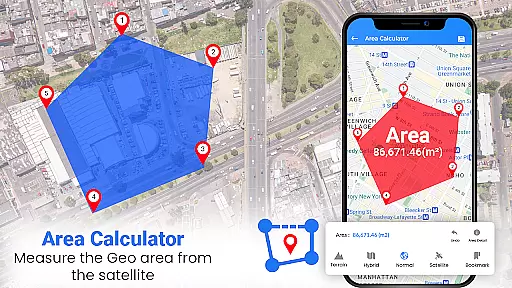
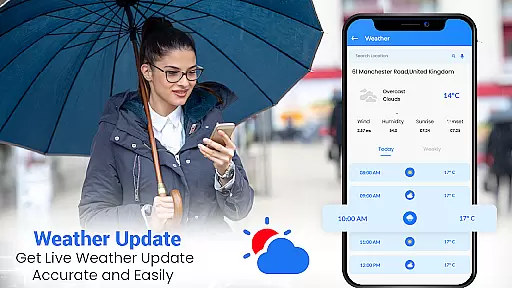
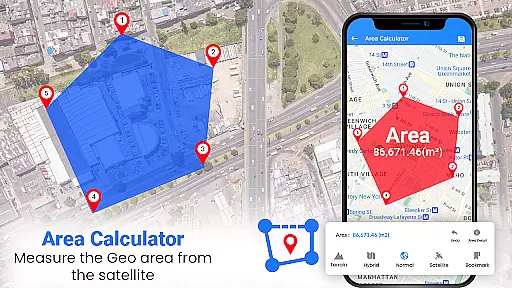
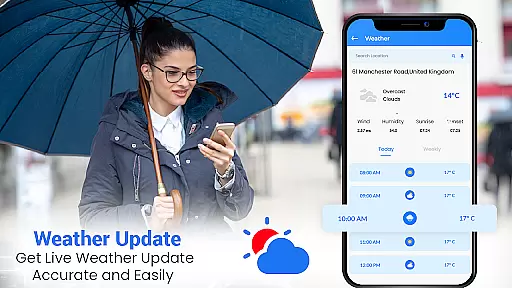
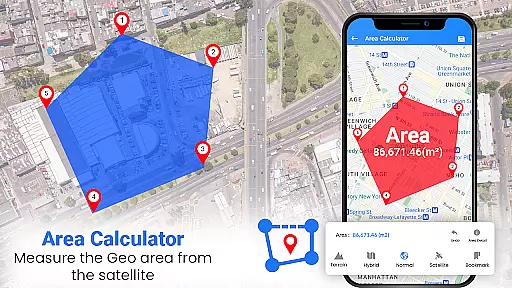
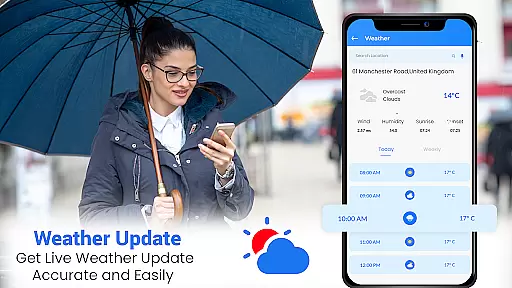
In addition to its core navigation capabilities, Easy Rout Map offers a variety of helpful tools such as a digital compass, area calculator, live weather updates, and even a world clock. Whether you're a driver needing efficient routes or a tourist exploring new places, this app caters to various needs. With support for over 100 languages and an interactive interface, it ensures accessibility and ease of use for a global audience.
Easy Rout Map stands out with its diverse set of features tailored for different types of travelers. The app's Live Street View and satellite map functionality provide users with immersive 360-degree views of their surroundings, helping them locate nearby amenities like restaurants, gas stations, and public facilities effortlessly. Additionally, the Route Finder tool uses advanced GPS technology to calculate the shortest and most accurate paths to any destination, whether by car, bus, or on foot.
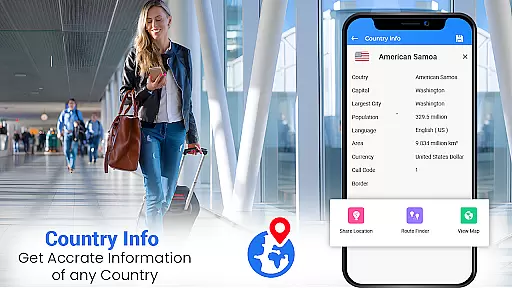
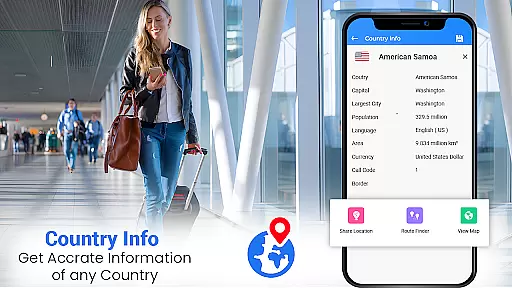
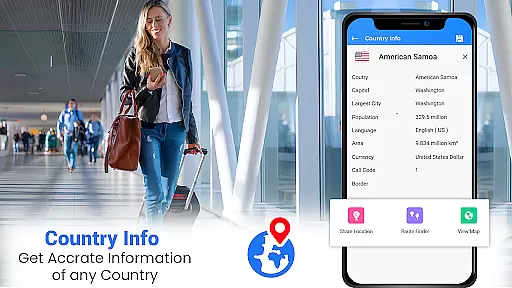
Beyond navigation, the app includes practical utilities such as a Qibla compass for religious pilgrims, a level meter for construction professionals, and detailed country information for curious travelers. Users can also bookmark favorite locations, track their search history, and customize the app’s appearance with colorful themes. These thoughtful additions make Easy Rout Map not just a navigation tool but a versatile companion for everyday tasks and adventures alike.
Booking authenticity is a crucial aspect of any travel application, ensuring that all reservations and planned routes are reliable and accurate. Easy Rout Map: Navigation Path provides users with verified navigation paths and real-time location tracking to ensure the authenticity of each booking or route planned within the app. This feature eliminates the uncertainty often associated with travel planning.
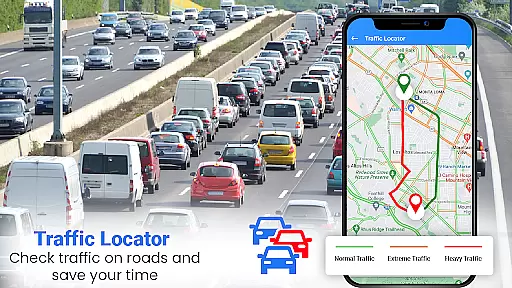
The app achieves booking authenticity through its advanced GPS Live Street View functionality, which offers precise directions and live traffic updates. Users can trust the accuracy of suggested routes whether they're driving, cycling, or walking. The integration of transit details and point-to-point navigation ensures that every planned journey is based on current and reliable data.
For users, this means peace of mind when traveling to new destinations. With features like 'Route Finder' and 'Earth Map Satellite,' individuals can confidently explore unfamiliar areas, knowing their bookings and planned routes are backed by real-time information. This level of reliability enhances the overall travel experience.
Ultimately, Easy Rout Map's commitment to booking authenticity empowers travelers to plan their trips with confidence. By providing dependable navigation tools and detailed mapping features, the app ensures that every journey is both safe and efficient, making it an essential companion for modern-day explorers.
Price transparency in travel applications refers to the clear display of all costs involved in a trip, ensuring users are fully aware of what they are paying for. Easy Rout Map: Navigation Path excels in this area by offering its comprehensive navigation services completely free of charge. This approach allows users to utilize advanced GPS functionalities without worrying about hidden fees or unexpected charges.
The app provides full access to features such as 'Live Street View GPS Real-time,' 'Area Calculator,' and 'Digital Compass' without any cost barriers. Additionally, users can benefit from helpful tools like weather forecasts, world clock information, and level meter functionalities without incurring extra expenses. This transparent pricing model makes the app accessible to a wider audience.
By removing financial obstacles, Easy Rout Map encourages more people to take advantage of its robust navigation capabilities. Whether planning a road trip or exploring local attractions, users can do so without concern for additional costs. The app's commitment to price transparency fosters trust and satisfaction among its user base.
In summary, Easy Rout Map's dedication to price transparency sets it apart in the travel app market. By offering a feature-rich application at no cost, it democratizes access to advanced navigation tools, empowering users to explore the world confidently and affordably.
User-friendly interface
Real-time traffic updates
Voice-guided navigation
Multi-language support
Lightweight design
Limited offline functionality
Occasional ads
Complex UI for beginners
Requires constant internet
Weather data not always accurate

The #1 Parent App in Brevard County
 4.3
4.3
View US public land boundary maps on your device.
3.70
Learn about one of the most famous Victorian cemeteries in the world
2.80
CLEAR provides a safer, easier way through airports, stadiums, and beyond.
4.20
Get faster fuel rewards, exclusive offers, and helpful tools!
4.70
Everything you need for your trip in one place with the Volaris app.
3.60
Stay at Motel 6 for less - book fast, save more with MY6 app!
4.70
Amplify Your Experience
3.00
Managing your travel should be easy. With the Amtrak app, it is.
4.30
Replace your car trips with the world’s largest shared electric vehicle company.
4.90
Save on gas and convenience with the earnify™ App
4.70
Meet Allyz®, your ultimate travel companion
4.70
Vacationing on CARNIVAL? Maximize your fun on board with the ultimate cruise app
4.60
The best way to book travel
4.60
Earn hotel and travel rewards, find hotel offers, and access your Digital Key.
4.50
Explore our parks like never before with the completely reimagined Six Flags app
4.30
A tool for outdoor activities.
4.30
View delays, closures, and weather-related conditions on Missouri state roads.
3.30
Tide Table Chart provides quick and easy access to high and low tide forecasts.
3.20


User Reviews