
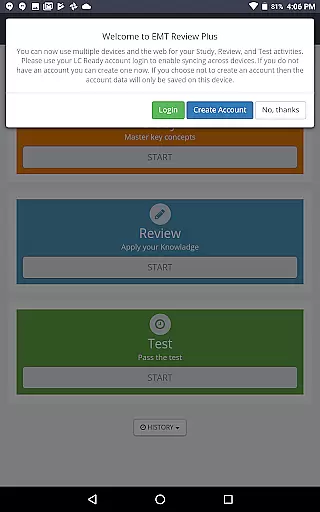
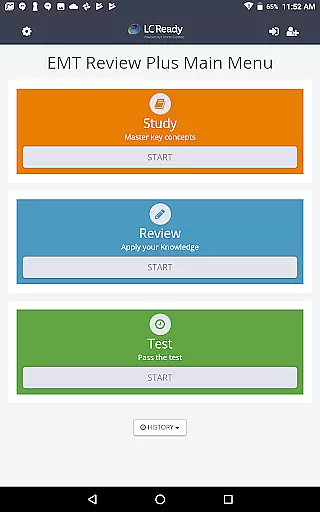
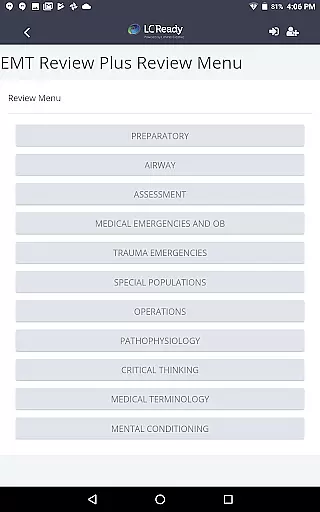
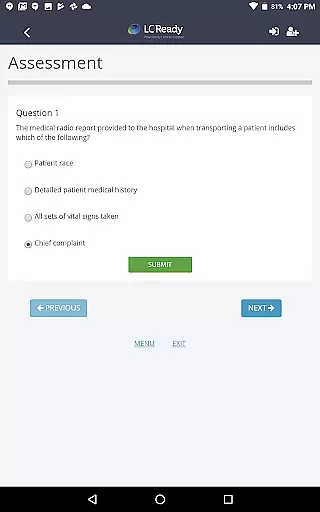
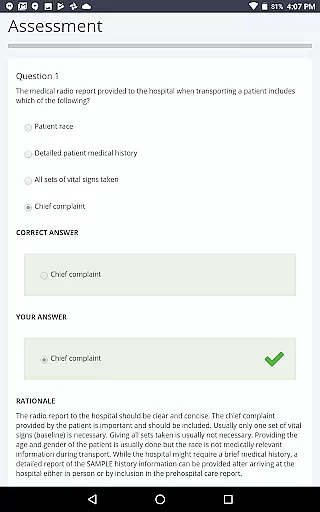
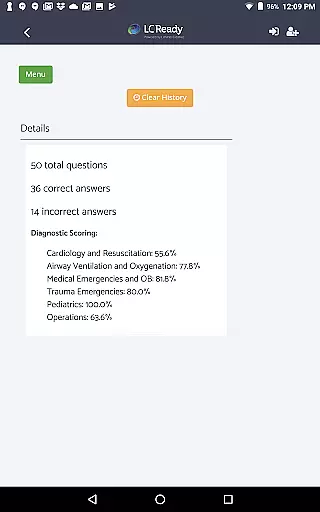
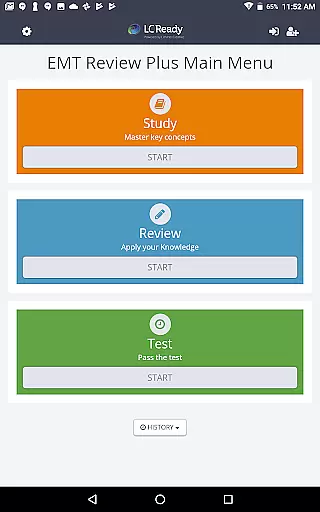
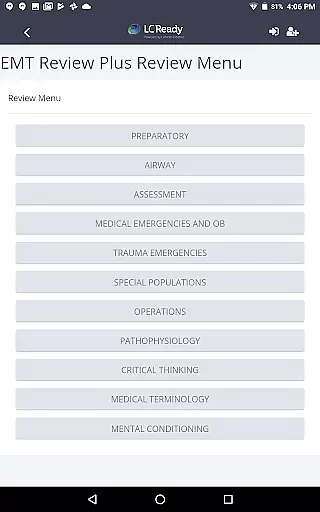
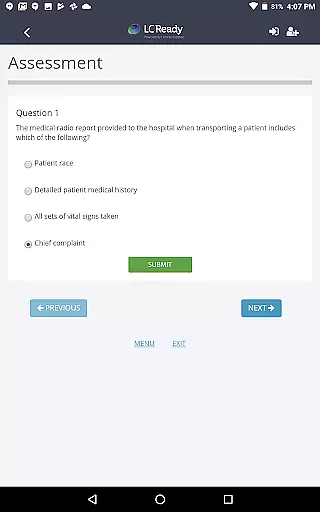
EMT Review Plus is a comprehensive study tool designed to help EMT candidates prepare for the NREMT or state certification exams. This app provides extensive coverage of EMS topics, including preparatory, airway, assessment, medical emergencies, trauma, special populations, operations, pathophysiology, and medical terminology.
In addition to core content, the app features sections on critical thinking, mental conditioning, and technology-enhanced items (TEIs). With expanded NREMT-style exams containing 120 questions each, detailed explanations for every question, and diagnostic scoring reports, users can identify strengths and areas for improvement while practicing with realistic test simulations.
The app's mobile and web access ensures flexibility, allowing students to study anytime, anywhere. Whether you're honing your knowledge or mastering test-taking strategies, EMT Review Plus equips you with the tools needed to pass your exam confidently.
EMT Review Plus offers an array of robust features tailored for effective exam preparation. The app includes over 1,100 study items such as review cards and practice questions that cover all essential EMS topics. It also provides five full-length practice exams updated to match the latest NREMT format, ensuring users experience a realistic testing environment.
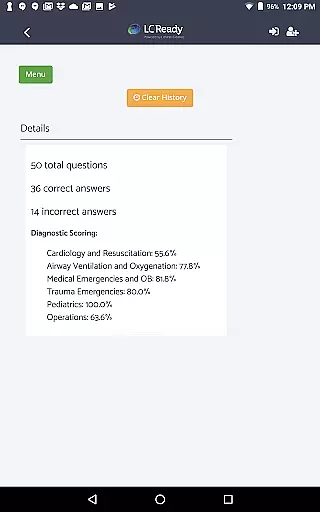
One standout feature is the new Diagnostic Scoring Report, which goes beyond traditional scoring by offering deeper insights into user performance. Each question comes with detailed explanations, reinforcing learning and improving decision-making skills. Additionally, adaptive quizzes simulate real exam conditions, helping users adapt their strategies accordingly.
With both mobile and web access available, EMT Review Plus allows seamless studying across devices. Its focus on critical thinking and mental conditioning prepares candidates not just for the exam but also for real-world scenarios they will face in their careers.
Medical content credibility is essential for any application in the healthcare sector, ensuring that users receive accurate and reliable information. EMT Review Plus excels in this area by providing content designed by EMS experts, which covers all crucial exam areas such as Airway, Assessment, Medical Emergencies, Trauma Emergencies, and more.
The application includes over 1,100 study items, including study cards and review questions, each crafted to enhance understanding and retention of complex EMS concepts. This extensive library is routinely updated to match the latest NREMT exam format, reinforcing its commitment to content accuracy.
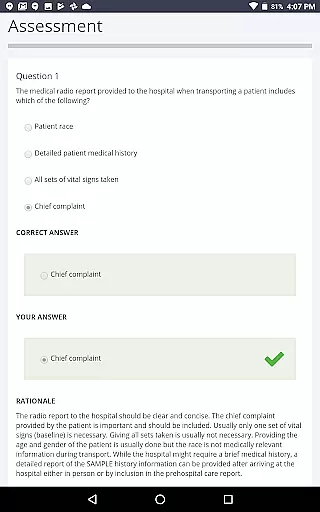
Expert review is another cornerstone of EMT Review Plus. Every question comes with a detailed explanation and rationale, helping users understand not just the answers but the underlying principles. This approach aids in improving decision-making skills and boosts confidence when facing real-world medical emergencies.
By integrating feedback from seasoned professionals and continuously updating its content, EMT Review Plus ensures that its users are learning from the most credible and up-to-date sources available. This dedication to quality helps students pass their exams with confidence and prepares them effectively for their future careers in emergency medical services.
Teleconsultation quality is vital for applications focused on remote healthcare education and consultation. EMT Review Plus offers an advanced teleconsultation experience through its comprehensive and interactive platform, allowing users to simulate real-life EMS scenarios and practice their responses in a controlled environment.
The app provides five full-length practice exams, each containing 120 questions styled after the NREMT exams. These exams include Technology-Enhanced Items (TEIs) that mimic the actual test conditions, offering a realistic test experience. Such features ensure that users can familiarize themselves with the exam format and reduce anxiety during the real test.
In addition to practice exams, EMT Review Plus offers diagnostic scoring reports that give deeper insights into a user's strengths and areas needing improvement. This feature enhances the teleconsultation experience by allowing personalized feedback and targeted study recommendations, thus optimizing the learning process.
With mobile and web access, EMT Review Plus ensures that users can study anytime, anywhere, making it a flexible and indispensable tool for aspiring EMS professionals. The combination of expertly crafted content, realistic practice environments, and insightful feedback mechanisms makes EMT Review Plus a top choice for those seeking high-quality teleconsultation services in medical education.
Comprehensive content coverage
Realistic exam simulations
Detailed answer explanations
Diagnostic scoring reports
Mobile and web accessibility
Premium subscription required
Interface may feel complex
Limited free trial options
Occasional technical glitches
High system requirements

Beat alcohol and drug addiction with a revolutionary treatment program in an app
 4.50
4.50
A comprehensive medical disease app.
5.00
World's largest contact lens store
4.60
OKN Strips, OptoDrum, OKN
4.3
The Better Pharmacy Experience
4.90
MHealth is the mobile version of MEDITECH’s Patient and Consumer Health Portal.
3.10
Medication reminder, Medicine list, Trackers for BP, glucose, weight, water, etc
4.70
Good for You. Great for Life.
4.00
Donating plasma just got easier with the BioLife Plasma Services mobile app.
3.90
Elegant, easy-to-use period tracker for fertility, PMS symptoms, and more
4.90
Search by insurance, see real-time openings & verified reviews, get care fast.
4.80
Blue Cross and Blue Shield of Texas member information
4.60
Anthem/Wellpoint and other health insurance plans
4.60
Perform pure-tone audiometry and a speech intelligibility test on your phone.
4.50
Download OctaApp for easy access to your plasma donation info
4.40
We’ve made it easy for Oscar members to get care on the go.
4.30
Molina Members: My Molina. Manage your health anytime, anywhere!
4.30
Easy access to benefits and rewards
3.70
Care Simplified by MyChart
3.40


User Reviews