

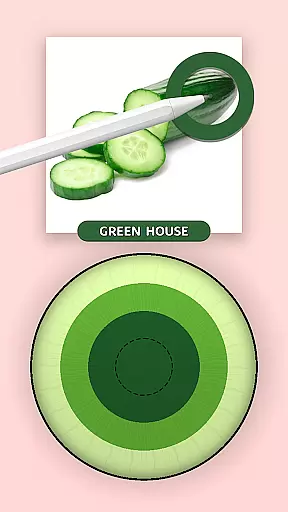
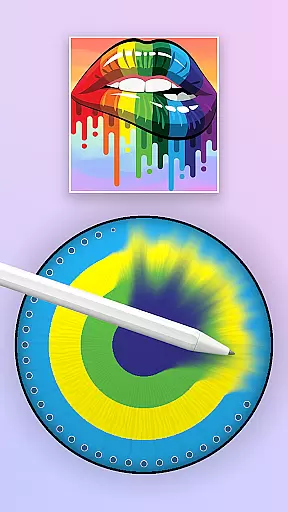
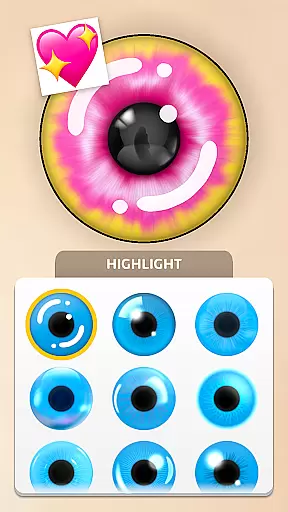

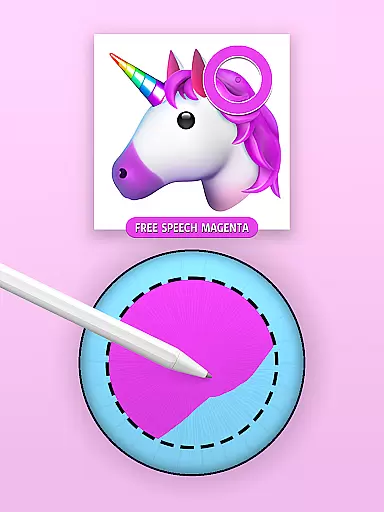
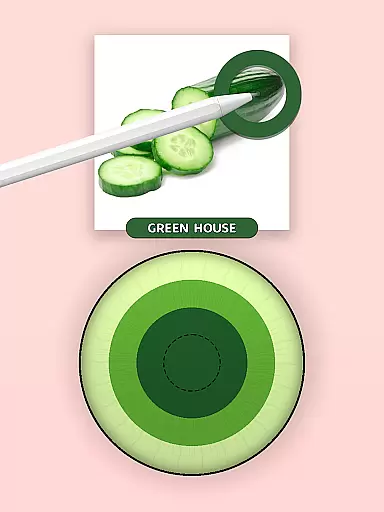
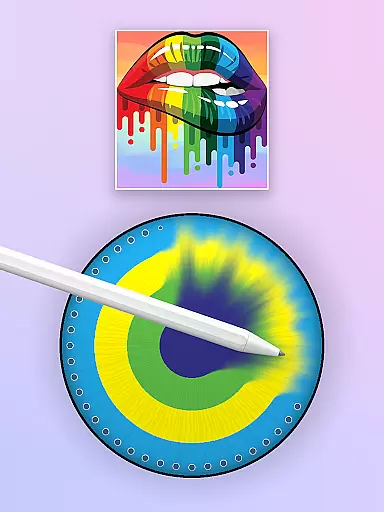
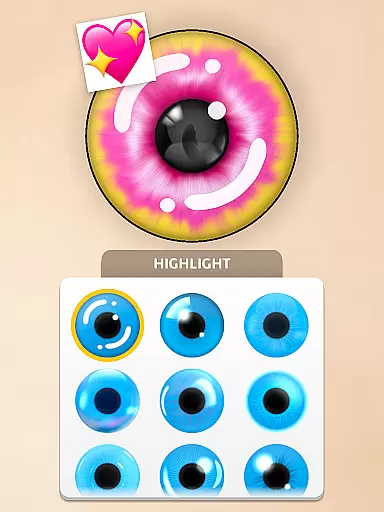

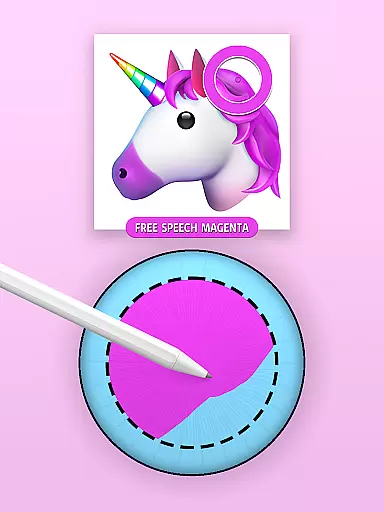
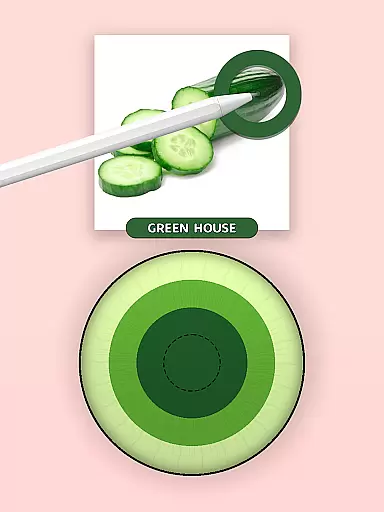
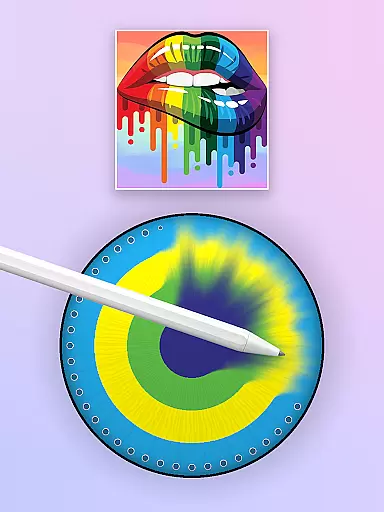
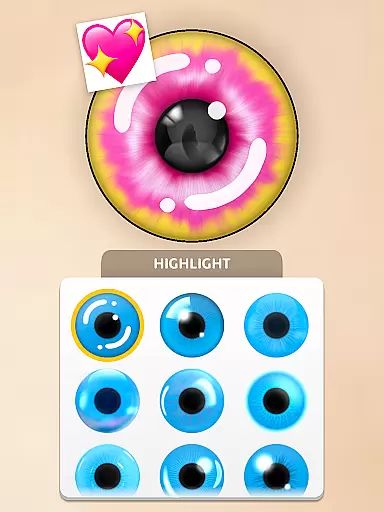


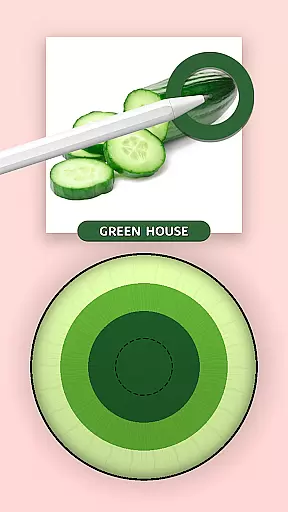
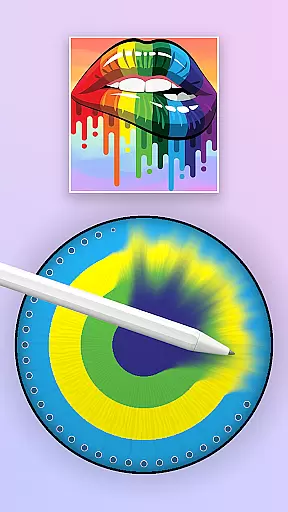
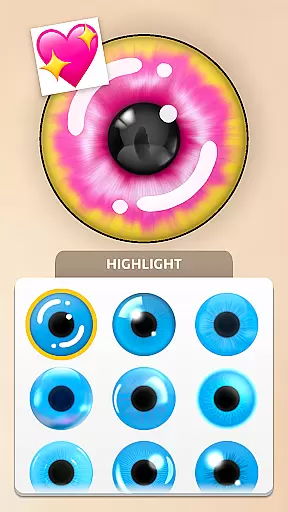

Eye Color Mix is a creative coloring game that combines painting with makeup. The app features an innovative color wheel for mixing and matching shades, allowing users to explore both natural and bold tones. With tools like the Eye Color Changer and various brushes, it offers endless possibilities for artistic expression.
This simulation app lets you transform characters' looks by selecting from a dazzling array of eye colors. Whether aiming for realism or fantasy, Eye Color Mix provides an immersive experience in mastering the art of color.
Eye Color Mix stands out with its unique blend of painting and makeup features. The Color Wheel is central to the experience, enabling users to create custom palettes effortlessly. Tap Color gameplay adds excitement as players mix colors on screen.
The app includes a variety of brushes and tools within its Makeup Kit, catering to different styles from delicate pastels to vibrant neons. Players can challenge themselves with levels designed to master color mixing, ensuring a fun and addictive experience.
In Eye Color Mix, the economic system is intricately designed to enhance your gaming experience. The game offers a virtual currency that players can earn through completing levels and challenges, which can then be used to unlock exclusive colors and tools.
This dynamic feedback mechanism ensures that as you progress, the game responds by offering more sophisticated color palettes and advanced features, keeping the gameplay fresh and engaging. This approach not only deepens the player's investment in the game but also enhances their understanding of color economics.
Players will find that their decisions in how to earn and spend virtual currency can directly impact their ability to create more complex and beautiful designs, thus adding a strategic layer to their creative process.
Resource management in Eye Color Mix involves balancing the use of various in-game tools and colors to create visually appealing designs without exhausting your resources. The game encourages players to think strategically about when and how to use their earned currencies and unlocked features.
With an array of brushes and a vibrant color wheel at your disposal, the challenge lies in managing these resources efficiently to maintain a steady progression through the gameu2019s levels. Players must learn to optimize their resource use to unlock new levels and features sustainably.
This balance ensures that players remain engaged over time, constantly adapting their strategies to the evolving availability of resources, thereby providing a satisfying and enduring simulation experience.
User-friendly interface
Vibrant color options
Creative freedom
Engaging gameplay
Educational value
Limited character models
In-app purchases
Ads present
Complex for beginners
Occasional bugs

A fun and challenging bridge builder puzzle game.
 4.20
4.20
Build rockets, airplanes, and more and explore highly detailed 3D planets.
4.30
Explore sandbox simulator featuring crafting and socializing in Portia
4.10
Incredible Sandbox Playground - Beats Ragdolls
4.50
Dodge lasers and explore! Planetary Development Simulation
4.60
Farming games: Harvest crops and Grow your own farm
4.60
I made a game for a certain kind of person. To hurt them.
3.30
7 years packed with fun
4.20
Merge food, cook & serve! Design unique theme restaurants. Unlock recipes.
4.70
Work hard and you may reach the top of the video game industry.
4.80
Can you infect the world?
4.70
The Ultimate Cosmic Destruction Simulator
4.60
Laugh, play, take care, learn and relax with the cutest virtual friend
4.50
Play and earn real BTC rewards!
4.50
Make yummy Jelly and start your Mukbang livestream
4.20
Build and explore your city as mayor! Create and simulate your own metropolis.
4.20
Create incredible parks in the original rollercoaster sim enhanced for mobile.
3.80
Explore Mimo Land – where you can shop, decorate your home, relax at the spa!
3.70
Mine rocks, upgrade miners and earn BTC!
4.3


User Reviews