
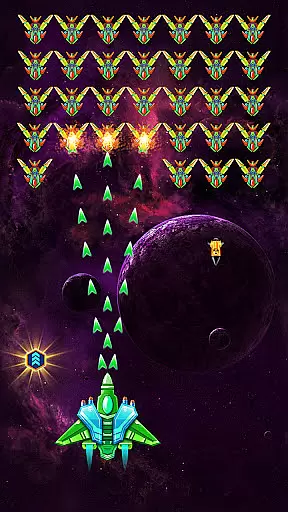
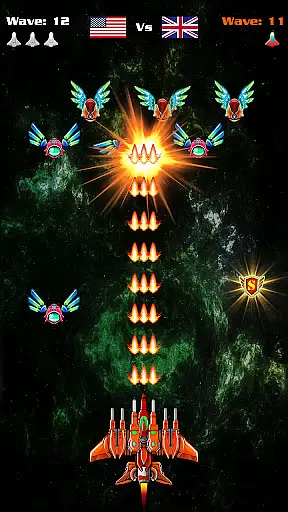
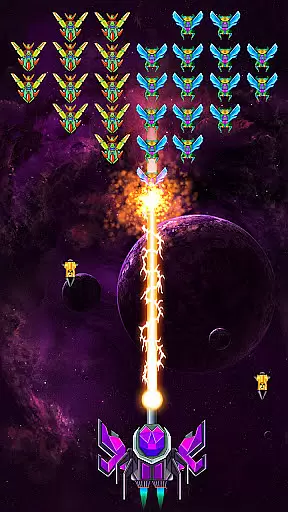
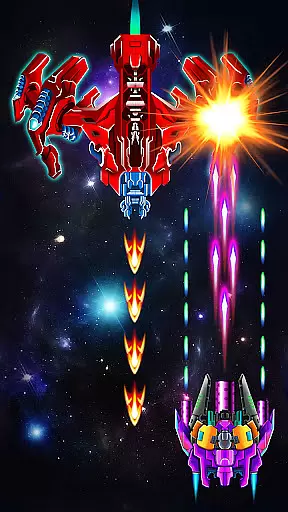
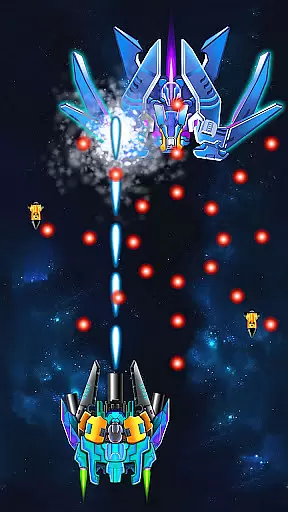

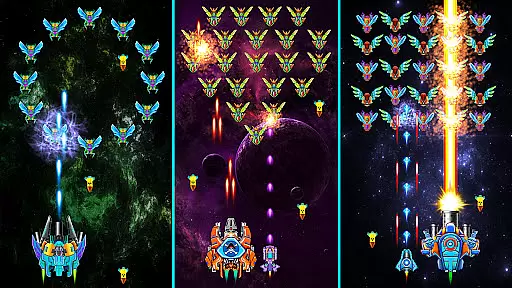
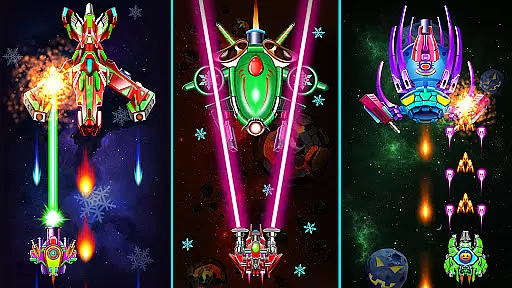
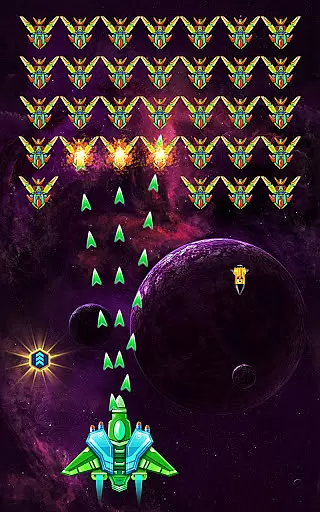
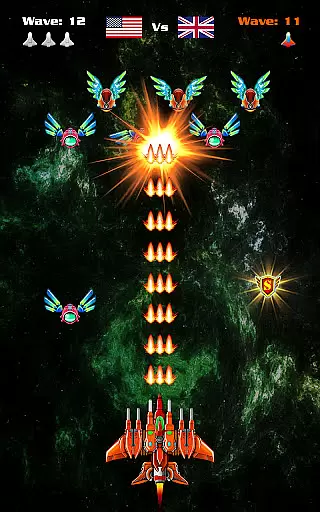
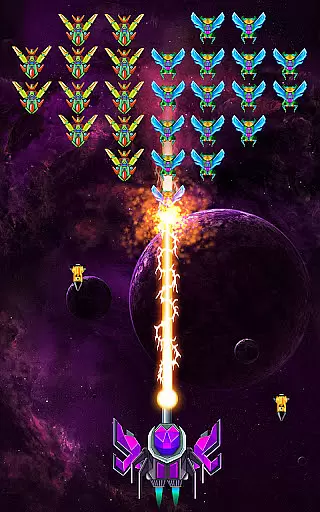
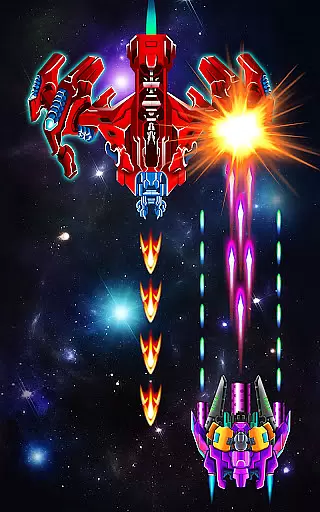
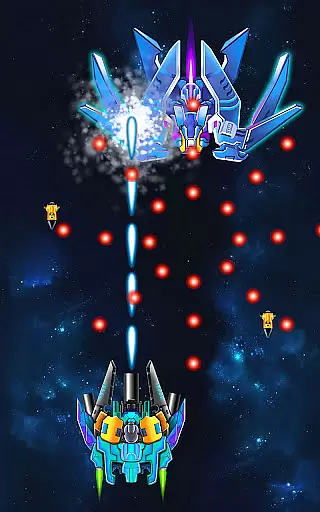
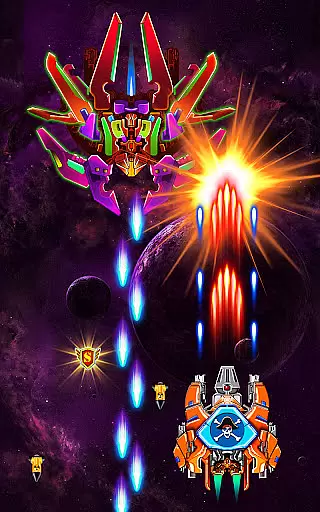
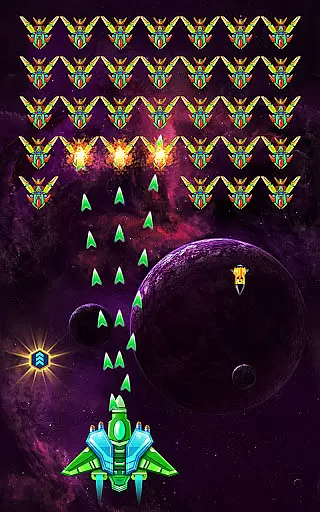
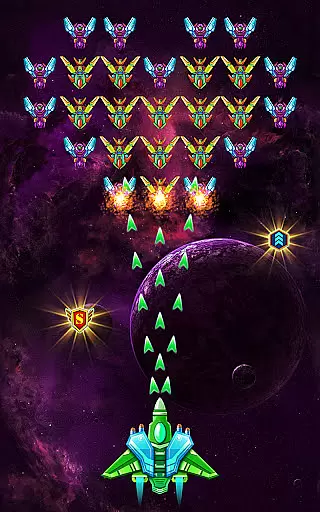
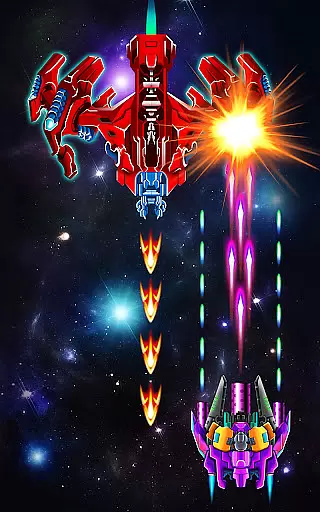
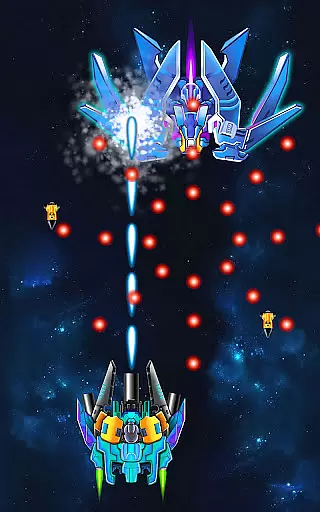
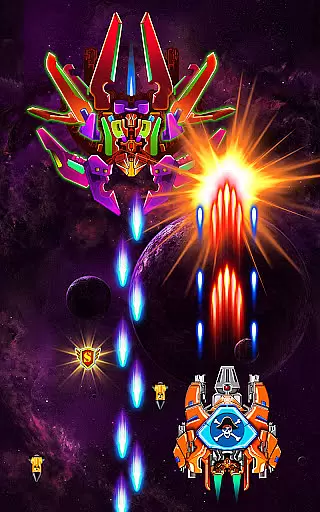
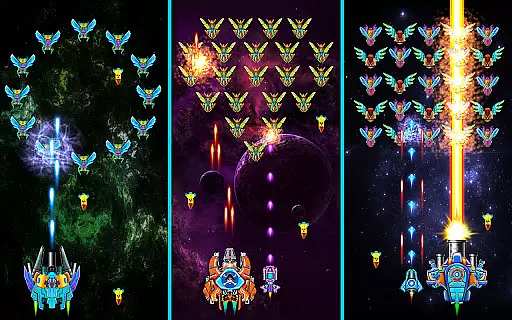
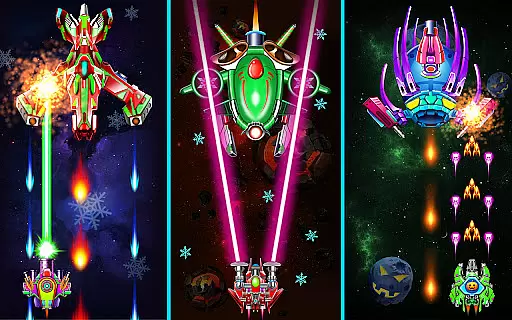
Galaxy Attack: Shooting Game is an action-packed arcade game that puts players in control of a lone spaceship tasked with defending Earth from relentless alien attacks. With its classic space combat theme, the game challenges you to save the universe across 160+ levels filled with immersive missions and extreme boss battles. The core gameplay involves maneuvering your spacecraft using touch controls while eliminating waves of enemies and collecting power-ups to upgrade your weapons.
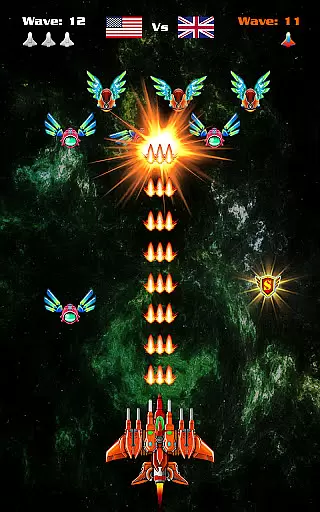
A standout feature of Galaxy Attack is its multiplayer mode, allowing competitive matches like 1 vs 1 or 1 vs 3. Players can also enhance their experience by unlocking active skills during battles and customizing their ships with advanced guns and lasers. Optimized for tablets and large screens, this game delivers high-quality visuals and smooth performance, making it ideal for both casual and hardcore gamers who enjoy fast-paced shooting challenges.
Galaxy Attack offers a variety of features designed to elevate the traditional arcade shooter genre. One notable aspect is its progression system, where players earn upgrades to unleash the full potential of their spacecraft as they advance through increasingly difficult levels. This keeps gameplay engaging and rewarding over time. Additionally, the inclusion of multiplayer modes adds a layer of competition, letting users test their skills against others in real-time battles.
The game also boasts stunning graphics optimized for various devices, ensuring an immersive visual experience. With multiple difficulty settings and diverse mission objectives, Galaxy Attack caters to different playstyles. Whether you're navigating through beautiful levels or facing off against challenging bosses, the game provides endless excitement. Its intuitive touch-based controls make it accessible to all, while the ability to use active skills during combat introduces strategic depth not commonly found in similar titles.
Arcade authenticity in a mobile game refers to how well the game captures the essence of classic arcade experiences while providing modern enhancements. Galaxy Attack: Shooting Game successfully blends nostalgic elements with contemporary gameplay mechanics, offering players an engaging experience reminiscent of retro space shooters.
The game features high-quality images optimized for tablets and large screens, ensuring that the visual appeal is both modern and evocative of classic arcade visuals. With 160+ levels on various difficulties, it provides a progressively challenging experience akin to traditional arcade games where players aim to beat their high scores and advance through increasingly difficult stages.
Players can collect items to upgrade or change weapons, adding a layer of strategy and customization that enhances replayability. This feature echoes the classic arcade tradition of power-ups, keeping the excitement fresh and allowing players to tailor their playstyle.
By incorporating multiple extreme boss battles and the ability to use active skills during space battles, Galaxy Attack creates memorable encounters that are characteristic of beloved arcade challenges. These elements ensure that fans of arcade games find both familiarity and innovation, making it a quintessential arcade experience on mobile platforms.
Control responsiveness is crucial in arcade games as it directly impacts the player's ability to react quickly and effectively. In Galaxy Attack: Shooting Game, control responsiveness ensures that every touch on the screen translates into precise movements and actions, which is vital for surviving waves of alien swarms.
Players can simply touch the screen to move their spaceship and kill all enemies, providing an intuitive and seamless control scheme. This ease of interaction allows users to focus more on strategy and less on mastering complex controls, enhancing overall engagement and enjoyment.
The game also supports multiplayer modes like 1 vs 1 and 1 vs 3, where responsive controls become even more critical. Quick reflexes and accurate inputs can make the difference between victory and defeat, emphasizing the importance of smooth and reliable touch responses.
Furthermore, the ability to use active skills during space battles adds another dimension to control responsiveness. Players must be able to activate these skills swiftly and accurately to turn the tide of battle in their favor. Overall, Galaxy Attack delivers a highly responsive control system that enhances the thrill and challenge of its arcade-style gameplay.
Engaging single-player campaign
Multiplayer battle options
High-quality graphics
Variety of skill upgrades
Intuitive touch controls
Repetitive gameplay elements
In-app purchases may frustrate
Boss fights can feel unfair
Limited storyline depth
Ads disrupt flow sometimes

Sharpen your mind and reflexes while playing 4Way Dash
 4.1
4.1
Frenetic party game, pass the bomb to the other players!
3.80
Play, Craft and Share your Endless Runner Levels on Kooply Run: Subway Craft
4.50
A fluid, action-packed arcade space shootout!
4.2
Jump and fly your way through danger in this rythm-based action platformer!
4.50
Ready… Set… DASH! Play now!
4.70
John GBA is GBA emulator. This emulator is easy to use.
3.10
Premium version. Save the galaxy from alien shooter in this classic game
4.50
Addictive basketball game with challenging one-touch controls
4.50
Flip the bottle! Do tricks and don't let the bottle fall!
4.50
Use superpower in your magic hands. Defeat the enemies in a fun elemental game.
4.50
Hit as hard as you can and make the penguin learn to fly! Arcade jumping game
4.50
Epic offline war strategy game - build your city, train your army, conquer
4.20
Bounce through platforms. Avoid obstacles. Get the bouncing ball to the finish.
4.00
This app is a very fast emulator
3.40
Neogeo MVS/AES Emulator
3.30
Fast reflexes, glowing obstacles, endless action.
4.4
Reach high, and shine in the neon world in 3D!
4.2
Divine powers at your fingertips! An innovative and frantic shoot-'em-up!
4.5


User Reviews