


Goodreads is the world's largest platform for book enthusiasts, boasting over 75 million members who have collectively added more than 2.2 billion books to their shelves. This free service allows users to find and share books they love, making it an essential tool for readers seeking recommendations and community engagement. With features like personalized book suggestions, a barcode scanner for instant reviews, and social sharing capabilities, Goodreads helps users discover new titles while connecting with fellow readers.
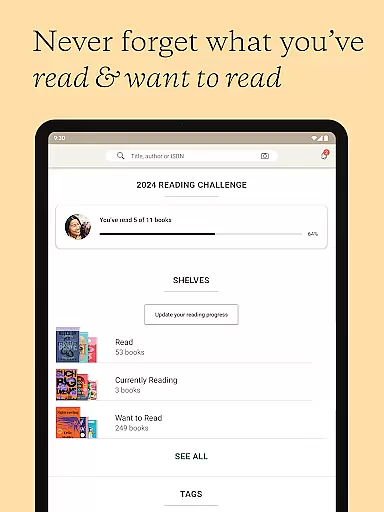
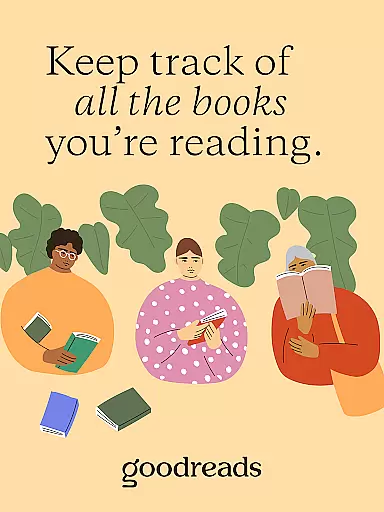
The app also offers robust tracking tools, enabling users to maintain comprehensive reading lists, rate books, and participate in reading challenges. Whether you're looking to catalog your personal library, get tailored book recommendations, or engage in discussions about your favorite novels, Goodreads provides a complete ecosystem for managing and enhancing your reading journey.
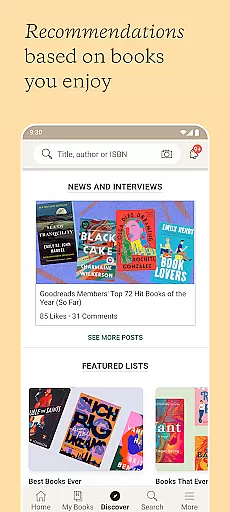
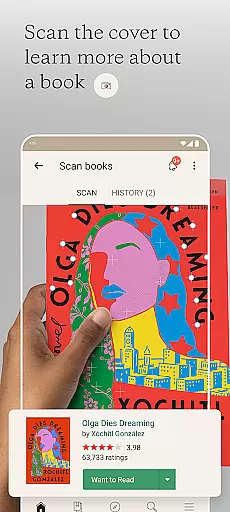
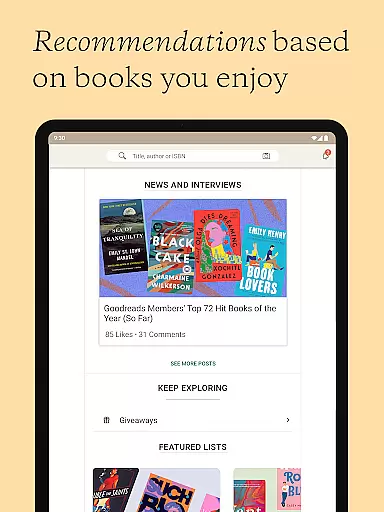
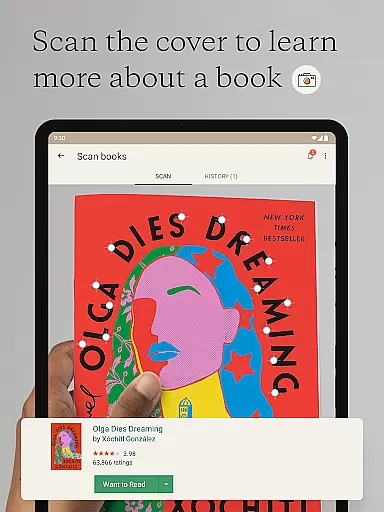
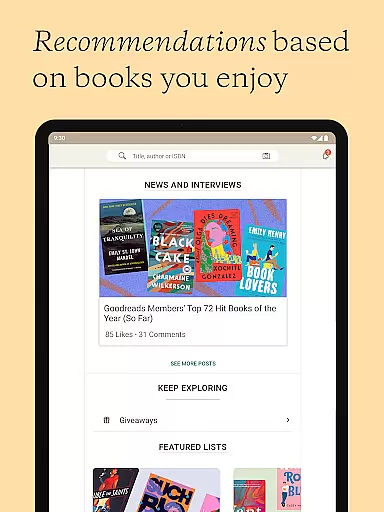
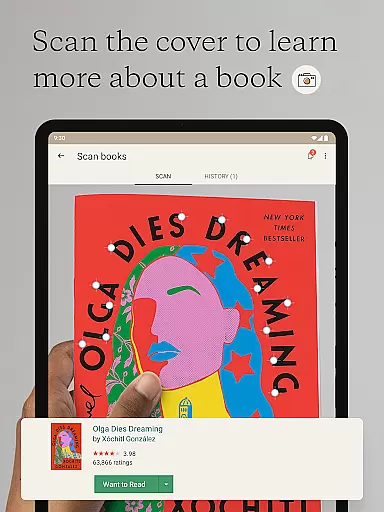
Goodreads stands out with its diverse array of features designed to enhance the reading experience. One of its core functionalities is the ability to scan book covers using your device's camera, instantly pulling up reviews and allowing you to add the book to your 'Want to Read' shelf. The app also excels in personalization, offering tailored book recommendations based on your reading history and preferences, ensuring that every suggestion feels relevant.
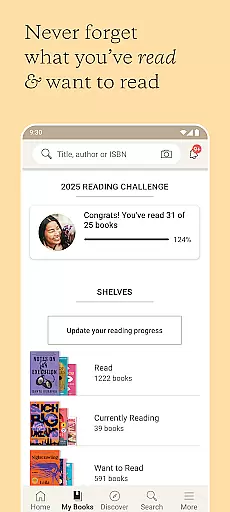
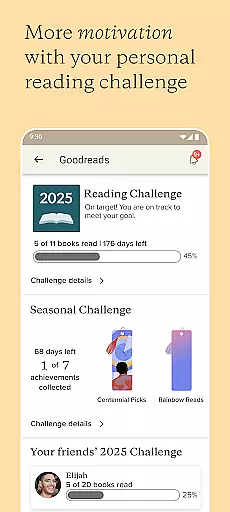
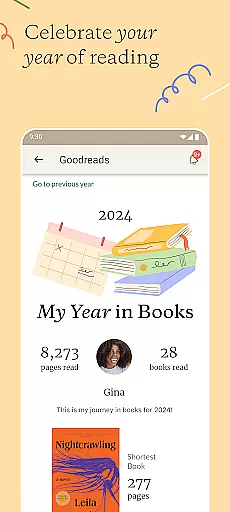
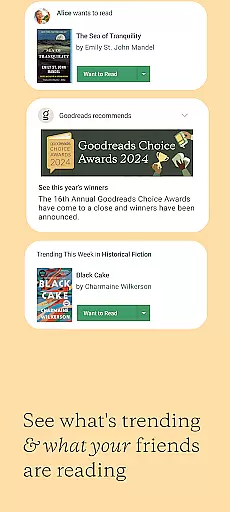
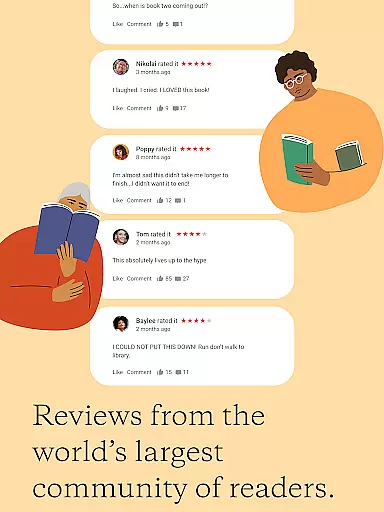
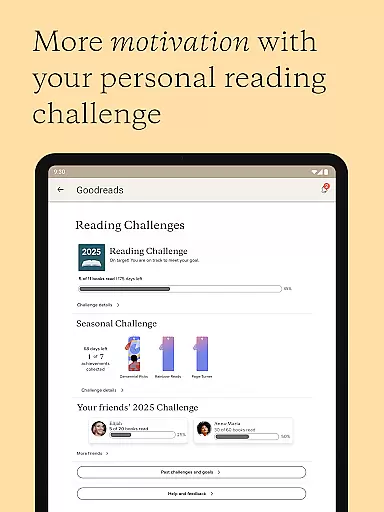
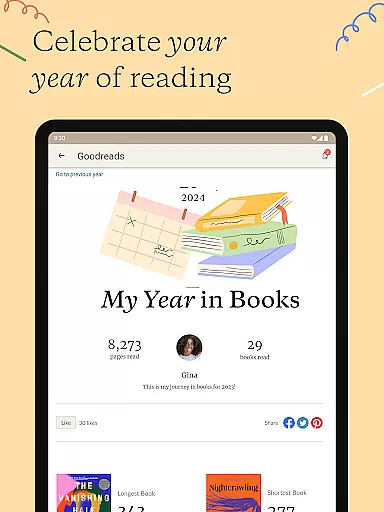
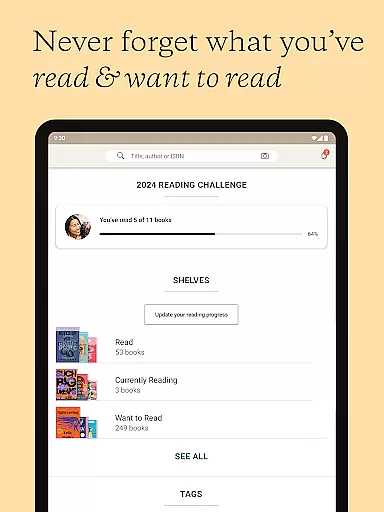
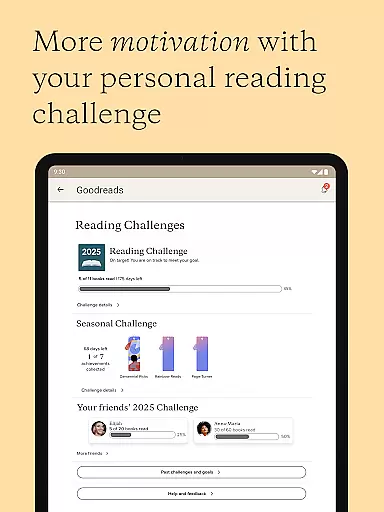
Beyond discovery, Goodreads provides powerful tools for tracking and sharing your literary journey. Users can search for any book in the extensive catalog, leave ratings and reviews, and update their progress on currently read titles. Social features are equally robust, letting you see what friends are reading, join groups, and even participate in reading challenges to motivate consistent engagement with books. These features collectively create a dynamic and interactive platform for book lovers worldwide.
Goodreads offers an extensive e-book library with over 2.2 billion books added by more than 75 million members worldwide. This vast collection ensures that readers can find virtually any book they are looking for, making it a go-to platform for book enthusiasts.
The platform places a strong emphasis on copyright authenticity, ensuring that all books listed are legitimate and properly credited to their authors and publishers. This commitment to copyright compliance provides users with the assurance that their reading materials are legally obtained and supports authors in protecting their intellectual property.
By maintaining such a comprehensive and authentic library, Goodreads not only enhances the user experience but also fosters a trustworthy environment where readers can confidently explore new titles and genres without concerns about copyright infringement.
Goodreads excels in format compatibility by allowing users to search, rate, and review any book within its catalog regardless of the original format. Whether a book is available as a hardcover, paperback, e-book, or audiobook, Goodreads accommodates all these formats seamlessly.
This flexibility enables users to manage their reading lists effectively, irrespective of how they choose to consume content. Readers can track books they want to read, have read, or are currently reading, updating their status across various formats effortlessly.
Furthermore, this inclusive approach to format compatibility encourages broader community engagement, as members can share recommendations and discuss books through messages, reviews, and groups without being limited by specific formats. This feature significantly enriches the overall user experience on Goodreads.
User-friendly interface
Extensive book database
Personalized recommendations
Active reading community
Free to use
Limited offline functionality
Occasional app crashes
Ads in free version
Privacy concerns
Cluttered UI

Novels, audiobooks, ebooks & fanfiction. Read anytime, anywhere!
 3.40
3.40
Bible, Catechism, Study, Saints, Mass Readings, Rosary, Prayer, Bible in a Year
4.80
Plan of Life that Saint Josemaría recommended
4.80
Read the KJV Bible with Strong’s offline: reading plans, audio Bibles, and more.
4.70
Read and study the Bible and other content in over 1,000 languages.
4.80
ISAIAH EXPLAINED with Avraham Gileadi Ph.D.
4.00
Watch real short episodes in just minutes— addictive, you won't be able to stop!
4.70
Build family tree & discover DNA, family history heritage, origins and ancestors
4.60
Read the Quran in Arabic alongside its translation, with color coded Tajweed.
4.50
A KJV Bible with Apocrypha and precept-based study concordance
5.00
A lightweight reader for comics and mangas files (.cbr, .cbz, .cbt, .pdf, ...)
4.80
Personalized Chat with Bible
4.80
Powerful Bible study tools linked to every verse in an easy-to-use Bible reader!
4.60
Read aloud texts, audiobooks, PDFs or any eBook with text to speech AI audio
4.60
A wonderful reader for good time spend.
4.20
A story reading app: Read stories, novels and books, or write your own.
3.90
Guide for dōTERRA® Products
3.60
America's best dictionary and thesaurus - with premium content and no ads
3.40
Sea tide predictions for all coastal U.S. locations.
4.4


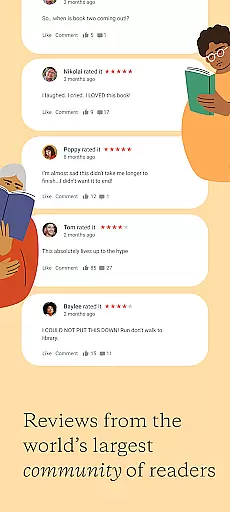
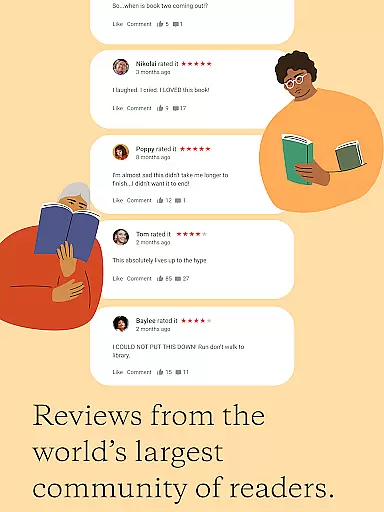
User Reviews