
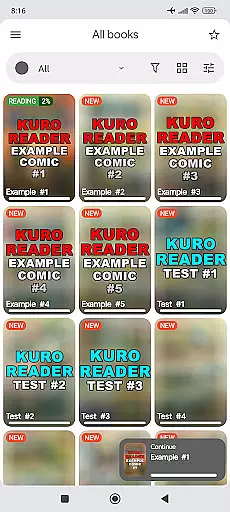
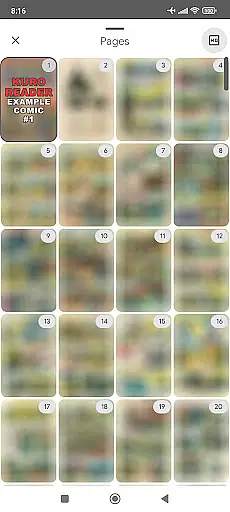
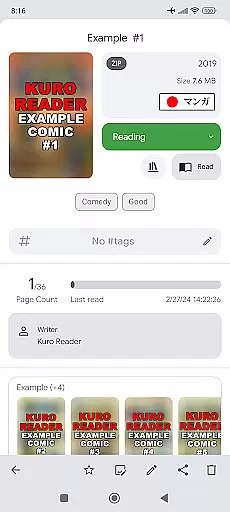
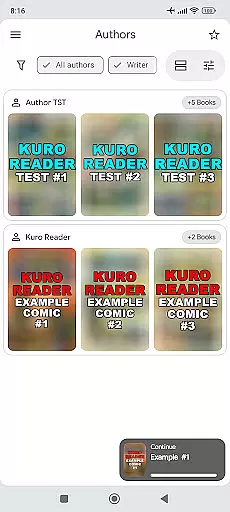
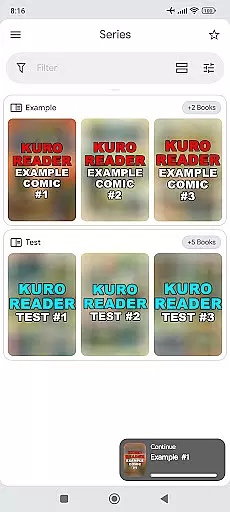
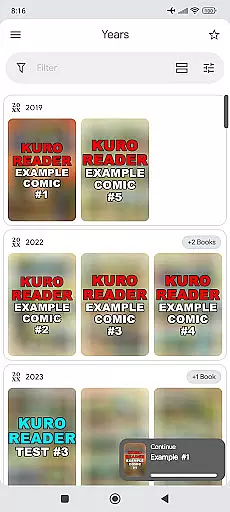
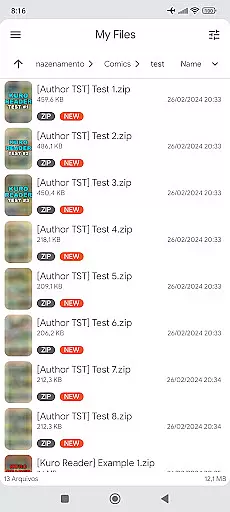
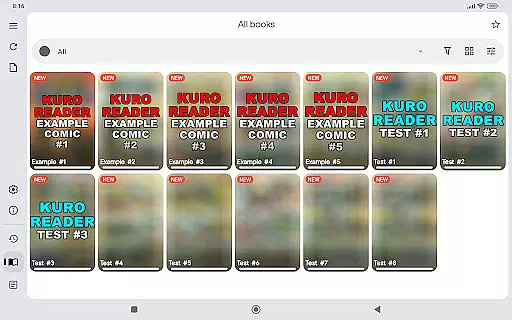
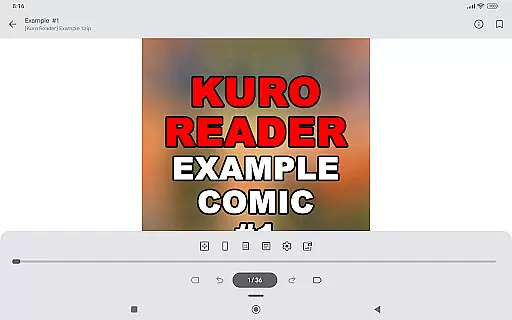
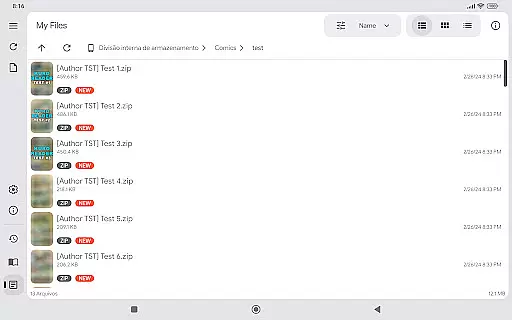
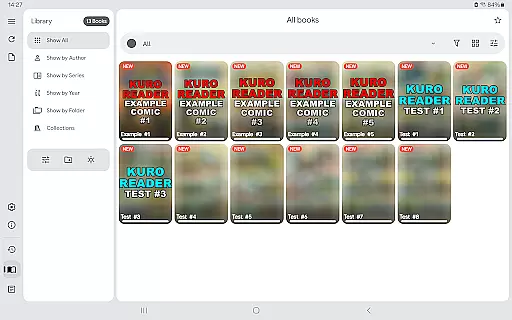
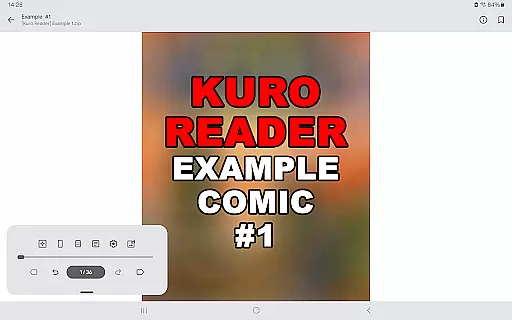
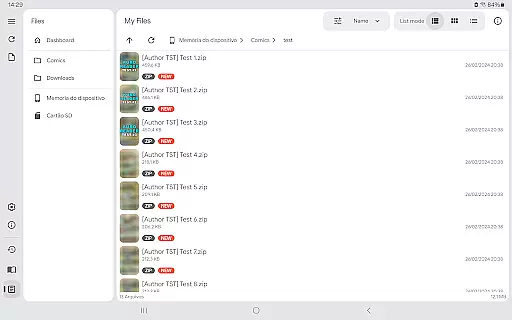
Kuro Reader+ Pro is a premium comic and book reader app designed for enthusiasts who value both functionality and aesthetics. The app supports an extensive range of file formats including cbz, cbr, cbt, cb7, zip, rar, tar, 7z, and PDF files, making it versatile for various reading materials. With features like sorted library organization by series, authors, and years, users can efficiently manage their collections.
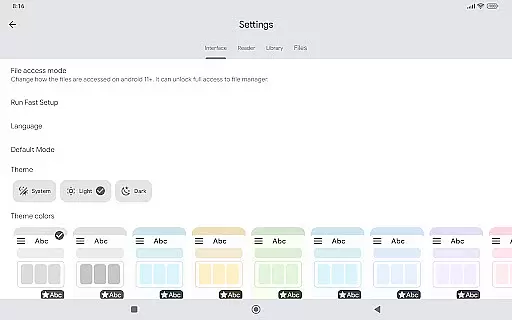
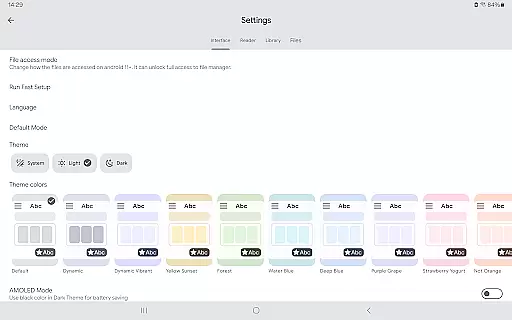
One of the standout aspects of Kuro Reader+ Pro is its customization options. Users can choose from multiple themes, including dark and AMOLED variants, and take advantage of interface customizations to tailor the reading experience to their preferences. Additionally, the app offers specialized reading modes such as Manga mode with right-to-left reading and Webtoon mode with vertical strip reading, catering to diverse reading styles.
This app is particularly beneficial for users who want to support developers while enjoying advanced features. By purchasing the Pro version, users not only get access to extra themes and metadata editing but also contribute to the ongoing development of the application. Available in multiple languages, Kuro Reader+ Pro ensures accessibility for a global audience.
Kuro Reader+ Pro boasts a comprehensive set of features that enhance the digital reading experience. One of its primary strengths is the wide file support, accommodating formats like cbz, cbr, cbt, cb7, zip, rar, tar, 7z, and PDF files. This versatility allows users to read virtually any comic or book file they own, ensuring no content is left behind.
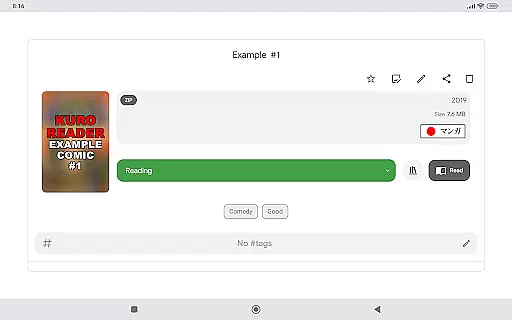
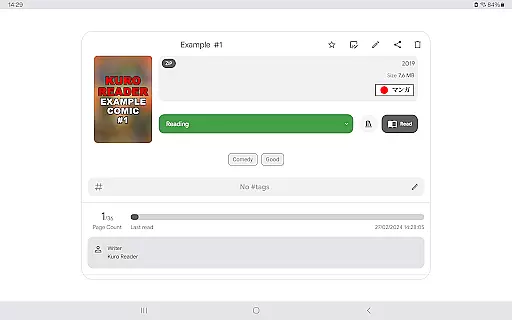
The app provides numerous customization options, including 7 extra themes and dark mode variants, allowing users to personalize their reading environment. Metadata editing and ComicInfo.xml support enable detailed cataloging and organization of comics. Custom collections and tagging features further enhance library management, giving users control over how their content is categorized and accessed.
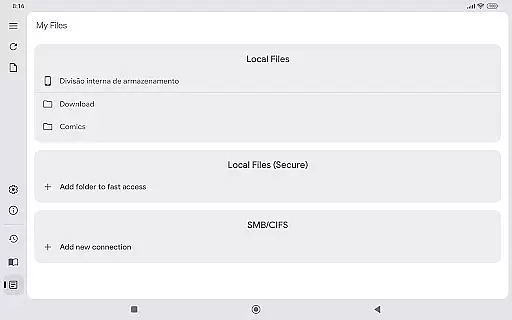
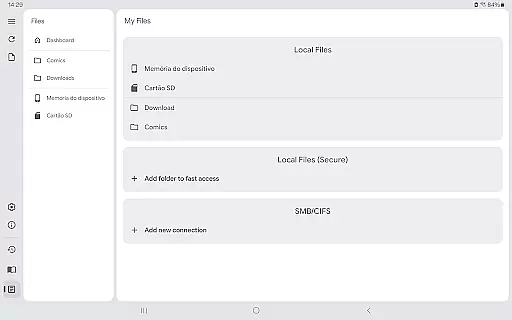
Security and convenience are also prioritized with features like fingerprint and screenshot lock, ensuring user privacy on supported devices. Bookmarks, favorites, and preview functionalities make navigation seamless, while SMB network support facilitates easy access to files across networks. These robust features collectively create a superior reading experience tailored to user needs.
Kuro Reader+ Pro offers a comprehensive reading experience for digital comic enthusiasts, ensuring that users can manage and read legally purchased content with ease. The app supports a wide range of file formats including cbz, cbr, cbt, cb7, zip, rar, tar, 7z, and PDF files, making it versatile for various e-book libraries.
With its extended metadata support through ComicInfo.xml, users can enjoy a well-organized library sorted by series, authors, and years. This meticulous organization highlights the app's commitment to providing an authentic and respectful approach to digital content management, aligning with copyright guidelines.
The app also features multiple interface customizations and extra themes, including dark and AMOLED variants, enhancing the reading experience while respecting the original format and intent of the e-books. Users can further authenticate their library's legitimacy by utilizing features like basic comic metadata editing and custom collections.
By supporting legal content consumption and offering features like fingerprint and screenshot lock, Kuro Reader+ Pro ensures that users maintain a legitimate and personalized e-book library, fostering both security and authenticity in their digital reading journey.
One of the standout features of Kuro Reader+ Pro is its extensive format compatibility, accommodating various comic and book file types such as cbz, cbr, cbt, cb7, zip, rar, tar, 7z, and PDF. This broad support allows users to access a multitude of e-books without worrying about format restrictions, thus streamlining their reading process.
In addition to supporting standard archive formats, the app provides specialized reading modes like Manga mode for right-to-left reading and Webtoon mode for vertical strip reading. These tailored options ensure that no matter the format, users can enjoy their comics in the intended style, preserving the creator's original vision.
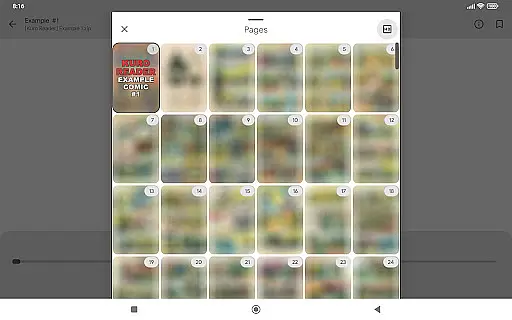
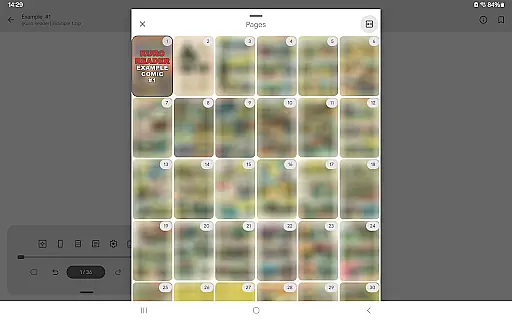
Kuro Reader+ Pro enhances user experience with features like preview of all pages and support for tables of contents, which are crucial for navigating large or complex e-books. Such tools make it easier for readers to engage with diverse formats effectively and efficiently.
Furthermore, the app's availability in multiple languages, including English, French, German, and Japanese, underscores its global accessibility and reinforces its role as a versatile tool for international e-book enthusiasts seeking seamless format compatibility across different types of digital publications.
Wide file format support
Customizable themes
Advanced metadata editing
Multiple reading modes
Enhanced security features
No included content
Paid features only
Requires technical knowledge
Limited free version
Interface may overwhelm new users

"Five Dr. Seuss titles in one omBook!"
 4.60
4.60
Audiobook player with cross-device progress sync, playlists, and widget support.
4.80
University of North Carolina Herbarium presents the flora of TN, AL, & MS.
4.4
Track your Star Wars book collection across Canon & Legends
4.80
Translate into 100+ languages with the world’s most accurate AI translator.
4.70
Read and study the Bible and other content in over 1,000 languages.
4.80
Research your family history to explore ancestors and search for your heritage
4.50
A story reading app: Read stories, novels and books, or write your own.
3.90
A Comprehensive Restoration of Sacred Scripture
4.50
A KJV Bible with Apocrypha and precept-based study concordance
5.00
World's most comprehensive dictionary app: 13 languages, all online or offline!
4.80
The Original Tropical Freshwater Aquarium Fish And Plant Care Guide
4.80
Powerful Bible study tools linked to every verse in an easy-to-use Bible reader!
4.60
Crowd-sourced listing of businesses with anti-gun signs, and pro-2a alternatives
4.60
Scan. Price. Grade.
4.60
Build family tree & discover DNA, family history heritage, origins and ancestors
4.60
Read Trending Romance Stories
4.00
Sea tide predictions for all coastal U.S. locations.
4.1
The Psalms for singing
4.4


User Reviews