
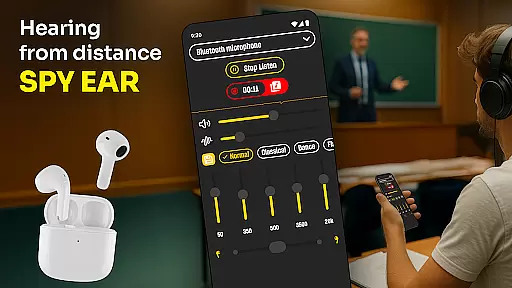
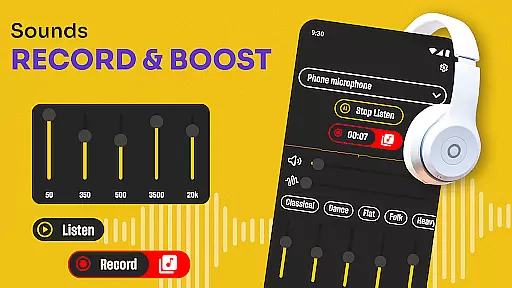
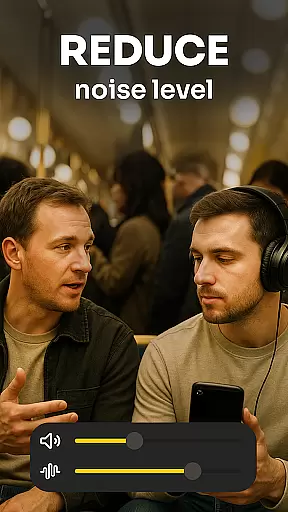
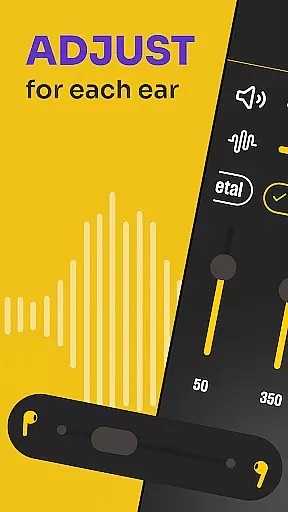
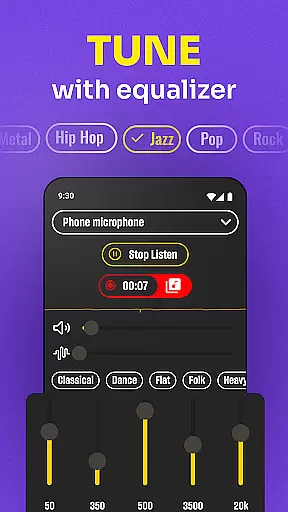
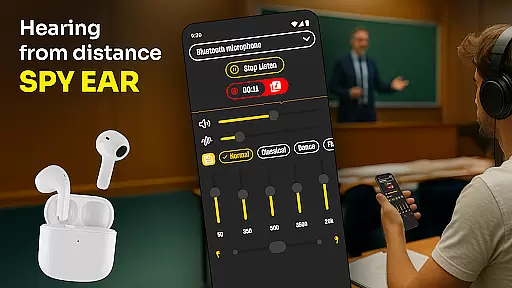
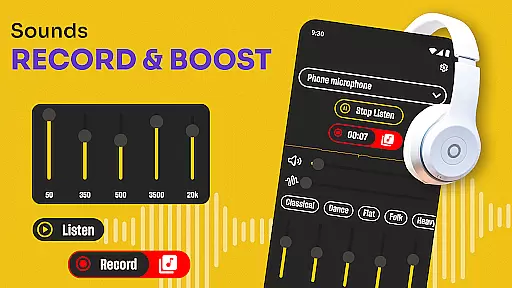
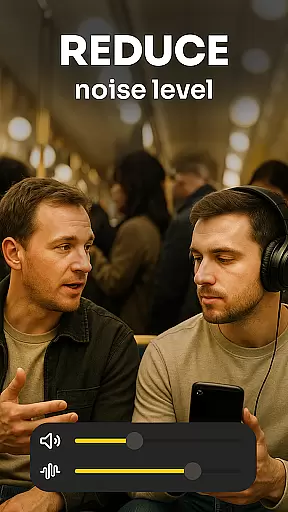
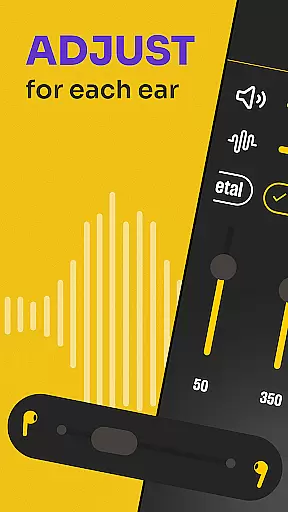
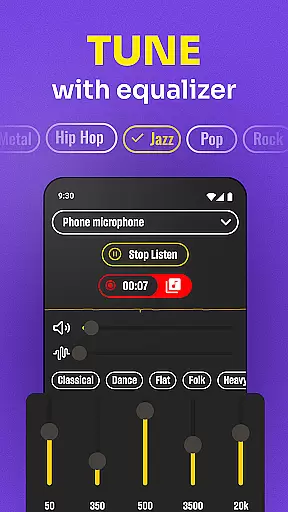
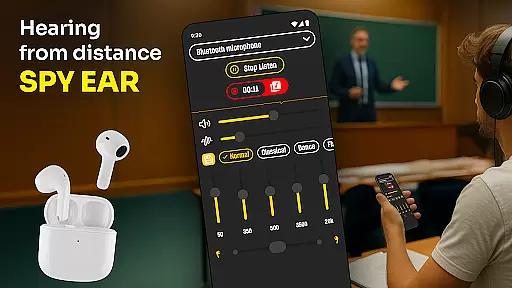
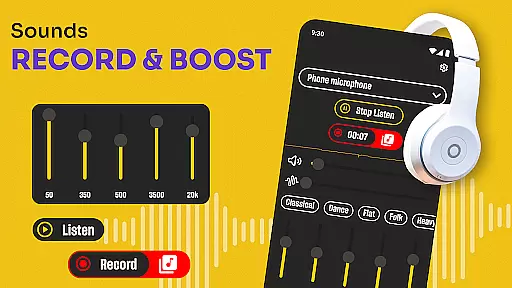
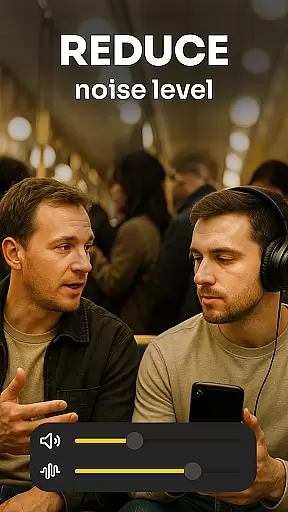
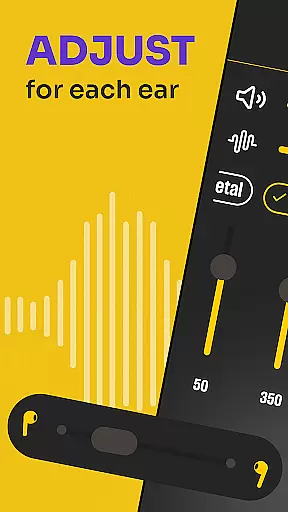
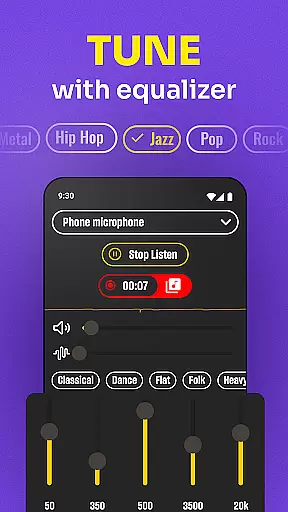
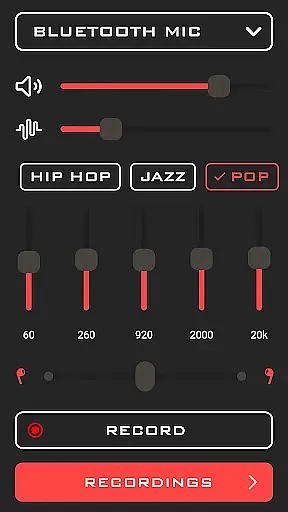
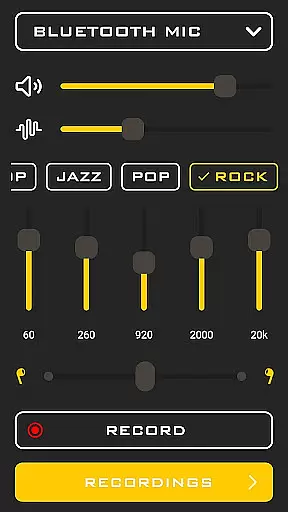
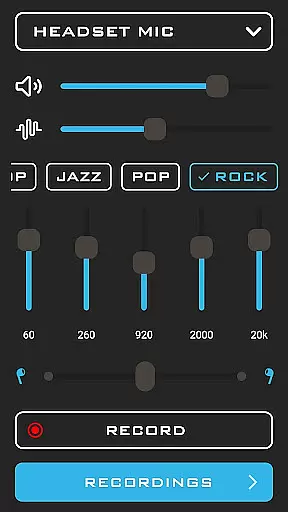
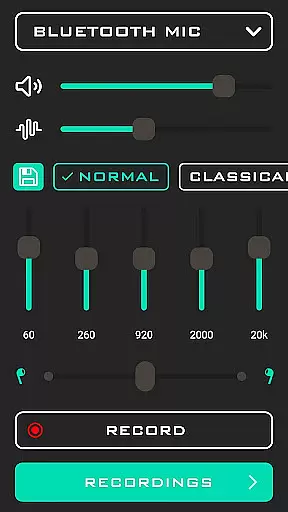
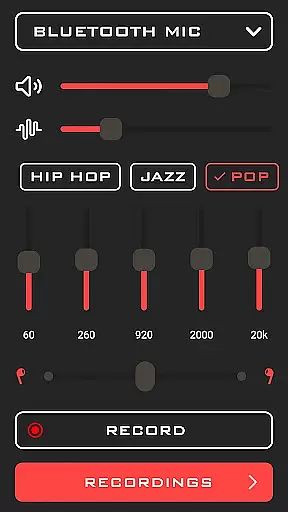
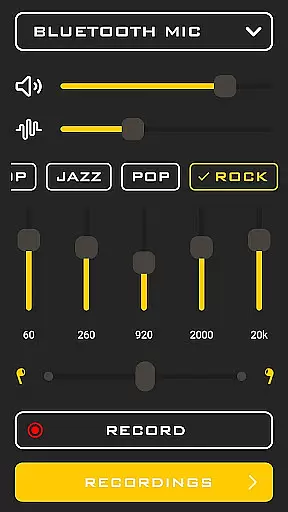
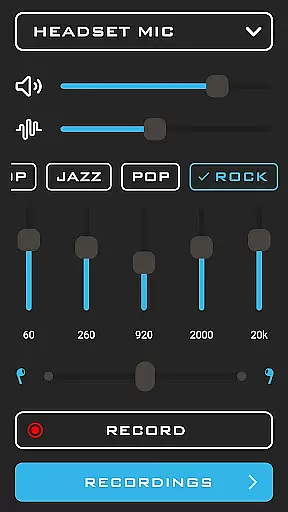
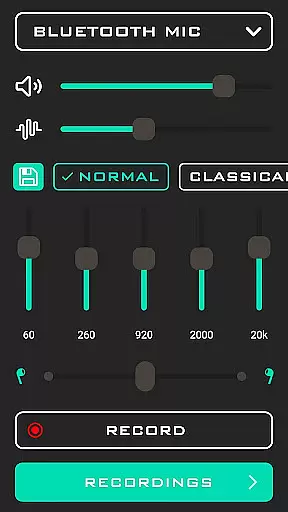
Hearing from Distance is a cutting-edge mobile application designed to transform your smartphone into a powerful listening device. This app serves as an essential tool for individuals with mild to moderate hearing loss, providing real-time audio amplification that enhances sound clarity in various environments. Whether you're attending lectures, participating in meetings, or simply trying to follow conversations in noisy settings, this app ensures you catch every word.
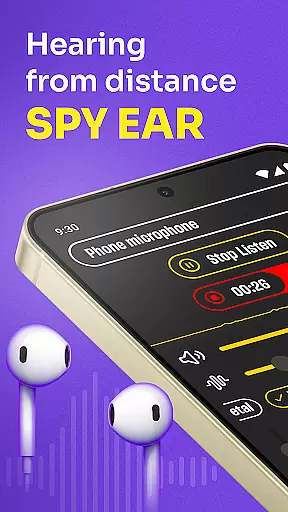
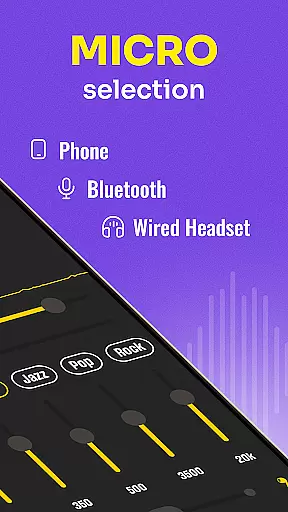
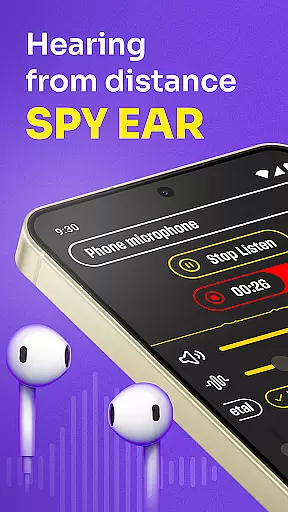
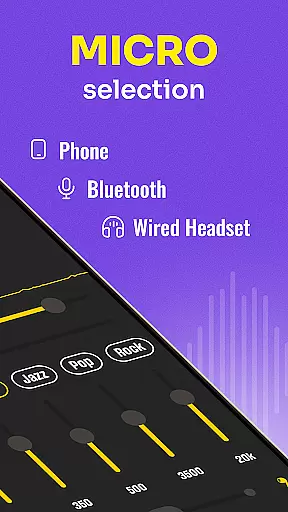
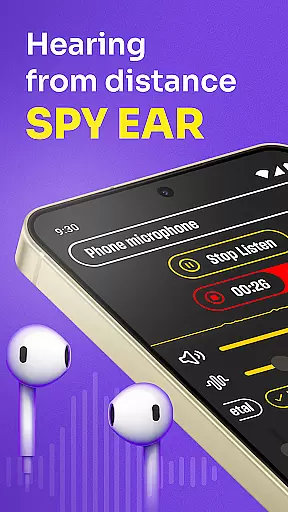
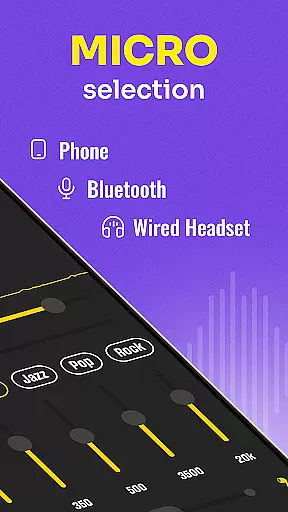
The application streams distant sounds directly to your Bluetooth headphones or earbuds, allowing you to switch between your phone's microphone and the headset mic effortlessly. With features like background noise filtering and automatic sound level adjustment, Hearing from Distance delivers crystal-clear audio tailored to your listening needs. Its discreet functionality makes it an ideal companion for everyday use, ensuring you stay connected to the world around you without drawing attention.
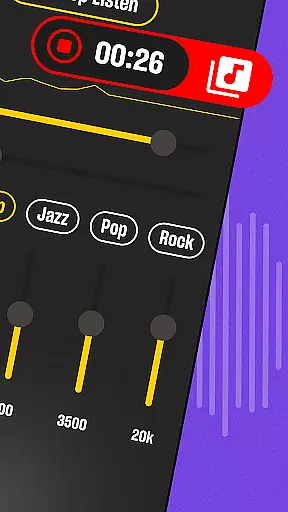
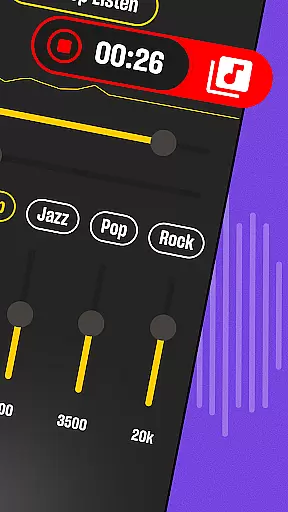
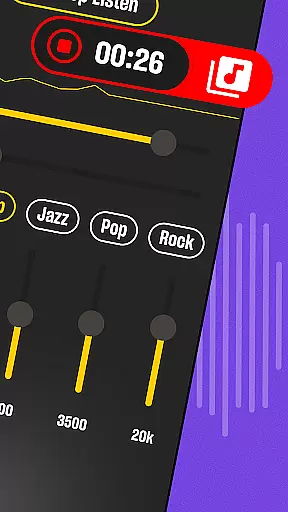
Hearing from Distance offers a comprehensive suite of features designed to enhance your auditory experience. One standout capability is its Ear Spy mode, which allows users to pick up whispers and distant conversations with remarkable clarity. The app also includes a built-in recorder, enabling you to capture important moments such as meetings, lectures, and interviews for later playback. This feature proves invaluable for professionals, students, and journalists who need to archive spoken content accurately.
Another key aspect of Hearing from Distance is its advanced noise-canceling technology. The app effectively filters out background noise, making it easier to focus on the voices that matter most. Whether you're in a crowded restaurant or a busy lecture hall, the app constantly adjusts to different environments, ensuring optimal sound quality at all times. Additionally, the intuitive interface allows users to easily toggle between different modes and customize their listening experience according to their specific needs and preferences.
In the medical app category, content credibility is paramount for user trust and safety. Hearing from Distance demonstrates a strong commitment to reliable audio amplification technology specifically designed for users with mild to moderate hearing loss. The application incorporates features that are grounded in audiological research, ensuring that sound enhancement is not only effective but also safe for prolonged use.
The app's development team has clearly prioritized expert validation in creating their Sound Amplifier feature. By implementing sophisticated noise-filtering algorithms, they enable users to focus on important sounds while minimizing potentially harmful background noise. This technical approach reflects an understanding of both auditory science and practical user needs, which is crucial for maintaining professional standards in the medical field.
For users, this level of medical content credibility means they can confidently rely on Hearing from Distance in various listening situations. Whether attending professional meetings or participating in educational settings, the app provides medically sound solutions for better hearing. The inclusion of recording capabilities further enhances its value as a tool for professional and personal development.
Moreover, the app's ability to adjust sound levels automatically demonstrates a deep understanding of real-world hearing challenges. This dynamic functionality, combined with its integration with Bluetooth devices, represents a significant advancement in mobile hearing assistance technology. Users can trust that the app's features have been carefully designed to meet both medical standards and practical usability requirements.
While primarily focused on sound amplification, Hearing from Distance also offers features that contribute significantly to teleconsultation quality. In today's remote healthcare environment, clear audio communication is essential for effective medical consultations. The app's ability to stream distant sounds directly to Bluetooth headphones creates a more reliable connection between patients and healthcare providers during virtual appointments.
The application's sophisticated microphone management system allows users to switch between different audio input sources seamlessly. This flexibility ensures that both parties in a teleconsultation can achieve optimal sound quality regardless of their physical environment. The app's capability to filter out background noise while enhancing voice clarity makes it particularly valuable for medical professionals conducting remote diagnoses or consultations.
Furthermore, the app's recording feature serves as an excellent tool for healthcare documentation during teleconsultations. Medical practitioners can maintain accurate records of patient interactions while benefiting from enhanced audio quality. This functionality supports better medical record-keeping and enables practitioners to review consultations for more thorough patient care.
The combination of these features creates a robust platform for high-quality telemedicine interactions. While not specifically marketed as a telehealth solution, Hearing from Distance's advanced audio processing capabilities make it an excellent choice for both patients and healthcare providers seeking to improve the quality of their remote medical communications.
User-friendly interface
Real-time sound amplification
Effective noise cancellation
Supports Bluetooth devices
Built-in recording feature
Requires Bluetooth connectivity
May drain battery quickly
Limited functionality without earbuds
Not suitable for severe hearing loss
Occasional audio glitches

Behavioral Health Portal
 4.70
4.70
The official DSM-5-TR® app
4.50
OKN Strips, OptoDrum, OKN
4.1
Control your hearing aids discreetly with the touch of a finger
4.30
Use the phone microphone or headset mic as sound amplifier for louder hearing.
4.30
Internal medicine literature at your fingertips.
4.50
Take on apraxia and aphasia with a powerful video-driven speech therapy app.
4.60
A comprehensive 3D atlas of the human body
4.80
Manage your healthcare through the FollowMyHealth® Universal Health Record.
4.80
Boost reading, writing, speaking and listening with a scientifically proven app.
4.70
Take your aphasia therapy to the next level with 4 evidence-based advanced apps
4.70
The Omada app enhances your program experience and helps you stay engaged.
4.50
Get your lab results on your smartphone with MyQuest.
4.40
We’ve made it easy for Oscar members to get care on the go.
4.30
One app to unlock your health
4.30
Voice pitch monitor for speech therapy, LSVT, Parkinson's, singing & trans
4.30
Hearing aid app for Android solves your hearing problems.
4.00
Care Simplified by MyChart
3.40
MHealth is the mobile version of MEDITECH’s Patient and Consumer Health Portal.
3.10


User Reviews