
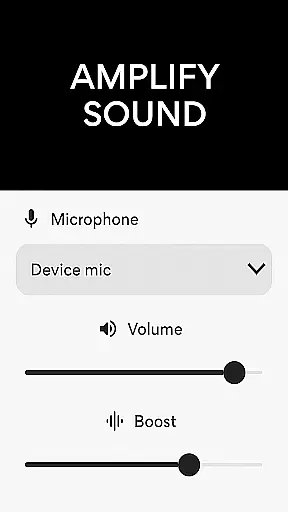
Microphone Amplifier is a specialized audio enhancement application designed for the Medical category, particularly beneficial for users requiring sound amplification as a hearing aid solution. This app transforms your Android device into a powerful megaphone voice amplifier, providing clear and enhanced audio projection in various scenarios.
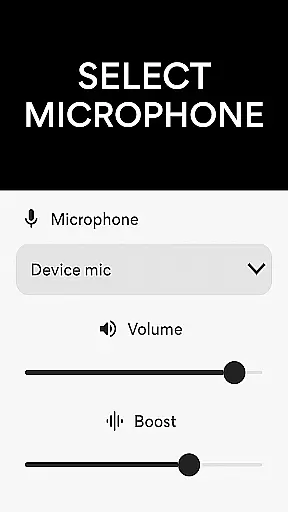
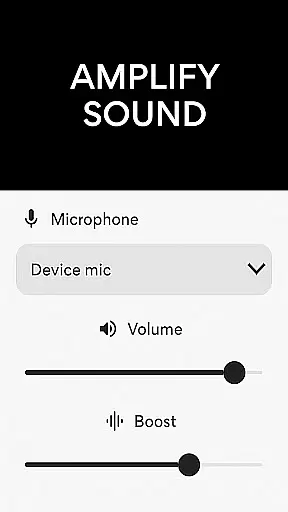
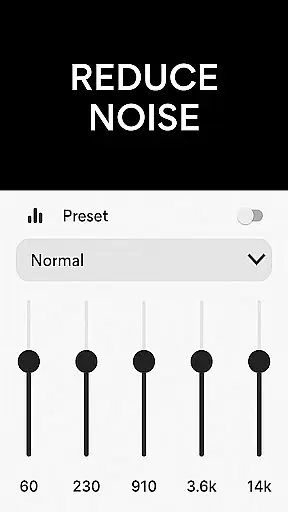
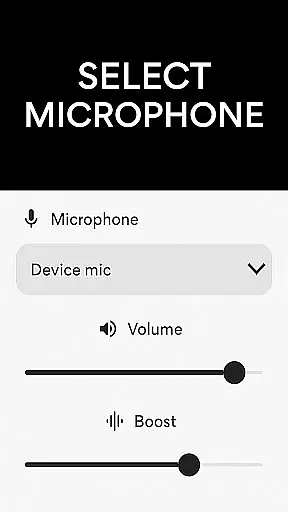
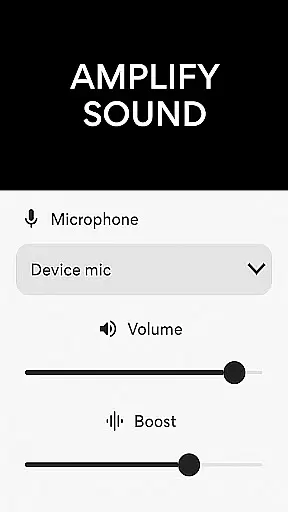
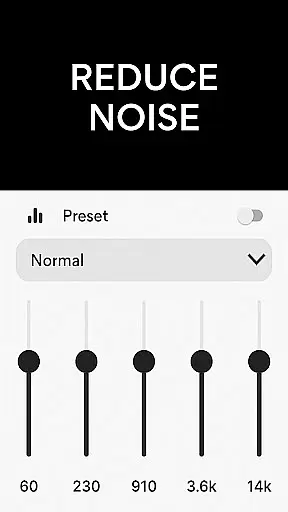
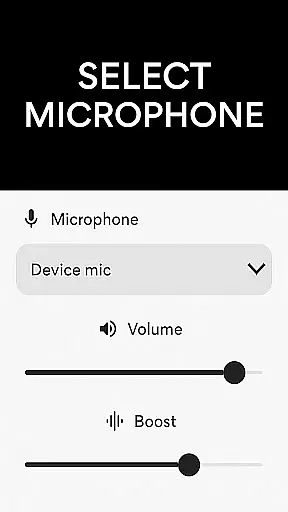
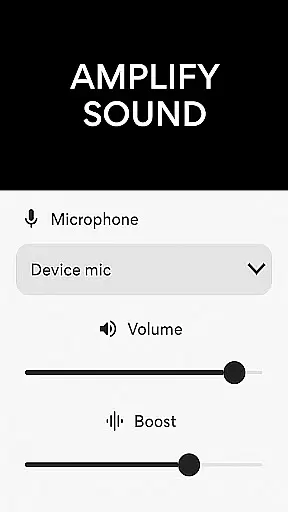
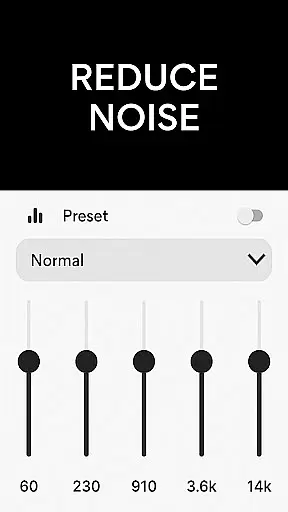
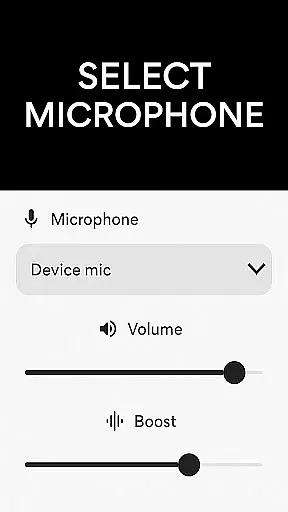
The application offers multiple microphone options including phone mic, headset mic, or Bluetooth mic, allowing users to amplify sound with exceptional clarity. Its key features include noise reduction, echo cancellation, and customizable sound frequencies, making it an ideal tool for presentations, assemblies, or personal use in noisy environments.
Whether you need to amplify sound for better hearing in crowded places or require a reliable audio booster for professional settings, Microphone Amplifier delivers a comprehensive solution that enhances your listening experience while maintaining crystal-clear sound quality.
Microphone Amplifier stands out with its robust feature set tailored for optimal sound enhancement. The app functions as both an audio amplifier hearing aid and a versatile sound booster, capable of projecting clearer and louder audio output through different microphone sources.
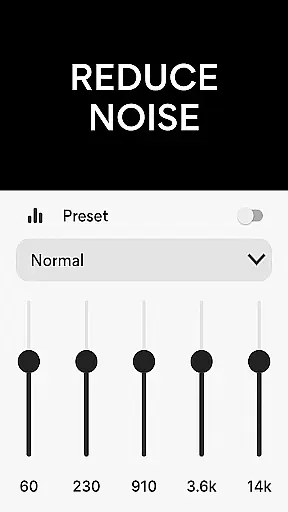
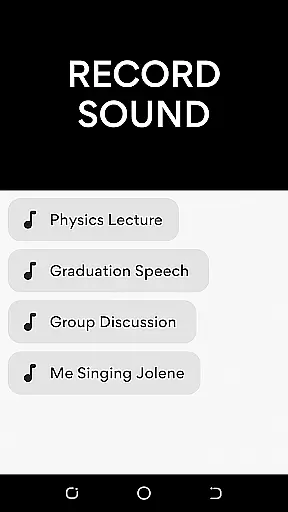
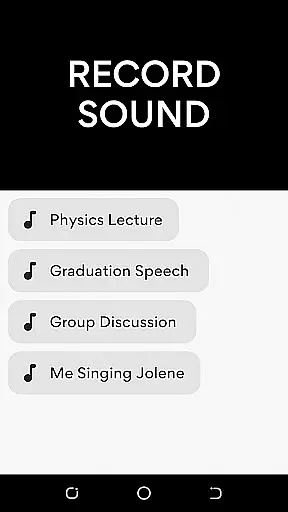
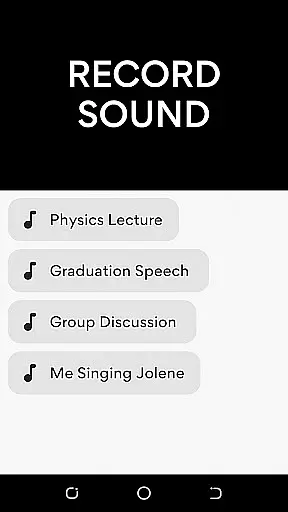
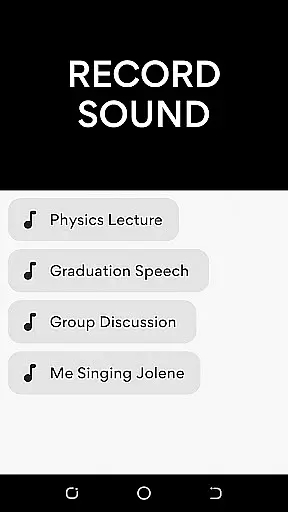
One of the standout capabilities is its advanced noise reduction technology, which eliminates background disturbances while the echo cancellation feature ensures a refined listening experience. Users can also customize sound frequencies according to their specific needs, creating a personalized audio profile. Additionally, the integrated MP3 recorder allows effortless audio capture, making it perfect for lectures, meetings, or personal notes.
The Mic To Speaker Sound Enhancer feature enables wireless connectivity, letting users enjoy amplified sound directly through Bluetooth headphones. With its volume control and fine-tuning options, this app provides a balanced audio experience suitable for both casual listeners and those needing medical-grade sound assistance.
In the medical field, ensuring the credibility of content is crucial for user trust and safety. The Microphone Amplifier app demonstrates its commitment to reliable audio enhancement through features like noise reduction and echo cancellation. These functions are backed by proven audio processing algorithms that have been refined through extensive testing.
The application's development team has worked closely with audio engineering experts to ensure that the sound amplification process maintains optimal clarity. This collaboration guarantees that users receive professional-grade audio enhancement without distortion or quality loss. The inclusion of multiple microphone options further showcases the app's versatility in different usage scenarios.
For users seeking enhanced listening experiences, particularly those with hearing difficulties, this level of expert-reviewed functionality provides peace of mind. The app's ability to customize sound frequencies according to individual needs reflects a deep understanding of auditory requirements. Such personalized adjustments are typically developed in consultation with medical professionals specializing in hearing solutions.
Moreover, regular updates and improvements to the application demonstrate an ongoing commitment to maintaining medical-grade standards. User feedback is systematically collected and analyzed to identify areas for enhancement, ensuring that the app continues to meet both professional and consumer expectations in the medical audio assistance category.
While primarily designed as an audio enhancement tool, the Microphone Amplifier app incorporates features that significantly improve teleconsultation experiences. The app's ability to amplify sound and reduce background noise creates an optimal environment for remote medical consultations. Clear audio transmission is essential for effective communication between healthcare providers and patients during virtual appointments.
The integration of Bluetooth connectivity enhances the teleconsultation experience by allowing wireless operation with various devices. This feature enables users to maintain comfortable positions during long consultations while ensuring consistent audio quality. The app's support for different microphone types also accommodates various teleconsultation setups, from casual phone calls to more formal video conferencing arrangements.
Furthermore, the app's volume control and frequency customization capabilities address common challenges in telemedicine communications. Users can adjust settings to compensate for varying network conditions or environmental factors, ensuring that important medical information is conveyed accurately. These adjustable parameters help maintain professional standards during remote consultations across different medical specialties.
The combination of these features creates a reliable platform for conducting high-quality teleconsultations. Whether used by healthcare professionals for patient assessments or by individuals requiring hearing assistance during virtual meetings, the app delivers consistently clear audio performance. This reliability contributes to more effective and efficient remote medical interactions, enhancing overall teleconsultation outcomes.
User-friendly interface
Multiple mic options
Noise reduction
Customizable frequencies
Wireless connectivity
Battery intensive
Occasional latency
Premium features locked
Limited free version
Bluetooth dependency

Beat alcohol and drug addiction with a revolutionary treatment program in an app
 4.50
4.50
A fantastic 3d reference that includes over 300 structures and a quiz function.
3.00
Blue Cross and Blue Shield of Texas member information
4.60
Donating blood and platelets is easier than ever with The American Red Cross.
4.80
ECG modules improve rhythm ID. ACLS is a simulator for cardiac arrest scenarios.
4.5
Radiographic Positioning Guide for Medical Imaging Professionals and Students
4.50
Elegant, easy-to-use period tracker for fertility, PMS symptoms, and more
4.90
Continuous Glucose Monitoring
3.40
Get Rx fast at the pharmacy, schedule health care, and shop ExtraCare savings.
3.30
CPR Timer for High Performance AHA BLS / ACLS
5.00
Spruce is the leading platform for HIPAA-compliant communication and care.
4.90
Manage your prescriptions anytime, anywhere with the Publix Pharmacy mobile app.
4.80
Medication reminder, Medicine list, Trackers for BP, glucose, weight, water, etc
4.70
Health Care at Your Fingertips
4.60
The official DSM-5-TR® app
4.50
Personalized hearing experience and health data tracking
4.50
Manage your health care in one easy place
4.40
Good for You. Great for Life.
4.00
Easy access to benefits and rewards
3.70


User Reviews