
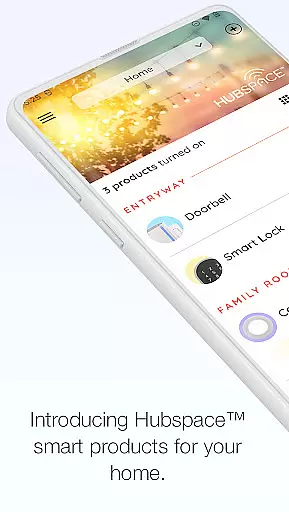
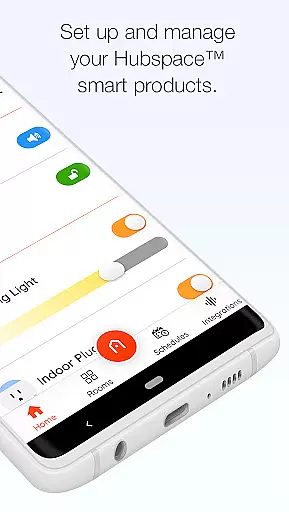
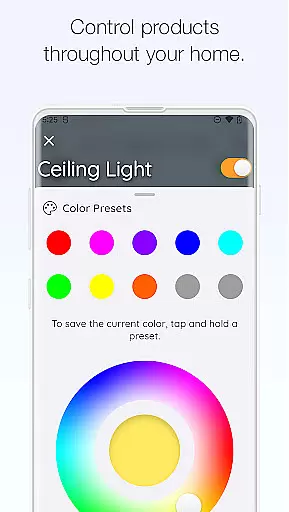
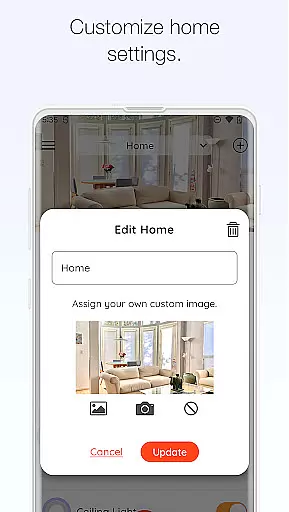
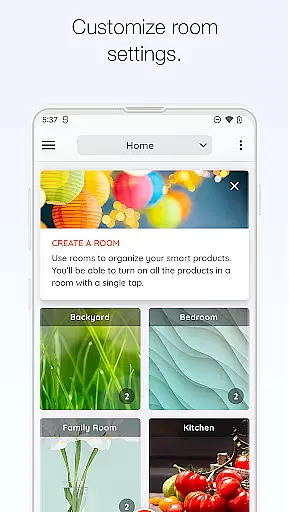
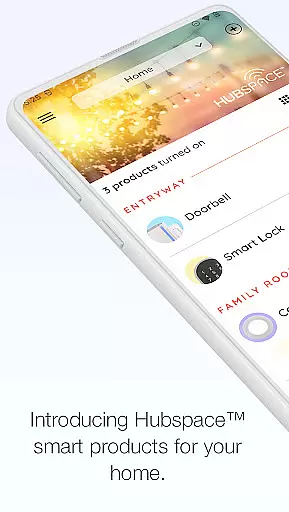
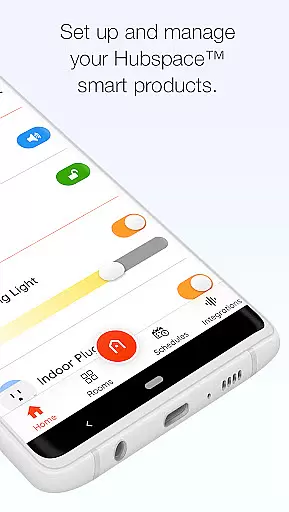
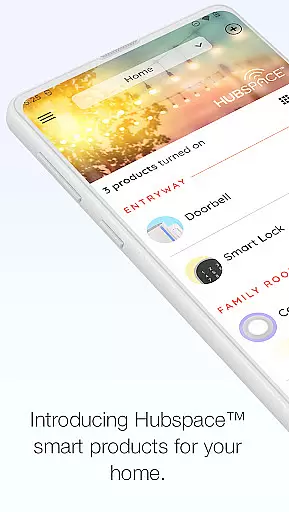
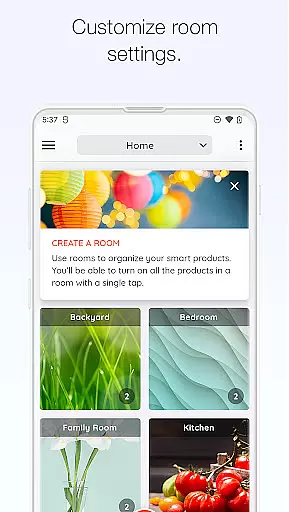
Hubspace is a smart home management application designed to help users set up and control their Hubspace smart products with ease. The app allows you to organize your smart devices by room and property, making it simple to manage multiple devices across different locations. With intuitive controls, you can easily adjust device settings such as on/off switches, light color temperatures, fan speeds, and more. Whether you're at home or on the go, Hubspace enables you to manage and monitor your connected home remotely.
In addition to basic controls, Hubspace offers advanced features like scheduling, grouping of products, and integration with popular voice assistants such as Google Assistant and Alexa. This ensures that your smart home experience is not only convenient but also customizable to fit your lifestyle. By providing both local and remote access to your devices, Hubspace delivers a seamless smart home experience that enhances comfort, security, and energy efficiency.
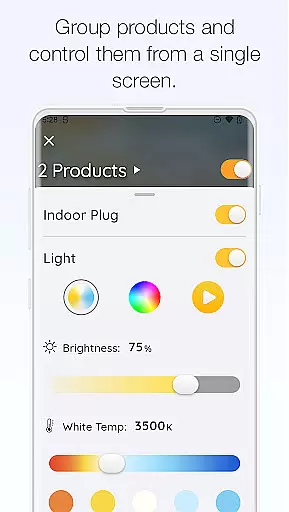
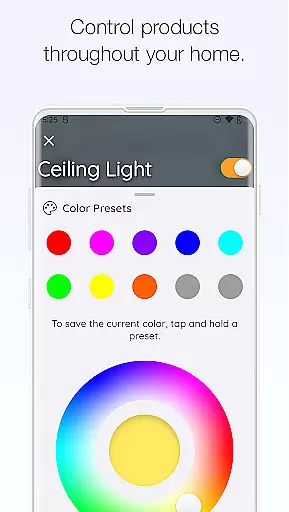
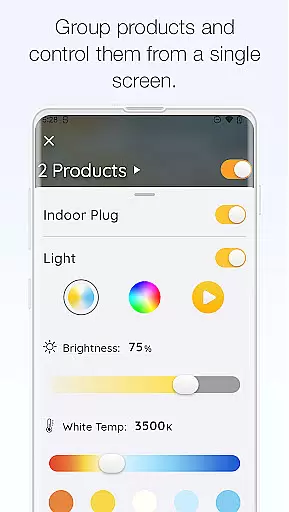
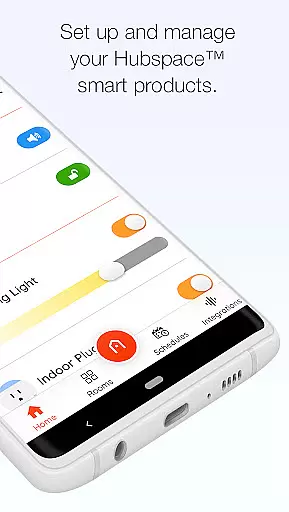
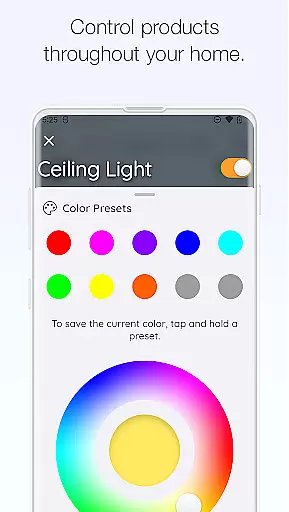
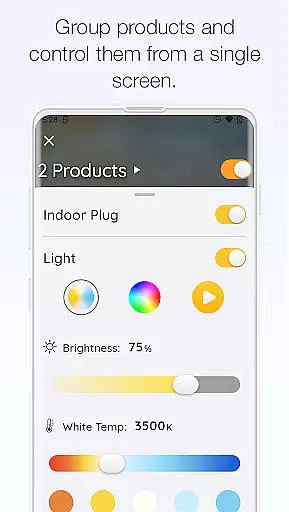
Hubspace stands out with its comprehensive suite of features tailored for smart home management. One of its core functionalities is the ability to control various device settings directly from your smartphone. You can turn devices on or off, adjust light color temperatures, change colors, and control fan speeds effortlessly. These controls are complemented by the ability to group products, allowing you to manage multiple devices simultaneously, which is particularly useful for creating scenes or managing larger spaces.
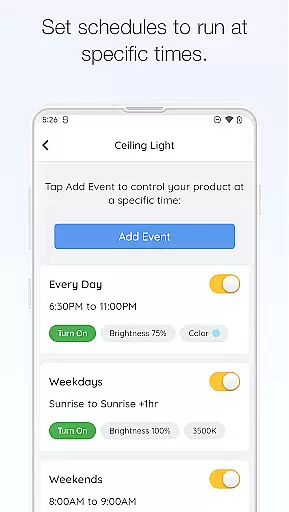
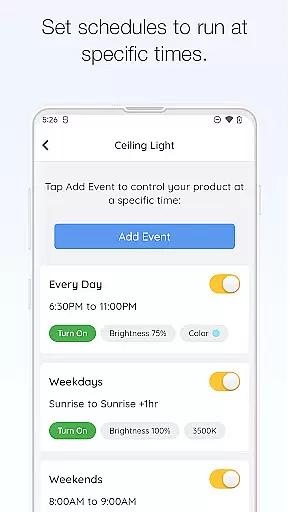
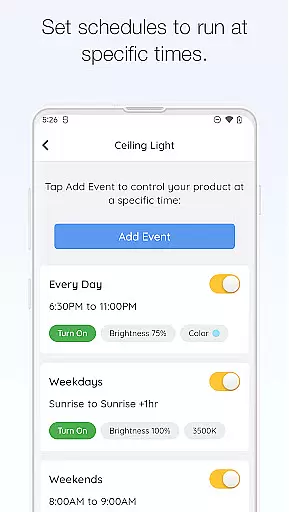
Scheduling is another key feature of Hubspace, enabling users to automate their smart home routines. Whether it's setting lights to turn on at sunset or adjusting the thermostat before you wake up, Hubspace makes it easy to create schedules that match your daily routine. Furthermore, the app integrates seamlessly with Google Assistant and Alexa, offering voice control options that enhance accessibility and convenience. With these robust features, Hubspace empowers users to build a connected home environment that is both intelligent and responsive to their needs.
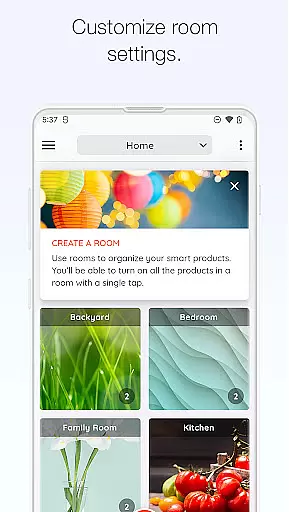
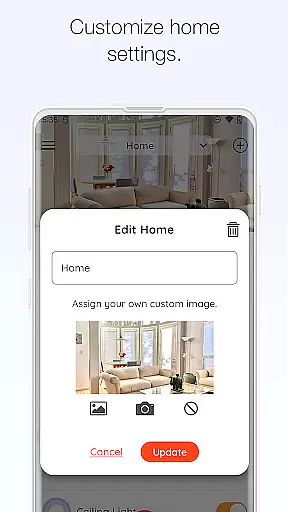
When managing a connected home through the Hubspace app, ensuring the authenticity of your property listings is crucial. The app allows users to organize smart products by room and property, which enhances the accuracy and reliability of device management.
Hubspace provides a seamless setup process for smart products, ensuring that each listed property reflects real-time statuses and settings. This feature not only simplifies home organization but also ensures that all devices are accurately represented in their respective locations.
By enabling users to set schedules and adjust product settings as needed, Hubspace guarantees that property listings remain up-to-date and true to the user's preferences. This level of control helps maintain an authentic representation of each connected space.
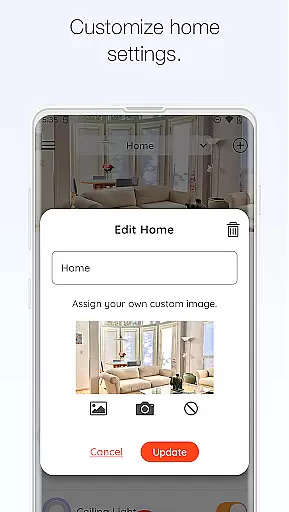
Hubspace offers comprehensive home management features that allow users to take full control of their smart home ecosystem. With functionalities such as on/off controls, light color temperature adjustments, and fan speed regulation, users can customize their environment with precision.
The ability to group products and integrate with popular platforms like Google Assistant and Alexa further enhances the home management experience. These integrations provide users with versatile control options, making it easier to manage multiple devices simultaneously.
Additionally, Hubspace supports remote monitoring and management, empowering users to oversee their connected home from anywhere. This flexibility ensures that whether at home or away, users can maintain optimal control over their smart products, enhancing both convenience and security.
User-friendly interface
Comprehensive device control
Remote access capabilities
Voice assistant integration
Customizable scheduling options
Limited third-party device support
Occasional connectivity issues
Requires stable internet connection
No offline functionality
Privacy concerns with data collection

Draw house plans, floor plans 3d & house design with house plan drawing 3d app
 3.60
3.60
Wobble Fix Tool
4.40
Draw your floor plan smartly. Make house design blueprint with home planner app
3.60
Our app allows Sunrun customers to monitor systems, pay bills, and get support.
3.80
Download today to join the community to help bring lost pets home faster.
4.70
Parcel Pending Resident App
4.50
Smart AI plant care schedules, Real plant experts, support & Thriving community!
4.20
Your guide to apartments & rental homes. Find your next place to rent with AG.
4.60
Security App with HD Video, 2-way Audio, and event detection for Home monitoring
4.40
B-hyve Pro App for landscape irrigation professionals
4.70
Rent on-the-go with TurboTenant’s app made just for renters
4.50
Resident Center, powered by Buildium, is designed with simplicity in mind.
4.50
The only mappable smart lights for custom decoration.
4.50
Make Renting Easy
4.40
Make your phone a surveillance camera remote with a home camera app for Android!
4.40
Turn your phone into a wifi cam with smart features and umlimited reach.
4.20
An easier way to make payments and maintenance requests from anywhere.
3.50
Unlock AI-based barcode scanning and support the development of Grocy Android
4.5
PRO Version of GLB AR Viewer
4.1


User Reviews