
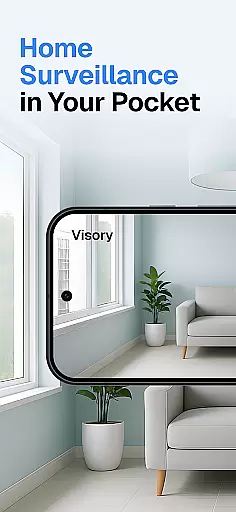
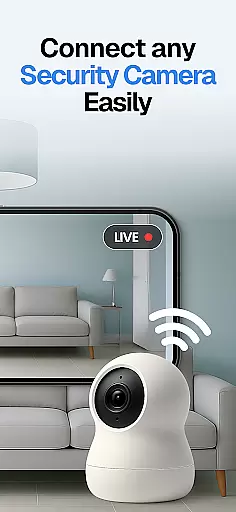

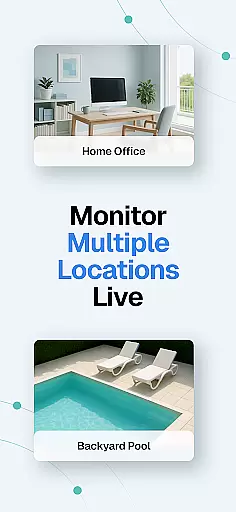
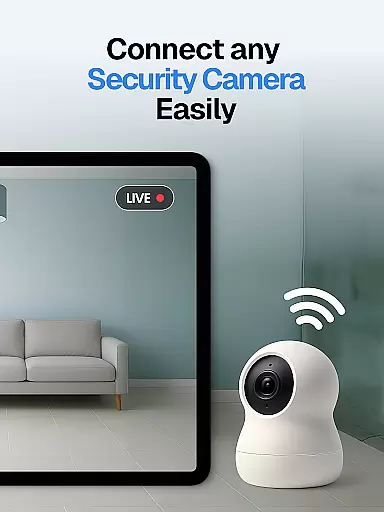

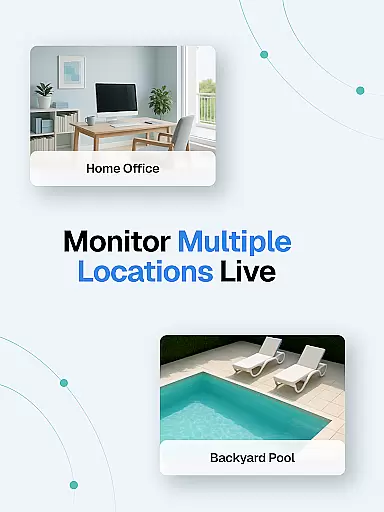
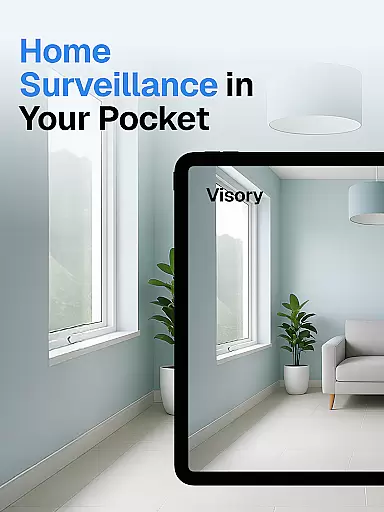

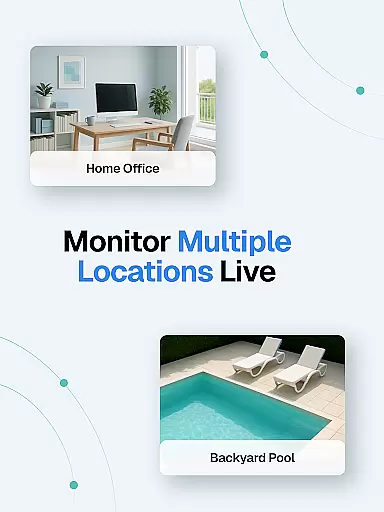
Surveillance Camera is a feature-rich home monitoring solution that transforms your mobile devices into a smart security system. This HD wireless IP camera app allows users to remotely monitor their homes, loved ones, and pets through multiple live streams on Android and iOS devices.
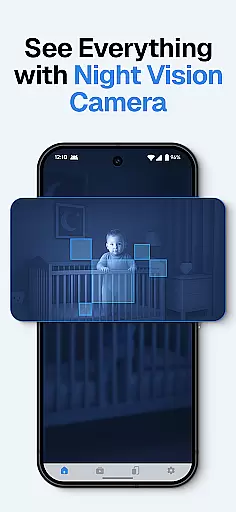
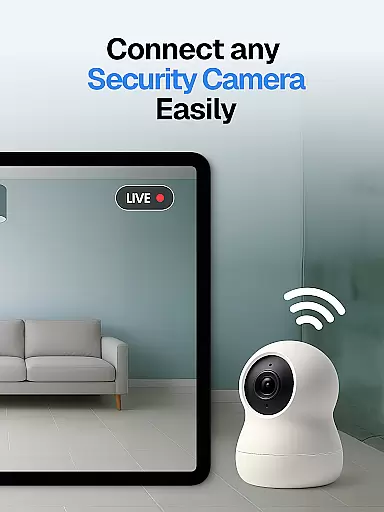
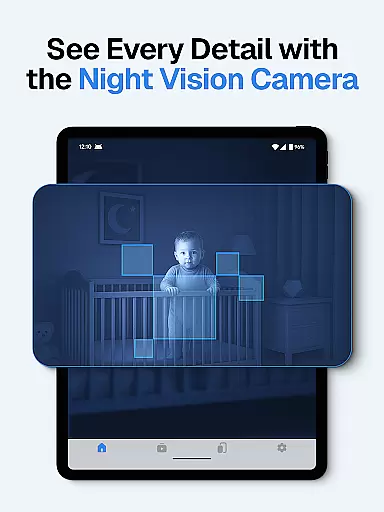
The app's standout capability is its ability to link multiple devices together, creating a comprehensive surveillance network. Whether you need to check on your sleeping baby, monitor elderly family members, or detect intruders through motion alerts, this application provides 24/7 protection with automatic night vision and sound detection features.
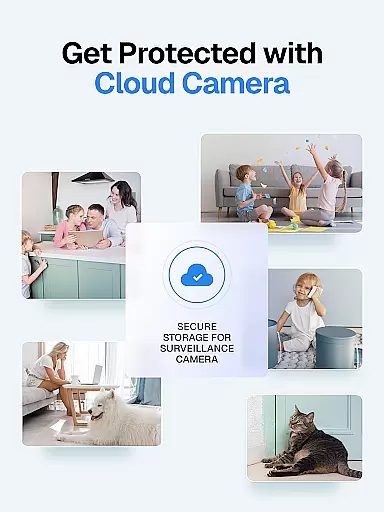
Perfect for modern homeowners who require flexible security solutions, Surveillance Camera offers cloud storage for recordings, cross-platform compatibility, and discreet monitoring capabilities. The one-time payment model makes it an attractive option for those seeking affordable home security without compromising on quality or functionality.
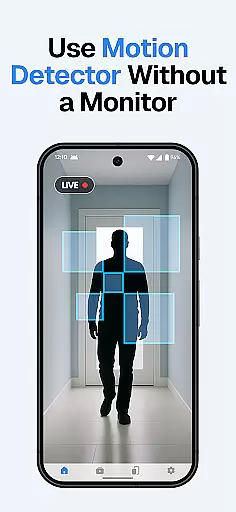
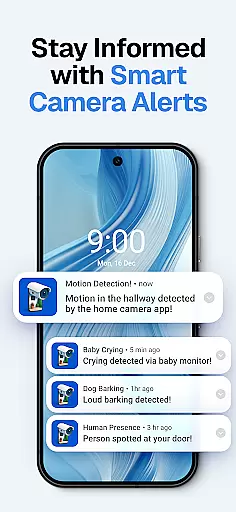
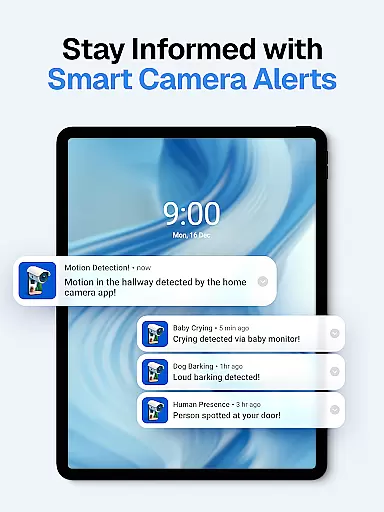
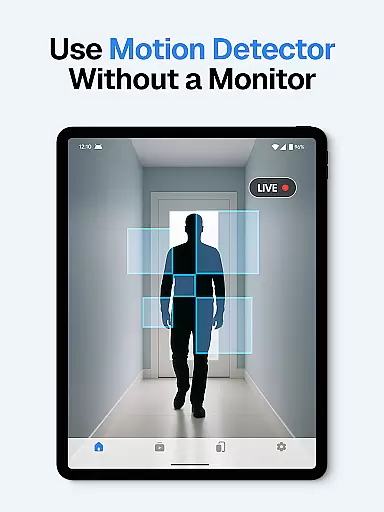
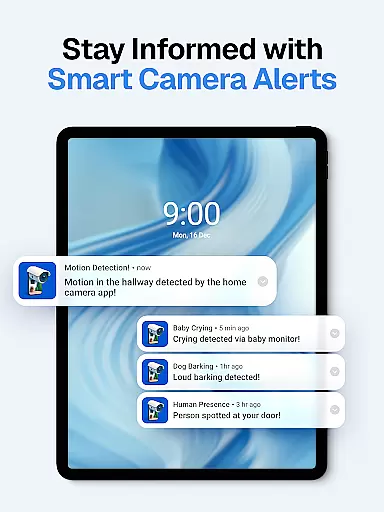
This home monitoring application stands out with its comprehensive set of features designed for maximum security and convenience. The app supports multiple simultaneous live streams, allowing users to monitor different areas of their home concurrently. Its advanced detection capabilities include motion, sound, baby cry, and dog bark alerts, ensuring immediate notification of important events.
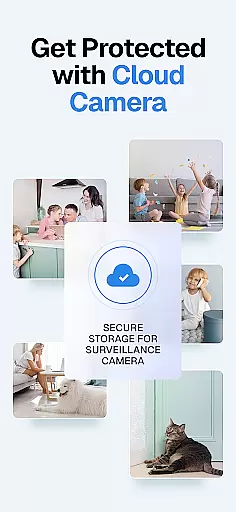
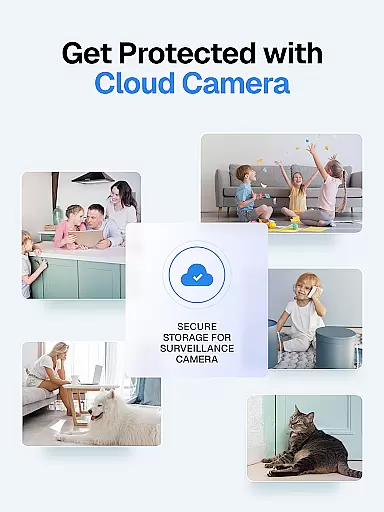
Security and privacy are paramount in this application's design. The app implements bank-level encryption for all transmissions and stores recordings securely in the cloud. Users can access their footage anytime through the HD wireless IP camera interface. The quick setup process via QR code scanning enables effortless device pairing between Android and iOS devices.
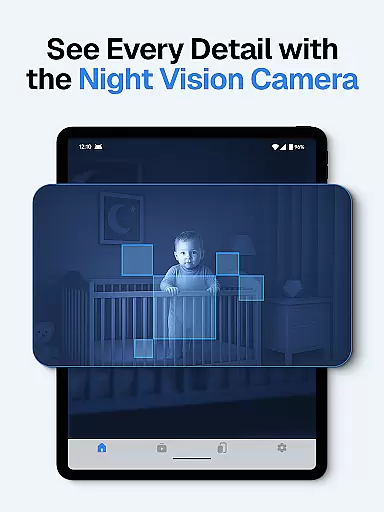
Additional notable features include automatic night vision mode for low-light conditions, smart alerts with cloud recording, and complete confidentiality assurance as the app doesn't collect user data. The one-time payment model provides excellent value, allowing unlimited device connections without recurring charges, making it an ideal solution for comprehensive home security monitoring.
In the context of home security and monitoring, ensuring the authenticity of property listings is crucial for effective surveillance. The Visory app provides a reliable solution by transforming your mobile devices into a high-definition wireless IP camera system. This innovative approach guarantees that the video streams you monitor are genuine and directly captured from linked devices.
The app employs advanced QR code pairing technology to establish secure connections between devices, ensuring the authenticity of each surveillance feed. By linking at least two devices - one as the camera and another for monitoring - users can create a verified network of cameras within their property. This feature is particularly valuable for homeowners who need to monitor different areas of their house with confidence.
Users benefit from the app's commitment to data security and privacy, as all transmissions are protected through secure connections. Unlike traditional CCTV systems where footage authenticity might be questionable, Visory ensures that every frame comes directly from the source device. The app's one-time payment model and cloud storage capabilities further enhance the reliability of the surveillance system.
Effective home management extends beyond basic monitoring to include comprehensive features that enhance property security and convenience. Visory offers an array of sophisticated tools that transform standard mobile devices into powerful home management solutions. From motion detection to smart alerts, these features work together to create a robust home surveillance ecosystem.
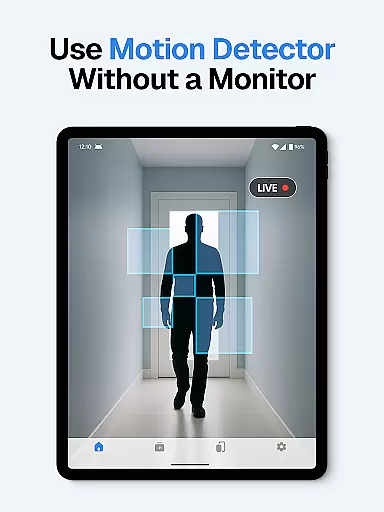
The app's standout capability lies in its multi-stream support and cross-platform compatibility, allowing users to manage multiple camera feeds simultaneously across Android and iOS devices. This flexibility enables homeowners to set up a customized surveillance network tailored to their specific needs. Whether monitoring pets, elderly family members, or securing against intruders, the app's sound and motion detection systems provide instant notifications for various events.
Additional home management features include automatic night vision mode, baby cry detection, and dog bark alerts, all working seamlessly to keep homeowners informed about important activities. The cloud-based recording system ensures that all captured events are securely stored and easily accessible, while the quick setup process via QR code makes it simple to add new devices to the network. These comprehensive features make Visory an invaluable tool for modern home management.
User-friendly interface
Excellent cross-platform support
Comprehensive security features
Affordable one-time payment
Reliable cloud storage system
Requires multiple devices
No free version available
Dependent on stable internet
Limited advanced analytics
Initial setup can be complex

PRO Version of GLB AR Viewer
 4.1
4.1
Wobble Fix Tool
4.40
Design house plans in 2D & 3D, style furniture, and preview renovation layouts
3.70
Universal TV Remote for TV, control all Smart TVs with your mobile phone.
4.2
SmartRent - Opening Doors To A Smarter World
4.40
Innovative and budget-friendly housing options
4.60
Floor Plan Creator Home Design with 2D interior design and 3d view.
3.90
Plan your remodel AI home renovation easily using planner 5D and home decor AI.
4.40
Find homes for sale and apartments for rent in the best neighborhood.
4.70
View houses and apartments for rent, updated daily.
4.80
Houses for Sale & Homes for Rent: Buy Homes, Rent Apartments & Sell Real Estate
4.80
Convert your Phone to HiSense Smart TV Remote Control
4.70
Search for Homes, Rentals, Agents & Schools
4.70
A Smarter Home in Seconds
4.70
Plants, Beauty, Collectibles
4.60
Control the scent and ambiance of your home and car, right from your phone.
4.50
Fire & Power Safety
4.50
For all of your Airthings devices
4.30
Find contractors for all home renovation projects. Remodeling, repair, and more.
4.20


User Reviews