
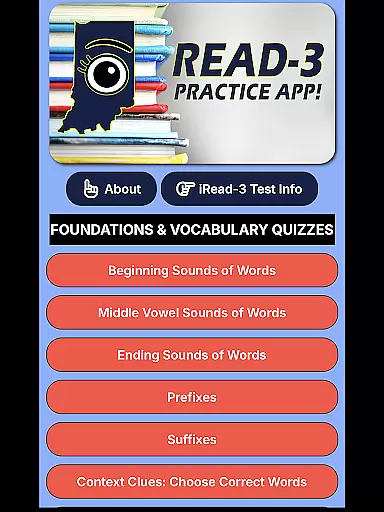
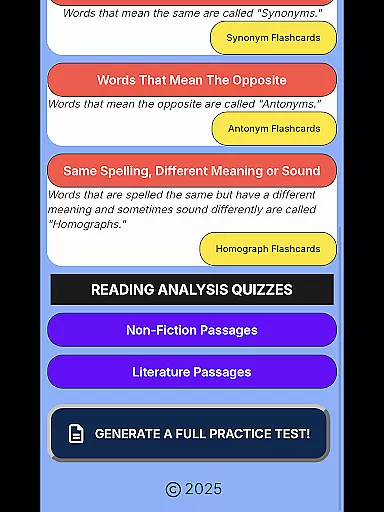
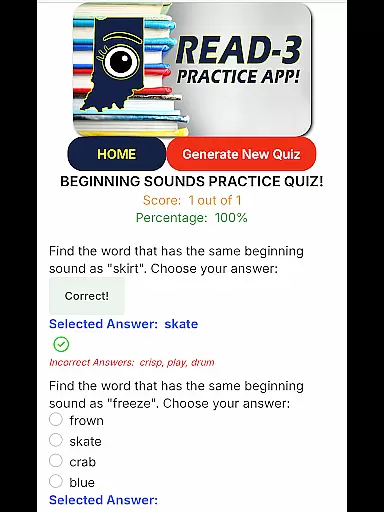
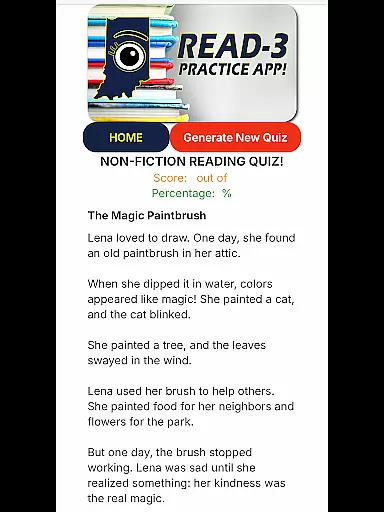
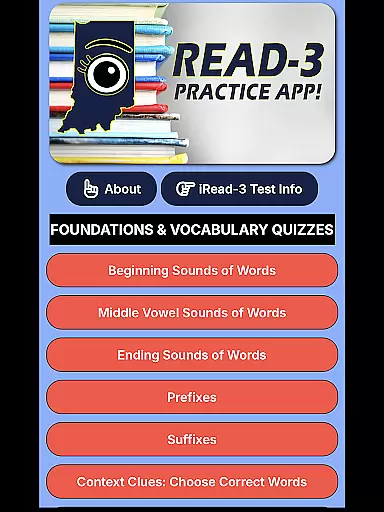
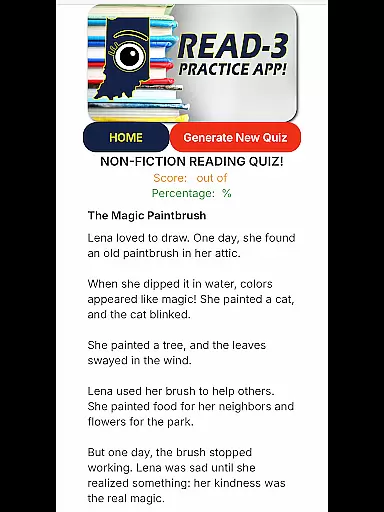
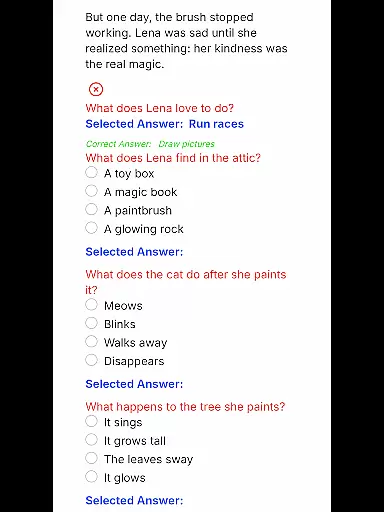
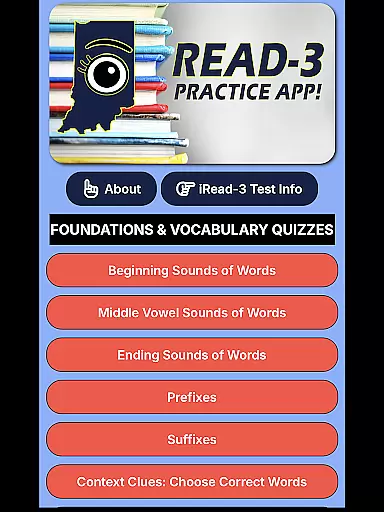
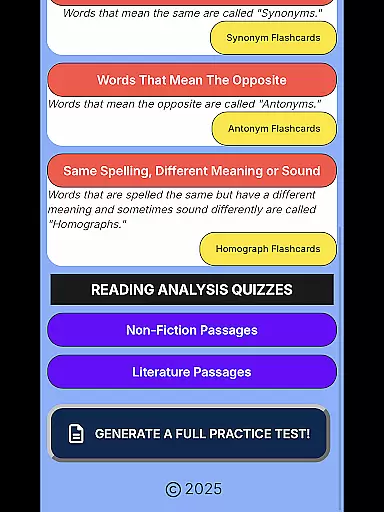
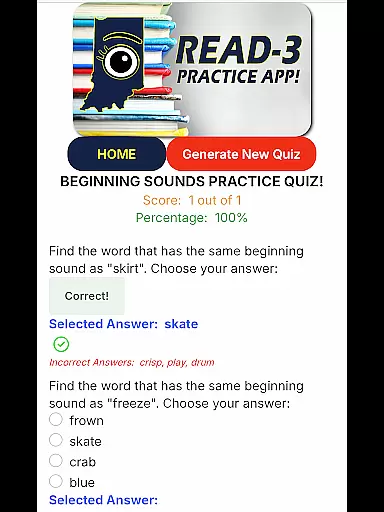
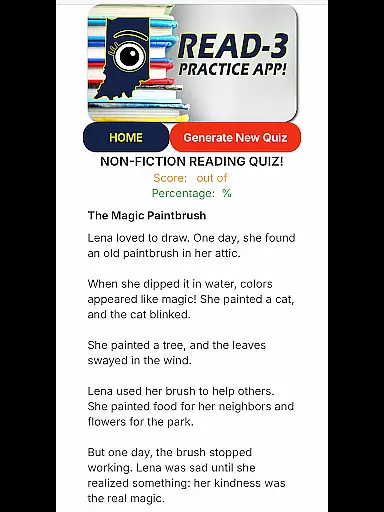
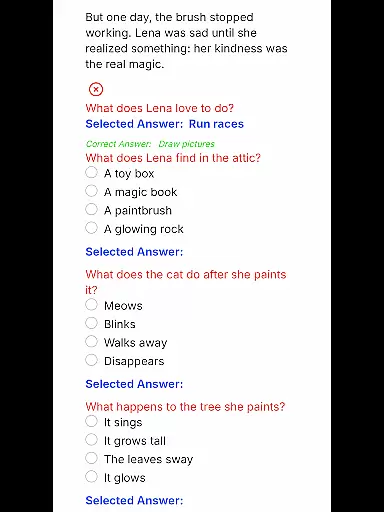
iRead-3 Practice App is an essential educational tool designed to help 2nd and 3rd graders in Indiana prepare for the iRead-3 standardized exam. The app offers unlimited practice with realistic test-style questions and full-length practice tests, ensuring students gain confidence and familiarity with the exam format.
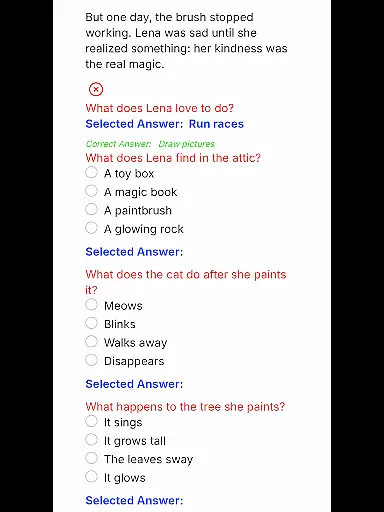
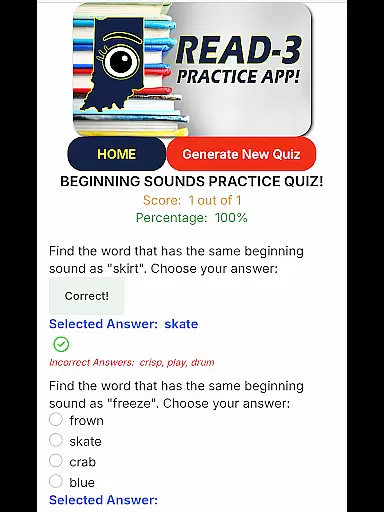
One of the standout features of this app is its ability to generate a new set of questions each time a student selects a reading comprehension category, providing fresh practice opportunities. This ensures that students can continuously hone their skills without repeating the same questions. Additionally, the app mirrors the real test experience by presenting multiple-choice questions on a digital screen, just like the official exam.
The app is particularly useful for building the necessary skills to pass the iRead-3 exam, which is a requirement by the end of 3rd grade in Indiana. With comprehensive coverage of all content areas assessed on the iRead-3, students can focus on specific subjects where they need the most improvement.
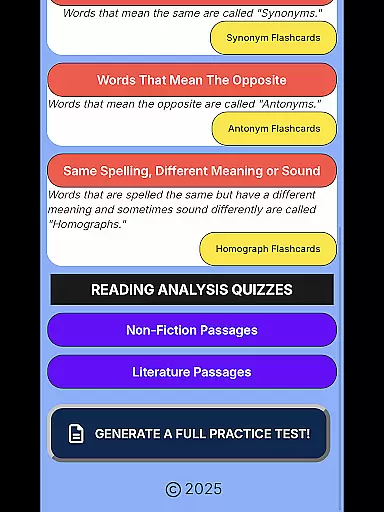
The iRead-3 Practice App boasts several key features that make it an invaluable tool for test preparation. Firstly, it provides comprehensive coverage of every content area assessed on the iRead-3 exam. This ensures that students are well-prepared across all subjects that will be tested.
Another notable feature is the ability to generate a fresh set of questions each time a student practices a reading comprehension category. This dynamic question generation helps maintain engagement and prevents rote memorization, encouraging deeper understanding and skill development.
Additionally, the app includes full practice exams that simulate the actual test environment. These simulations give students a true exam-day feel, helping them manage time effectively and build confidence. By offering unlimited practice opportunities, the app supports consistent skill-building, which is crucial for passing the iRead-3 exam at the end of the school year.
In the realm of educational applications, content accuracy and authority stand as pillars of credibility. The iRead-3 Practice App exemplifies this by offering practice materials explicitly tailored for Indiana's 2nd and 3rd graders preparing for the iRead-3 exam.
Every question in the app aligns with the official exam's format and presentation, ensuring that students engage with realistic test-style queries. This meticulous mirroring aids in building familiarity and confidence, which are crucial for young learners facing standardized testing environments.
The app doesn't just replicate questions blindly; it encompasses every content area assessed on the iRead-3. With a focus on reading comprehension categories, each session generates a fresh set of questions, reinforcing learning through varied practice opportunities.
By integrating full-length practice tests, the application provides an authentic exam-day simulation. This comprehensive approach ensures that students not only learn the material but also understand how to navigate the pressures and formats they will encounter, underpinning the app's authoritative stance in digital education resources.
Personalized learning paths represent a transformative approach in education technology, allowing individualized instruction that caters to each student's unique needs. The iRead-3 Practice App embraces this concept by facilitating unlimited practice sessions designed specifically for Indianau2019s iRead-3 exam preparation.
Each interaction within the app dynamically adjusts based on the student's selection from various reading comprehension categories. This feature ensures that learners receive fresh challenges every time they engage with the content, promoting continuous skill development tailored to their pace and understanding level.
Moreover, the inclusion of complete test simulations offers a personalized pathway towards mastering the exam format. These simulations provide a true-to-life experience, enabling students to adapt their strategies and refine their techniques in a controlled yet flexible environment.
Ultimately, the app empowers students by granting them autonomy over their learning journey while ensuring they build the necessary skills to pass the iRead-3 exam confidently. By focusing on personalized growth trajectories, it sets a benchmark for effective educational tools in today's digital age.
User-friendly interface
Comprehensive content coverage
Dynamic question generation
Authentic test simulation
Unlimited practice opportunities
Limited to Indiana students
No offline functionality
Premium features require payment
Requires constant internet access
May overwhelm younger users

A magical world of fun, building, and learning with Mickey Mouse and more!
 4.20
4.20
Latest TLC Practice Questions! Multiple languages available!
4.50
Skelly is a fully poseable, anatomically correct reference skeleton for artists.
4.10
Enrich the experience of your visit to the Pantheon with our audiotour.
1.60
Stack the Countries makes learning world geography fun!
4.50
An aviator’s preparation, study and test tool for FAA Knowledge Exams.
4.30
Stargazing Guide App. Stars and constellations map. Solar system planets finder.
4.60
Learn Japanese in an immersive educational game set in Japan!
4.90
Learn & Speak New Languages
4.70
A realistic sky map to observe stars, planets, satellites and constellations!
4.80
Engage in learning science and math with the award-winning PhET simulations!
4.70
Childcare Management App: Daily sheets, sign in-out, billing and learning tools
4.70
Turn scrolling hours into improving your knowledge, communication, intelligence
4.50
Study for your 608 certification.
4.50
Pass your FAA written with flying colors - Study Buddy can help.
4.30
Monkey Preschool Lunchbox: 7 exciting educational games for your preschooler.
4.30
Astronomy app ? Discover the universe scope, explore solar system model in 3D.
4.20
Designed for Calculator 84 users
4.20
Learn and joke with the Silly Turkey!
4.4


User Reviews